 ChecklistGuro
 Chart of Accounts Setup and Maintenance Workflow
Streamline your financial accuracy with our Chart of Accounts Setup and Maintenance Workflow. Master the art of organizing your general ledger, defining account structures, and ensuring seamless data integrity through a standardized, error-free accounting management process designed for scalability and audit-ready reporting.
This Template was installed 1 times.
Start
Start of the Workflow/Process.
1. Retrieve Existing Chart of Accounts
Fetch all existing account entries from the Chart of Accounts data model to check for duplicates.
2. Fetch Global Account Hierarchy
Retrieve the parent-child relationship structure from the data model to ensure correct nesting.
3. Validate Account Code Format
Execute a formula to verify that the new account code follows the predefined alphanumeric pattern.
4. Create New Account Entry
Create a new entry in the Chart of Accounts data model with the specified account details.
5. Assign Review Task to Controller
Create a task for the Financial Controller to review the newly created account for accuracy.
6. Update Parent Account Mapping
Update the parent account entry in the data model to include the newly created child account.
7. Calculate Total Assets Value
Aggregate all entries within the 'Assets' category to ensure the balance sheet structure remains intact.
8. Audit Trail Verification Task
Create a task for the Internal Auditor to verify the change against the change management policy.
9. Notify Accounting Team
Send an email notification to the accounting department regarding the update to the Chart of Accounts.
10. Deactivate Obsolete Account
Delete or mark as inactive the entry for the redundant account identified during the cleanup process.
11. Generate Updated COA Report
Generate a comprehensive report of the updated Chart of Accounts for management review.
12. Alert Finance Manager
Send an SMS alert to the Finance Manager for high-priority changes to sensitive accounts (e.g., Cash or Equity).
End
End of the Workflow/Process.
Start of the Workflow/Process.
Fetch all existing account entries from the Chart of Accounts data model to check for duplicates.
Retrieve the parent-child relationship structure from the data model to ensure correct nesting.
Execute a formula to verify that the new account code follows the predefined alphanumeric pattern.
Create a new entry in the Chart of Accounts data model with the specified account details.
Create a task for the Financial Controller to review the newly created account for accuracy.
Update the parent account entry in the data model to include the newly created child account.
Aggregate all entries within the 'Assets' category to ensure the balance sheet structure remains intact.
Create a task for the Internal Auditor to verify the change against the change management policy.
Send an email notification to the accounting department regarding the update to the Chart of Accounts.
Delete or mark as inactive the entry for the redundant account identified during the cleanup process.
Generate a comprehensive report of the updated Chart of Accounts for management review.
Send an SMS alert to the Finance Manager for high-priority changes to sensitive accounts (e.g., Cash or Equity).
End of the Workflow/Process.
Frequently Asked Questions
Comments
There are no comments yet. Be the first to add one!
Accounting Management Solution Demo
Move beyond rigid, one-size-fits-all software. Leverage a fully programmable accounting environment designed to adapt to your unique workflows, complex hierarchies, and evolving business logic.
Related Workflow Templates
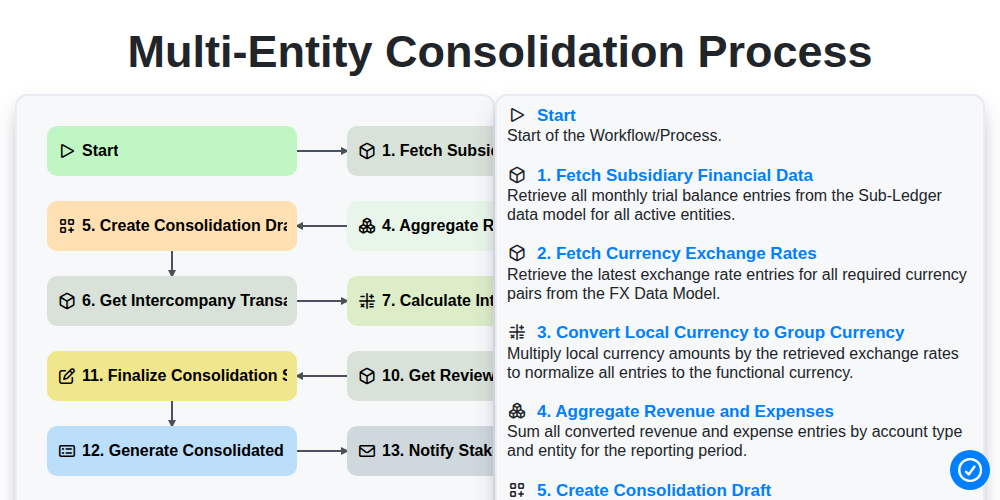
Multi-Entity Consolidation Process
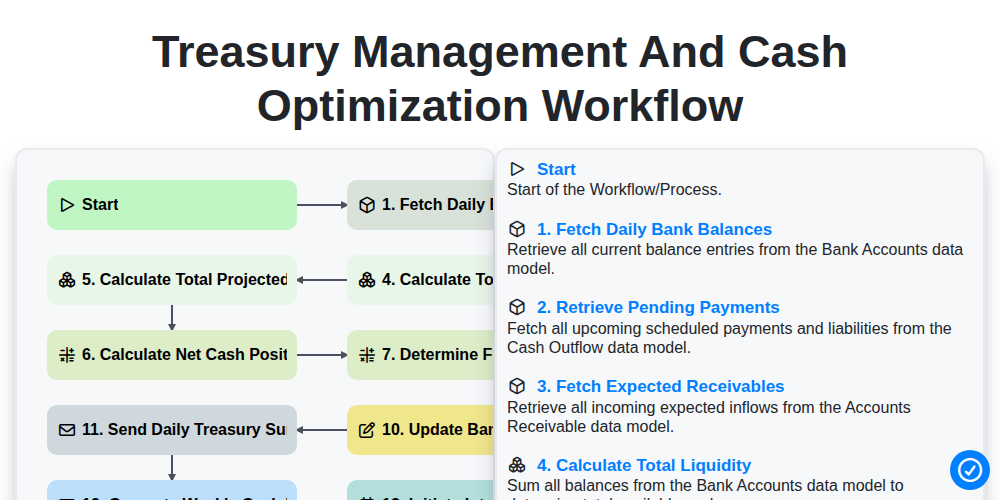
Treasury Management and Cash Optimization Workflow
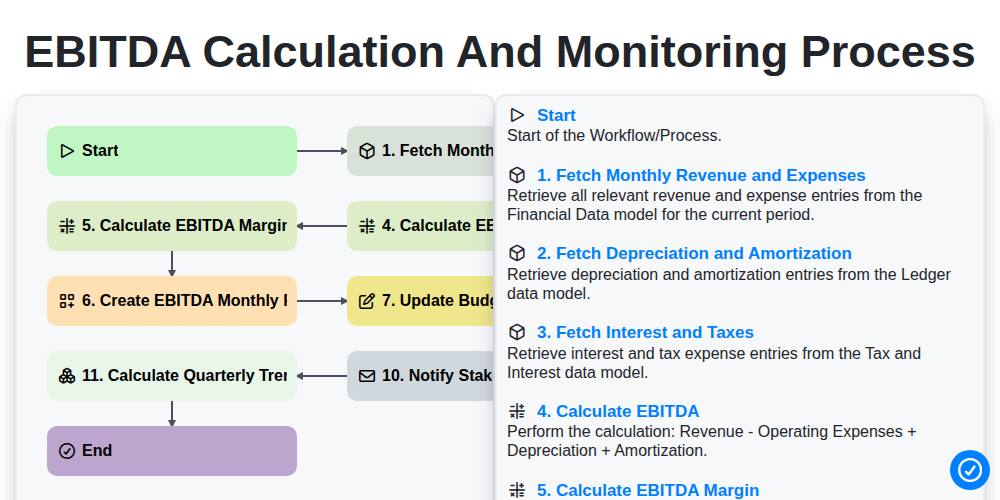
EBITDA Calculation and Monitoring Process
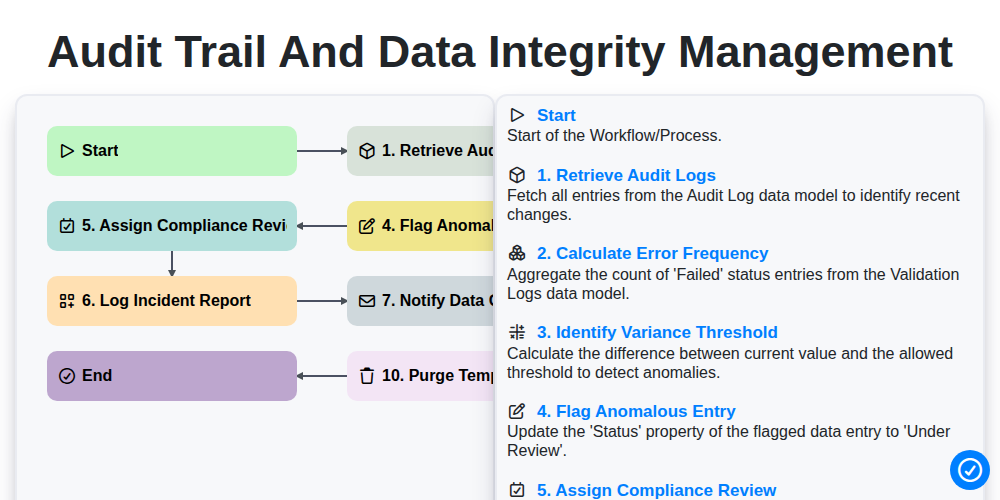
Audit Trail and Data Integrity Management
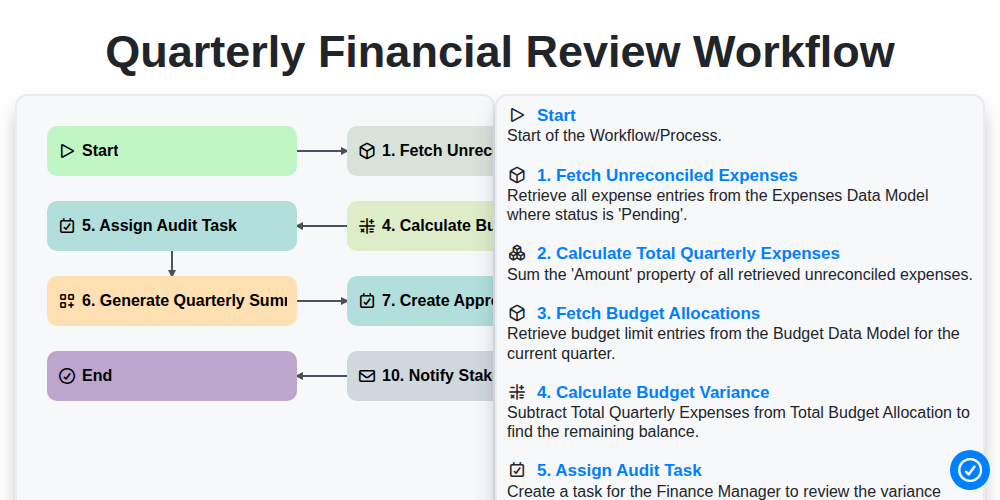
Quarterly Financial Review Workflow
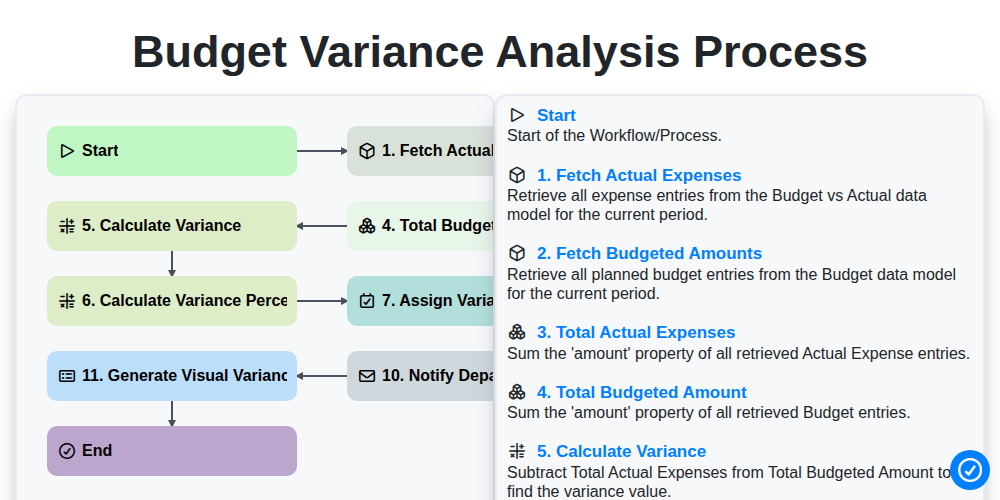
Budget Variance Analysis Process
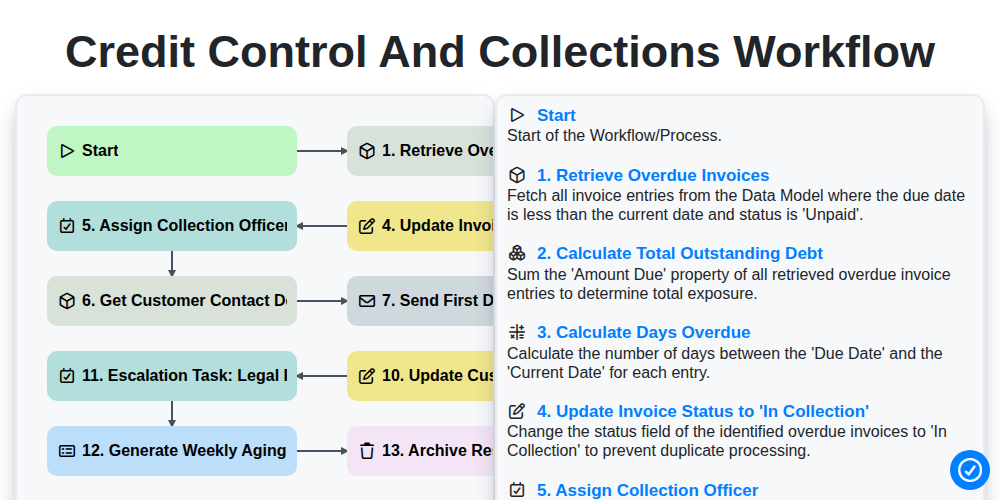
Credit Control and Collections Workflow
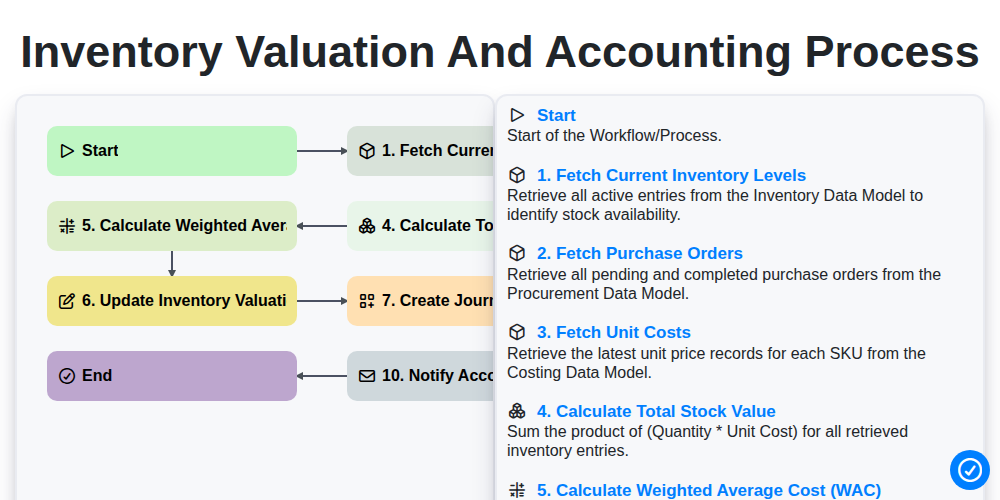
Inventory Valuation and Accounting Process
We can do it Together
Need help with
Accounting Management?
Have a question? We're here to help. Please submit your inquiry, and we'll respond promptly.