 ChecklistGuro
 Automated Dental Recall Workflow: Maximize Hygiene Appointments & Patient Retention
Stop missing revenue with manual recall tracking. Discover our automated Dental Recall Workflow designed for your practice! This essential guide shows you how to implement seamless, automated patient communication, ensure timely hygiene bookings, and drastically improve patient retention rates within your Dental Management system. Implement best-in-class recall management today.
This Template was installed 1 times.
Start
Start of the Workflow/Process.
1. Identify Eligible Patients
Check data model for patients due for recall based on last visit date and recommended interval.
2. Retrieve Patient Contact Information
Get patient's primary phone number and email address from the Patient Data Model.
3. Calculate Time Since Last Visit
Calculate the number of days since the patient's last dental appointment.
4. Generate Recall Task
Create a high-priority task assigned to the front desk staff member.
5. Send Initial SMS Reminder
Send automated SMS message to the patient with a friendly appointment reminder.
6. Send Detailed Email Follow-Up
Send personalized email to the patient outlining the benefits of preventive care.
7. Flag Patient Record for Recall
Update the patient's record in the Dental Chart to mark them as 'Due for Recall'.
8. Internal Follow-Up Task
Create a follow-up task for the Dental Hygienist to review patient history.
9. Check Coverage Status
Fetch insurance coverage details to ensure the recall visit is covered.
10. Determine Next Suggested Visit Date
Calculate the optimal next appointment date based on treatment guidelines.
11. Generate Recall Report
Create a daily summary report of all patients due for recall.
12. Internal Team Alert
Send a task notification to the Lead Dentist to review outstanding recall cases.
13. Count Total Eligible Patients
Aggregate the total count of patients requiring recall within the next 30 days.
14. Internal Staff Notification
Email manager with a summary of the total number of patients needing proactive outreach.
15. Manual Review Queue Task
Create a task for admin staff to manually review hard-to-reach patients.
16. Update Recall Status
Update the patient's status to 'Contacted' after communication attempt.
17. Verify Primary Insurance Details
Fetch and validate the patient's most current insurance policy details.
18. Determine Appointment Slot Availability
Check real-time availability for the required appointment type.
19. Send Appointment Confirmation SMS
Send SMS confirmation to the patient immediately after booking.
20. Send Pre-Appointment Instructions
Email patient instructions (e.g., fasting guidelines) 24 hours before the appointment.
21. Create New Appointment Record
Book the confirmed appointment into the scheduling module.
22. Send Appointment Reminder Task
Automate the task of sending reminders X days out.
23. Remove Temporary Reminder Entries
Clean up temporary follow-up entries after successful completion of the cycle.
24. Log Communication Attempts
Record every communication attempt (call, SMS, email) against the patient file.
25. Calculate Patient Retention Score
Compute a score based on timely recall compliance history.
26. Monthly Recall Compliance Report
Generate a report tracking the success rate of recall outreach over the month.
27. Follow-up for Unresponsive Patients
Assign a task to the office manager for patients who haven't responded to initial outreach.
End
End of the Workflow/Process.
Start of the Workflow/Process.
Check data model for patients due for recall based on last visit date and recommended interval.
Get patient's primary phone number and email address from the Patient Data Model.
Calculate the number of days since the patient's last dental appointment.
Create a high-priority task assigned to the front desk staff member.
Send automated SMS message to the patient with a friendly appointment reminder.
Send personalized email to the patient outlining the benefits of preventive care.
Update the patient's record in the Dental Chart to mark them as 'Due for Recall'.
Create a follow-up task for the Dental Hygienist to review patient history.
Fetch insurance coverage details to ensure the recall visit is covered.
Calculate the optimal next appointment date based on treatment guidelines.
Create a daily summary report of all patients due for recall.
Send a task notification to the Lead Dentist to review outstanding recall cases.
Aggregate the total count of patients requiring recall within the next 30 days.
Email manager with a summary of the total number of patients needing proactive outreach.
Create a task for admin staff to manually review hard-to-reach patients.
Update the patient's status to 'Contacted' after communication attempt.
Fetch and validate the patient's most current insurance policy details.
Check real-time availability for the required appointment type.
Send SMS confirmation to the patient immediately after booking.
Email patient instructions (e.g., fasting guidelines) 24 hours before the appointment.
Book the confirmed appointment into the scheduling module.
Automate the task of sending reminders X days out.
Clean up temporary follow-up entries after successful completion of the cycle.
Record every communication attempt (call, SMS, email) against the patient file.
Compute a score based on timely recall compliance history.
Generate a report tracking the success rate of recall outreach over the month.
Assign a task to the office manager for patients who haven't responded to initial outreach.
End of the Workflow/Process.
Comments
There are no comments yet. Be the first to add one!
Dental Management Solution Demo
Simplify your dental practice & enhance patient care! ChecklistGuro streamlines appointment scheduling, patient records, and billing. Improve efficiency, reduce errors, & boost patient satisfaction. Manage it all with our Work OS.
Related Workflow Templates
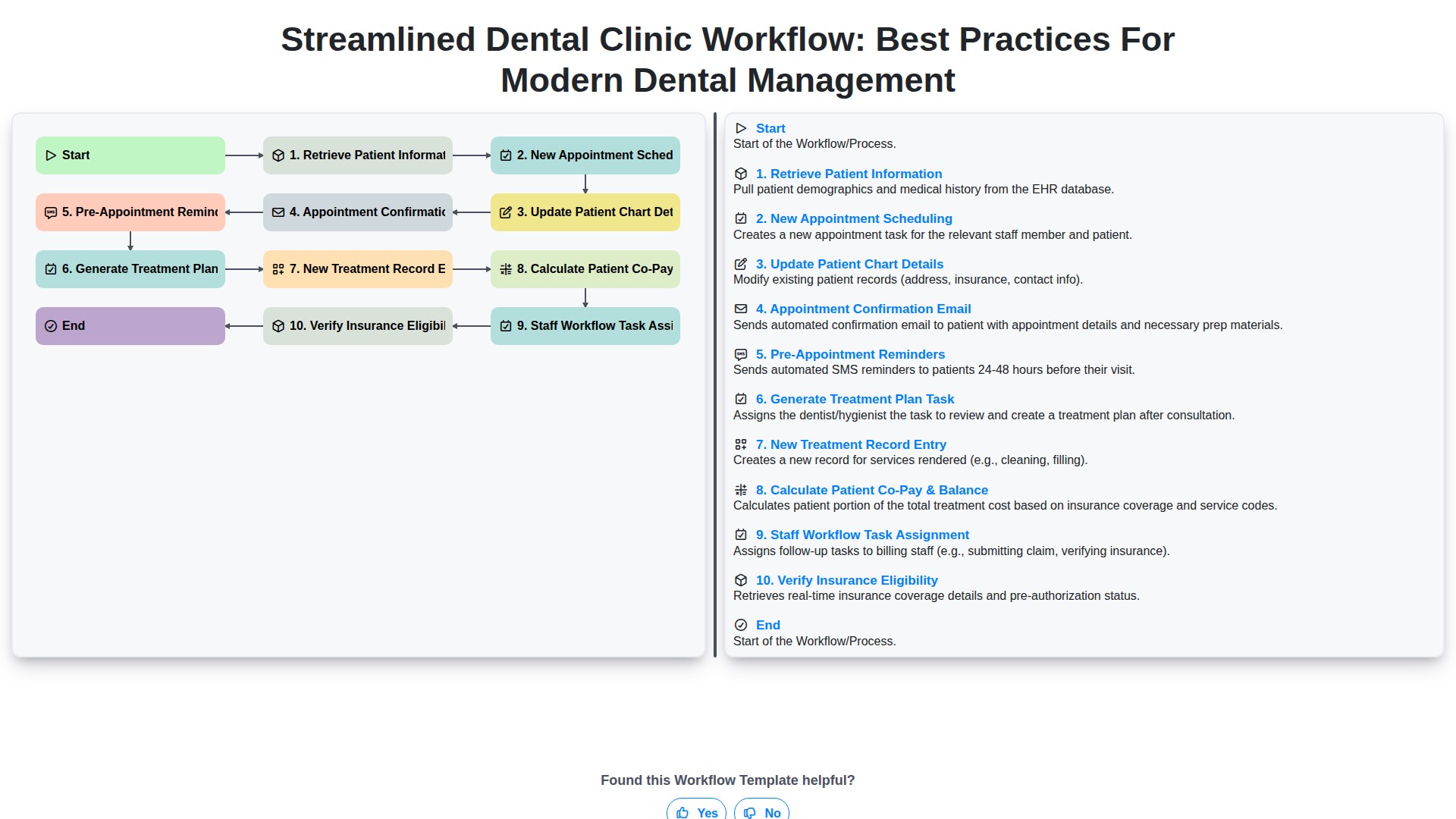
Streamlined Dental Clinic Workflow: Best Practices for Modern Dental Management
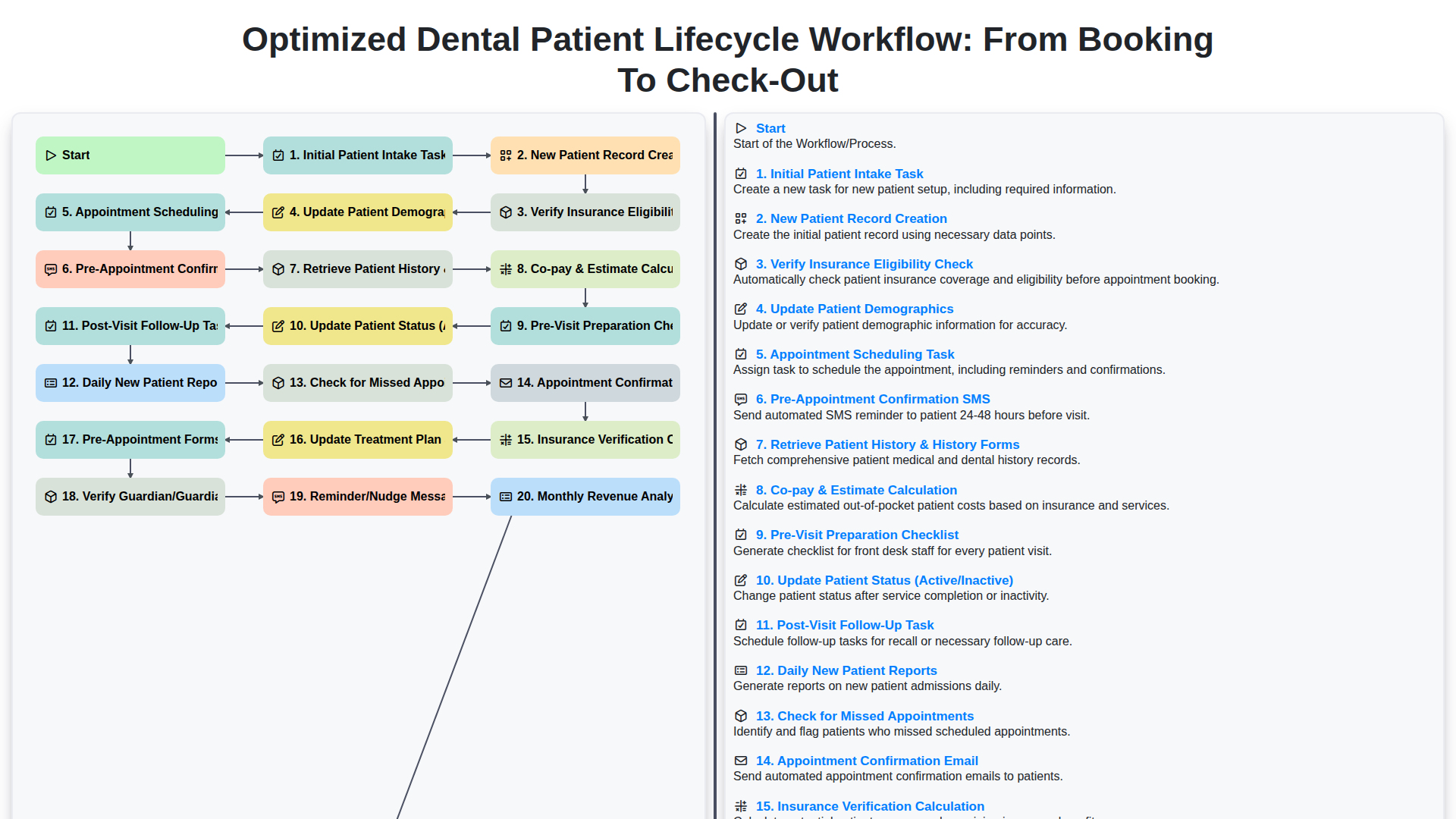
Optimized Dental Patient Lifecycle Workflow: From Booking to Check-Out
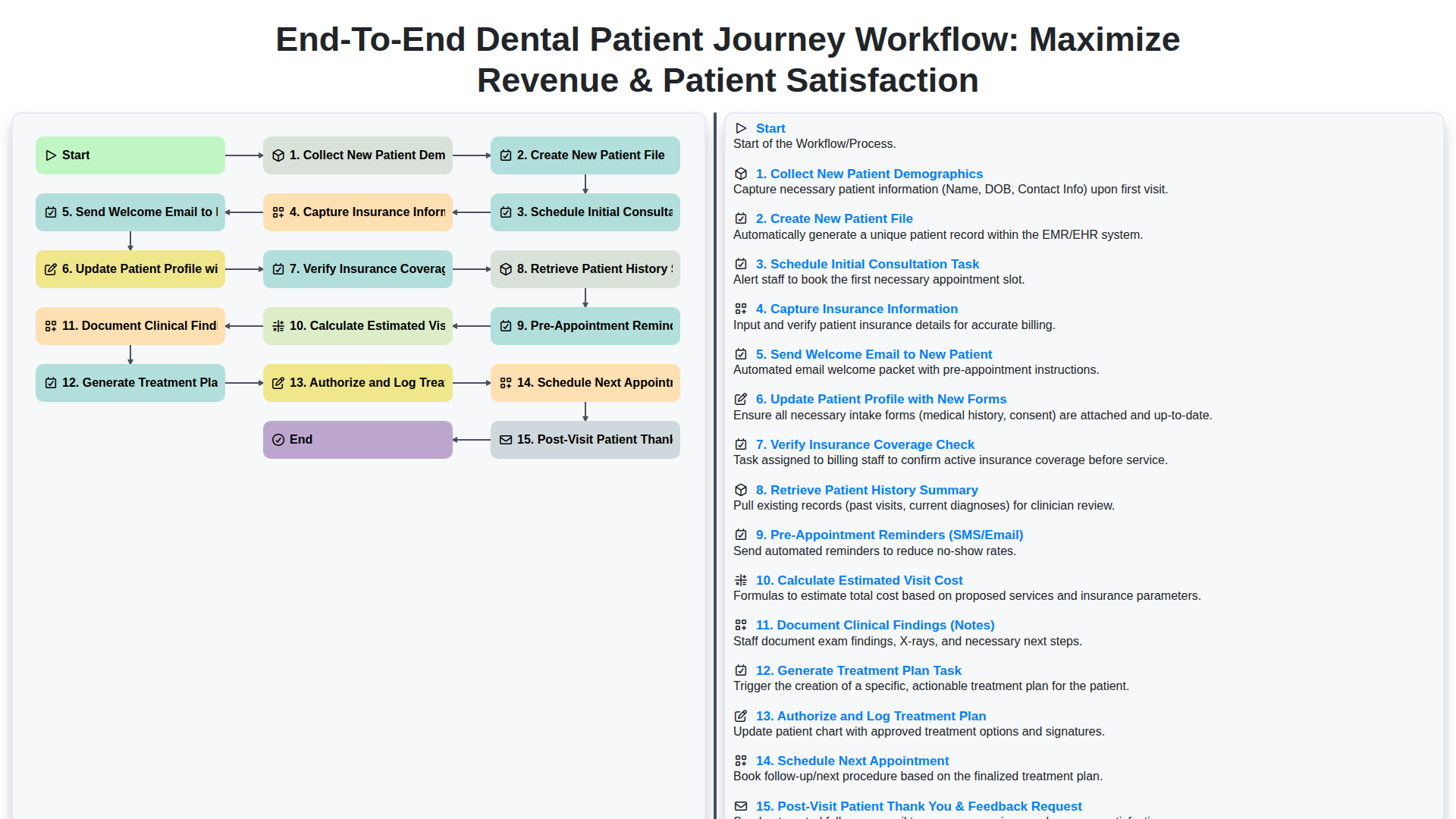
End-to-End Dental Patient Journey Workflow: Maximize Revenue & Patient Satisfaction
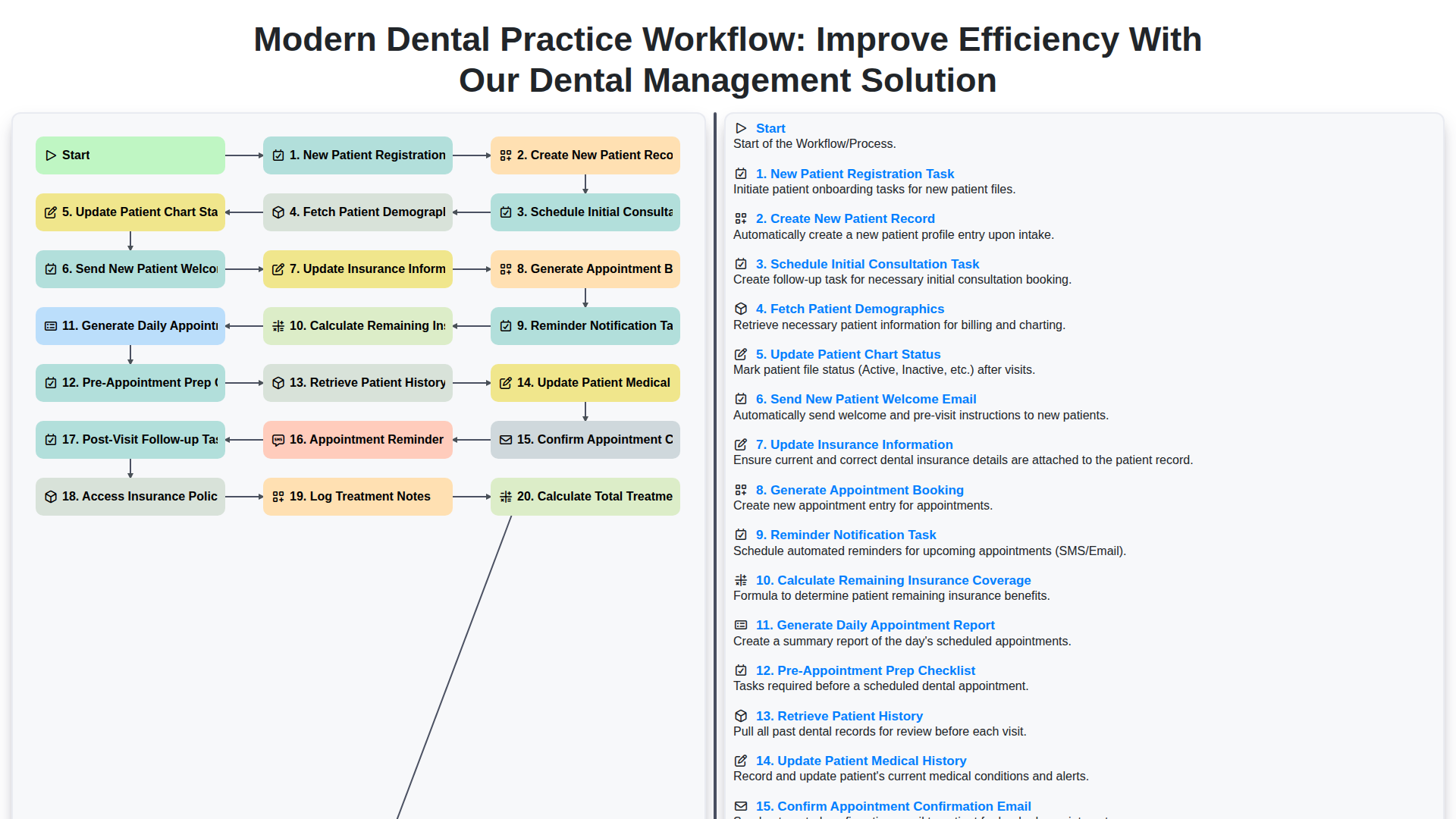
Modern Dental Practice Workflow: Improve Efficiency with Our Dental Management Solution
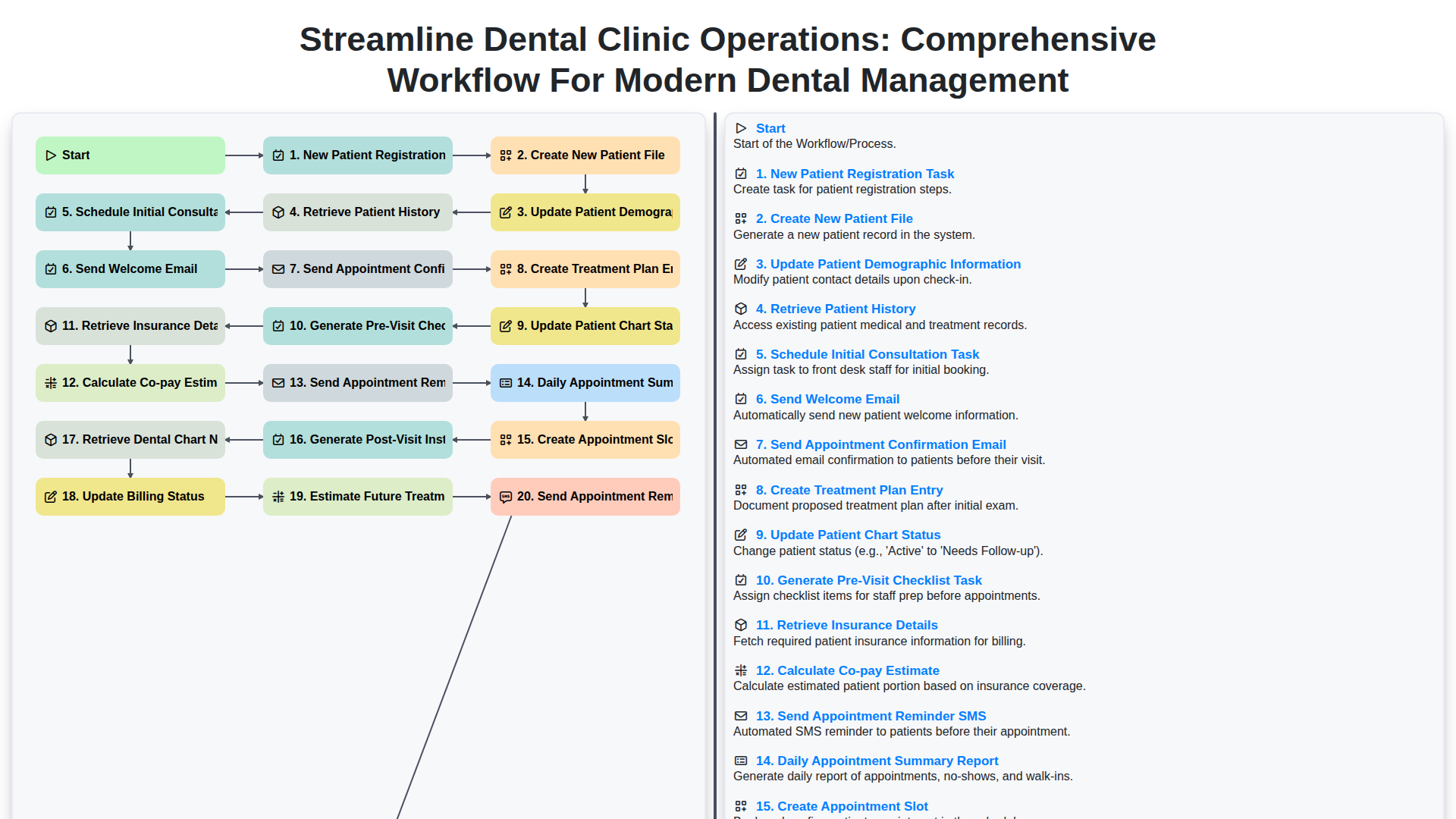
Streamline Dental Clinic Operations: Comprehensive Workflow for Modern Dental Management
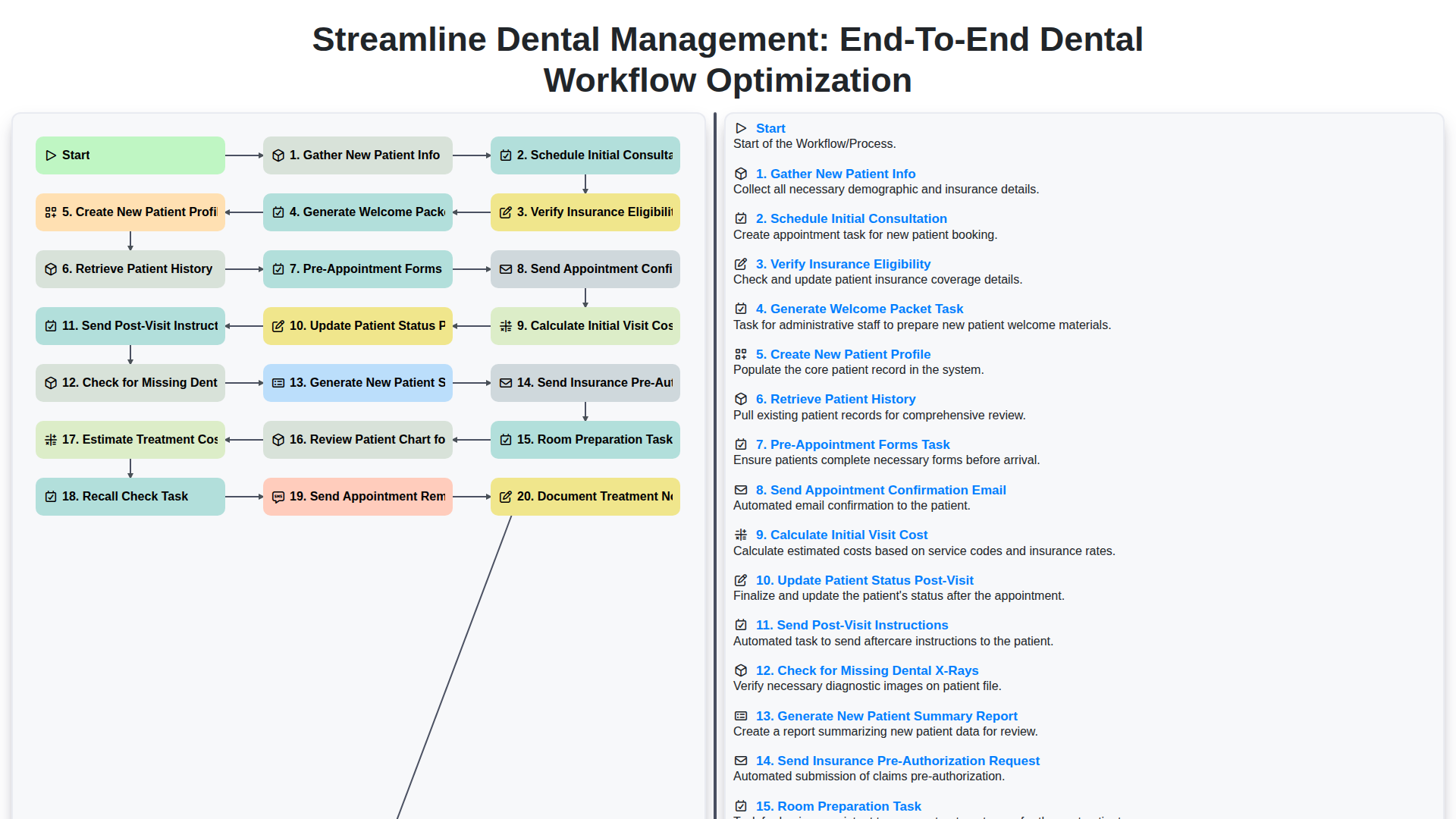
Streamline Dental Management: End-to-End Dental Workflow Optimization
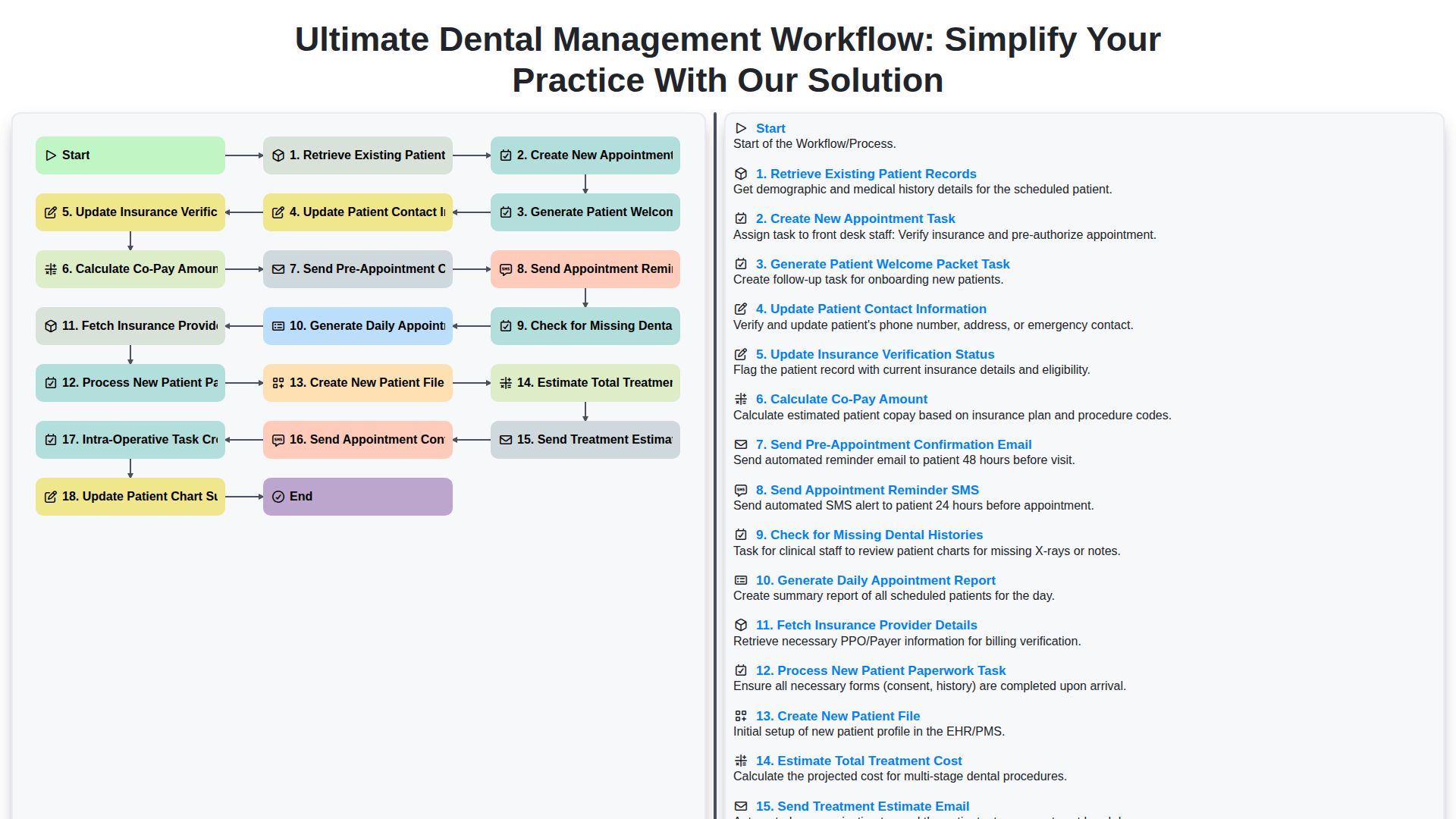
Ultimate Dental Management Workflow: Simplify Your Practice with Our Solution
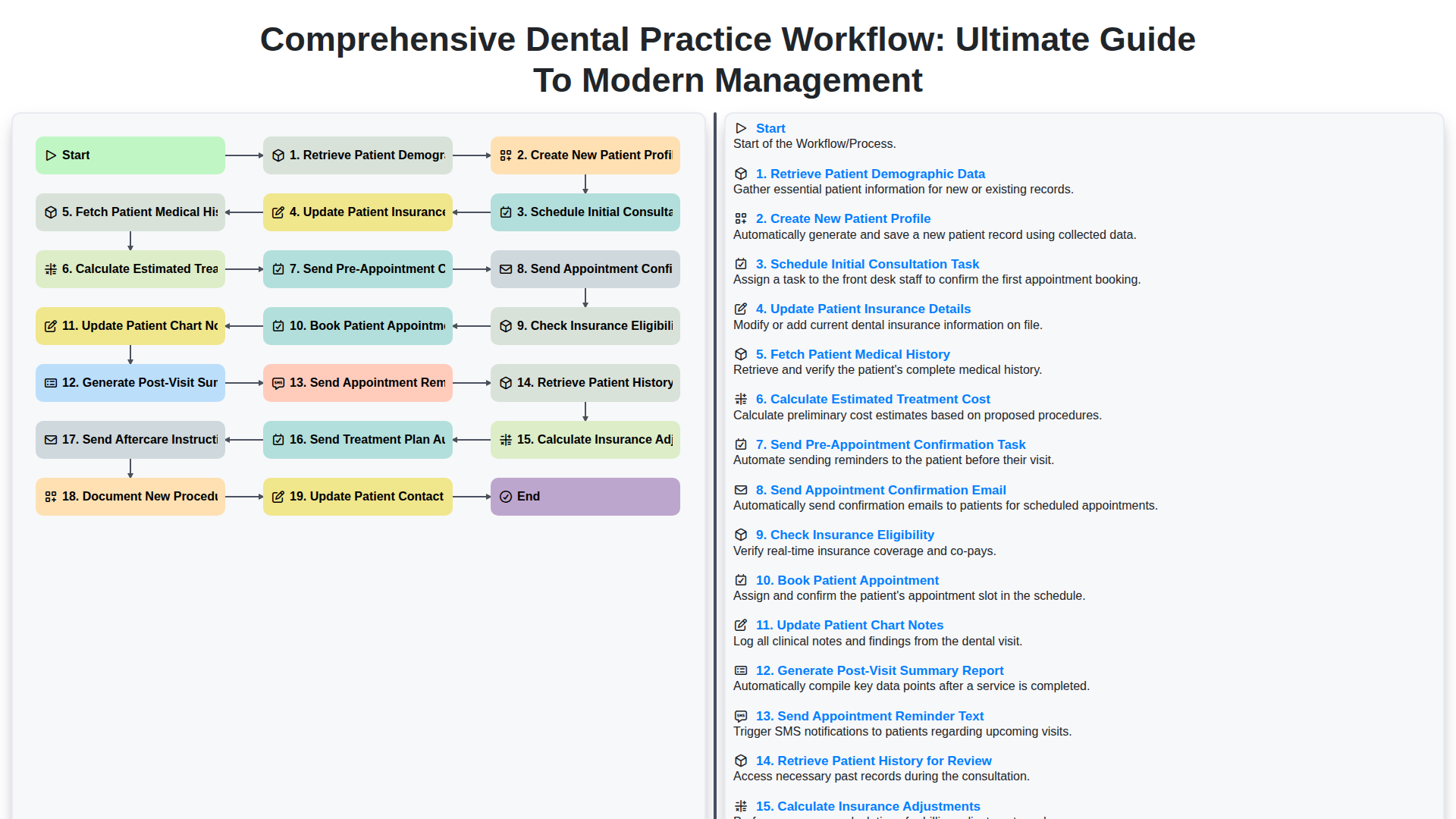
Comprehensive Dental Practice Workflow: Ultimate Guide to Modern Management
We can do it Together
Need help with
Dental Management?
Have a question? We're here to help. Please submit your inquiry, and we'll respond promptly.