 ChecklistGuro
 Patient Feedback and Satisfaction Management
Optimize patient outcomes and clinical excellence with our automated Patient Feedback and Satisfaction Management workflow. Streamline the collection of real-time patient surveys, automate sentiment analysis, and transform qualitative feedback into actionable healthcare insights. Improve HCAHPS scores, reduce churn, and enhance the patient experience through proactive complaint resolution and systematic care improvements. Perfect for clinics and hospitals seeking to bridge the gap between patient voice and operational excellence.
This Template was installed 2 times.
Start
Start of the Workflow/Process.
1. Create Feedback Entry
Initialize a new feedback record when a patient completes a survey or submits a complaint.
2. Fetch Patient Profile
Retrieve patient contact details and visit history associated with the feedback entry.
3. Update Feedback Status
Change the status of the feedback (e.g., from 'New' to 'Under Review' or 'Resolved').
4. Calculate Sentiment Score
Apply a formula to numerical rating fields to derive a weighted satisfaction score.
5. Calculate Average Satisfaction (CSAT)
Aggregate all recent feedback entries to calculate the average satisfaction score for the clinic.
6. Assign Investigation Task
Create a task for the Clinic Manager if the feedback score is below a certain threshold.
7. Assign Follow-up Task
Create a task for the Patient Relations Officer to call the patient for further discussion.
8. Send Thank You Email
Send an automated thank you email to the patient for providing their feedback.
9. Alert Staff of Negative Feedback
Send an urgent email notification to the department head regarding a low satisfaction score.
10. Send Urgent SMS Alert
Send an SMS to the on-call manager if a critical complaint is filed.
11. Create Incident Report
Automatically create a new entry in the 'Incident Log' data model if the feedback contains specific keywords.
12. Generate Monthly Satisfaction Report
Generate a monthly PDF report summarizing all feedback trends, averages, and resolved cases.
13. Close Feedback Loop
Update the original feedback entry to 'Closed' once the follow-up task is completed.
14. Remove Duplicate Entries
Delete duplicate feedback entries identified during the data cleaning step.
End
End of the Workflow/Process.
Start of the Workflow/Process.
Initialize a new feedback record when a patient completes a survey or submits a complaint.
Retrieve patient contact details and visit history associated with the feedback entry.
Change the status of the feedback (e.g., from 'New' to 'Under Review' or 'Resolved').
Apply a formula to numerical rating fields to derive a weighted satisfaction score.
Aggregate all recent feedback entries to calculate the average satisfaction score for the clinic.
Create a task for the Clinic Manager if the feedback score is below a certain threshold.
Create a task for the Patient Relations Officer to call the patient for further discussion.
Send an automated thank you email to the patient for providing their feedback.
Send an urgent email notification to the department head regarding a low satisfaction score.
Send an SMS to the on-call manager if a critical complaint is filed.
Automatically create a new entry in the 'Incident Log' data model if the feedback contains specific keywords.
Generate a monthly PDF report summarizing all feedback trends, averages, and resolved cases.
Update the original feedback entry to 'Closed' once the follow-up task is completed.
Delete duplicate feedback entries identified during the data cleaning step.
End of the Workflow/Process.
Frequently Asked Questions
Comments
There are no comments yet. Be the first to add one!
Healthcare Management Solution Demo
Streamlining healthcare operations and improving patient care? ChecklistGuro's Work OS platform simplifies everything from patient scheduling and billing to compliance and staff management. Enhance efficiency, reduce administrative burden, and focus on what matters most: your patients. Learn how ChecklistGuro can transform your healthcare organization!
Related Workflow Templates

Disaster Recovery and Emergency Response Plan

Healthcare Facility Management and Maintenance

Medical Coding and Billing Accuracy Process

Radiology Imaging Workflow and Management

Immunization Tracking and Record Management

Compliance Auditing and Regulatory Reporting

Healthcare Data Analytics and Reporting Process
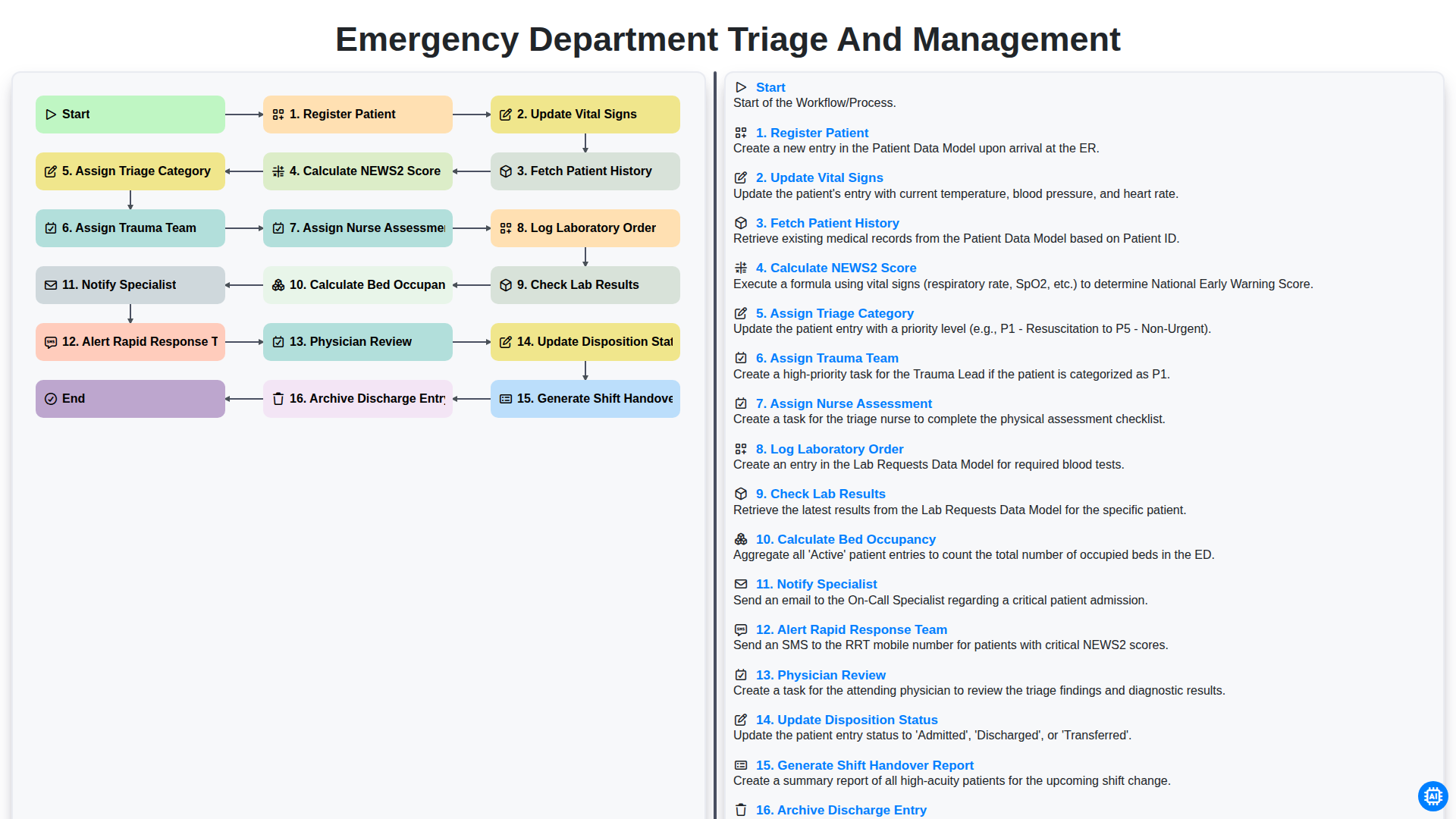
Emergency Department Triage and Management
Need help with
Healthcare?
Have a question? We're here to help. Please submit your inquiry, and we'll respond promptly.