 ChecklistGuro
 Radiology Imaging Workflow and Management
Streamline your diagnostic accuracy and operational efficiency with our advanced Radiology Imaging Workflow and Management solution. Optimize the entire imaging lifecycle-from seamless modality integration and automated image distribution to precise RIS/PACS synchronization and streamlined reporting. Reduce turnaround times, eliminate manual bottlenecks, and enhance patient care through a unified, intelligent framework designed for modern radiology departments and enterprise healthcare ecosystems.
This Template was installed 5 times.
Start
Start of the Workflow/Process.
1. Retrieve Patient Record
Fetch existing patient information from the Patient Data Model to populate the imaging request.
2. Create Imaging Order
Create a new entry in the Imaging Orders data model once a physician request is received.
3. Schedule Appointment
Assign a task to the Scheduling Department to find an available time slot for the patient.
4. Update Order Status
Update the Imaging Order entry status to 'Scheduled' once a time slot is confirmed.
5. Prepare Radiographer
Assign a task to the Radiographer to prepare the specific modality (MRI, CT, X-Ray) and room.
6. Perform Imaging Procedure
Assign a task to the Radiologist/Technician to execute the scan according to the protocol.
7. Create Image Metadata Entry
Create an entry in the Imaging Results model containing DICOM metadata and scan parameters.
8. Radiologist Interpretation
Assign a task to the Radiologist to review the images and draft the clinical report.
9. Calculate Turnaround Time (TAT)
Calculate the duration between the 'Order Created' timestamp and the 'Report Completed' timestamp.
10. Update Clinical Report
Update the Imaging Results entry with the final diagnostic findings and impressions.
11. Retrieve Physician Contact
Get the contact details of the referring physician from the Physician Data Model.
12. Notify Referring Physician
Send an automated email to the physician containing the link to the finalized report.
13. Finalize Order Status
Update the original Imaging Order entry to 'Completed'.
14. Calculate Daily Scan Volume
Aggregate the total count of completed imaging entries for the current date to monitor department workload.
15. Generate Daily Productivity Report
Generate a report summarizing completed scans, average TAT, and pending orders for clinic management.
End
End of the Workflow/Process.
Start of the Workflow/Process.
Fetch existing patient information from the Patient Data Model to populate the imaging request.
Create a new entry in the Imaging Orders data model once a physician request is received.
Assign a task to the Scheduling Department to find an available time slot for the patient.
Update the Imaging Order entry status to 'Scheduled' once a time slot is confirmed.
Assign a task to the Radiographer to prepare the specific modality (MRI, CT, X-Ray) and room.
Assign a task to the Radiologist/Technician to execute the scan according to the protocol.
Create an entry in the Imaging Results model containing DICOM metadata and scan parameters.
Assign a task to the Radiologist to review the images and draft the clinical report.
Calculate the duration between the 'Order Created' timestamp and the 'Report Completed' timestamp.
Update the Imaging Results entry with the final diagnostic findings and impressions.
Get the contact details of the referring physician from the Physician Data Model.
Send an automated email to the physician containing the link to the finalized report.
Update the original Imaging Order entry to 'Completed'.
Aggregate the total count of completed imaging entries for the current date to monitor department workload.
Generate a report summarizing completed scans, average TAT, and pending orders for clinic management.
End of the Workflow/Process.
Frequently Asked Questions
Comments
There are no comments yet. Be the first to add one!
Healthcare Management Solution Demo
Streamlining healthcare operations and improving patient care? ChecklistGuro's Work OS platform simplifies everything from patient scheduling and billing to compliance and staff management. Enhance efficiency, reduce administrative burden, and focus on what matters most: your patients. Learn how ChecklistGuro can transform your healthcare organization!
Related Workflow Templates

Disaster Recovery and Emergency Response Plan

Healthcare Facility Management and Maintenance

Medical Coding and Billing Accuracy Process

Immunization Tracking and Record Management

Patient Feedback and Satisfaction Management

Compliance Auditing and Regulatory Reporting

Healthcare Data Analytics and Reporting Process
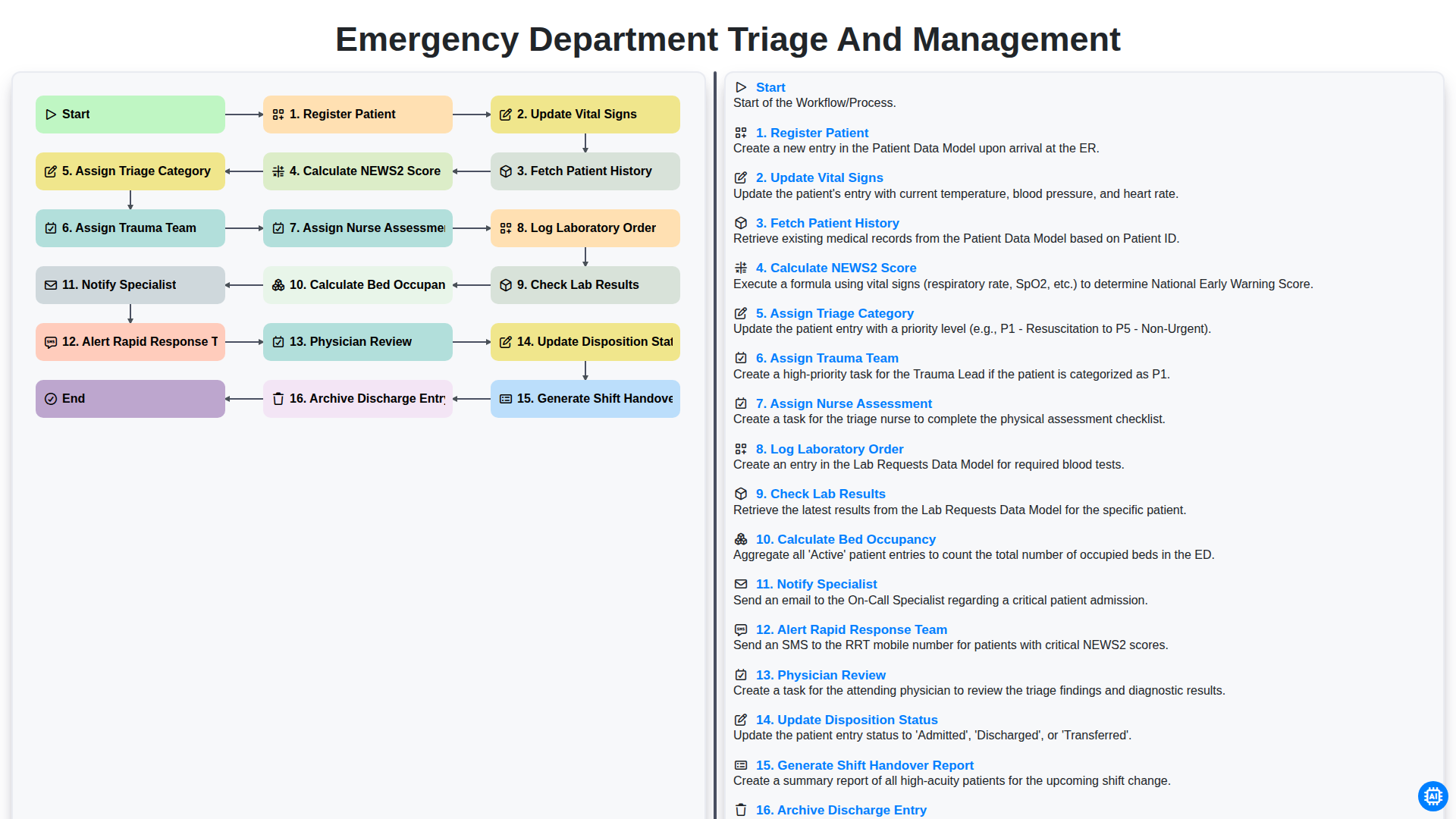
Emergency Department Triage and Management
Need help with
Healthcare?
Have a question? We're here to help. Please submit your inquiry, and we'll respond promptly.