 ChecklistGuro
 Workforce Compliance and Auditing Process
Ensure seamless operational integrity with our Workforce Compliance and Auditing Process. Streamline regulatory adherence, automate-risk detection, and maintain audit-ready documentation through a structured HR workflow designed to mitigate legal exposure and optimize workforce governance.
This Template was installed 5 times.
Start
Start of the Workflow/Process.
1. Retrieve Employee Records
Fetch all active employee profiles from the Employee Data Model to check for missing compliance documents.
2. Fetch Outstanding Certifications
Get all certification entries that are expired or expiring within the next 30 days.
3. Calculate Non-Compliance Rate
Aggregate all audit entries to calculate the percentage of failed compliance checks across the department.
4. Sum Total Audit Findings
Sum the number of 'Critical' severity findings from the recent Audit Data Model entries.
5. Calculate Days Until Expiry
Subtract the current date from the Certification Expiry Date to determine urgency.
6. Assign Audit Task to Supervisor
Create a task for the Department Supervisor to review the identified compliance gaps.
7. Create Document Remediation Task
Create a task for the employee to upload the missing/updated compliance documentation.
8. Generate Audit Report Entry
Create a new record in the Audit Logs data model containing the summary of the completed audit.
9. Create Incident Record
Create a new entry in the Incident Management data model when a critical violation is detected.
10. Update Employee Compliance Status
Update the 'Compliance Status' field to 'Compliant' in the Employee Data Model once documents are verified.
11. Mark Audit Task as Resolved
Update the status of the specific Audit Task to 'Closed' once all findings are addressed.
12. Notify Employee of Expiry
Send an email to the employee notifying them that their certification is about to expire.
13. Alert Compliance Officer
Send an urgent email to the Compliance Officer when a high-severity audit finding is logged.
14. Urgent Compliance Alert
Send an SMS to site managers regarding immediate safety/compliance breaches.
15. Generate Monthly Compliance Summary
Create a comprehensive PDF/Dashboard report summarizing all audit findings and completion rates for the month.
16. Remove Duplicate Audit Entries
Delete errant or duplicate audit entries identified during the data cleaning phase of the audit.
End
End of the Workflow/Process.
Start of the Workflow/Process.
Fetch all active employee profiles from the Employee Data Model to check for missing compliance documents.
Get all certification entries that are expired or expiring within the next 30 days.
Aggregate all audit entries to calculate the percentage of failed compliance checks across the department.
Sum the number of 'Critical' severity findings from the recent Audit Data Model entries.
Subtract the current date from the Certification Expiry Date to determine urgency.
Create a task for the Department Supervisor to review the identified compliance gaps.
Create a task for the employee to upload the missing/updated compliance documentation.
Create a new record in the Audit Logs data model containing the summary of the completed audit.
Create a new entry in the Incident Management data model when a critical violation is detected.
Update the 'Compliance Status' field to 'Compliant' in the Employee Data Model once documents are verified.
Update the status of the specific Audit Task to 'Closed' once all findings are addressed.
Send an email to the employee notifying them that their certification is about to expire.
Send an urgent email to the Compliance Officer when a high-severity audit finding is logged.
Send an SMS to site managers regarding immediate safety/compliance breaches.
Create a comprehensive PDF/Dashboard report summarizing all audit findings and completion rates for the month.
Delete errant or duplicate audit entries identified during the data cleaning phase of the audit.
End of the Workflow/Process.
Found this Workflow Template helpful?
Comments
There are no comments yet. Be the first to add one!
HRM - Human Resources Management Solution Demo
Simplify HR processes & empower your team! ChecklistGuro's HRM solution streamlines onboarding, performance management, & compliance. Improve employee engagement, reduce admin burden, & drive organizational growth. Manage it all with our Work OS.
Related Workflow Templates

Skill Gap Analysis and Competency Mapping

Exit Interview and Feedback Process

Remote Work and Hybrid Team Management Process

Employee Probation Period Evaluation Workflow

Diversity, Equity, and Inclusion (DEI) Tracking Process

Health and Safety Compliance Workflow

Internal Job Posting and Transfer Process
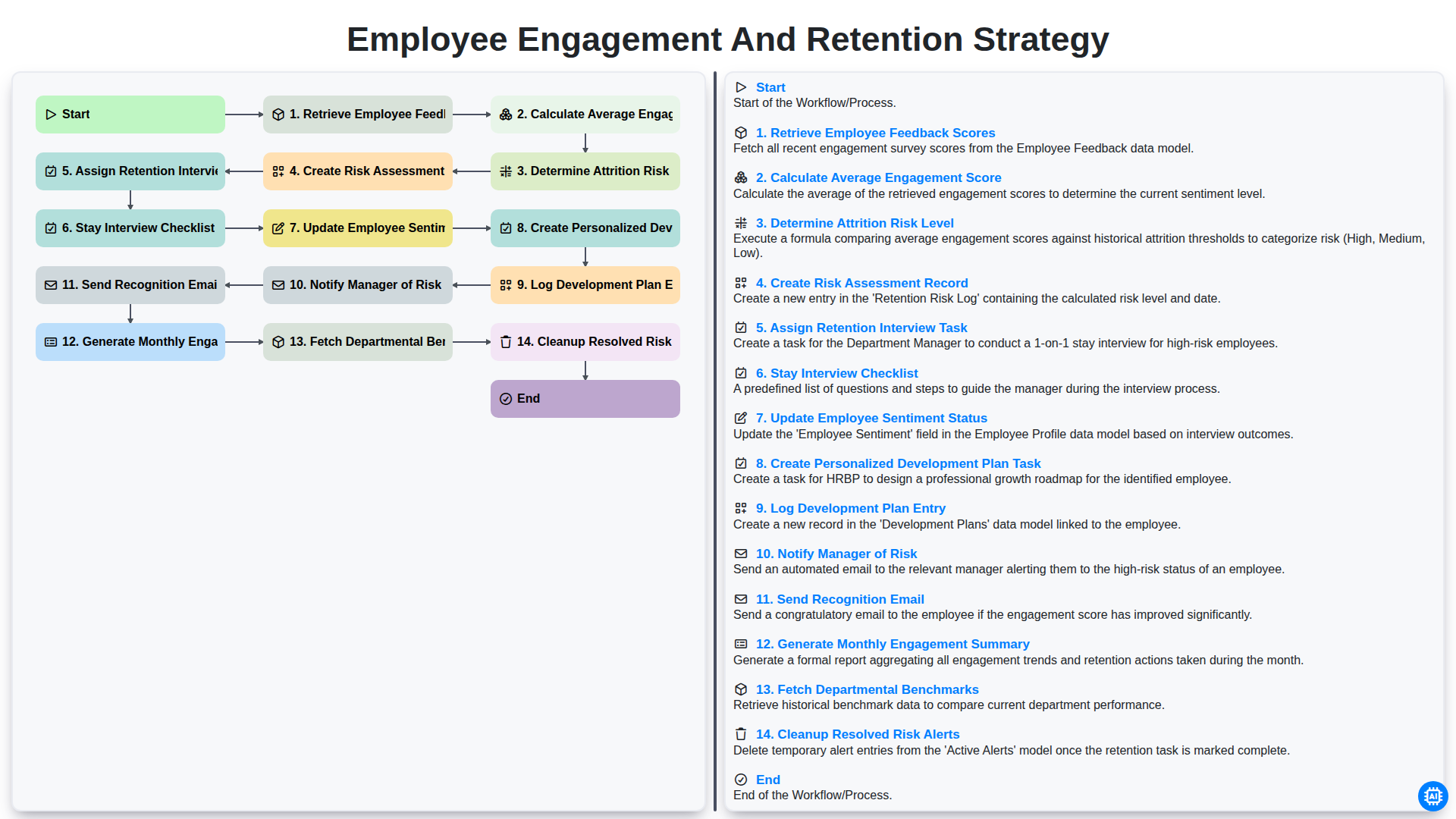
Employee Engagement and Retention Strategy
We can do it Together
Need help with
Human Resources Management (HRM)?
Have a question? We're here to help. Please submit your inquiry, and we'll respond promptly.