 ChecklistGuro
 Product Backlog Grooming Process
Master your sprint planning with our comprehensive Product Backlog Grooming Process. Learn how to refine user stories, prioritize tasks, and eliminate ambiguity to ensure a high-performing, development-ready backlog that drives project success and team efficiency.
This Template was installed 4 times.
Start
Start of the Workflow/Process.
1. Fetch Unrefined Backlog Items
Retrieve all backlog entries from the Product Backlog data model that have a status of 'New' or 'Unrefined'.
2. Mark Items as 'In Grooming'
Update the status of the selected backlog entries to 'In Grooming' to prevent duplicate processing.
3. Schedule Grooming Session
Create a task for the Product Owner to organize the upcoming grooming meeting.
4. Get Refinement Criteria
Retrieve the Definition of Ready (DoR) standards from the Process Standards data model.
5. Assign Story Splitting Task
Create a task for the Development Team to break down large Epics into manageable User Stories.
6. Update Story Points/Estimation
Update the estimation field in the Backlog entries based on the team's consensus during the session.
7. Calculate Total Story Point Volatility
Calculate the sum of all story points assigned to the current grooming batch to assess workload.
8. Calculate Total Backlog Size
Aggregate the sum of all story points across the entire backlog to visualize total technical debt/scope.
9. Set Priority Level
Update the priority field of the backlog entries based on the outcome of the grooming discussion.
10. Create Sprint Ready Items
Create new entries in the 'Sprint Ready' data model for all items that now meet the Definition of Ready.
11. Notify Stakeholders
Create a task for the Product Manager to inform stakeholders of the updated roadmap/priorities.
12. Send Grooming Summary
Send an email to the Development Team and Product Owner containing the list of newly refined items.
13. Generate Backlog Health Report
Create a report showing the ratio of 'Ready' vs 'Unrefined' items in the backlog.
14. Remove Duplicate Items
Delete any backlog entries identified as duplicates during the grooming session.
End
End of the Workflow/Process.
Start of the Workflow/Process.
Retrieve all backlog entries from the Product Backlog data model that have a status of 'New' or 'Unrefined'.
Update the status of the selected backlog entries to 'In Grooming' to prevent duplicate processing.
Create a task for the Product Owner to organize the upcoming grooming meeting.
Retrieve the Definition of Ready (DoR) standards from the Process Standards data model.
Create a task for the Development Team to break down large Epics into manageable User Stories.
Update the estimation field in the Backlog entries based on the team's consensus during the session.
Calculate the sum of all story points assigned to the current grooming batch to assess workload.
Aggregate the sum of all story points across the entire backlog to visualize total technical debt/scope.
Update the priority field of the backlog entries based on the outcome of the grooming discussion.
Create new entries in the 'Sprint Ready' data model for all items that now meet the Definition of Ready.
Create a task for the Product Manager to inform stakeholders of the updated roadmap/priorities.
Send an email to the Development Team and Product Owner containing the list of newly refined items.
Create a report showing the ratio of 'Ready' vs 'Unrefined' items in the backlog.
Delete any backlog entries identified as duplicates during the grooming session.
End of the Workflow/Process.
Found this Workflow Template helpful?
Comments
There are no comments yet. Be the first to add one!
Project Management Solution Demo
Deliver projects on time & within budget! ChecklistGuro streamlines task management, collaboration, & progress tracking. Enhance visibility & boost team productivity. Manage it all with our Work OS.
Related Workflow Templates

Strategic Planning and Execution Process

Digital Transformation Project Workflow

Employee Onboarding Project Management

Customer Implementation Workflow

Design System Maintenance Process

Quality Assurance (QA) Testing Workflow
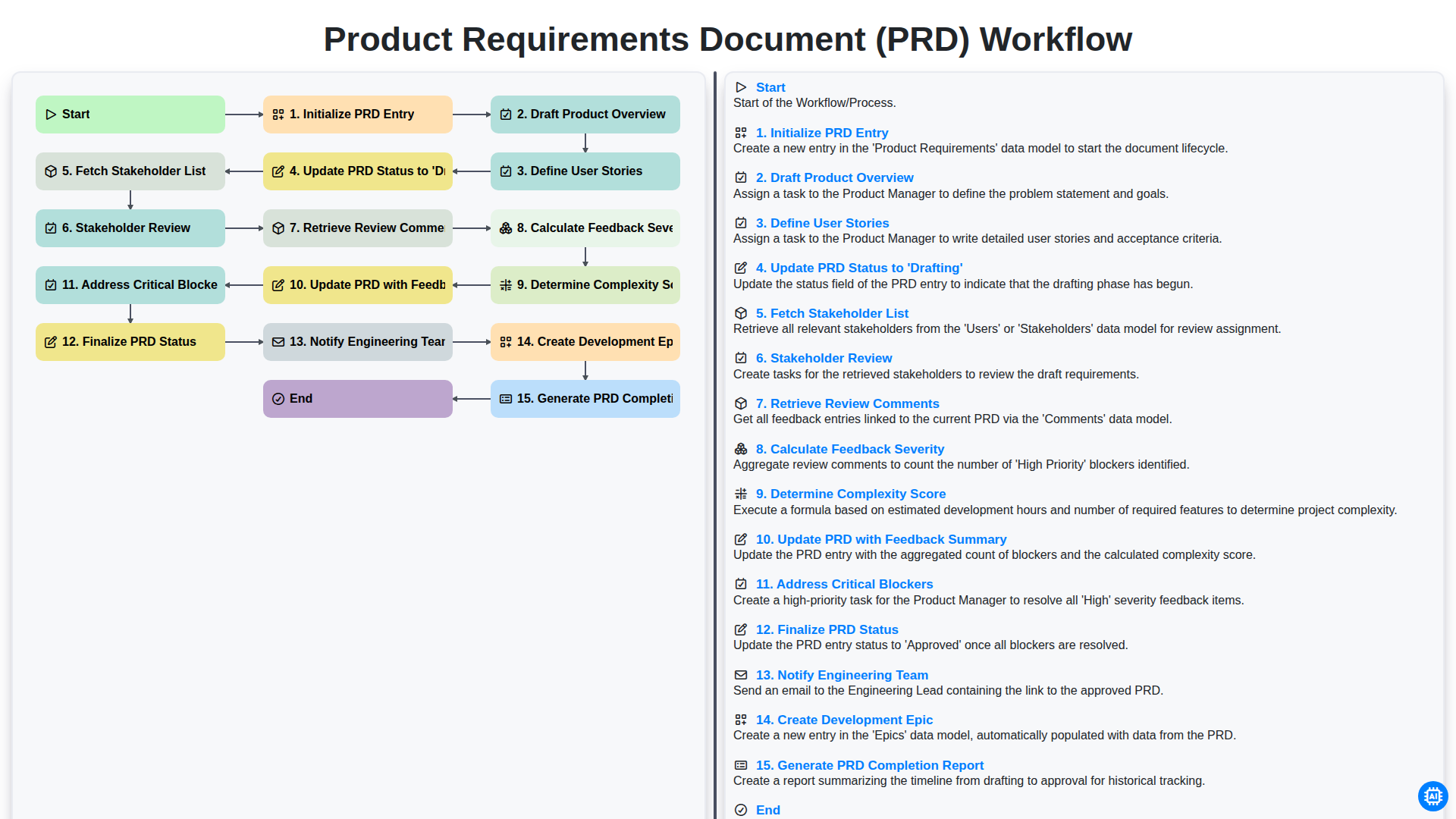
Product Requirements Document (PRD) Workflow

Internal Audit and Compliance Workflow
We can do it Together
Need help with
Project Management?
Have a question? We're here to help. Please submit your inquiry, and we'll respond promptly.