 ChecklistGuro
 Quality Assurance (QA) Testing Workflow
Streamline your project lifecycle with our comprehensive Quality Assurance (QA) Testing Workflow. Designed for agile project management, this step-by-step process optimizes bug tracking, test case execution, and defect management to ensure flawless software delivery and high-standard product excellence.
This Template was installed 2 times.
Start
Start of the Workflow/Process.
1. Create Bug Report
Create a new entry in the 'Bugs' data model when a defect is identified.
2. Update Test Case Status
Update the specific Test Case entry to 'Failed' or 'Passed' based on execution results.
3. Assign Bug to Developer
Create a task assigned to the relevant developer to investigate the reported bug.
4. Fetch Linked Requirements
Retrieve all requirement entries linked to the current Test Suite to ensure coverage.
5. Calculate Pass Rate
Execute a formula to calculate the percentage of passed tests vs total tests executed.
6. Aggregate Bug Severity
Sum the number of 'Critical' and 'High' priority bugs to assess release risk.
7. Regression Testing Task
Create a high-priority task for the QA team once a bug fix is deployed to the staging environment.
8. Notify Stakeholders of Failure
Send an automated email to the Product Owner when a critical blocker is identified.
9. Close Bug Entry
Update the Bug entry status to 'Closed' once verification is successful.
10. Generate QA Summary Report
Create a comprehensive PDF/Dashboard report summarizing the testing cycle results.
11. Check Test Environment Availability
Get entries from the 'Environments' data model to verify if the staging server is active.
12. Alert On-Call QA
Send an SMS notification to the QA Lead if a P0 (Blocker) issue is detected during night builds.
13. Cleanup Duplicate Bugs
Delete redundant bug entries that were identified as duplicates during the triage process.
End
End of the Workflow/Process.
Start of the Workflow/Process.
Create a new entry in the 'Bugs' data model when a defect is identified.
Update the specific Test Case entry to 'Failed' or 'Passed' based on execution results.
Create a task assigned to the relevant developer to investigate the reported bug.
Retrieve all requirement entries linked to the current Test Suite to ensure coverage.
Execute a formula to calculate the percentage of passed tests vs total tests executed.
Sum the number of 'Critical' and 'High' priority bugs to assess release risk.
Create a high-priority task for the QA team once a bug fix is deployed to the staging environment.
Send an automated email to the Product Owner when a critical blocker is identified.
Update the Bug entry status to 'Closed' once verification is successful.
Create a comprehensive PDF/Dashboard report summarizing the testing cycle results.
Get entries from the 'Environments' data model to verify if the staging server is active.
Send an SMS notification to the QA Lead if a P0 (Blocker) issue is detected during night builds.
Delete redundant bug entries that were identified as duplicates during the triage process.
End of the Workflow/Process.
Found this Workflow Template helpful?
Comments
There are no comments yet. Be the first to add one!
Project Management Solution Demo
Deliver projects on time & within budget! ChecklistGuro streamlines task management, collaboration, & progress tracking. Enhance visibility & boost team productivity. Manage it all with our Work OS.
Related Workflow Templates

Strategic Planning and Execution Process

Digital Transformation Project Workflow

Employee Onboarding Project Management

Customer Implementation Workflow

Design System Maintenance Process
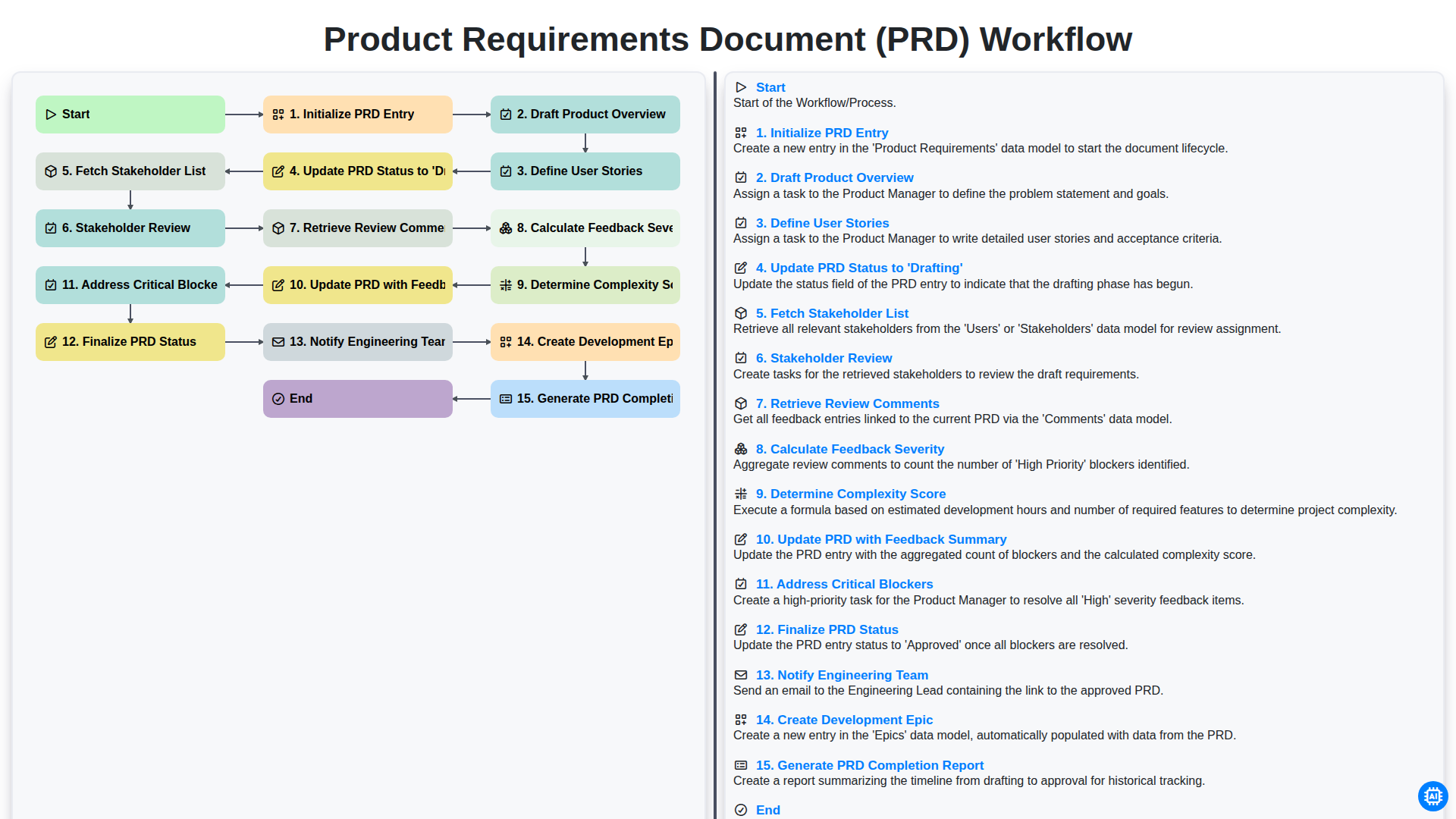
Product Requirements Document (PRD) Workflow

Internal Audit and Compliance Workflow
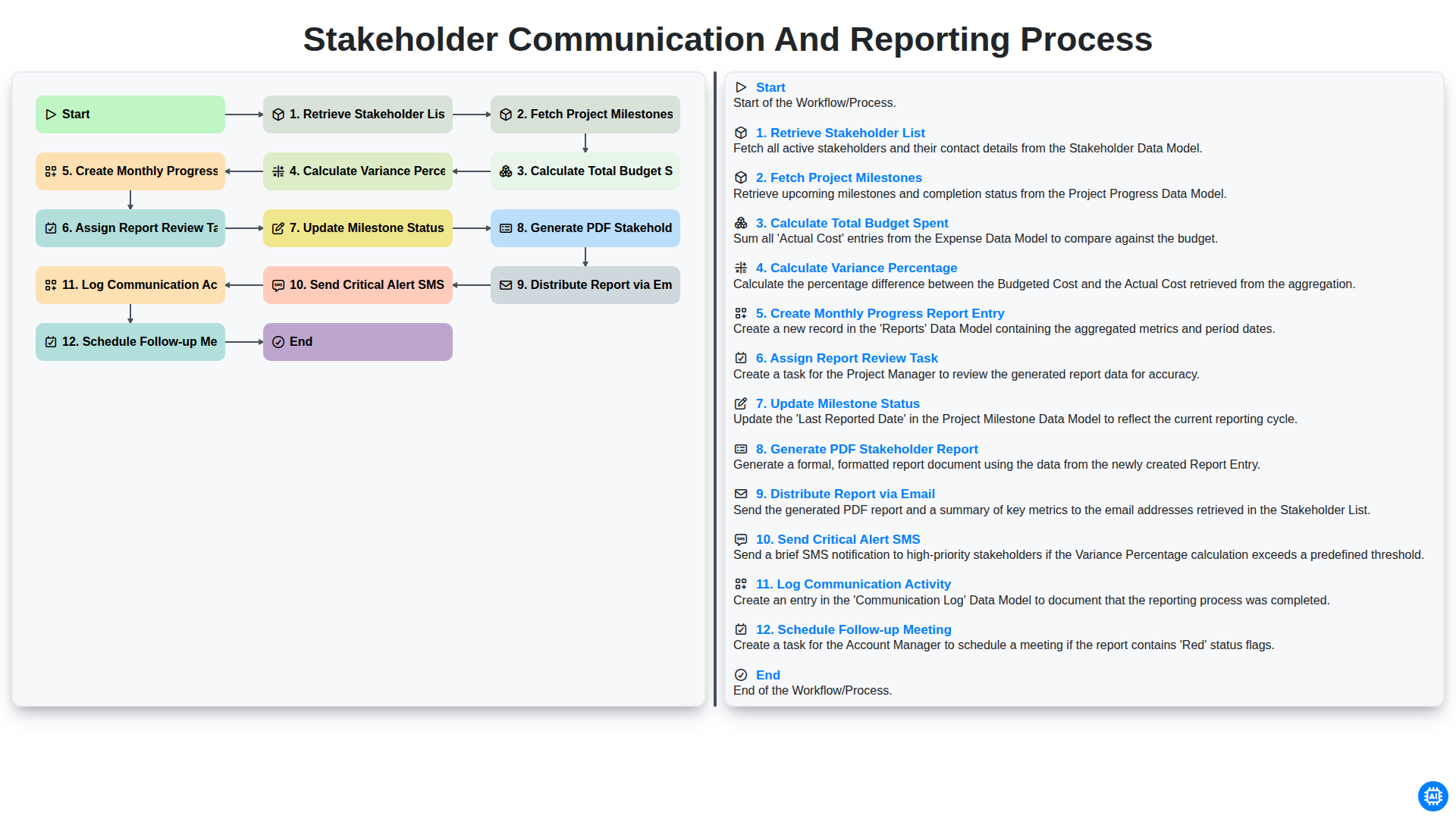
Stakeholder Communication and Reporting Process
We can do it Together
Need help with
Project Management?
Have a question? We're here to help. Please submit your inquiry, and we'll respond promptly.