 ChecklistGuro
 Retail Warehouse Management Process
Streamline your supply chain with our comprehensive Retail Warehouse Management Process. Master every stage of the inventory lifecycle-from seamless receiving and organized storage to precision picking, packing, and rapid dispatch. Optimize stock accuracy, reduce overhead costs, and ensure seamless fulfillment to keep your retail operations running at peak efficiency.
This Template was installed 2 times.
Start
Start of the Workflow/Process.
1. Check Incoming Shipment Manifest
Retrieve the expected shipment details from the Shipment Data Model to verify against physical arrival.
2. Unloading Task
Assign a task to the Warehouse Operator to physically unload items from the delivery vehicle.
3. Create Inspection Record
Create a new entry in the Inspection Data Model for the arrived shipment.
4. Quality Control Check
Assign a task to the QC Specialist to inspect items for damages or discrepancies.
5. Update Inspection Status
Update the inspection entry with 'Passed' or 'Failed' status based on the QC result.
6. Calculate Discrepancy Quantity
Calculate the difference between the Manifest Quantity and the Physically Counted Quantity.
7. Update Stock Levels
Update the Inventory Data Model to increase the quantity of items in the 'Available' state.
8. Flag Damaged Goods
Update the status of specific items to 'Damaged' if the QC check fails.
9. Create Return to Vendor (RTV) Request
Create a new entry in the Returns Data Model for any items that failed inspection.
10. Notify Procurement of Discrepancy
Send an email to the Procurement Manager regarding missing or damaged items in the shipment.
11. Sum Total Shipment Value
Aggregate the total monetary value of all items successfully processed in the current shipment.
12. Put-away Task
Assign a task to the Floor Staff to move items from the receiving dock to their designated warehouse bins.
13. Update Bin Location
Update the Inventory Data Model to reflect the new specific bin/shelf location for the items.
14. Generate Daily Receiving Report
Create a summary report of all shipments received, inspected, and processed during the shift.
15. Alert Manager of High-Value Arrival
Send an SMS to the Warehouse Manager when a shipment exceeding a certain value threshold is processed.
End
End of the Workflow/Process.
Start of the Workflow/Process.
Retrieve the expected shipment details from the Shipment Data Model to verify against physical arrival.
Assign a task to the Warehouse Operator to physically unload items from the delivery vehicle.
Create a new entry in the Inspection Data Model for the arrived shipment.
Assign a task to the QC Specialist to inspect items for damages or discrepancies.
Update the inspection entry with 'Passed' or 'Failed' status based on the QC result.
Calculate the difference between the Manifest Quantity and the Physically Counted Quantity.
Update the Inventory Data Model to increase the quantity of items in the 'Available' state.
Update the status of specific items to 'Damaged' if the QC check fails.
Create a new entry in the Returns Data Model for any items that failed inspection.
Send an email to the Procurement Manager regarding missing or damaged items in the shipment.
Aggregate the total monetary value of all items successfully processed in the current shipment.
Assign a task to the Floor Staff to move items from the receiving dock to their designated warehouse bins.
Update the Inventory Data Model to reflect the new specific bin/shelf location for the items.
Create a summary report of all shipments received, inspected, and processed during the shift.
Send an SMS to the Warehouse Manager when a shipment exceeding a certain value threshold is processed.
End of the Workflow/Process.
Frequently Asked Questions
Comments
There are no comments yet. Be the first to add one!
Retail Management Solution Demo
Boost retail efficiency! ChecklistGuro simplifies store operations, inventory management, and employee training. Improve customer experience and maximize profitability. Manage it all with our Work OS.
Related Workflow Templates

Retail Distribution and Logistics Management

Retail Demand Forecasting Workflow

Retail Employee Onboarding Process

Store Maintenance and Facilities Management

Retail Returns and Reverse Logistics

Seasonal Stock Transition Workflow

Customer Relationship Management (CRM) Workflow
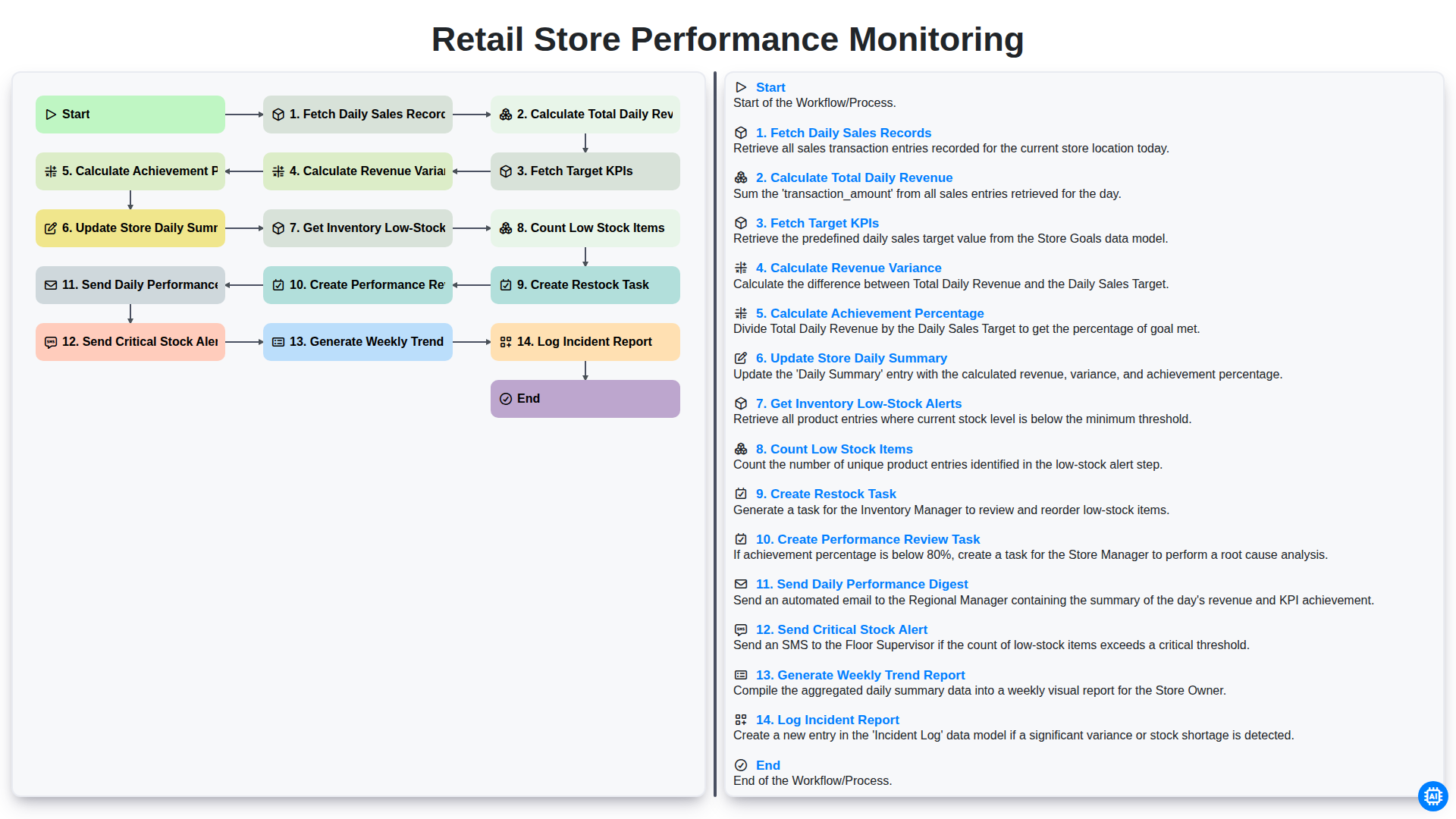
Retail Store Performance Monitoring
We can do it Together
Need help with
Retail?
Have a question? We're here to help. Please submit your inquiry, and we'll respond promptly.