 ChecklistGuro
 Retail Distribution and Logistics Management
Streamline your supply chain with our expert Retail Distribution and Logistics Management workflow. Optimize inventory movement, reduce transit times, and master last-mile delivery with proven processes designed to boost operational efficiency, minimize overhead, and ensure seamless product availability from warehouse to storefront.
This Template was installed 5 times.
Start
Start of the Workflow/Process.
1. Retrieve Pending Orders
Fetch all entries from the 'Orders' data model where status is 'Pending'.
2. Check Inventory Levels
Retrieve current stock quantities from the 'Inventory' data model for specific SKUs.
3. Calculate Total Order Value
Sum the unit price multiplied by quantity for all line items in an order entry.
4. Calculate Shipping Lead Time
Calculate the difference between the 'Order Date' and the 'Expected Delivery Date'.
5. Update Stock Levels
Decrement the 'Available Quantity' in the Inventory data model after an order is processed.
6. Update Order Status
Change the status of an Order entry from 'Processing' to 'Shipped'.
7. Assign Warehouse Picking Task
Create a task for the Warehouse Manager to begin the picking process for a specific order.
8. Quality Control Inspection
Create a task for the QC Specialist to verify items before packaging.
9. Generate Shipping Label
Create a task for the Logistics Clerk to print and attach labels to outgoing parcels.
10. Create Shipment Record
Create a new entry in the 'Shipments' data model once items leave the warehouse.
11. Log Return Request
Create a new entry in the 'Returns' data model when a customer initiates a claim.
12. Aggregate Total Warehouse Value
Sum the 'Total Value' property of all items in the Inventory data model.
13. Calculate Average Delivery Time
Calculate the average duration of completed shipments to monitor carrier performance.
14. Notify Customer of Shipment
Send an automated email to the customer's email address with tracking information.
15. Low Stock Alert
Send an email to the Procurement Team when inventory falls below the reorder point.
16. Driver Dispatch Notification
Send an SMS to the delivery driver containing the pickup location and time.
17. Daily Distribution Summary
Generate a report summarizing total orders processed, shipped, and cancelled in the last 24 hours.
18. Remove Cancelled Order Lines
Delete specific line-item entries from an order if they are no longer available in stock.
End
End of the Workflow/Process.
Start of the Workflow/Process.
Fetch all entries from the 'Orders' data model where status is 'Pending'.
Retrieve current stock quantities from the 'Inventory' data model for specific SKUs.
Sum the unit price multiplied by quantity for all line items in an order entry.
Calculate the difference between the 'Order Date' and the 'Expected Delivery Date'.
Decrement the 'Available Quantity' in the Inventory data model after an order is processed.
Change the status of an Order entry from 'Processing' to 'Shipped'.
Create a task for the Warehouse Manager to begin the picking process for a specific order.
Create a task for the QC Specialist to verify items before packaging.
Create a task for the Logistics Clerk to print and attach labels to outgoing parcels.
Create a new entry in the 'Shipments' data model once items leave the warehouse.
Create a new entry in the 'Returns' data model when a customer initiates a claim.
Sum the 'Total Value' property of all items in the Inventory data model.
Calculate the average duration of completed shipments to monitor carrier performance.
Send an automated email to the customer's email address with tracking information.
Send an email to the Procurement Team when inventory falls below the reorder point.
Send an SMS to the delivery driver containing the pickup location and time.
Generate a report summarizing total orders processed, shipped, and cancelled in the last 24 hours.
Delete specific line-item entries from an order if they are no longer available in stock.
End of the Workflow/Process.
Frequently Asked Questions
Comments
There are no comments yet. Be the first to add one!
Retail Management Solution Demo
Boost retail efficiency! ChecklistGuro simplifies store operations, inventory management, and employee training. Improve customer experience and maximize profitability. Manage it all with our Work OS.
Related Workflow Templates

Retail Demand Forecasting Workflow

Retail Employee Onboarding Process

Store Maintenance and Facilities Management

Retail Returns and Reverse Logistics

Seasonal Stock Transition Workflow

Retail Warehouse Management Process

Customer Relationship Management (CRM) Workflow
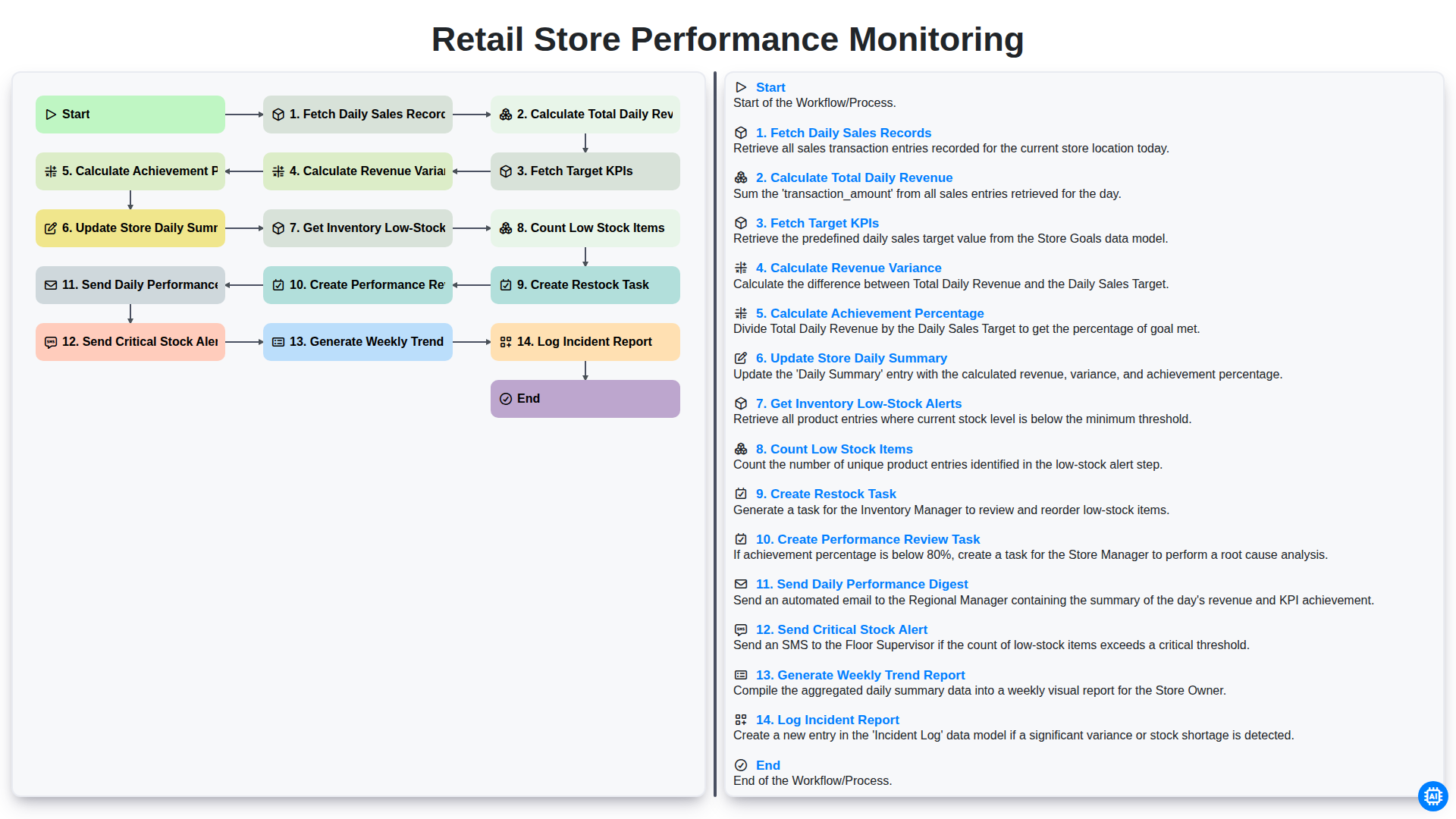
Retail Store Performance Monitoring
We can do it Together
Need help with
Retail?
Have a question? We're here to help. Please submit your inquiry, and we'll respond promptly.