 ChecklistGuro
 Onboarding for Freelance Contractors Process
Streamline your hiring journey with our comprehensive Onboarding for Freelance Contractors Process. Master task management by automating documentation, setting clear project milestones, and integrating new talent seamlessly into your workflow to boost productivity from day one.
This Template was installed 3 times.
Start
Start of the Workflow/Process.
1. Get Contractor Profile
Retrieve the specific contractor's details (Name, Email, Rate, Skills) from the Contractor Data Model.
2. Create Contract Generation Task
Assign a task to the Legal/Admin user to draft the freelance agreement.
3. Create Contract Entry
Generate a new entry in the Contracts Data Model linked to the specific Contractor.
4. Background Check Task
Assign a task to the HR user to verify references and identity documents.
5. Update Contractor Status
Update the Contractor entry status to 'Verifying' in the Data Model.
6. Get Required Documents
Retrieve the list of mandatory documents required for this specific contractor type.
7. Document Collection Task
Create a task for the Contractor to upload Tax ID, ID proof, and Bank details.
8. Update Document Checklist Status
Mark specific document fields as 'Received' in the Contractor Data Model once uploaded.
9. Calculate Onboarding Completion %
Calculate the percentage of completed checklist items vs total required items.
10. IT Equipment Provisioning Task
Create a task for the IT Department to set up email access and software licenses.
11. Create IT Access Log
Create a new entry in the IT Assets/Access Data Model for the new contractor.
12. Update Contractor Status to 'Active'
Change the contractor status to 'Active' in the Data Model once all tasks are complete.
13. Send Welcome Email
Send an automated welcome email to the Contractor's email address with onboarding instructions.
14. Notify Finance
Send an email to the Finance Department to set up the contractor in the payroll system.
15. Generate Onboarding Summary Report
Create a report summarizing the time taken and completion status of the onboarding process for audit purposes.
End
End of the Workflow/Process.
Start of the Workflow/Process.
Retrieve the specific contractor's details (Name, Email, Rate, Skills) from the Contractor Data Model.
Assign a task to the Legal/Admin user to draft the freelance agreement.
Generate a new entry in the Contracts Data Model linked to the specific Contractor.
Assign a task to the HR user to verify references and identity documents.
Update the Contractor entry status to 'Verifying' in the Data Model.
Retrieve the list of mandatory documents required for this specific contractor type.
Create a task for the Contractor to upload Tax ID, ID proof, and Bank details.
Mark specific document fields as 'Received' in the Contractor Data Model once uploaded.
Calculate the percentage of completed checklist items vs total required items.
Create a task for the IT Department to set up email access and software licenses.
Create a new entry in the IT Assets/Access Data Model for the new contractor.
Change the contractor status to 'Active' in the Data Model once all tasks are complete.
Send an automated welcome email to the Contractor's email address with onboarding instructions.
Send an email to the Finance Department to set up the contractor in the payroll system.
Create a report summarizing the time taken and completion status of the onboarding process for audit purposes.
End of the Workflow/Process.
Found this Workflow Template helpful?
Comments
There are no comments yet. Be the first to add one!
Task Management Solution Demo
Get organized & boost productivity! ChecklistGuro simplifies task management, prioritization, & progress tracking. Achieve more, stress less, & hit your goals. Manage it all with our Work OS.
Related Workflow Templates
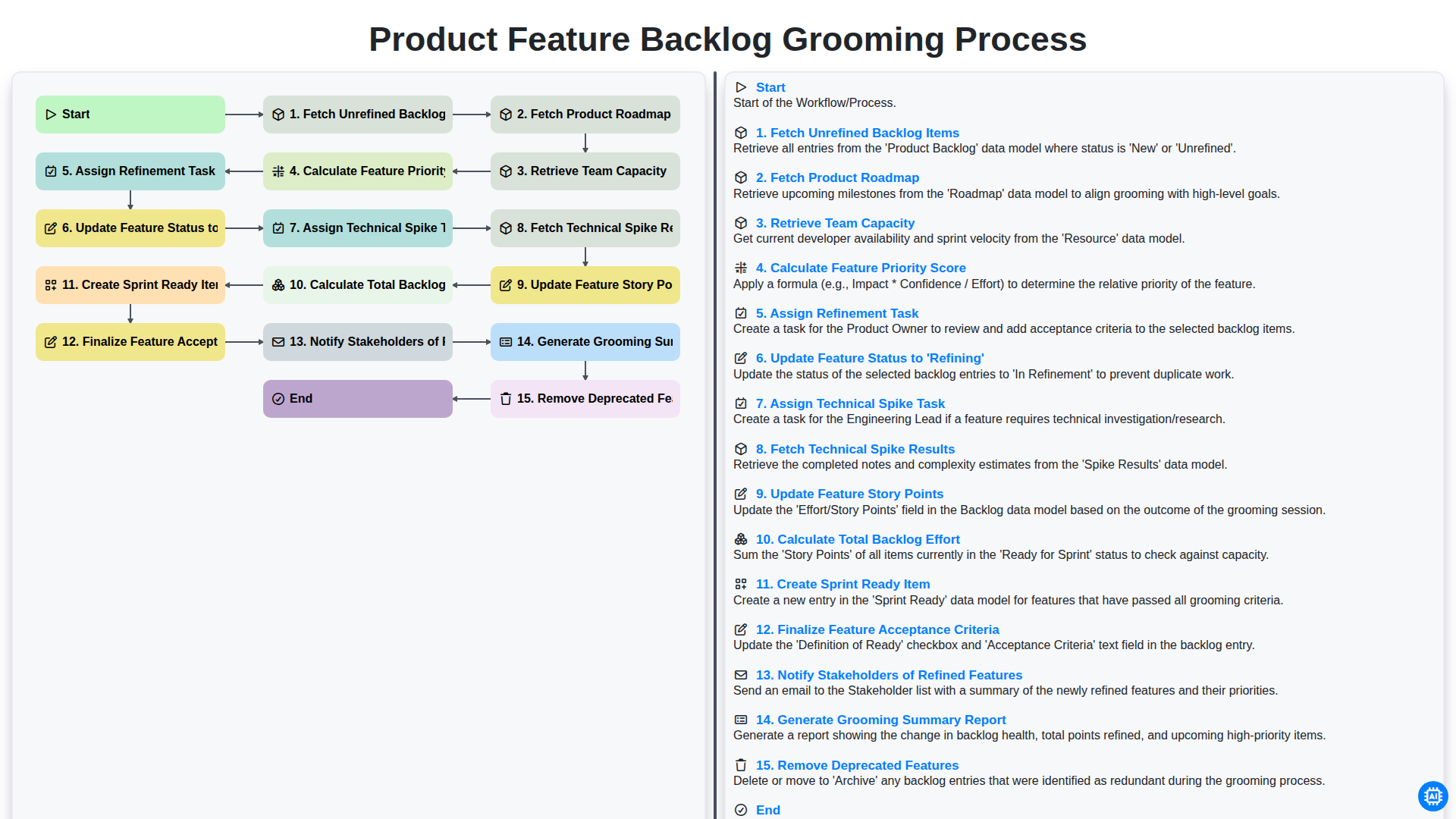
Product Feature Backlog Grooming Process
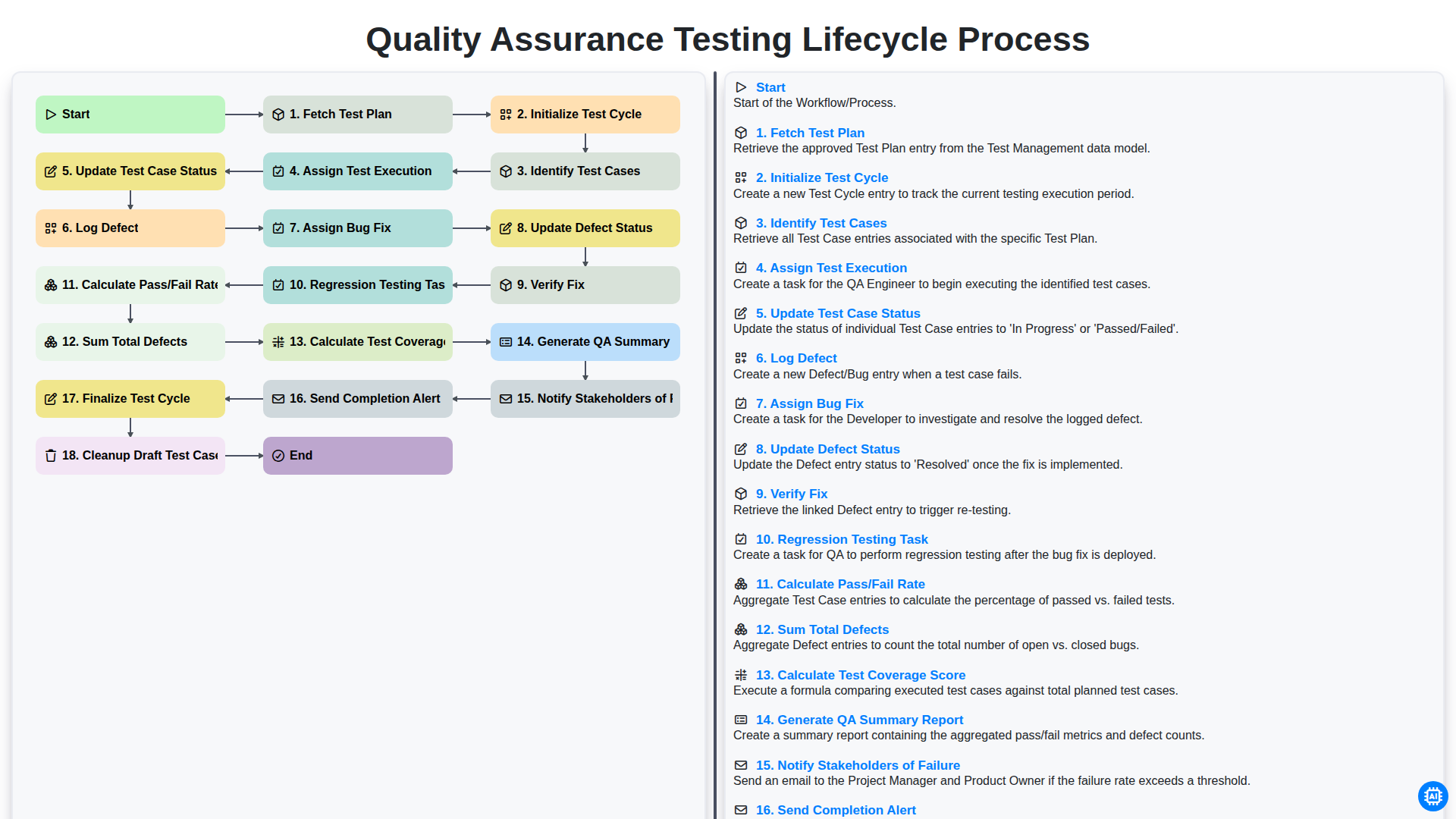
Quality Assurance Testing Lifecycle Process
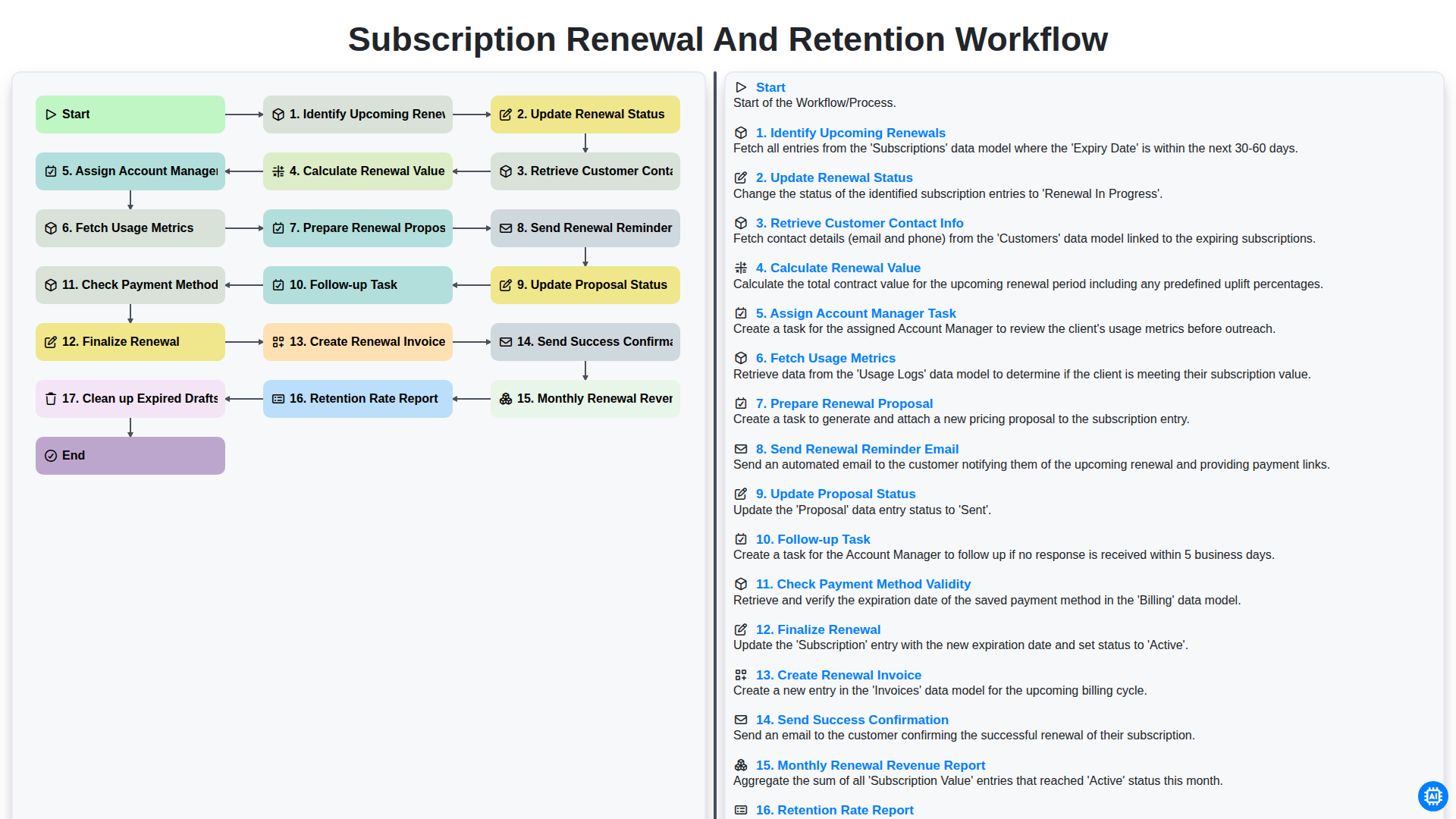
Subscription Renewal and Retention Workflow

B2B Lead Nurturing Process

Audit and Compliance Monitoring Workflow
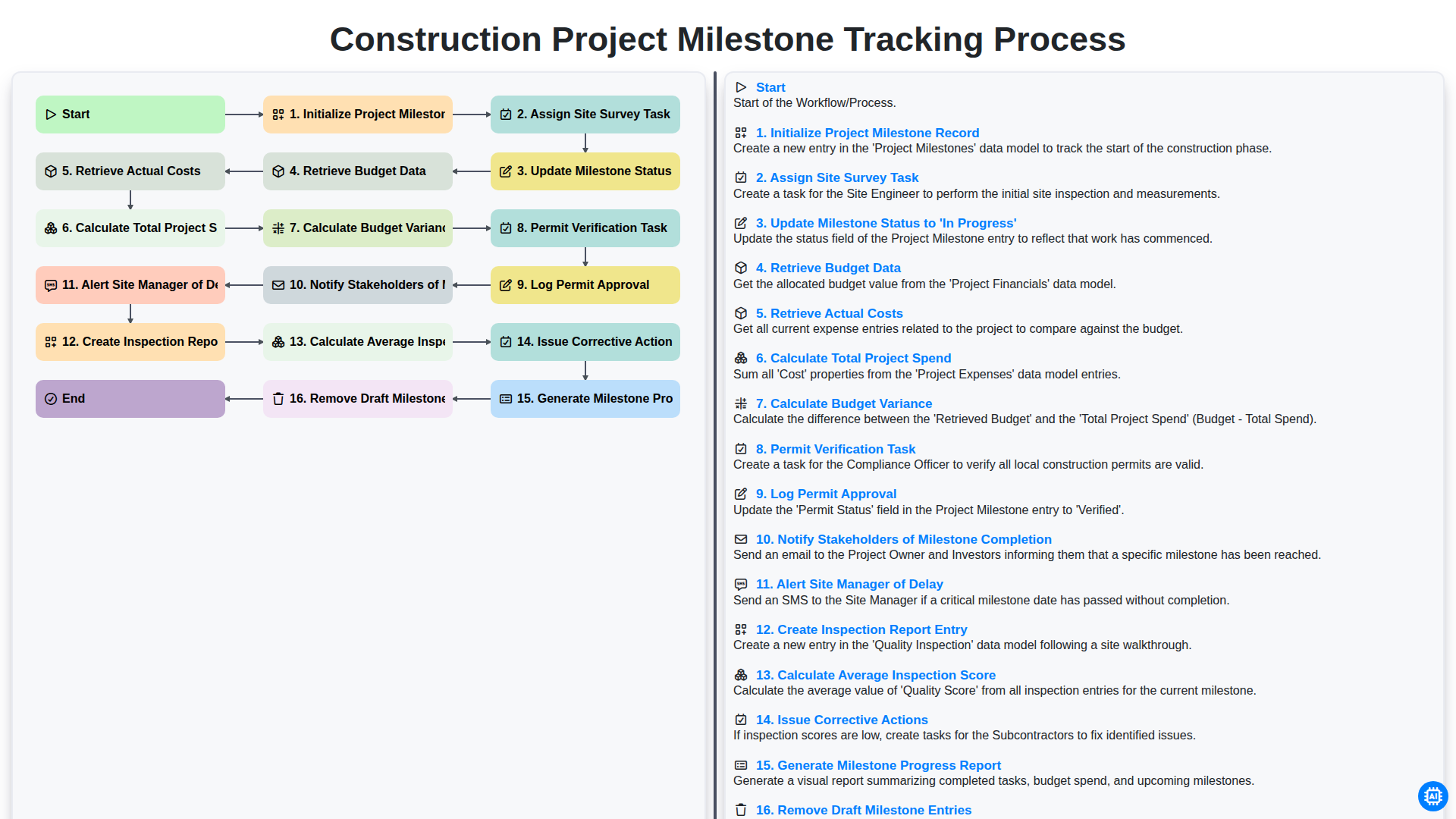
Construction Project Milestone Tracking Process
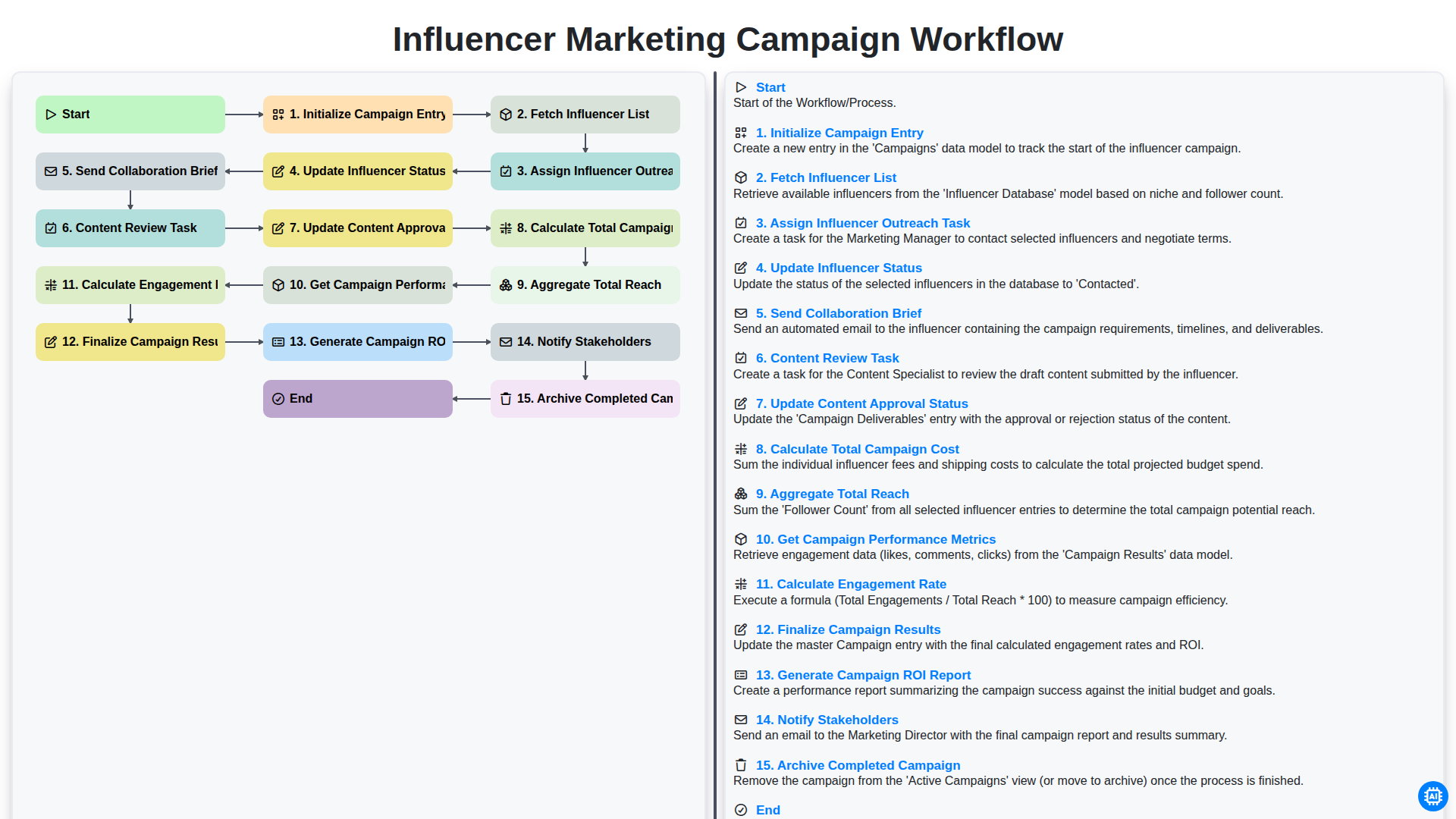
Influencer Marketing Campaign Workflow
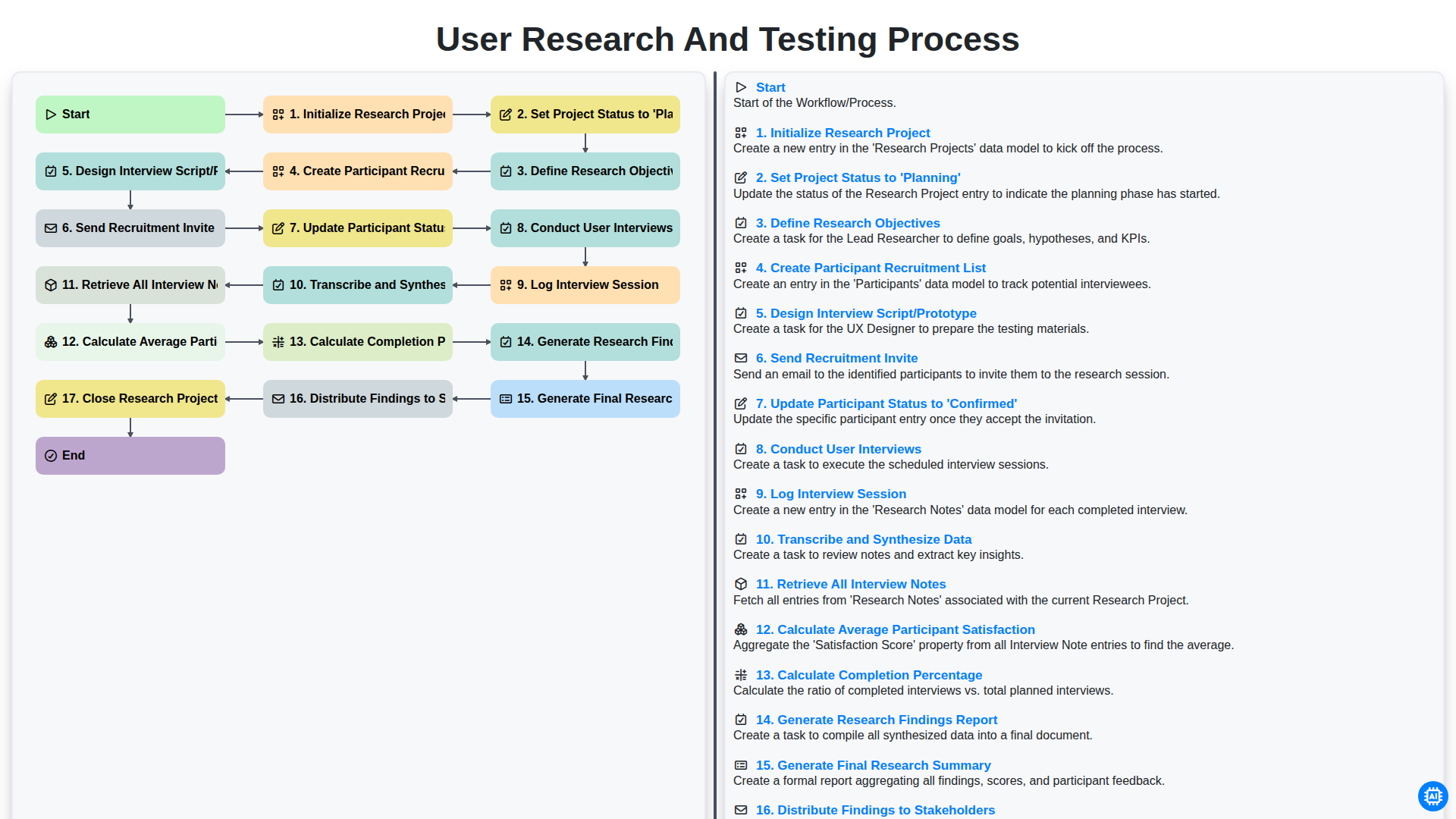
User Research and Testing Process
We can do it Together
Need help with
Task Management?
Have a question? We're here to help. Please submit your inquiry, and we'll respond promptly.