 ChecklistGuro
 Subscription Renewal and Retention Workflow
Stop churn before it happens with our automated Subscription Renewal and Retention Workflow. Streamline your entire lifecycle management-from proactive renewal reminders and automated invoicing to strategic win-back sequences and customer engagement triggers. Designed for task management professionals, this workflow optimizes recurring revenue, reduces manual overhead, and ensures high-retention milestones are met with precision and ease. Boost your LTV and automate your subscription health today.
This Template was installed 2 times.
Start
Start of the Workflow/Process.
1. Identify Upcoming Renewals
Fetch all entries from the 'Subscriptions' data model where the 'Expiry Date' is within the next 30-60 days.
2. Update Renewal Status
Change the status of the identified subscription entries to 'Renewal In Progress'.
3. Retrieve Customer Contact Info
Fetch contact details (email and phone) from the 'Customers' data model linked to the expiring subscriptions.
4. Calculate Renewal Value
Calculate the total contract value for the upcoming renewal period including any predefined uplift percentages.
5. Assign Account Manager Task
Create a task for the assigned Account Manager to review the client's usage metrics before outreach.
6. Fetch Usage Metrics
Retrieve data from the 'Usage Logs' data model to determine if the client is meeting their subscription value.
7. Prepare Renewal Proposal
Create a task to generate and attach a new pricing proposal to the subscription entry.
8. Send Renewal Reminder Email
Send an automated email to the customer notifying them of the upcoming renewal and providing payment links.
9. Update Proposal Status
Update the 'Proposal' data entry status to 'Sent'.
10. Follow-up Task
Create a task for the Account Manager to follow up if no response is received within 5 business days.
11. Check Payment Method Validity
Retrieve and verify the expiration date of the saved payment method in the 'Billing' data model.
12. Finalize Renewal
Update the 'Subscription' entry with the new expiration date and set status to 'Active'.
13. Create Renewal Invoice
Create a new entry in the 'Invoices' data model for the upcoming billing cycle.
14. Send Success Confirmation
Send an email to the customer confirming the successful renewal of their subscription.
15. Monthly Renewal Revenue Report
Aggregate the sum of all 'Subscription Value' entries that reached 'Active' status this month.
16. Retention Rate Report
Create a report comparing 'Renewed' vs 'Churned' subscriptions for the current period.
17. Clean up Expired Drafts
Delete any temporary 'Renewal Proposal' entries that were created but never finalized.
End
End of the Workflow/Process.
Start of the Workflow/Process.
Fetch all entries from the 'Subscriptions' data model where the 'Expiry Date' is within the next 30-60 days.
Change the status of the identified subscription entries to 'Renewal In Progress'.
Fetch contact details (email and phone) from the 'Customers' data model linked to the expiring subscriptions.
Calculate the total contract value for the upcoming renewal period including any predefined uplift percentages.
Create a task for the assigned Account Manager to review the client's usage metrics before outreach.
Retrieve data from the 'Usage Logs' data model to determine if the client is meeting their subscription value.
Create a task to generate and attach a new pricing proposal to the subscription entry.
Send an automated email to the customer notifying them of the upcoming renewal and providing payment links.
Update the 'Proposal' data entry status to 'Sent'.
Create a task for the Account Manager to follow up if no response is received within 5 business days.
Retrieve and verify the expiration date of the saved payment method in the 'Billing' data model.
Update the 'Subscription' entry with the new expiration date and set status to 'Active'.
Create a new entry in the 'Invoices' data model for the upcoming billing cycle.
Send an email to the customer confirming the successful renewal of their subscription.
Aggregate the sum of all 'Subscription Value' entries that reached 'Active' status this month.
Create a report comparing 'Renewed' vs 'Churned' subscriptions for the current period.
Delete any temporary 'Renewal Proposal' entries that were created but never finalized.
End of the Workflow/Process.
Found this Workflow Template helpful?
Comments
There are no comments yet. Be the first to add one!
Task Management Solution Demo
Get organized & boost productivity! ChecklistGuro simplifies task management, prioritization, & progress tracking. Achieve more, stress less, & hit your goals. Manage it all with our Work OS.
Related Workflow Templates
Product Feature Backlog Grooming Process
Quality Assurance Testing Lifecycle Process

B2B Lead Nurturing Process
Onboarding for Freelance Contractors Process

Audit and Compliance Monitoring Workflow
Construction Project Milestone Tracking Process
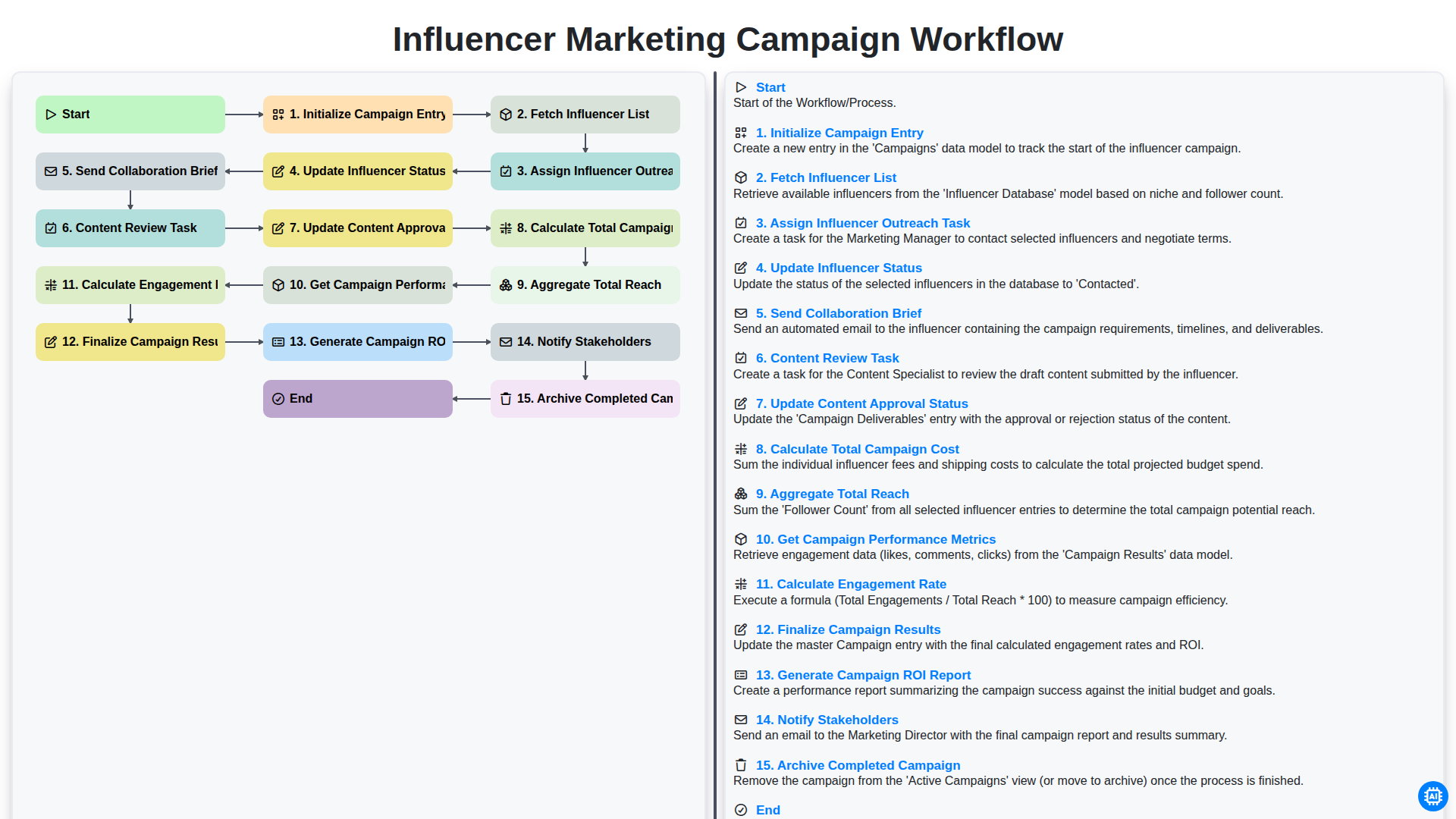
Influencer Marketing Campaign Workflow
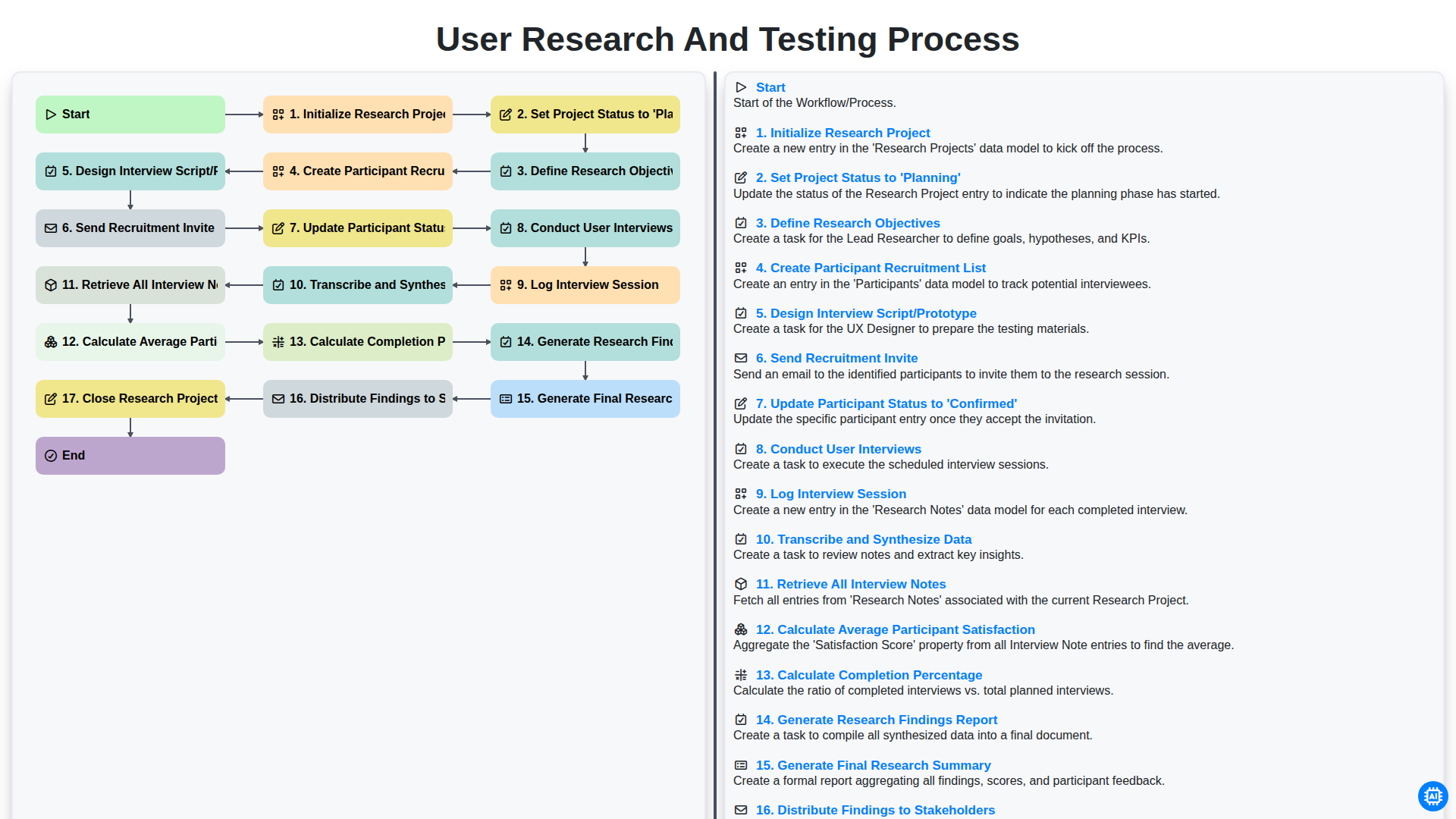
User Research and Testing Process
We can do it Together
Need help with
Task Management?
Have a question? We're here to help. Please submit your inquiry, and we'll respond promptly.