 ChecklistGuro
 Accounts Receivable Management Checklist
Streamline your collections process and optimize your cash flow with our comprehensive Accounts Receivable Management Checklist. Designed specifically for accounting professionals, this actionable template helps you master the entire receivables lifecycle-from invoice generation and credit approval to timely follow-ups and dispute resolution. Eliminate manual errors, reduce Days Sales Outstanding (DSO), and ensure your company maintains a healthy working capital. Perfect for finance teams looking to automate workflows and maintain impeccable ledger accuracy within their Accounting Management system.
This Template was installed 2 times.
Customer Onboarding & Credit Approval
Verify new client documentation, perform credit checks, and establish formal credit limits and payment terms.
Customer Legal Name
Tax Identification Number (TIN/VAT)
Credit Limit Approved
Approved Credit Limit Amount
Credit Review Date
Credit Reference Documents
Required Verification Steps Completed
Credit Manager Approval
Invoicing & Billing Accuracy
Ensure all completed orders or services are accurately captured, taxed correctly, and invoiced within the billing cycle.
Invoice Date
Invoice Number
Total Invoice Amount
Billing Status
Verification Checklist
Supporting Documentation (PO or Delivery Note)
Discrepancy Notes
Payment Processing & Application
Record incoming payments (ACH, Check, Wire), match payments to specific invoices, and update the general ledger.
Payment Received Date
Payment Amount
Payment Method
Reference Number (Check # or Transaction ID)
Applied Invoices
Payment Remittance Advice or Receipt
Notes on Discrepancies or Short Payments
Processor Verification
Accounts Receivable Monitoring
Review aging reports regularly to identify overdue accounts and monitor the status of all outstanding balances.
Date of Aging Report Review
Aging Category Reviewed
Total Outstanding Balance Amount
Discrepancies Identified
Reviewer Comments & Notes
Upload Aging Report PDF
Reviewer Approval Signature
Collections & Follow-up Procedures
Execute scheduled follow-up emails, make collection calls for overdue invoices, and document all customer communications.
Follow-up Date
Follow-up Method
Customer Contact Person
Communication Notes
Follow-up Outcome
Proof of Communication/Email Thread
Collector Signature
Dispute & Credit Memo Management
Identify disputed invoices, investigate discrepancies, and process authorized credit memos or adjustments.
Dispute Reference Number
Customer Name
Dispute Reason Description
Credit Memo Amount
Dispute Category
Resolution Deadline
Supporting Evidence (Photos/Email/Contract)
Manager Approval Signature
Reconciliation & Month-End Closing
Reconcile the Accounts Receivable sub-ledger with the General Ledger and ensure all month-end adjustments are posted.
Closing Period Date
Completed Reconciliations
Total Outstanding AR Balance
Discrepancy Notes
Unresolved Reconciliation Issues
Reconciliation Supporting Documentation
Controller Approval
Bad Debt & Write-off Management
Evaluate uncollectible accounts for potential write-offs and follow the formal authorization process for bad debt recognition.
Date of Write-off Request
Customer Account Name
Total Amount to be Written Off
Reason for Write-off
Collection Efforts Summary
Supporting Documentation (e.g., Correspondence or Legal Notice)
Authorized Manager Approval
Frequently Asked Questions
Can I customize this template after installing it?
Absolutely. Once installed, you can add, remove, or reorder tasks, add custom fields, and adjust deadlines to fit your specific workflow.
Can I add images or photos to these checklist items?
Yes. Our platform allows you to attach photos, signatures, and notes to any checklist item for better verification and proof of completion.
Can I create a custom checklist from scratch instead of using a template?
Yes. You can use our "Create your own checklist" feature to build a unique workflow tailored exactly to your operational requirements.
Can I add dependencies between tasks?
Yes, you can set up conditional logic and dependencies to ensure your team follows the correct sequence of operations.
Can I assign specific checklist items to different team members?
Yes. You can assign individual tasks to specific employees, ensuring clear accountability across your entire team.
Can I use these checklists on mobile devices in the field?
Yes. Our platform is fully responsive, allowing your team to complete, update, and upload photos to checklists directly from any smartphone or tablet.
How do I notify my manager when a checklist is completed?
You can set up automated notifications (via email, push notification, or in-app alerts) to trigger whenever a checklist is finished or if an item fails inspection.
Can multiple people work on the same checklist simultaneously?
Yes, the platform supports real-time updates, allowing multiple users to contribute to a single live checklist.
Where is the data from completed checklists stored?
All completed checklists are stored securely in your Work OS dashboard, creating a permanent, searchable audit trail of your operations.
Can I generate reports based on my checklist results?
Yes. You can track completion rates, identify recurring issues, and monitor team performance through our integrated reporting and analytics tools.
How can I use these checklists for compliance or auditing purposes?
Because our checklists capture timestamps, photos, and digital signatures, they serve as a robust digital paper trail for regulatory compliance and internal audits.
Can I export my completed checklist data for use in other tools?
Yes. You can export your data in various formats (CSV, Excel, etc.) to integrate your operational insights with your other business software.
Comments
There are no comments yet. Be the first to add one!
Accounting Management Solution Demo
Move beyond rigid, one-size-fits-all software. Leverage a fully programmable accounting environment designed to adapt to your unique workflows, complex hierarchies, and evolving business logic.
Related Checklist Templates
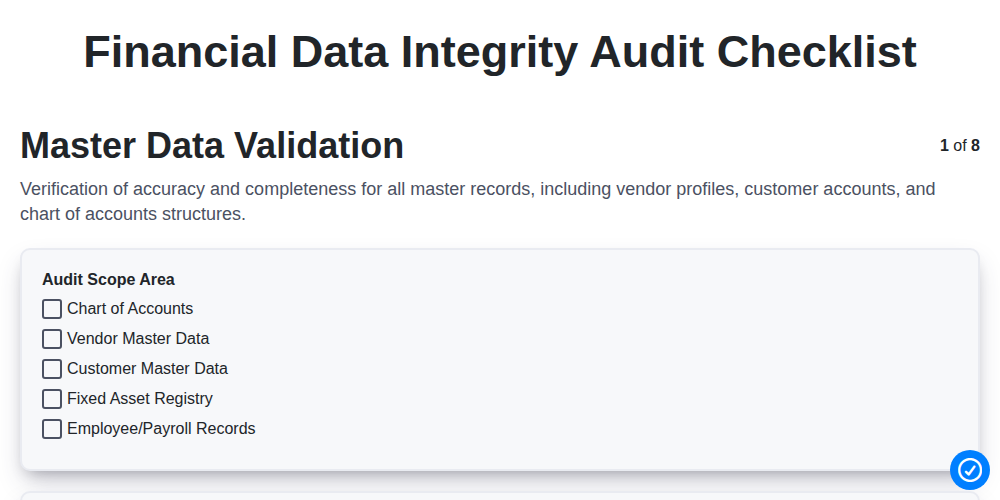
Financial Data Integrity Audit Checklist
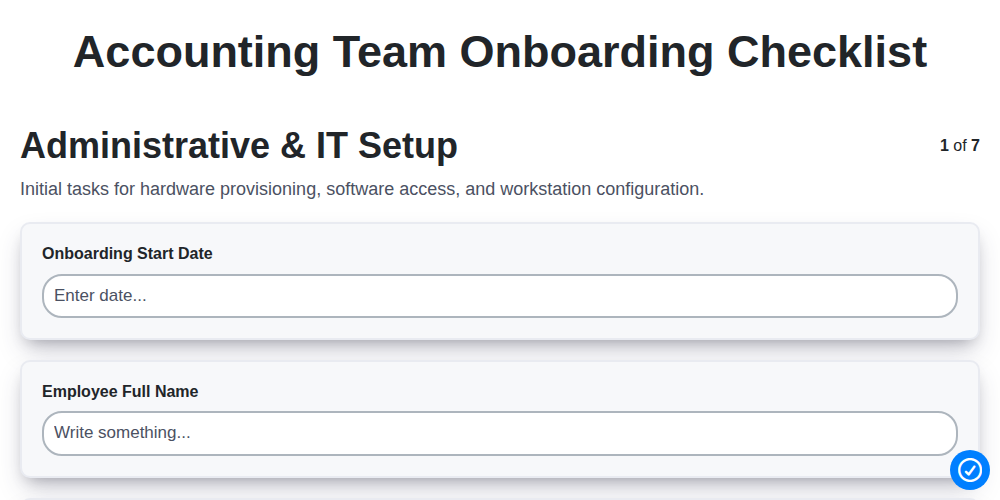
Accounting Team Onboarding Checklist
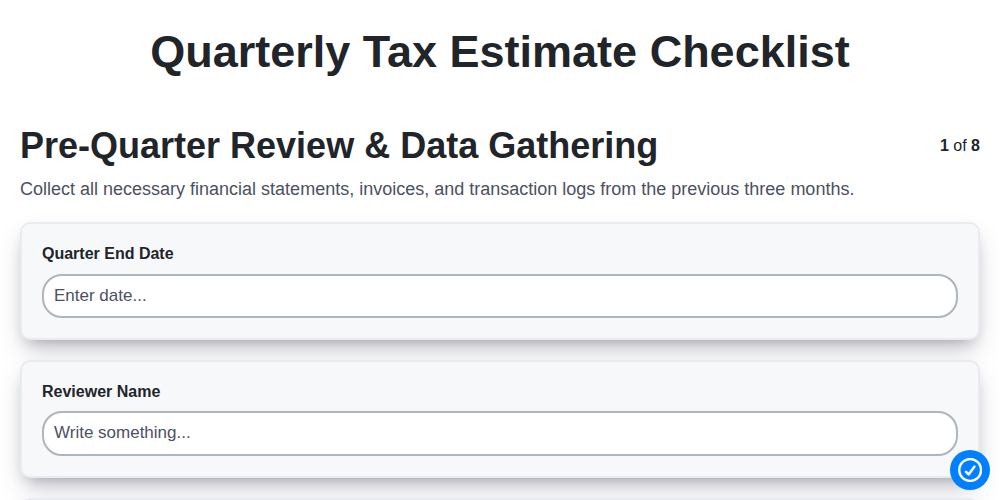
Quarterly Tax Estimate Checklist
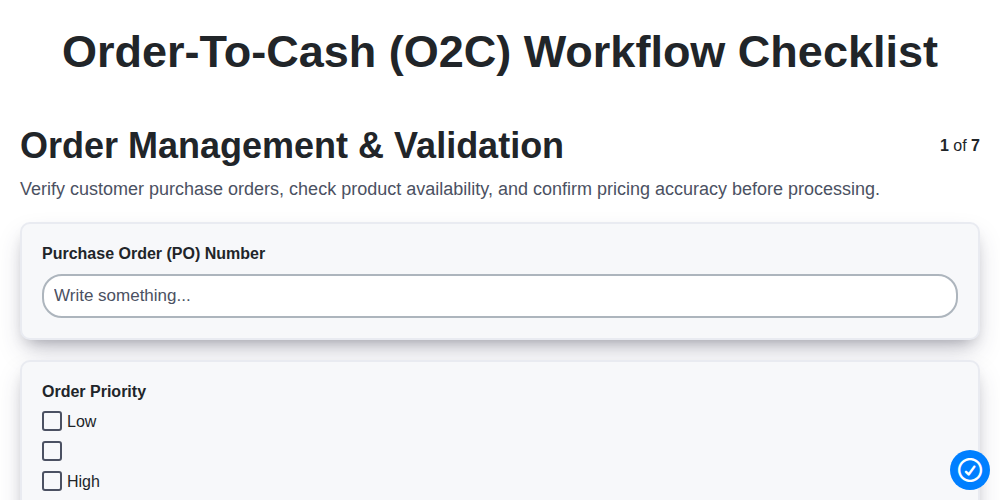
Order-to-Cash (O2C) Workflow Checklist
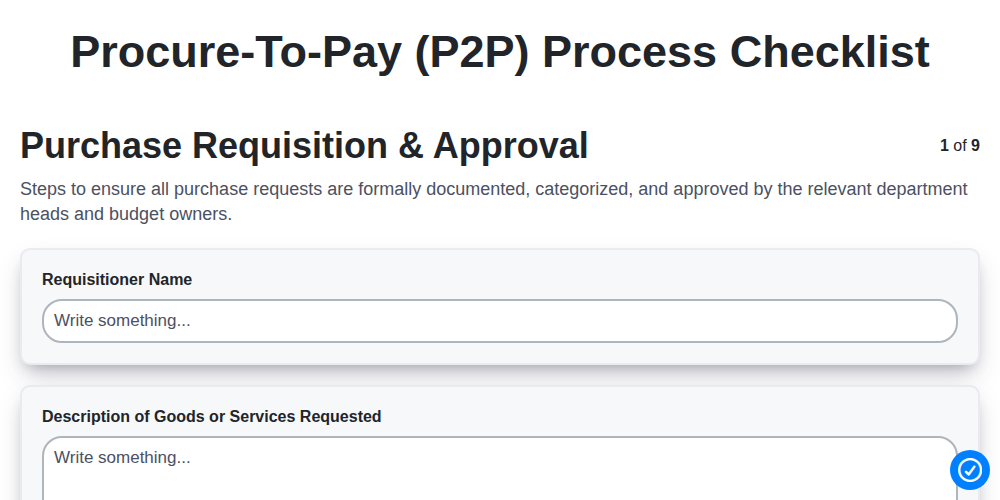
Procure-to-Pay (P2P) Process Checklist
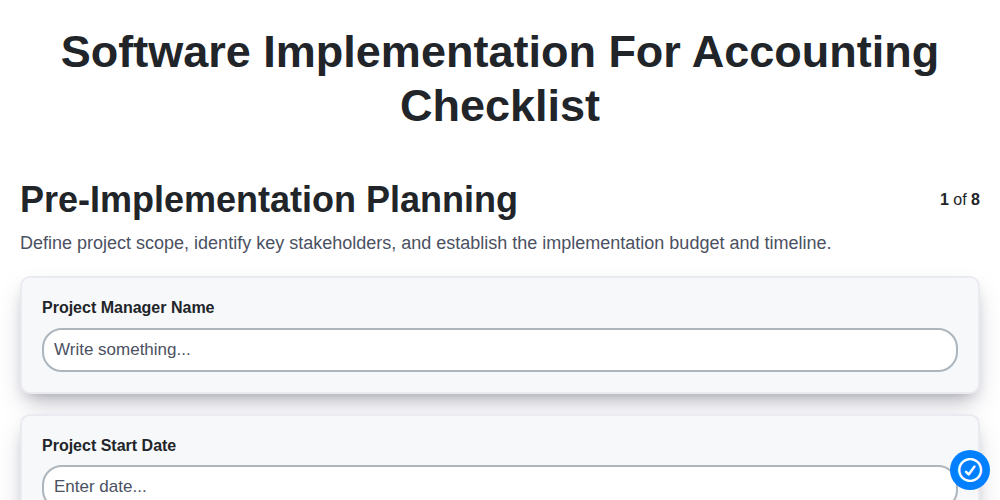
Software Implementation for Accounting Checklist
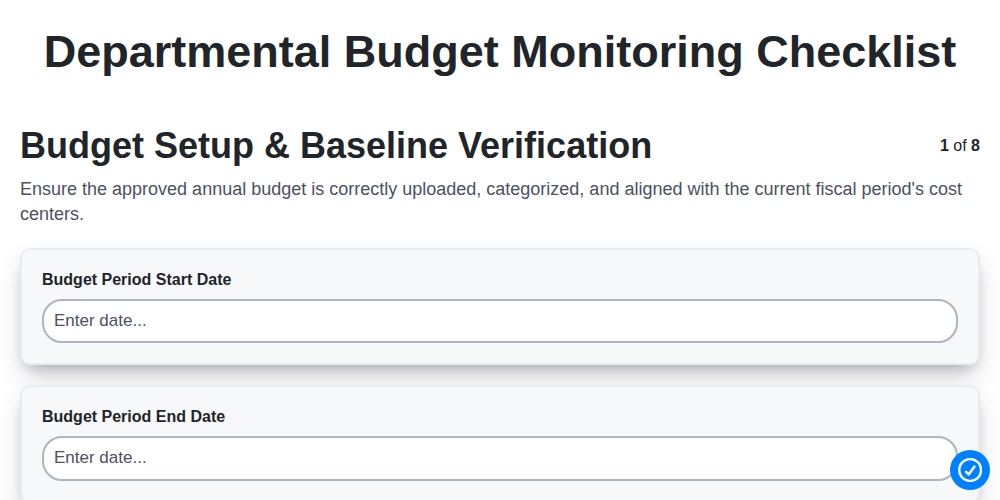
Departmental Budget Monitoring Checklist
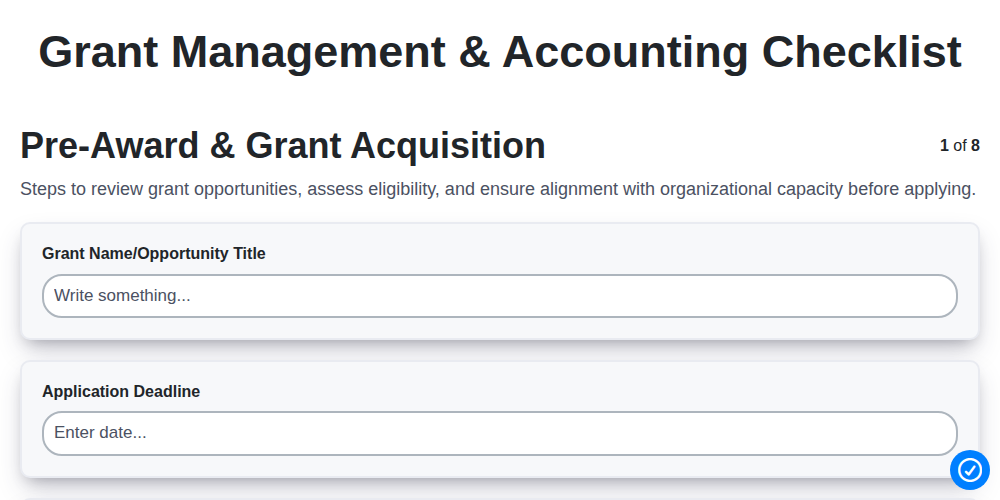
Grant Management & Accounting Checklist
We can do it Together
Need help with
Accounting Management?
Have a question? We're here to help. Please submit your inquiry, and we'll respond promptly.