 ChecklistGuro
 Software Implementation for Accounting Checklist
Streamline your transition to a new financial ecosystem with our comprehensive Software Implementation for Accounting Checklist. Avoid costly downtime and data migration errors with a structured, step-by-step guide designed to manage everything from vendor selection and data mapping to user training and system integration. Ensure your accounting team achieves full operational readiness, maintains data integrity, and maximizes ROI on your new accounting software from day one. Perfect for finance managers and IT auditors looking to automate workflows and eliminate manual entry errors during a digital transformation.
This Template was installed 3 times.
Pre-Implementation Planning
Define project scope, identify key stakeholders, and establish the implementation budget and timeline.
Project Manager Name
Project Start Date
Target Go-Live Date
Project Scope and Objectives
Key Stakeholders Involved
Estimated Implementation Budget
Software Requirements Document
Implementation Priority Level
Requirements Gathering & Vendor Selection
Document functional requirements, evaluate software features, and finalize the vendor agreement.
Project Lead Name
Software Functional Requirements
Required Software Features
Target Go-Live Date
Estimated Implementation Budget
Vendor RFP/Proposal Documents
Implementation Priority
Data Migration & Cleanup
Audit existing financial data, clean up duplicate records, and map legacy data to the new system format.
Data Migration Completion Date
Data Sources to be Migrated
Data Cleaning Notes & Discrepancies
Mapping Template Document
Migration Status
Data Integrity Lead Sign-off
System Configuration & Setup
Configure the Chart of Accounts (COA), set up user roles/permissions, and define automated workflows.
Chart of Accounts (COA) Mapping Status
User Permission Roles Configured
Currency Configuration
Configuration Completion Date
Configuration Log/Setup Documentation
Workflow Customization Notes
System Admin Approval
Integration & Interface Testing
Verify seamless data flow between the new accounting software and existing CRM, banking, or payroll tools.
Connected Systems to Verify
Data Mapping Status
Integration Test Completion Date
Integration Error Logs & Observations
Integration Test Results Report
Integration Status
User Acceptance Testing (UAT)
Execute end-to-end testing of accounting processes to ensure accuracy and system stability.
Test Scenarios Completed
Testing Status
Bug Report & Error Logs
Testing Completion Date
UAT Lead Approval
Evidence of Successful Testing (Screenshots)
User Training & Documentation
Conduct training sessions for the accounting team and create internal SOPs for the new software.
Training Modules Completed
Updated Standard Operating Procedures (SOPs)
Training Completion Date
Training Assessment Score
Training Feedback and Identified Gaps
Trainer/Supervisor Acknowledgment
Go-Live & Post-Implementation Review
Execute the final cutover, monitor initial transaction accuracy, and perform a post-launch audit.
Go-Live Date
Post-Implementation Success Criteria Met
Post-Launch Issue Log & Resolution Summary
Number of Critical Bugs Identified
Final Sign-off Documentation
Project Lead Approval
Frequently Asked Questions
Can I customize this template after installing it?
Absolutely. Once installed, you can add, remove, or reorder tasks, add custom fields, and adjust deadlines to fit your specific workflow.
Can I add images or photos to these checklist items?
Yes. Our platform allows you to attach photos, signatures, and notes to any checklist item for better verification and proof of completion.
Can I create a custom checklist from scratch instead of using a template?
Yes. You can use our "Create your own checklist" feature to build a unique workflow tailored exactly to your operational requirements.
Can I add dependencies between tasks?
Yes, you can set up conditional logic and dependencies to ensure your team follows the correct sequence of operations.
Can I assign specific checklist items to different team members?
Yes. You can assign individual tasks to specific employees, ensuring clear accountability across your entire team.
Can I use these checklists on mobile devices in the field?
Yes. Our platform is fully responsive, allowing your team to complete, update, and upload photos to checklists directly from any smartphone or tablet.
How do I notify my manager when a checklist is completed?
You can set up automated notifications (via email, push notification, or in-app alerts) to trigger whenever a checklist is finished or if an item fails inspection.
Can multiple people work on the same checklist simultaneously?
Yes, the platform supports real-time updates, allowing multiple users to contribute to a single live checklist.
Where is the data from completed checklists stored?
All completed checklists are stored securely in your Work OS dashboard, creating a permanent, searchable audit trail of your operations.
Can I generate reports based on my checklist results?
Yes. You can track completion rates, identify recurring issues, and monitor team performance through our integrated reporting and analytics tools.
How can I use these checklists for compliance or auditing purposes?
Because our checklists capture timestamps, photos, and digital signatures, they serve as a robust digital paper trail for regulatory compliance and internal audits.
Can I export my completed checklist data for use in other tools?
Yes. You can export your data in various formats (CSV, Excel, etc.) to integrate your operational insights with your other business software.
Comments
There are no comments yet. Be the first to add one!
Accounting Management Solution Demo
Move beyond rigid, one-size-fits-all software. Leverage a fully programmable accounting environment designed to adapt to your unique workflows, complex hierarchies, and evolving business logic.
Related Checklist Templates
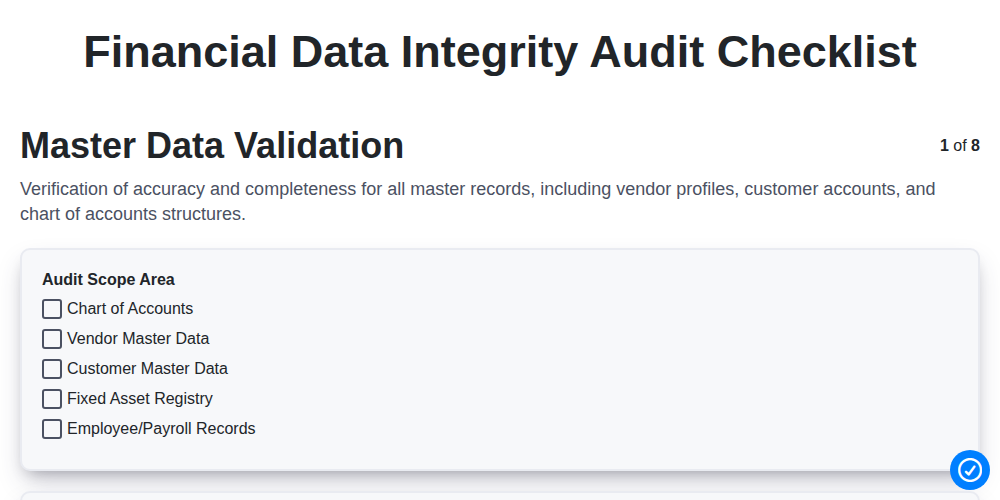
Financial Data Integrity Audit Checklist
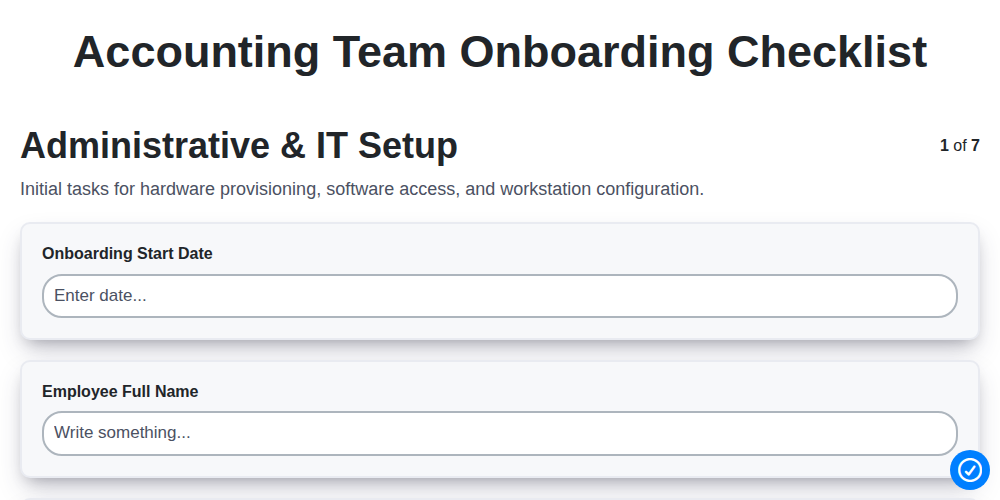
Accounting Team Onboarding Checklist
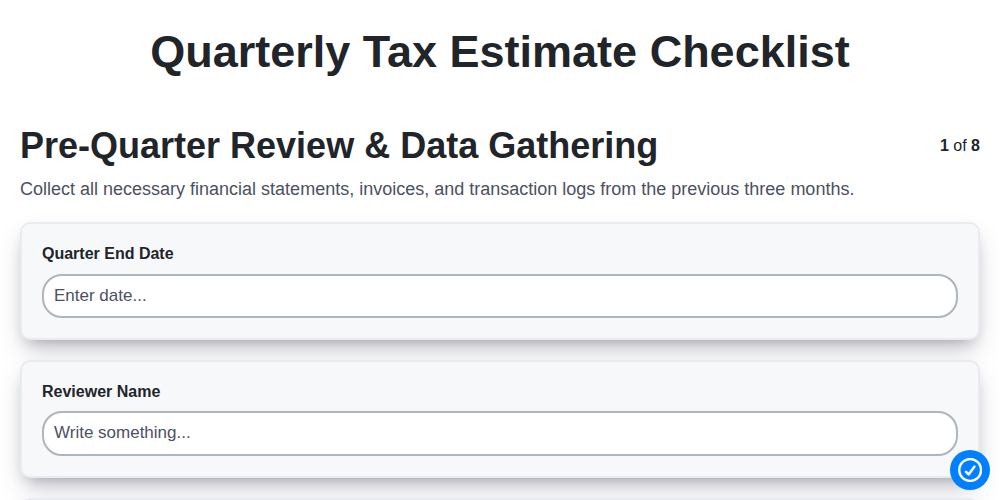
Quarterly Tax Estimate Checklist
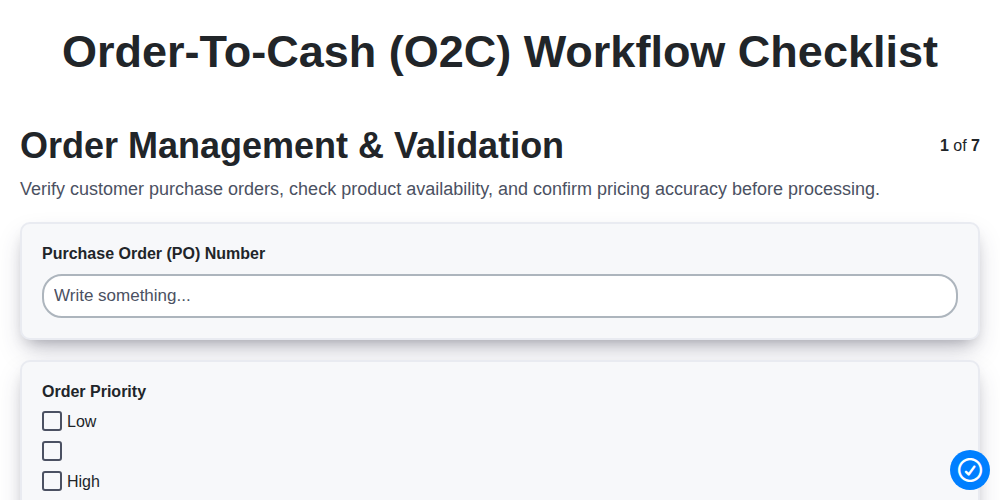
Order-to-Cash (O2C) Workflow Checklist
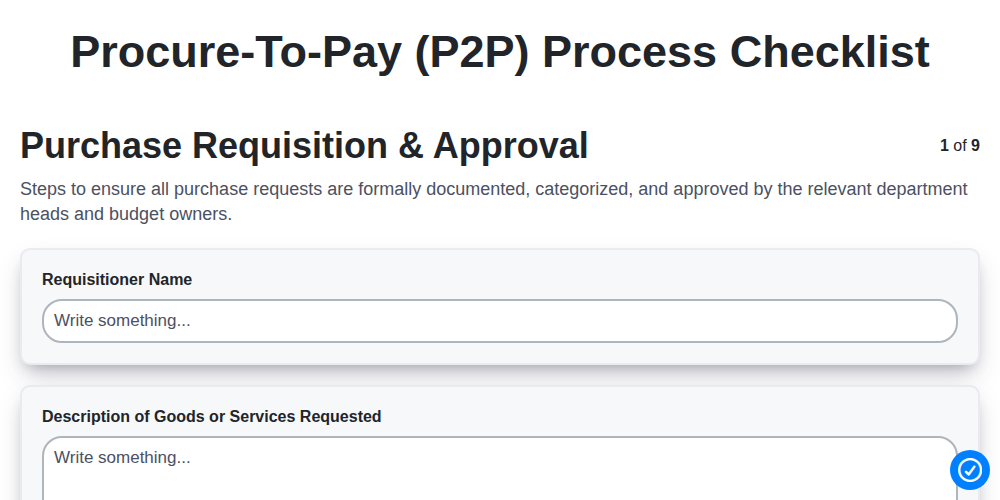
Procure-to-Pay (P2P) Process Checklist
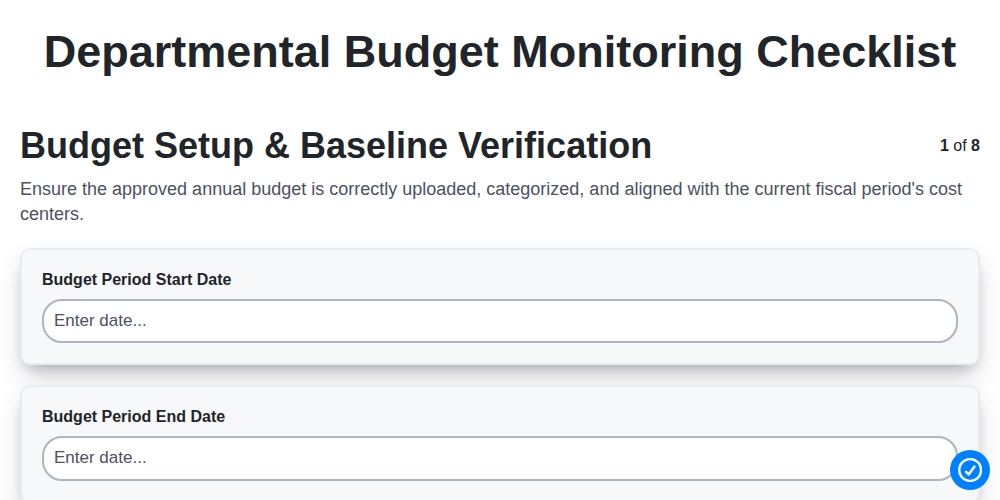
Departmental Budget Monitoring Checklist
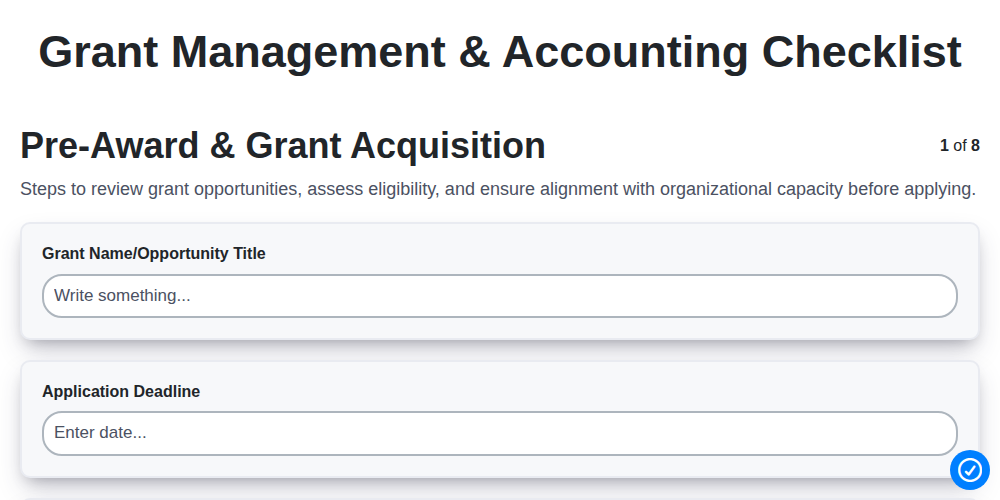
Grant Management & Accounting Checklist
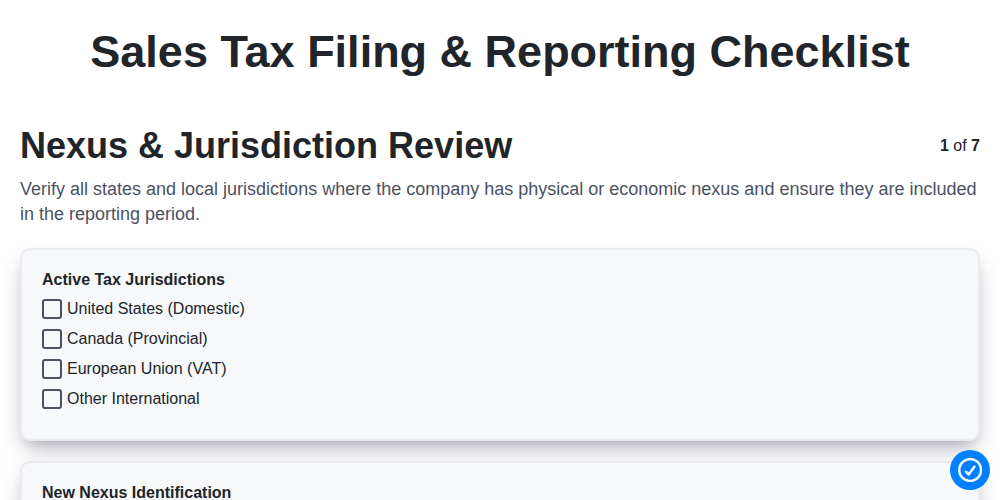
Sales Tax Filing & Reporting Checklist
We can do it Together
Need help with
Accounting Management?
Have a question? We're here to help. Please submit your inquiry, and we'll respond promptly.