 ChecklistGuro
 Internal Audit Control Checklist
Ensure total financial accuracy and mitigate risk with our comprehensive Internal Audit Control Checklist. Designed for accounting professionals and finance managers, this template provides a structured framework to evaluate your internal controls, identify potential discrepancies, and strengthen your financial oversight. Streamline your audit preparation, ensure regulatory compliance, and safeguard your organization's assets with a systematic approach to error detection and fraud prevention. Perfect for maintaining airtight financial integrity within your Work OS ecosystem.
This Template was installed 3 times.
Audit Planning & Scope Definition
Defining the objectives, boundaries, and specific financial areas to be reviewed during the audit period.
Audit Objective
Audit Start Date
Audit Completion Deadline
Audit Scope Areas
Audit Methodology
Audit Risk Level
Audit Charter/Plan Document
Documentation & Record Keeping
Verifying the availability, accuracy, and accessibility of all physical and digital financial records.
Audit Review Date
Document Reference ID
Record Types Verified
Completeness Status
Discrepancy Notes
Upload Evidence/Samples
Auditor Verification Signature
Segregation of Duties (SoD) Review
Ensuring that no single individual has control over all phases of a critical financial transaction.
Identified High-Risk Roles
Conflict Status
Description of Identified Conflicts
Proposed Mitigation Plan
Review Completion Date
Internal Auditor Acknowledgment
Authorization & Approval Verification
Checking that all transactions, journal entries, and payments have been approved by authorized personnel.
Approval Level Verified
Date of Last Approval Verification
Approval Reference Number
Verified Approval Types
Supporting Approval Evidence
Discrepancies Found in Authorization Process
Auditor Verification Signature
Data Integrity & System Access Controls
Reviewing user permissions, password protocols, and the security of the accounting software environment.
Audit Review Date
System/Module Name
Access Levels Verified
Discrepancies or Unauthorized Access Findings
User Access Logs / Permission Report
Auditor Verification Signature
Reconciliation Accuracy Check
Confirming that bank, credit card, and intercompany accounts are reconciled to the general ledger regularly.
Reconciliation Period End Date
Account Type Under Review
Discrepancy Amount
Reconciliation Steps Completed
Supporting Reconciliation Report
Explanation of Discrepancies
Reviewer Authorization
Asset Safeguarding & Physical Verification
Auditing the existence and condition of fixed assets, inventory, and petty cash reserves.
Date of Physical Inspection
Asset ID / Serial Number
Asset Description
Asset Condition
Storage Location / Department
Proof of Inspection (Photo/Document)
Discrepancy Types Identified
Auditor Signature
Compliance & Regulatory Adherence
Testing adherence to local tax laws, industry regulations, and internal company policies.
Applicable Regulatory Frameworks
Tax Filing ID/Reference Number
Last Compliance Review Date
Evidence of Regulatory Certification
Description of Non-Compliance Issues Found
Compliance Status
Compliance Officer Attestation
Error Detection & Correction Procedures
Evaluating the process for identifying, reporting, and rectifying discrepancies in financial data.
Description of identified error
Error Severity Level
Date Error was Detected
Corrective Action Plan
Target Resolution Date
Supporting Evidence/Supporting Documentation
Auditor Verification Signature
Audit Reporting & Remediation Tracking
Finalizing audit findings, documenting corrective actions, and scheduling follow-up reviews.
Audit Completion Date
Audit Status
Summary of Audit Findings
Identified Risk Areas
Remediation Action Plan
Remediation Deadline
Final Audit Report PDF
Auditor Approval Signature
Frequently Asked Questions
Can I customize this template after installing it?
Absolutely. Once installed, you can add, remove, or reorder tasks, add custom fields, and adjust deadlines to fit your specific workflow.
Can I add images or photos to these checklist items?
Yes. Our platform allows you to attach photos, signatures, and notes to any checklist item for better verification and proof of completion.
Can I create a custom checklist from scratch instead of using a template?
Yes. You can use our "Create your own checklist" feature to build a unique workflow tailored exactly to your operational requirements.
Can I add dependencies between tasks?
Yes, you can set up conditional logic and dependencies to ensure your team follows the correct sequence of operations.
Can I assign specific checklist items to different team members?
Yes. You can assign individual tasks to specific employees, ensuring clear accountability across your entire team.
Can I use these checklists on mobile devices in the field?
Yes. Our platform is fully responsive, allowing your team to complete, update, and upload photos to checklists directly from any smartphone or tablet.
How do I notify my manager when a checklist is completed?
You can set up automated notifications (via email, push notification, or in-app alerts) to trigger whenever a checklist is finished or if an item fails inspection.
Can multiple people work on the same checklist simultaneously?
Yes, the platform supports real-time updates, allowing multiple users to contribute to a single live checklist.
Where is the data from completed checklists stored?
All completed checklists are stored securely in your Work OS dashboard, creating a permanent, searchable audit trail of your operations.
Can I generate reports based on my checklist results?
Yes. You can track completion rates, identify recurring issues, and monitor team performance through our integrated reporting and analytics tools.
How can I use these checklists for compliance or auditing purposes?
Because our checklists capture timestamps, photos, and digital signatures, they serve as a robust digital paper trail for regulatory compliance and internal audits.
Can I export my completed checklist data for use in other tools?
Yes. You can export your data in various formats (CSV, Excel, etc.) to integrate your operational insights with your other business software.
Comments
There are no comments yet. Be the first to add one!
Accounting Management Solution Demo
Move beyond rigid, one-size-fits-all software. Leverage a fully programmable accounting environment designed to adapt to your unique workflows, complex hierarchies, and evolving business logic.
Related Checklist Templates
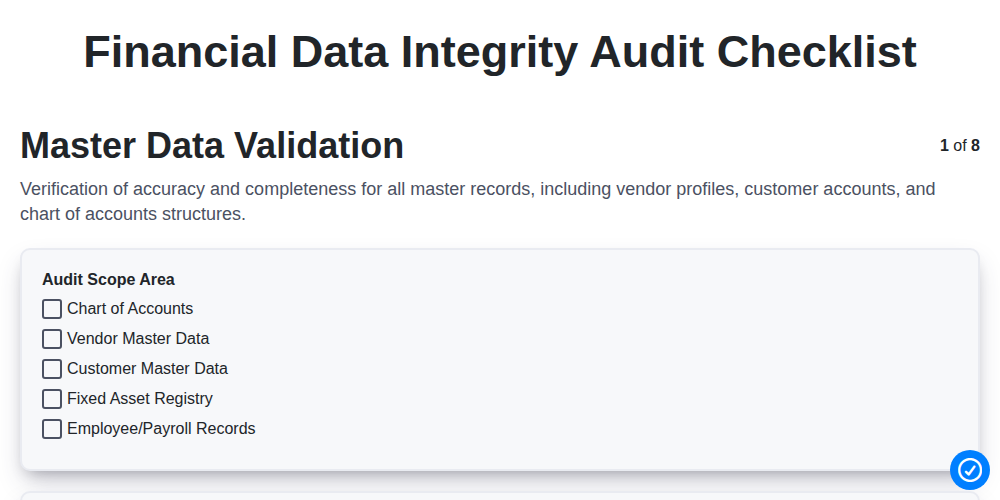
Financial Data Integrity Audit Checklist
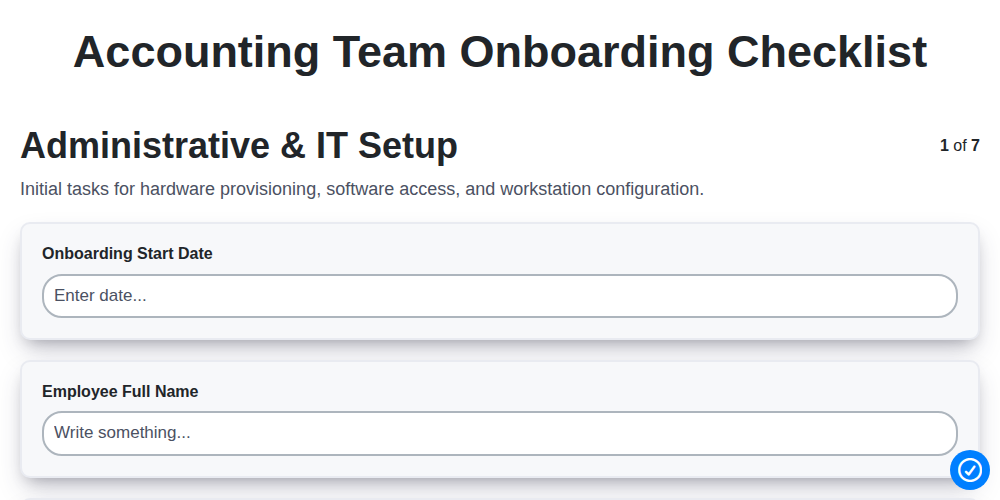
Accounting Team Onboarding Checklist
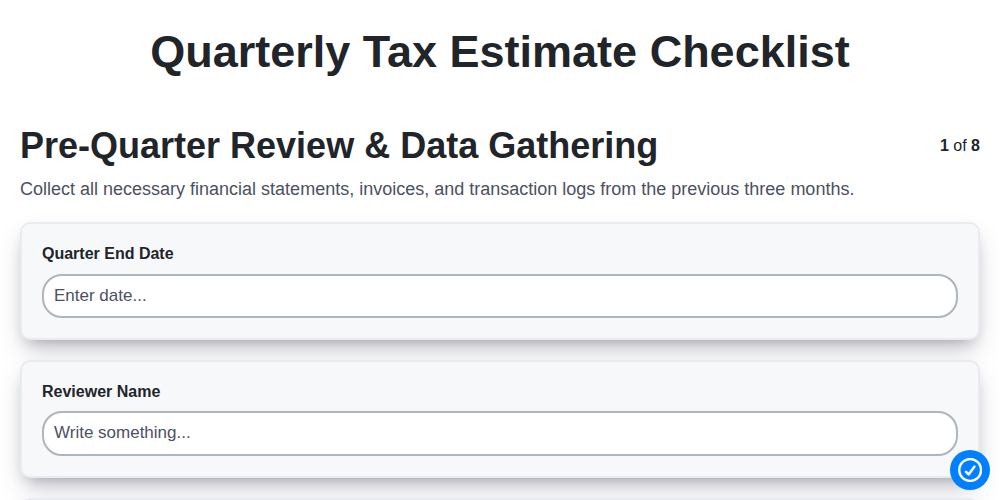
Quarterly Tax Estimate Checklist
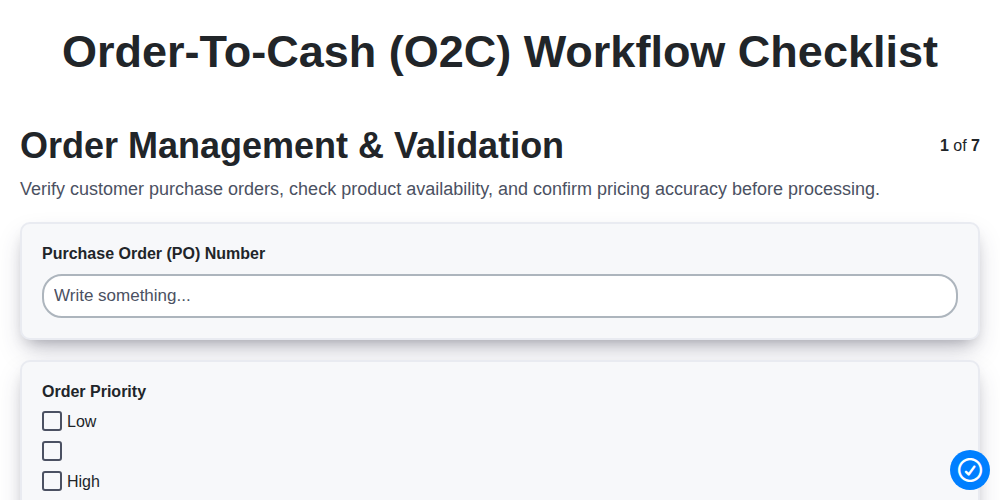
Order-to-Cash (O2C) Workflow Checklist
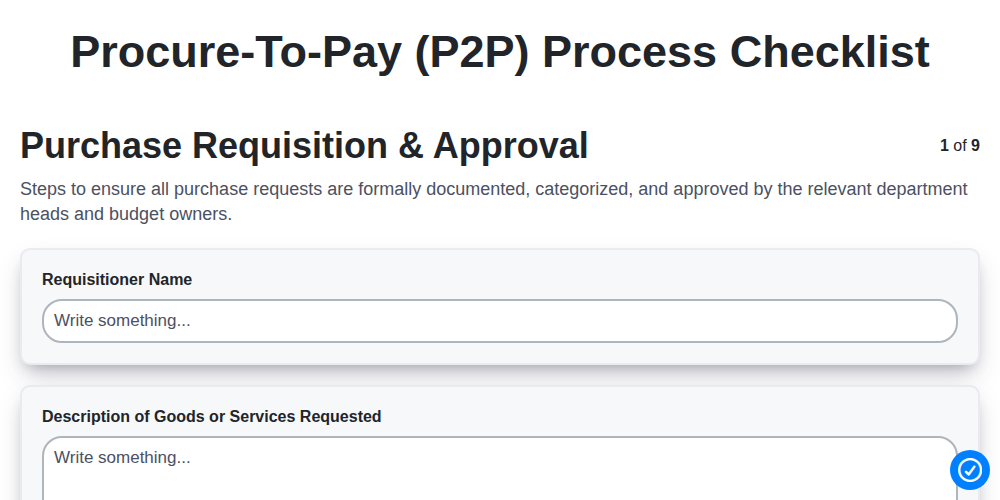
Procure-to-Pay (P2P) Process Checklist
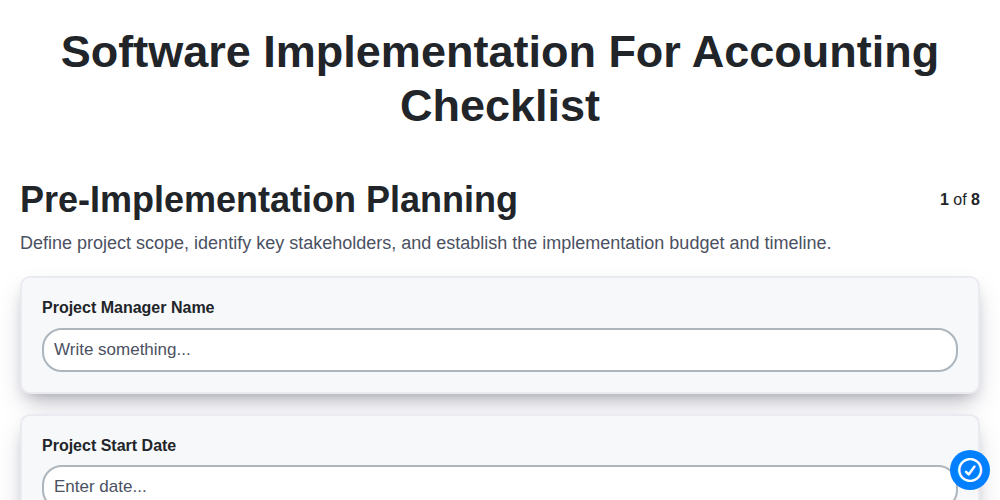
Software Implementation for Accounting Checklist
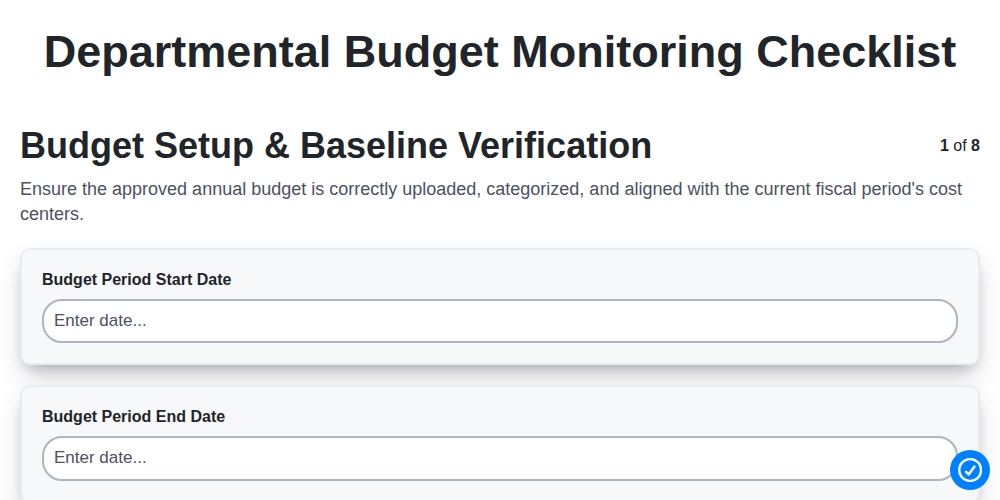
Departmental Budget Monitoring Checklist
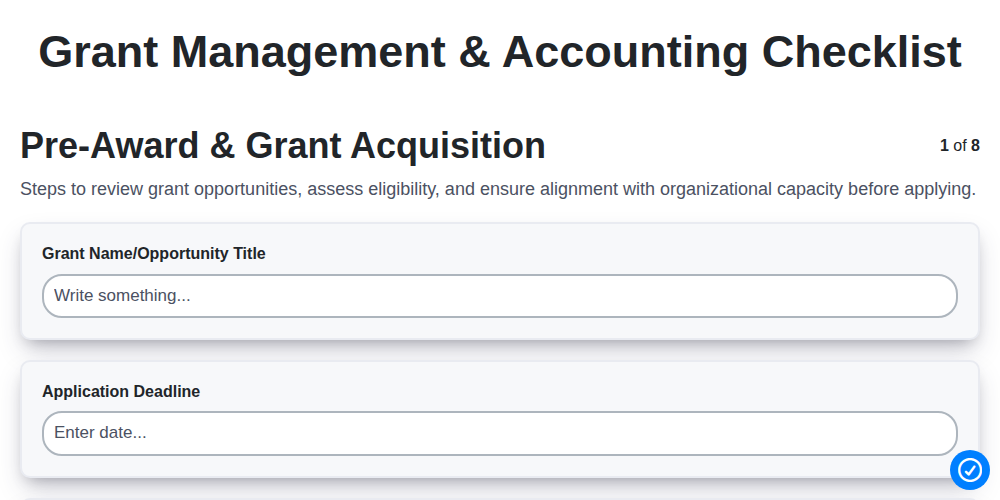
Grant Management & Accounting Checklist
We can do it Together
Need help with
Accounting Management?
Have a question? We're here to help. Please submit your inquiry, and we'll respond promptly.