 ChecklistGuro
 Auto Repair Shop Customer Retention & Loyalty Program Checklist Template 2026
Maximize your shop's lifetime customer value and drive repeat business with the ultimate Auto Repair Shop Customer Retention & Loyalty Program Checklist Template 2026. Designed specifically for auto repair shop owners and managers, this professional, ready-to-use business asset provides a strategic roadmap to building long-term loyalty, managing rewards programs, and implementing personalized follow-up strategies. Stop losing customers to competitors and start building a community of loyal drivers with our comprehensive, step-by-step operational guide for 2026.
Loyalty Program Infrastructure & Setup
Ensuring the fundamental mechanics of the loyalty program are integrated into your shop's existing management software and physical workspace.
Loyalty Software Integration Status
Required Hardware/Hardware Setup
Software Version/Module Name
Infrastructure Completion Date
Software Configuration Documentation
Manager Setup Verification
Customer Data Collection & Segmentation
Steps for capturing accurate customer contact information and categorizing clients by vehicle type, service history, and visit frequency.
Customer Full Name
Primary Phone Number
Last Service Date
Customer Tier
Vehicle Type Segment
Estimated Annual Spend
Reward Structure & Incentive Design
Defining the value proposition, including point systems, discount tiers, and special offers for repeat business and referrals.
Loyalty Program Name
Incentive Types Offered
Minimum Spend Requirement
Reward Redemption Terms & Conditions
Point Accrual Rate
Program Marketing Assets
Staff Training & Communication Protocol
Standardized procedures for service advisors and front-desk staff to promote the program and explain benefits to customers during check-in/out.
Training Modules Completed
Staff Member Name
Training Completion Date
Employee Role
Training Assessment Notes
Trainer/Manager Acknowledgment
Automated Communication Workflows
Setting up automated SMS, email, and direct mail triggers for service reminders, birthday rewards, and 'we miss you' campaigns.
Active Automated Channels
Service Reminder Frequency
Last Workflow Audit Date
Standardized Message Templates
Target Monthly Automation Open Rate (%)
Manager Approval for New Campaign
Post-Service Engagement & Feedback Loop
Processes for soliciting reviews, conducting satisfaction surveys, and resolving negative feedback to prevent customer churn.
Customer Satisfaction Score (CSAT)
Customer Feedback/Comments
Areas for Improvement
Follow-up Call/Email Date
Service Advisor Verification
Program Performance Tracking & KPIs
Monitoring key metrics such as repeat repair rate, customer lifetime value (CLV), and redemption rates of loyalty rewards.
Repeat Customer Rate (%)
Customer Lifetime Value (CLV)
Loyalty Reward Redemption Rate
Reporting Period
Performance Analysis & Trends
Monthly Performance Report Attachment
Manager Verification
Annual Program Review & Optimization
Periodic auditing of the program's profitability, cost-per-acquisition, and updating incentives to stay competitive in the 2026 market.
Review Completion Date
Loyalty Program ROI Percentage
Successful Loyalty Drivers This Year
Program Performance Status
Key Improvements for Next Year's Strategy
Manager Approval Signature
Frequently Asked Questions
Can I customize this template after installing it?
Absolutely. Once installed, you can add, remove, or reorder tasks, add custom fields, and adjust deadlines to fit your specific workflow.
Can I add images or photos to these checklist items?
Yes. Our platform allows you to attach photos, signatures, and notes to any checklist item for better verification and proof of completion.
Can I create a custom checklist from scratch instead of using a template?
Yes. You can use our "Create your own checklist" feature to build a unique workflow tailored exactly to your operational requirements.
Can I add dependencies between tasks?
Yes, you can set up conditional logic and dependencies to ensure your team follows the correct sequence of operations.
Can I assign specific checklist items to different team members?
Yes. You can assign individual tasks to specific employees, ensuring clear accountability across your entire team.
Can I use these checklists on mobile devices in the field?
Yes. Our platform is fully responsive, allowing your team to complete, update, and upload photos to checklists directly from any smartphone or tablet.
How do I notify my manager when a checklist is completed?
You can set up automated notifications (via email, push notification, or in-app alerts) to trigger whenever a checklist is finished or if an item fails inspection.
Can multiple people work on the same checklist simultaneously?
Yes, the platform supports real-time updates, allowing multiple users to contribute to a single live checklist.
Where is the data from completed checklists stored?
All completed checklists are stored securely in your Work OS dashboard, creating a permanent, searchable audit trail of your operations.
Can I generate reports based on my checklist results?
Yes. You can track completion rates, identify recurring issues, and monitor team performance through our integrated reporting and analytics tools.
How can I use these checklists for compliance or auditing purposes?
Because our checklists capture timestamps, photos, and digital signatures, they serve as a robust digital paper trail for regulatory compliance and internal audits.
Can I export my completed checklist data for use in other tools?
Yes. You can export your data in various formats (CSV, Excel, etc.) to integrate your operational insights with your other business software.
Comments
There are no comments yet. Be the first to add one!
Auto Repair Shop Management Solution Demo
Level up your auto repair shop & boost profits! ChecklistGuro simplifies job tracking, inventory management, and customer communication. Improve efficiency, reduce errors, & enhance customer satisfaction. Manage it all with our Work OS.
Related Checklist Templates
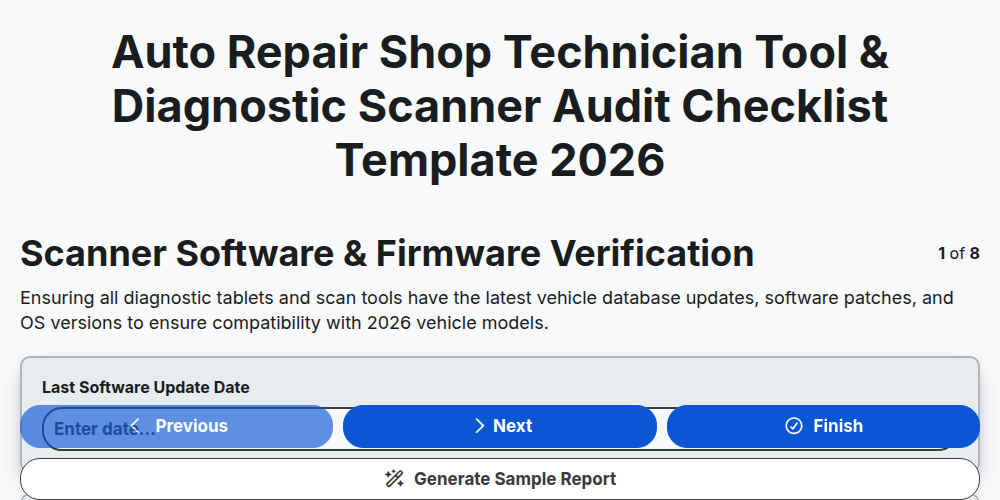
Auto Repair Shop Technician Tool & Diagnostic Scanner Audit Checklist Template 2026
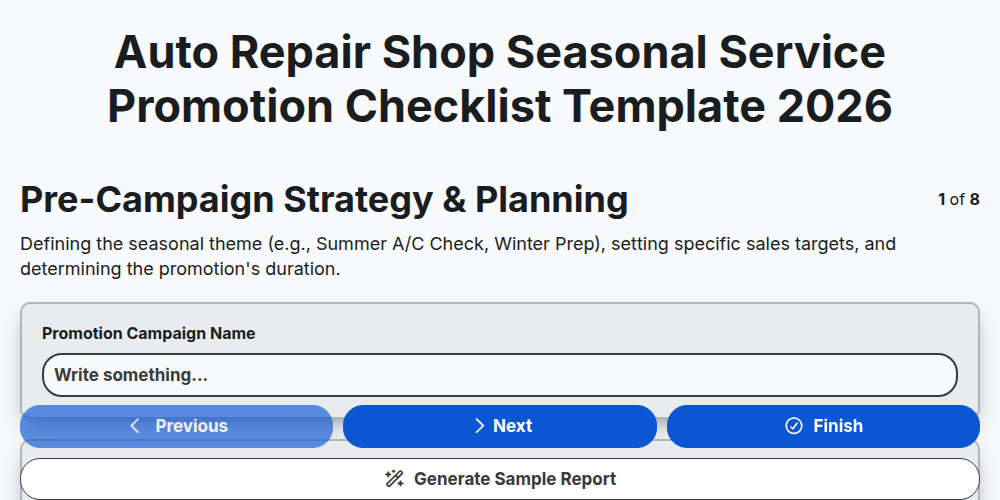
Auto Repair Shop Seasonal Service Promotion Checklist Template 2026
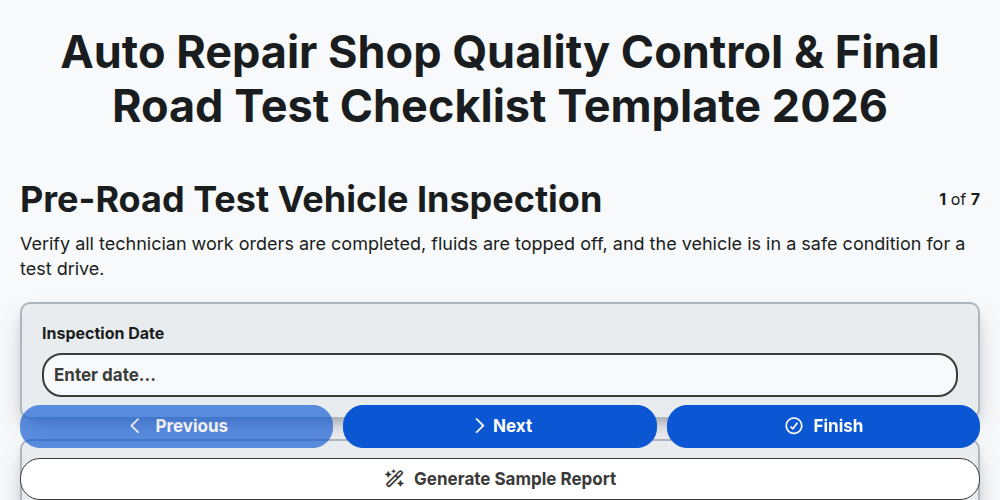
Auto Repair Shop Quality Control & Final Road Test Checklist Template 2026
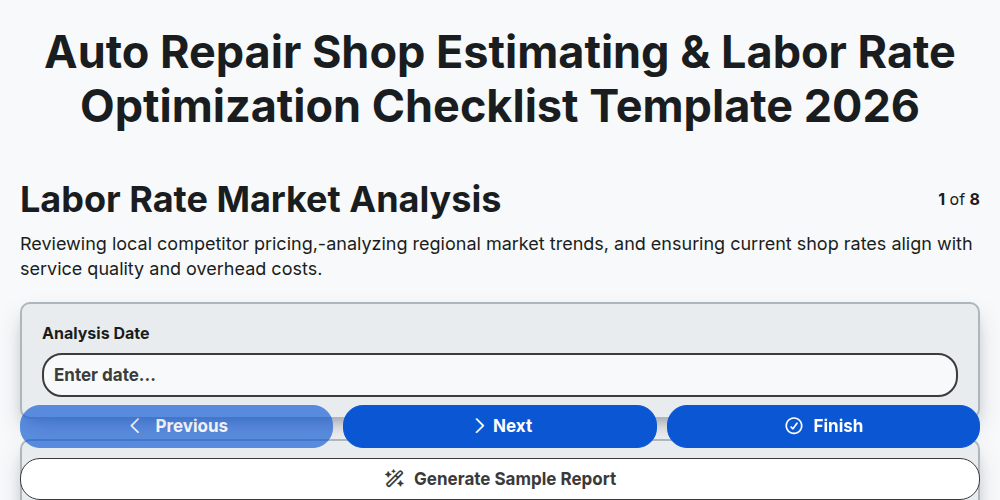
Auto Repair Shop Estimating & Labor Rate Optimization Checklist Template 2026
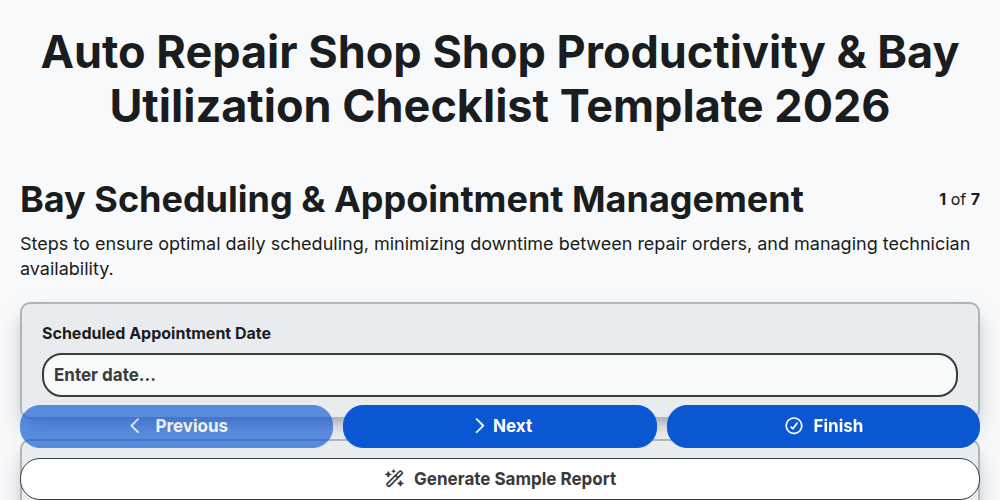
Auto Repair Shop Shop Productivity & Bay Utilization Checklist Template 2026
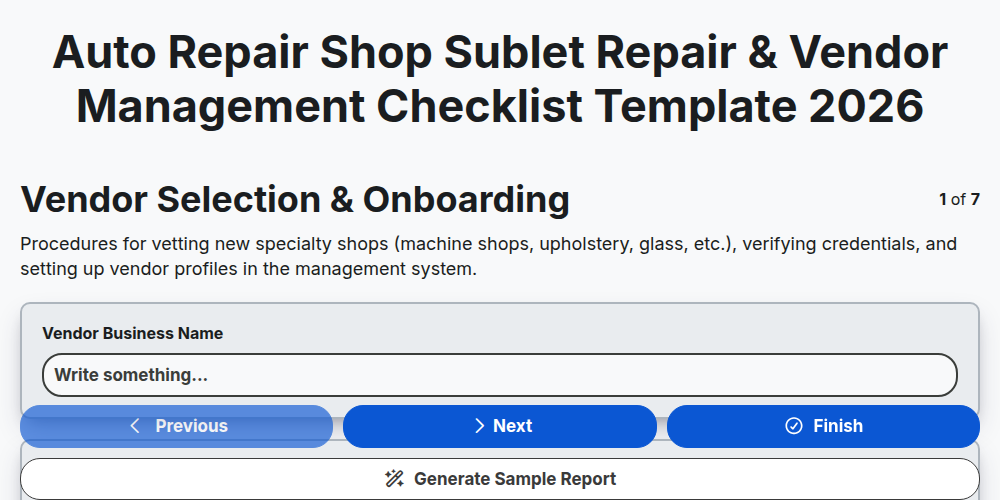
Auto Repair Shop Sublet Repair & Vendor Management Checklist Template 2026
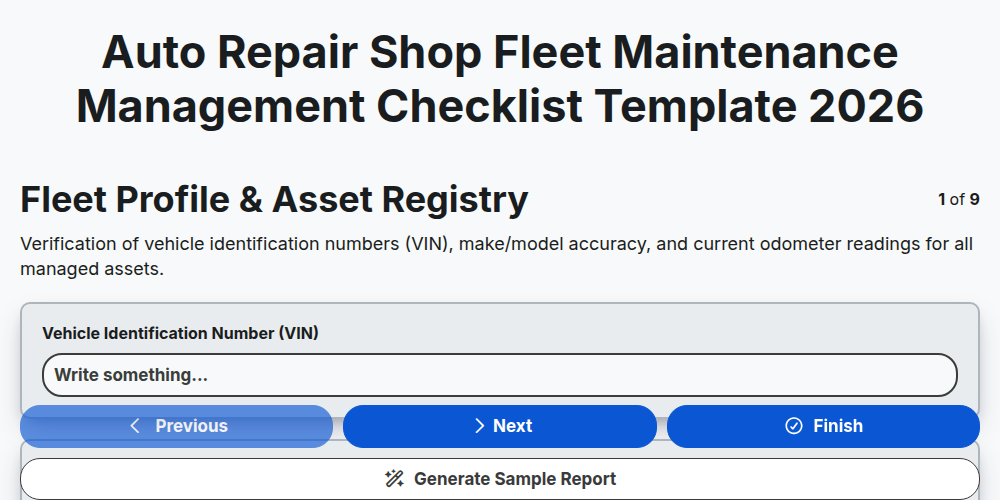
Auto Repair Shop Fleet Maintenance Management Checklist Template 2026
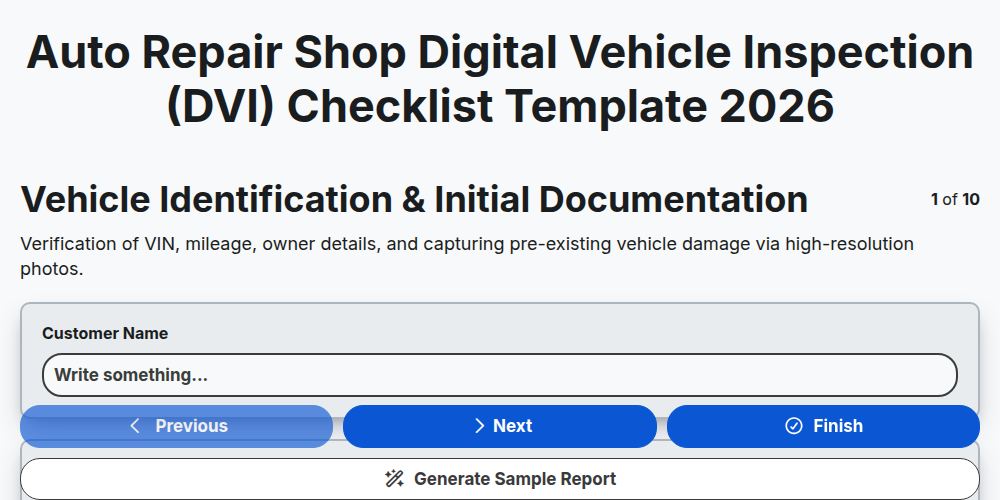
Auto Repair Shop Digital Vehicle Inspection (DVI) Checklist Template 2026
Need help with
Auto Repair Shop Management?
Have a question? We're here to help. Please submit your inquiry, and we'll respond promptly.