 ChecklistGuro
 Auto Repair Shop Fleet Maintenance Management Checklist Template 2026
Maximize uptime and streamline your fleet operations with our professional Auto Repair Shop Fleet Maintenance Management Checklist Template 2026. Designed specifically for high-volume shops and fleet service providers, this high-intent business asset helps you track preventative maintenance schedules, monitor vehicle health history, and ensure consistent service quality for every client vehicle. Eliminate costly downtime and optimize shop workflow with a structured, ready-to-use digital checklist engineered for precision fleet management and superior operational efficiency in 2026.
Fleet Profile & Asset Registry
Verification of vehicle identification numbers (VIN), make/model accuracy, and current odometer readings for all managed assets.
Vehicle Identification Number (VIN)
Vehicle Make and Model
Current Odometer Reading
Vehicle Ownership Type
Last Major Service Date
Vehicle Registration/Insurance Document
Known Existing Vehicle Damage or Issues
Preventative Maintenance Scheduling
Review of upcoming oil changes, fluid flubs, brake inspections, and tire rotations based on mileage or time intervals.
Next Scheduled Service Date
Current Odometer Reading
Maintenance Tasks Required
Maintenance Notes & Observations
Service Priority Level
Critical Component Inspection
Detailed checks for braking systems, steering and suspension, battery health, engine belts, and transmission fluid levels.
Brake System Condition
Tire Tread Depth (mm)
Fluid Levels Checked
Observations & Defect Details
Photos of Component Wear/Damage
Technician Verification
Safety & Compliance Verification
Inspection of headlights, signal lights, wipers, seatbelts, and tire tread depth to ensure adherence to DOT and safety standards.
Headlight & Taillight Functionality
Brake Pad Thickness Status
Tire Tread Depth (mm/32nds)
Safety Components Inspected
Safety Deficiencies Noted
Technician Safety Certification
Diagnostic & Error Code Review
Review of OBD-II scan results, engine light status, and any stored fault codes requiring immediate attention.
Scan Date
Scanner Tool Used
Detected Fault Codes (DTCs)
Diagnostic Findings & Observations
Error Code Severity
Upload Diagnostic Report/Snapshot
Technician Verification
Service Documentation & Record Keeping
Updating digital service histories, uploading digital inspection photos, and ensuring all work orders are linked to the correct vehicle ID.
Service Completion Date
Work Order Number
Documents Attached
Upload Completed Work Order PDF
Detailed Service Summary
Technician Sign-off
Parts & Resource Allocation
Verification of necessary parts availability, gaskets, filters, and lubricants required for scheduled fleet repairs.
Required Parts Category
Part Number or SKU
Quantity Required
Estimated Delivery Date
Parts Invoice or Quote Attachment
Sourcing Status
Post-Service Quality Audit
Final verification that all fleet-specific maintenance tasks were completed and that the vehicle is cleared for operational use.
Completed Inspection Items
Final Road Test Result
Technician Notes & Observations
Final Inspection Photos
Lead Technician Sign-off
Fleet Owner Communication & Approval
Review of repair estimates, delivery of digital inspection reports to fleet managers, and formal authorization of repairs.
Estimate Approval Date
Approval Status
Fleet Manager Approval Notes
Signed Authorization Form
Fleet Manager Signature
Frequently Asked Questions
Can I customize this template after installing it?
Absolutely. Once installed, you can add, remove, or reorder tasks, add custom fields, and adjust deadlines to fit your specific workflow.
Can I add images or photos to these checklist items?
Yes. Our platform allows you to attach photos, signatures, and notes to any checklist item for better verification and proof of completion.
Can I create a custom checklist from scratch instead of using a template?
Yes. You can use our "Create your own checklist" feature to build a unique workflow tailored exactly to your operational requirements.
Can I add dependencies between tasks?
Yes, you can set up conditional logic and dependencies to ensure your team follows the correct sequence of operations.
Can I assign specific checklist items to different team members?
Yes. You can assign individual tasks to specific employees, ensuring clear accountability across your entire team.
Can I use these checklists on mobile devices in the field?
Yes. Our platform is fully responsive, allowing your team to complete, update, and upload photos to checklists directly from any smartphone or tablet.
How do I notify my manager when a checklist is completed?
You can set up automated notifications (via email, push notification, or in-app alerts) to trigger whenever a checklist is finished or if an item fails inspection.
Can multiple people work on the same checklist simultaneously?
Yes, the platform supports real-time updates, allowing multiple users to contribute to a single live checklist.
Where is the data from completed checklists stored?
All completed checklists are stored securely in your Work OS dashboard, creating a permanent, searchable audit trail of your operations.
Can I generate reports based on my checklist results?
Yes. You can track completion rates, identify recurring issues, and monitor team performance through our integrated reporting and analytics tools.
How can I use these checklists for compliance or auditing purposes?
Because our checklists capture timestamps, photos, and digital signatures, they serve as a robust digital paper trail for regulatory compliance and internal audits.
Can I export my completed checklist data for use in other tools?
Yes. You can export your data in various formats (CSV, Excel, etc.) to integrate your operational insights with your other business software.
Comments
There are no comments yet. Be the first to add one!
Auto Repair Shop Management Solution Demo
Level up your auto repair shop & boost profits! ChecklistGuro simplifies job tracking, inventory management, and customer communication. Improve efficiency, reduce errors, & enhance customer satisfaction. Manage it all with our Work OS.
Related Checklist Templates
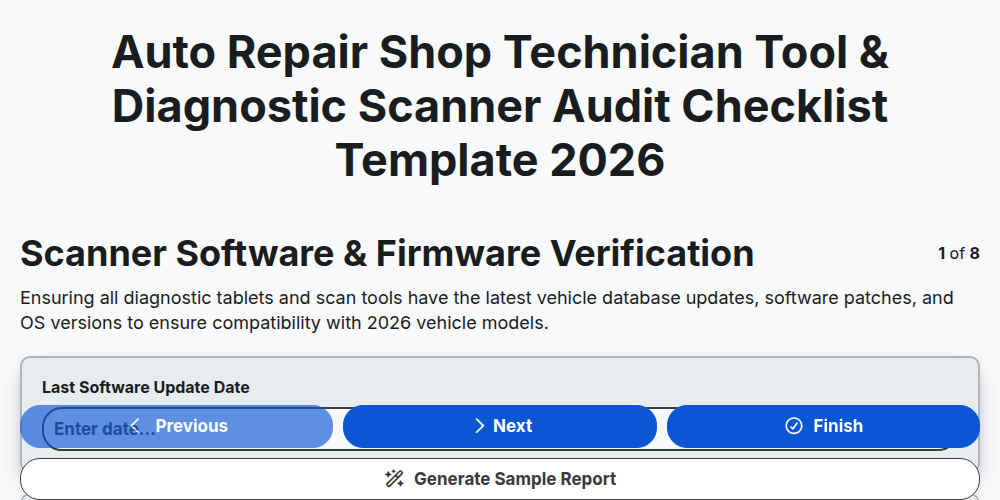
Auto Repair Shop Technician Tool & Diagnostic Scanner Audit Checklist Template 2026
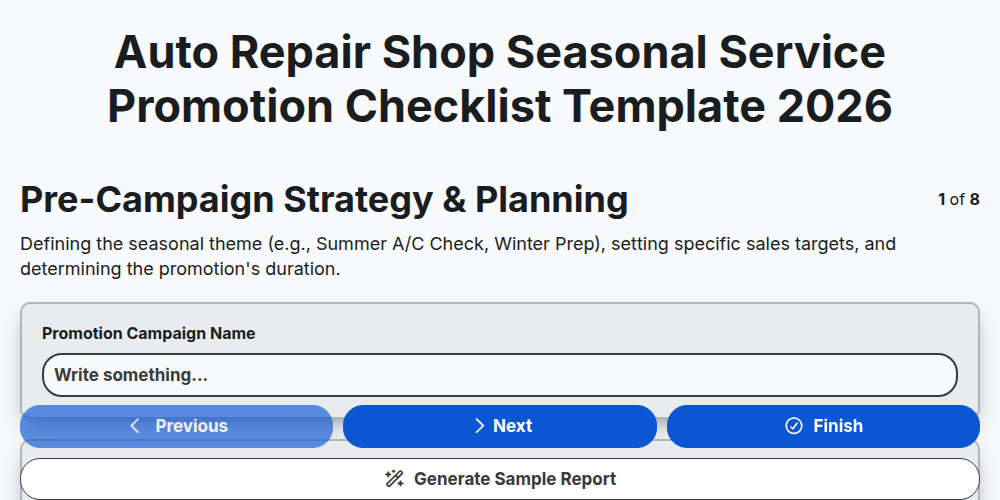
Auto Repair Shop Seasonal Service Promotion Checklist Template 2026
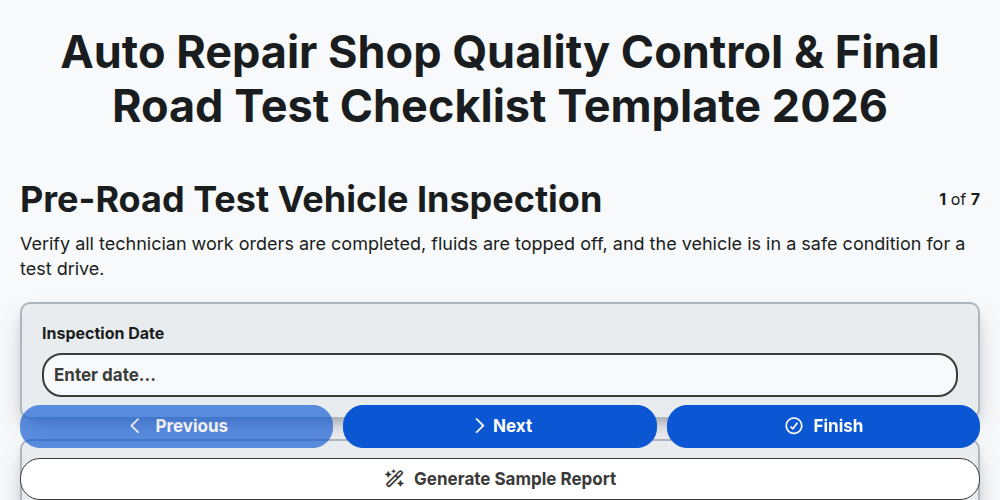
Auto Repair Shop Quality Control & Final Road Test Checklist Template 2026
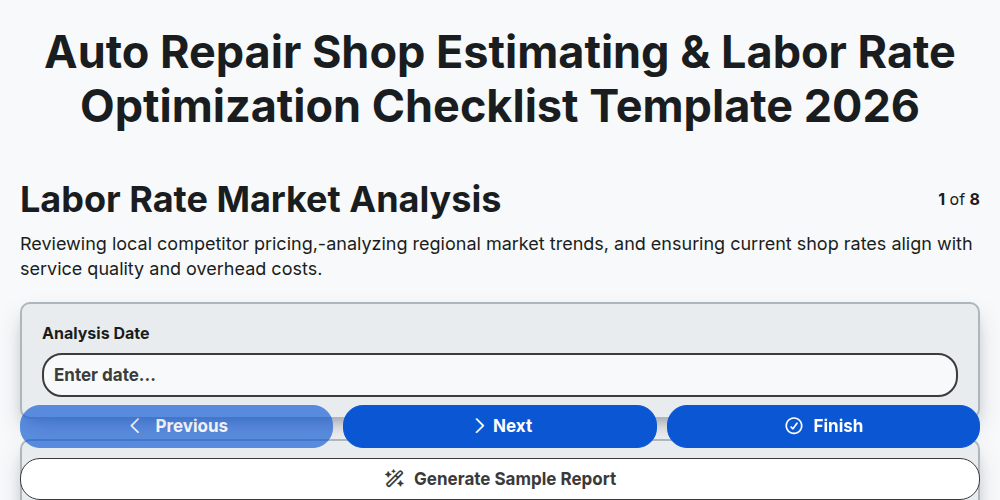
Auto Repair Shop Estimating & Labor Rate Optimization Checklist Template 2026
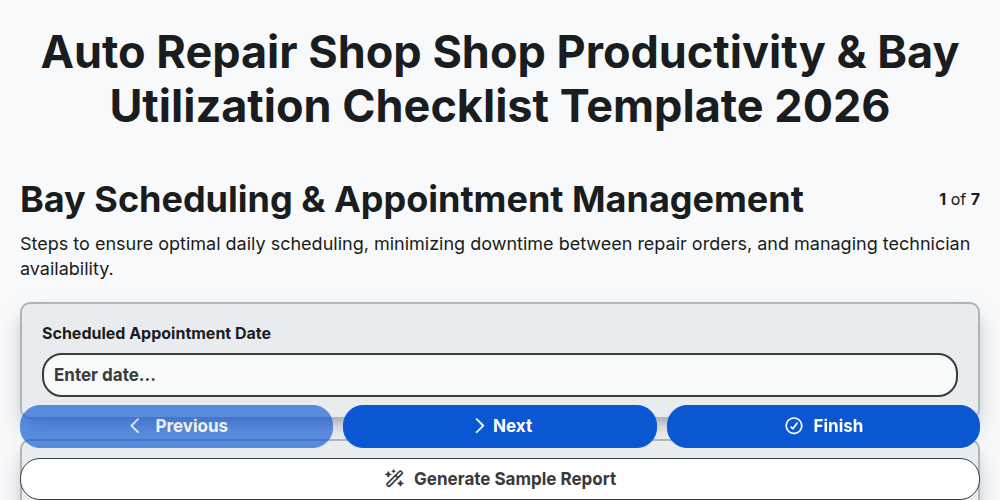
Auto Repair Shop Shop Productivity & Bay Utilization Checklist Template 2026
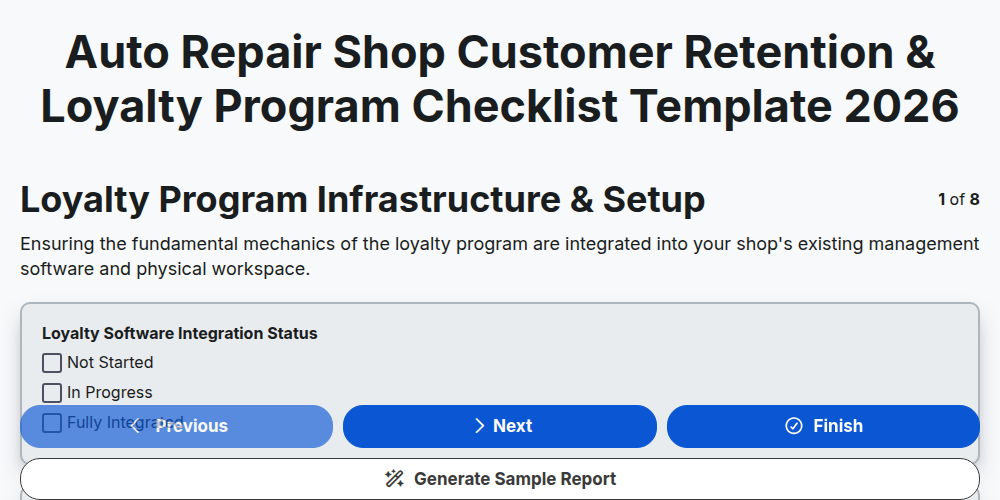
Auto Repair Shop Customer Retention & Loyalty Program Checklist Template 2026
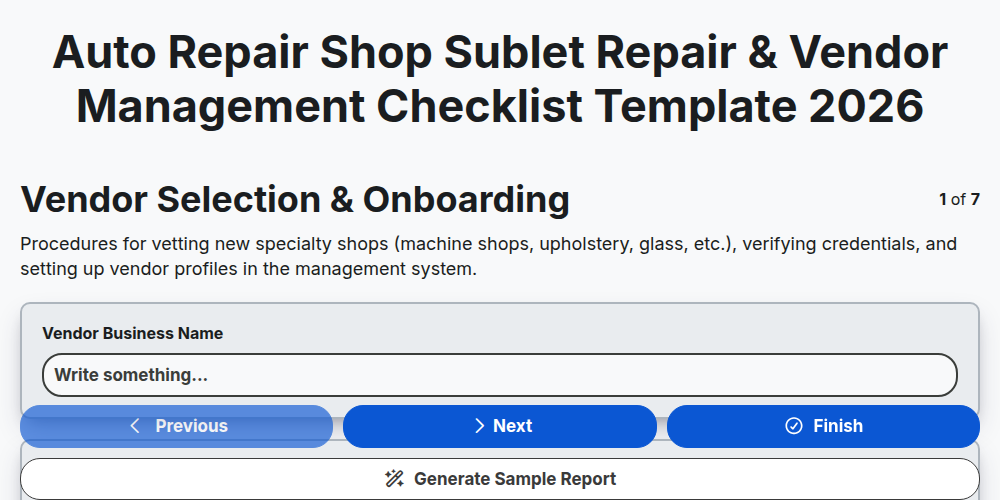
Auto Repair Shop Sublet Repair & Vendor Management Checklist Template 2026
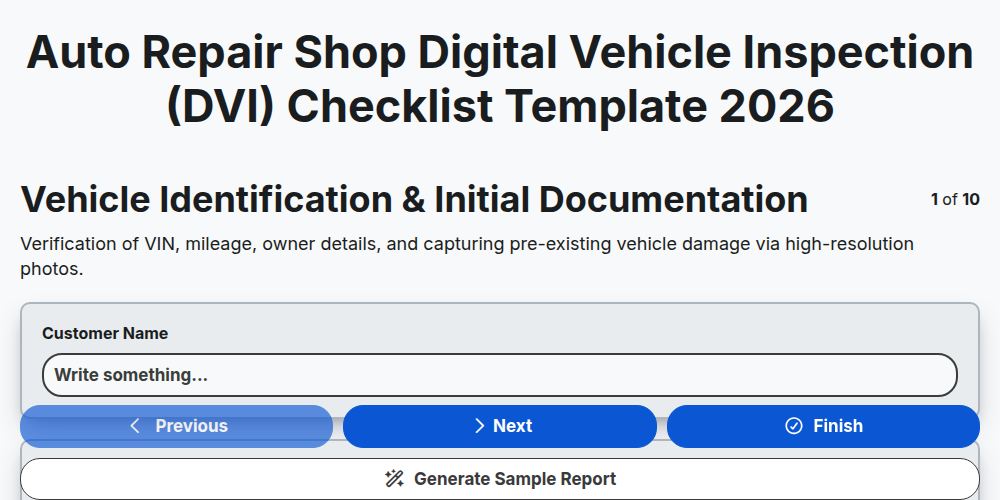
Auto Repair Shop Digital Vehicle Inspection (DVI) Checklist Template 2026
Need help with
Auto Repair Shop Management?
Have a question? We're here to help. Please submit your inquiry, and we'll respond promptly.