Paper vs ChecklistGuro in Auto Repair Shop Management
Published: 10/01/2025 Updated: 07/02/2026

Table of Contents
- The Challenges of Paper-Based Auto Repair Shop Management
- Introducing ChecklistGuro: A Digital Solution
- Key Features of ChecklistGuro for Auto Repair Shops
- Comparing Paper Checklists vs. ChecklistGuro: A Feature Breakdown
- Benefits of Switching to ChecklistGuro
- Implementing ChecklistGuro in Your Shop: A Simple Guide
- Real-World Examples: How ChecklistGuro Improves Efficiency
- The Future of Auto Repair Management: Embracing Digital Checklists
- Resources & Links
TLDR: Ditch the messy paper checklists! ChecklistGuro offers a digital, organized way for auto repair shops to manage inspections, maintenance, and repairs. It reduces errors, improves efficiency, and provides consistent, auditable records-saving you time and boosting customer satisfaction compared to outdated paper processes.
The Challenges of Paper-Based Auto Repair Shop Management
Running an auto repair shop is a complex operation. While the work itself is technical and demanding, the administrative side - managing workflows, documenting repairs, and ensuring compliance - can quickly become a significant headache, especially when relying on paper-based systems. Let's be honest, stacks of paper checklists aren't exactly a recipe for streamlined success.
The issues are multifaceted. Firstly, legibility and interpretation become major obstacles. Hand-written notes can be difficult to decipher, leading to misunderstandings and potential errors in the repair process. What looks like a "minor adjustment" to one technician might mean something completely different to another.
Secondly, version control is a nightmare. How many times have you found an outdated checklist being used, leading to missed steps or incorrect procedures? Keeping track of revisions and ensuring everyone uses the latest version is a constant battle.
Then there's the problem of lost or misplaced documents. A crucial checklist can easily go missing, leading to delays, rework, and frustrated customers. Reconstructing the repair history based on fragmented paperwork is time-consuming and inefficient.
Storage space becomes a costly concern. Those overflowing file cabinets take up valuable space that could be used for other purposes. And let's not forget the effort and cost associated with archiving and retrieving those records when needed.
Finally, audit trails are weak and difficult to establish. When questions arise about a particular repair, piecing together the complete history from paper records can be a laborious and unreliable process, potentially exposing your shop to liability. Ultimately, paper checklists create friction, increase the risk of errors, and limit your shop's potential for growth and efficiency.
Introducing ChecklistGuro: A Digital Solution
ChecklistGuro isn't just another digital checklist; it's a comprehensive shop management tool built specifically for auto repair businesses. We understand the unique challenges you face, from ensuring thorough inspections to accurately documenting repairs and maintaining compliance.
Here's what sets ChecklistGuro apart:
- Customizable Checklists: Build checklists tailored to your specific vehicle makes, models, and services. Easily add, remove, and reorder items to match your workflow.
- Mobile-Friendly: Technicians can access and complete checklists directly on tablets or smartphones, eliminating the need for paperwork and improving data accuracy.
- Real-Time Updates: Managers get instant visibility into the progress of work in the shop, allowing for better resource allocation and improved communication.
- Photo & Video Integration: Add photos and videos to checklists to document findings, demonstrate repairs, and enhance communication with customers.
- Reporting & Analytics: Gain valuable insights into shop performance with detailed reports on inspection frequency, repair times, and technician productivity.
- Customer Communication: Seamlessly share inspection reports and repair estimates with customers, building trust and transparency.
- Secure Data Storage: Your data is securely stored in the cloud, accessible anytime, anywhere, and protected from loss or damage.
Key Features of ChecklistGuro for Auto Repair Shops
ChecklistGuro isn't just a digital checklist; it's a comprehensive management tool built specifically with auto repair shops in mind. Here's a breakdown of the key features that make it a game-changer:
- Customizable Checklists: Build checklists tailored to your specific vehicle types, services, and inspection procedures. No more generic forms - create exactly what you need. Easily add new items, reorder steps, and include photos or videos to guide technicians.
- Vehicle-Specific Data Storage: Link checklists directly to individual vehicle profiles. This ensures consistent record-keeping and allows you to track service history, identify recurring issues, and personalize future maintenance recommendations.
- Technician Assignment & Tracking: Assign checklists to specific technicians, monitor their progress in real-time, and ensure accountability for each step of the process.
- Digital Signatures & Approvals: Eliminate paper signatures and streamline approval workflows with digital signatures. This adds a layer of verification and accountability.
- Reporting & Analytics: Gain valuable insights into your shop's performance with detailed reports on checklist completion rates, time spent on tasks, and common repair issues. Identify bottlenecks and areas for improvement.
- Mobile Accessibility: Technicians can access and complete checklists on tablets or smartphones, directly from the shop floor or even on-site at customer locations. This eliminates the need for printing and ensures data is always up-to-date.
- Integration Capabilities: We understand you already use other software! ChecklistGuro offers integration options with popular shop management systems to streamline your entire workflow (more on this later!).
- Photo & Video Documentation: Easily capture and attach photos or videos to checklists to document findings, explain repairs to customers, and provide visual proof of work completed.
Comparing Paper Checklists vs. ChecklistGuro: A Feature Breakdown
Let's get granular. While both paper checklists and ChecklistGuro achieve the goal of guiding your team through essential tasks, the way they do it - and the results you get - are vastly different. Here's a detailed comparison of key features:
Paper Checklists:
- Customization: Limited. Modifying a paper checklist often requires reprinting numerous copies, which is time-consuming and prone to errors.
- Accessibility: Requires physical presence. If a technician is in the field, accessing the checklist can be difficult.
- Real-time Updates: Impossible. Changes made by one technician aren't immediately visible to others.
- Data Analysis/Reporting: Non-existent. Gathering data across multiple checklists is a manual and tedious process.
- Error Prevention: Relies solely on technician diligence. No built-in checks or validations.
- Storage & Retrieval: Physical storage takes up space, and finding a specific checklist can be challenging.
- Collaboration: Difficult. Sharing information and updates requires manual communication.
- Cost: Initial cost is low, but ongoing costs (paper, printing, storage) accumulate.
ChecklistGuro:
- Customization: Highly flexible. Create, modify, and personalize checklists with ease, adding custom fields, images, and even branching logic. Changes are reflected instantly across all devices.
- Accessibility: Accessible anytime, anywhere with an internet connection - perfect for mobile technicians and remote locations.
- Real-time Updates: Everyone sees the latest version of the checklist immediately.
- Data Analysis/Reporting: Generate detailed reports on technician performance, common issues, and overall shop efficiency. Customizable dashboards provide instant insights.
- Error Prevention: Built-in validations (required fields, dropdown selections) reduce errors and ensure consistency. Conditional logic can dynamically adjust checklists based on previous answers.
- Storage & Retrieval: All data is securely stored in the cloud, easily searchable and retrievable. Version history allows you to track changes.
- Collaboration: Real-time updates and notifications keep everyone informed. Assign checklists to specific technicians and track progress.
- Cost: Subscription-based pricing provides long-term value by eliminating paper costs, improving efficiency, and minimizing errors.
A simple table summarizing these differences is provided below.
Benefits of Switching to ChecklistGuro
Switching to a digital checklist system like ChecklistGuro offers a wealth of advantages over traditional paper-based methods. Let's break down how it can positively impact your auto repair shop:
- Increased Accuracy & Reduced Errors: Paper checklists are prone to human error - missed steps, illegible notes, and lost forms are common. ChecklistGuro's structured format minimizes mistakes and ensures every task is completed correctly.
- Enhanced Efficiency & Time Savings: Technicians spend less time searching for forms and manually recording data. Digital checklists streamline workflows, allowing them to focus on the actual repairs. Automated notifications and reminders also prevent delays.
- Improved Consistency & Standardization: Ensure every vehicle receives the same thorough inspection and service, regardless of which technician is performing the work. Standardized checklists guarantee quality and reduce the risk of overlooked issues.
- Better Record Keeping & Audit Trails: Digital checklists are easily searchable, organized, and backed up securely. Access complete vehicle histories instantly and demonstrate compliance during audits with detailed, timestamped records.
- Increased Customer Satisfaction: Accurate, efficient service and transparent communication builds trust and loyalty. Customers appreciate the professionalism and detail-oriented approach.
- Data-Driven Insights: ChecklistGuro can generate reports on inspection findings, common repair needs, and technician performance. This data empowers you to make informed business decisions.
- Mobile Accessibility: Technicians can access and update checklists directly from tablets or mobile devices on the shop floor, eliminating the need for paperwork and promoting real-time data capture.
Implementing ChecklistGuro in Your Shop: A Simple Guide
Getting started with ChecklistGuro is surprisingly easy, even if you're not tech-savvy. Here's a straightforward approach to integrating it into your daily operations:
1. Account Setup & Basic Configuration:
- Create an Account: Head over to our website and sign up for a free trial (or choose a plan that suits your needs).
- Shop Details: Input your shop's name, address, contact information, and other relevant details. This helps personalize the platform and improves reporting.
- User Roles: Assign user roles (e.g., Service Advisor, Technician, Shop Manager) to your team members. This controls access levels and ensures accountability.
2. Creating Your First Checklist:
- Templates vs. Customization: We offer pre-built checklist templates for common auto repair services (oil changes, brake inspections, tire rotations, etc.). These are a fantastic starting point. However, you can (and should!) customize them.
- Adding Steps: Each checklist consists of individual steps. Add specific inspection points, measurements, or actions needed for each service. Be as detailed as possible! Include descriptions, tolerance ranges, and even photos/videos if helpful.
- Adding Conditions & Logic: The power of ChecklistGuro shines with conditional logic. For example, if a tire pressure is low, automatically add a step to inflate tire to recommended PSI. This automates the workflow and prevents overlooking critical issues.
3. Training Your Team:
- Initial Walkthrough: Schedule a brief training session with your team to demonstrate the platform's features and workflow.
- Practice Makes Perfect: Encourage your team to use the checklists on real-world repair orders. Provide ongoing support and answer any questions.
- Feedback Loop: Regularly solicit feedback from your technicians. They're the ones using the checklists day-to-day, so their insights are invaluable for improvement.
4. Integrating with Existing Systems:
- Data Export: ChecklistGuro allows for easy data export in various formats (CSV, Excel, PDF) for seamless integration with your accounting or customer relationship management (CRM) systems.
- API Access: For more advanced integrations, our API allows you to connect ChecklistGuro with other shop management software. (Contact us for details.)
5. Ongoing Optimization:
- Review & Update: Periodically review your checklists to ensure they remain accurate and reflect industry best practices and your shop's procedures.
- Analyze Data: Use the reporting features to track key metrics like inspection completion times and failure rates. Identify areas for improvement and refine your processes.
By following these steps, you'll be well on your way to transforming your auto repair shop management with ChecklistGuro!
Real-World Examples: How ChecklistGuro Improves Efficiency
Let's look at some concrete examples of how ChecklistGuro is transforming auto repair shop workflows.
Scenario 1: Pre-Purchase Inspections
Traditionally, a pre-purchase inspection might involve a mechanic scribbling notes on a paper form, often missing crucial details. ChecklistGuro, however, provides a structured checklist encompassing everything from tire tread depth and brake pad thickness to fluid levels and engine diagnostics. The mechanic simply taps or checks off each item, with photos easily attached to document findings. This standardized approach ensures every inspection covers the same criteria, minimizing oversights and providing the potential buyer with a comprehensive and trustworthy report. Imagine the reduced liability and increased customer trust!
Scenario 1a: The "Missed Detail" Problem Solved
One shop owner, Mark, told us they used to lose an average of 2 hours per inspection due to forgotten steps or misinterpretations of paper forms. With ChecklistGuro, that time has been cut by over 60%, freeing up his technicians to focus on repairs.
Scenario 2: Scheduled Maintenance
For routine maintenance like oil changes or tire rotations, ChecklistGuro creates a streamlined process. The checklist automatically includes recommended services based on the vehicle's make, model, and mileage. Technicians can record findings, note any additional recommendations, and even link to relevant repair orders - all within the system. This not only ensures consistent service quality but also creates a valuable record for future maintenance.
Scenario 2a: Upselling Opportunities
Sarah, a service manager at a busy dealership, discovered that ChecklistGuro helped them identify potential upselling opportunities. By standardizing the inspection process, they were able to consistently spot issues like worn wiper blades or low coolant levels that previously went unnoticed. This led to a significant increase in ancillary sales without compromising customer satisfaction.
Scenario 3: Post-Repair Verification
After a complex repair, ensuring everything is working correctly is vital. ChecklistGuro's post-repair verification checklist provides a final quality control step. Technicians can confirm all repairs were completed, all diagnostic steps were followed, and the vehicle meets pre-repair performance standards. This minimizes callbacks and strengthens customer confidence. The checklist can even include a final test drive confirmation.
These are just a few examples-the possibilities are endless. The key is that ChecklistGuro brings consistency, accountability, and valuable data to every task, empowering auto repair shops to operate more efficiently and profitably.
The Future of Auto Repair Management: Embracing Digital Checklists
The automotive repair landscape is evolving rapidly. Customers demand transparency, efficiency, and quality service. Shops are facing increased competition and pressure to streamline operations. While traditional paper checklists served a purpose in the past, they're increasingly becoming a bottleneck.
Think about it: lost or misplaced papers, illegible handwriting, difficulty in tracking progress, and the sheer volume of paperwork! These issues contribute to errors, delays, and frustrated customers.
The future isn't about simply digitizing paper - it's about reimagining workflows entirely. Digital checklists, especially those integrated into a robust management system like ChecklistGuro, offer a proactive approach. Imagine checklists that automatically generate based on vehicle make, model, and service type. Think of real-time updates accessible by technicians and service advisors. Consider the power of data analytics to identify trends, improve efficiency, and proactively address potential issues.
This shift isn't just about convenience; it's about survival. Shops that embrace digital solutions will be better positioned to adapt to changing customer expectations, regulatory requirements, and the overall evolution of the automotive industry. It's an investment in your business's longevity and a commitment to providing exceptional service in a modern world. We're moving beyond reactive repair to proactive maintenance, driven by the data and insights provided by a well-implemented digital checklist system.
Resources & Links
- Auto Repair HQ: A comprehensive resource for auto repair shop owners and managers. Offers articles, guides, and tools covering business management, marketing, and operations. Provides valuable insights relevant to the challenges addressed in the blog post.
- Automotive Service Excellence (ASE): ASE provides industry-recognized certifications for auto repair professionals. Understanding ASE standards is crucial for maintaining quality and compliance, a theme relevant when discussing checklist adherence in a digital system.
- Repair Driven: Offers consulting and training services for auto repair shops, focusing on operational excellence and marketing. Their content discusses common shop management issues that ChecklistGuro aims to solve.
- MITO Repair: Specializes in providing software and consulting for auto repair shops. Provides insightful perspectives on shop management and technology adoption.
- ShopKeep: Offers a point-of-sale (POS) system often used by auto repair shops. Integrating a digital checklist system with a POS system, a potential future expansion, is a relevant topic.
- NAPA Auto Parts: A major supplier to auto repair shops. Their website offers resources and insights into industry trends and operational best practices.
- AAA (American Automobile Association): A significant source of repair work for many shops. AAA's requirements and standards can influence shop practices and the need for robust documentation.
- Payscale: Provides salary data and industry insights. Understanding technician wages and productivity, potentially improved by efficient checklists, can inform business decisions.
- SHRM (Society for Human Resource Management): Provides resources for HR management, including training documentation and compliance. Using checklists for technician training aligns with these principles.
- U.S. Small Business Administration (SBA): Provides resources and support for small business owners. Relevant for any auto repair shop considering adopting new technologies.
Frequently Asked Questions
What is ChecklistGuro and how does it differ from traditional paper-based systems in auto repair shop management?
ChecklistGuro is a digital platform designed specifically for auto repair shops to manage workflows, inspections, estimates, and customer communication. Unlike paper-based systems which are manual, prone to errors, and lack real-time updates, ChecklistGuro automates tasks, provides instant visibility, and integrates with other shop management tools.
What are the main advantages of using ChecklistGuro compared to using paper-based checklists and forms?
ChecklistGuro offers several advantages: increased accuracy (eliminating manual errors), improved efficiency (faster inspections and job completion), better organization (digital storage and easy retrieval), enhanced communication (instant updates for customers and team members), and data-driven insights (reporting and analytics for process optimization).
Can ChecklistGuro help with customer communication and transparency?
Yes, ChecklistGuro facilitates clear and instant communication. You can share inspection reports and estimates directly with customers via email or SMS, keeping them informed throughout the repair process. This fosters trust and reduces misunderstandings.
Is ChecklistGuro easy to use for mechanics and shop staff who may not be tech-savvy?
ChecklistGuro is designed with user-friendliness in mind. It features a simple, intuitive interface and offers training resources to ensure easy adoption by mechanics and shop staff, regardless of their tech expertise.
What types of reports and analytics does ChecklistGuro provide?
ChecklistGuro provides various reports, including inspection completion rates, labor time analysis, repair frequency by vehicle make/model, and customer satisfaction metrics. These insights help you identify areas for improvement and optimize shop performance.
How does ChecklistGuro integrate with other shop management software?
ChecklistGuro offers integrations with popular shop management software, such as QuickBooks, Shopware, and others, allowing for seamless data flow and streamlined operations. The specifics of integration depend on the platform you are using.
What are the initial setup costs and ongoing expenses associated with using ChecklistGuro?
Pricing for ChecklistGuro varies based on shop size and feature requirements. There's typically an initial setup fee and recurring monthly or annual subscription costs. Detailed pricing information is available on the ChecklistGuro website or by contacting their sales team.
Is ChecklistGuro suitable for small, independent auto repair shops, or is it primarily for larger operations?
ChecklistGuro is beneficial for shops of all sizes, from small independent businesses to larger multi-bay operations. Its scalability allows it to adapt to the specific needs of different shop sizes and complexities.
What security measures are in place to protect sensitive customer and shop data stored in ChecklistGuro?
ChecklistGuro utilizes robust security measures, including data encryption, secure server infrastructure, and regular security audits, to protect sensitive data and ensure compliance with industry standards.
Can I customize ChecklistGuro to match my shop's specific inspection procedures and forms?
Yes, ChecklistGuro offers a high degree of customization. You can create and modify checklists, inspection forms, and repair workflows to align with your shop's unique processes and standards.
Comments
There are no comments yet. Be the first to add one!
Auto Repair Shop Management Solution Demo
Level up your auto repair shop & boost profits! ChecklistGuro simplifies job tracking, inventory management, and customer communication. Improve efficiency, reduce errors, & enhance customer satisfaction. Manage it all with our Work OS.
Related Articles
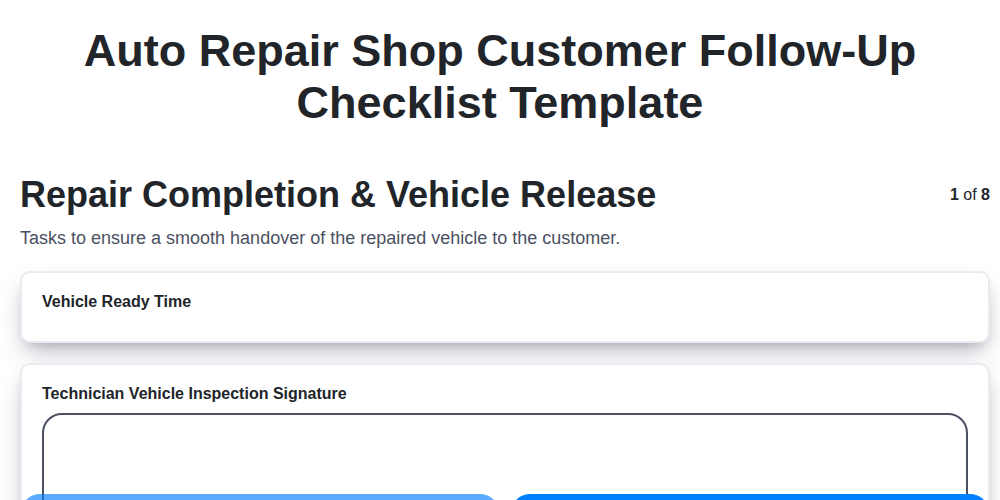
The Ultimate Auto Repair Shop Customer Follow-Up Checklist Template
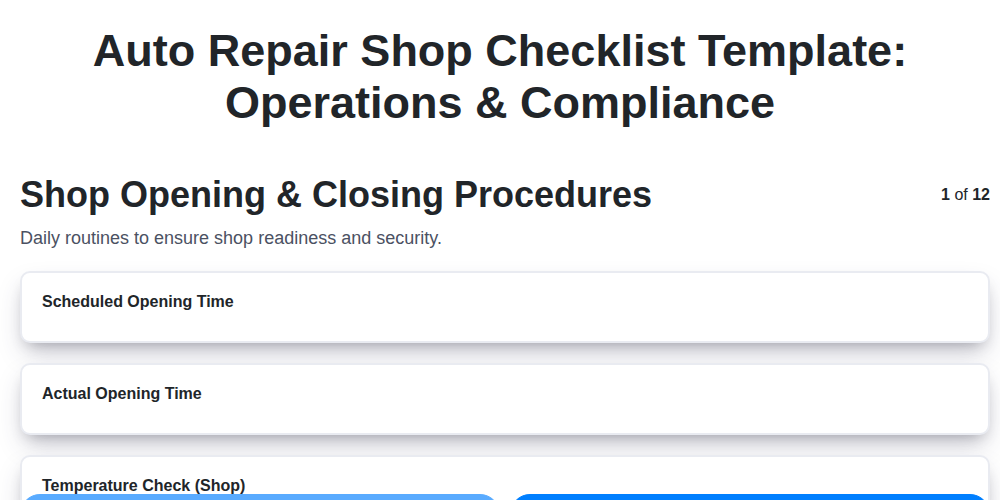
Auto Repair Shop Checklist Template: Operations & Compliance
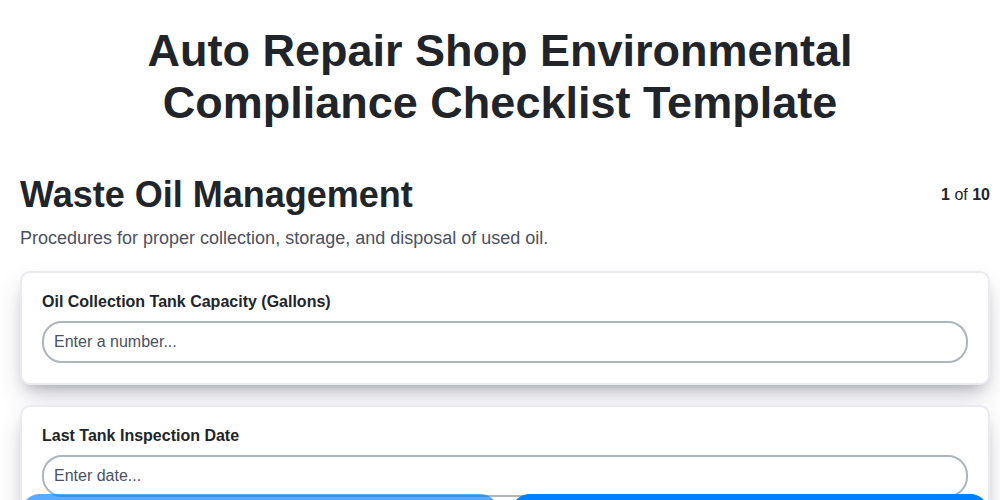
Your Ultimate Guide to Auto Repair Shop Environmental Compliance: A Checklist Template
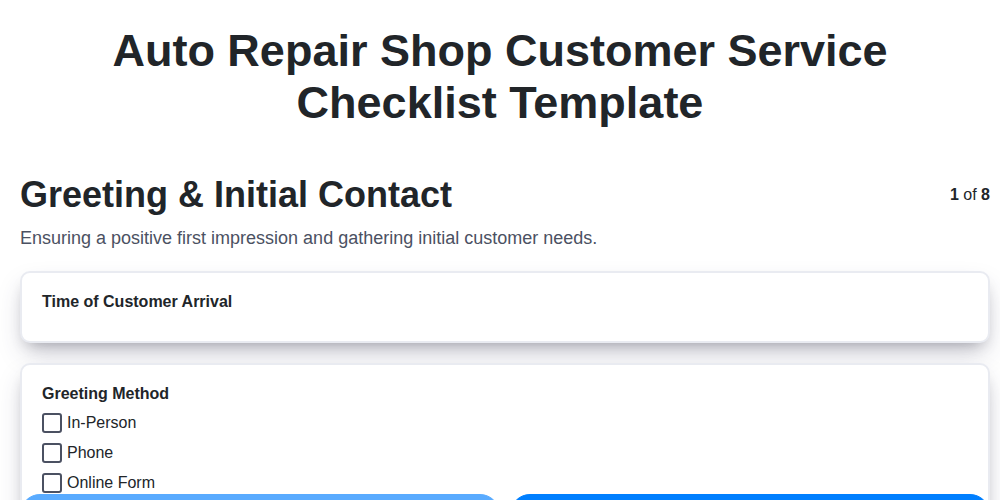
Level Up Your Auto Repair: The Ultimate Customer Service Checklist Template
The Ultimate Vehicle Return Checklist for Auto Repair Shops
Mastering Warranty Claims: Your Auto Repair Shop Checklist Template
Auto Repair Shop Digital Marketing Checklist Template
Streamline Your Shop: The Ultimate Auto Repair Parts Ordering Checklist Template
We can do it Together
Need help with
Checklists?
Have a question? We're here to help. Please submit your inquiry, and we'll respond promptly.