 ChecklistGuro
 CRM Marketing Campaign Attribution Checklist 2026
Maximize your marketing ROI and eliminate guesswork with the ultimate CRM Marketing Campaign Attribution Checklist 2026. Designed for marketing operations professionals and CRM managers, this comprehensive guide ensures every touchpoint, lead source, and conversion path is accurately tracked and credited within your CRM ecosystem. Stop losing visibility on your multi-channel efforts; use our professional step-by-step framework to audit your tracking pixels, validate UTM parameters, and optimize your attribution models for perfect data-driven decision-making in 2026. Ensure seamless connectivity between your advertising spend and closed-won opportunities.
Pre-Campaign Tracking Setup
Define campaign parameters, UTM structure, and ensure all tracking pixels and-tags are correctly configured in the CRM before launch.
Campaign Name
Campaign Start Date
Primary Marketing Channel
Required Tracking Parameters
UTM Naming Convention Documentation
Tracking URL Configuration Template
Data Source & Integration Audit
Verify that all marketing channels (Email, Paid Social, PPC, Content) are communicating accurately with the CRM database.
Integrated Marketing Channels
API Connection Status
Integration Health Status
Last Integration Sync Date
Identified Data Discrepancies
Integration Log Export
Attribution Model Selection
Validate the chosen attribution model (First-Touch, Last-Touch, Multi-Touch, or Linear) against your specific sales cycle and business goals.
Primary Attribution Model
Key Touchpoints to Track
Justification for Model Choice
Model Implementation Date
Marketing Manager Approval
Lead Conversion Mapping
Map lead source transitions from initial marketing touchpoint to CRM Lead/Opportunity status changes to ensure continuity.
Initial Lead Source Identifier
Lead Status Transition Path
Touchpoint Channels Involved
Conversion Date Validation
Mapping Discrepancy Notes
UTM & Parameter Standardization
Audit the consistency of UTM parameters to prevent duplicate or fragmented campaign entries within the CRM reporting engine.
Standardized UTM Naming Convention
Campaign Source Type
Required UTM Parameters to Validate
Master UTM Naming Template
Standardization Audit Date
Revenue & ROI Attribution Verification
Ensure that closed-won opportunities are correctly tied back to their original marketing campaign source for accurate ROI calculation.
Attribution Model Used
Total Campaign Spend ($)
Attributed Revenue Recognized ($)
Calculated ROI Percentage
Audit Completion Date
Revenue Reconciliation Report
Marketing Manager Approval
Data Integrity & Duplicate Prevention
Implement rules to prevent campaign-driven lead influx from creating duplicate records or overwriting critical existing contact data.
Duplicate Detection Rule Applied
Data Cleansing Steps Completed
Duplicate Matching Logic Summary
Total Duplicate Records Merged
Last Data Scrubbing Date
Data Steward Approval
Dashboard & Reporting Validation
Test the CRM marketing dashboard reports to ensure campaign performance metrics are real-time and visually accurate for stakeholders.
Report Accuracy Status
Identified Data Discrepancies
Last Validation Date
Verified Report Modules
Validation Screenshot/Evidence
Auditor Approval
Post-Campaign Performance Review
Final audit of campaign attribution accuracy after the campaign concludes to identify any gaps in the tracking lifecycle.
Review Completion Date
Total Campaign Leads Generated
Total Attributed Revenue ($)
Campaign Success Rating
Key Learnings and Optimization Insights
Identified Tracking Issues
Final Campaign Performance Report
Marketing Manager Approval
Frequently Asked Questions
Can I customize this template after installing it?
Absolutely. Once installed, you can add, remove, or reorder tasks, add custom fields, and adjust deadlines to fit your specific workflow.
Can I add images or photos to these checklist items?
Yes. Our platform allows you to attach photos, signatures, and notes to any checklist item for better verification and proof of completion.
Can I create a custom checklist from scratch instead of using a template?
Yes. You can use our "Create your own checklist" feature to build a unique workflow tailored exactly to your operational requirements.
Can I add dependencies between tasks?
Yes, you can set up conditional logic and dependencies to ensure your team follows the correct sequence of operations.
Can I assign specific checklist items to different team members?
Yes. You can assign individual tasks to specific employees, ensuring clear accountability across your entire team.
Can I use these checklists on mobile devices in the field?
Yes. Our platform is fully responsive, allowing your team to complete, update, and upload photos to checklists directly from any smartphone or tablet.
How do I notify my manager when a checklist is completed?
You can set up automated notifications (via email, push notification, or in-app alerts) to trigger whenever a checklist is finished or if an item fails inspection.
Can multiple people work on the same checklist simultaneously?
Yes, the platform supports real-time updates, allowing multiple users to contribute to a single live checklist.
Where is the data from completed checklists stored?
All completed checklists are stored securely in your Work OS dashboard, creating a permanent, searchable audit trail of your operations.
Can I generate reports based on my checklist results?
Yes. You can track completion rates, identify recurring issues, and monitor team performance through our integrated reporting and analytics tools.
How can I use these checklists for compliance or auditing purposes?
Because our checklists capture timestamps, photos, and digital signatures, they serve as a robust digital paper trail for regulatory compliance and internal audits.
Can I export my completed checklist data for use in other tools?
Yes. You can export your data in various formats (CSV, Excel, etc.) to integrate your operational insights with your other business software.
Comments
There are no comments yet. Be the first to add one!
CRM - Customer Relationship Management Solution Demo
Struggling to manage customer interactions & track leads? ChecklistGuro provides a centralized CRM solution, connecting your sales, marketing, & support teams for improved collaboration & customer experiences. Simplify your workflow & close more deals.
Related Checklist Templates
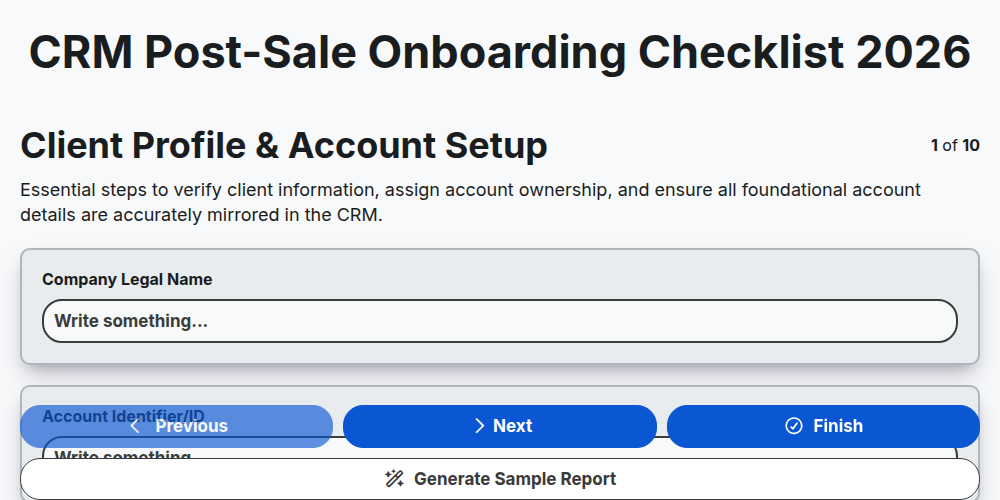
CRM Post-Sale Onboarding Checklist 2026
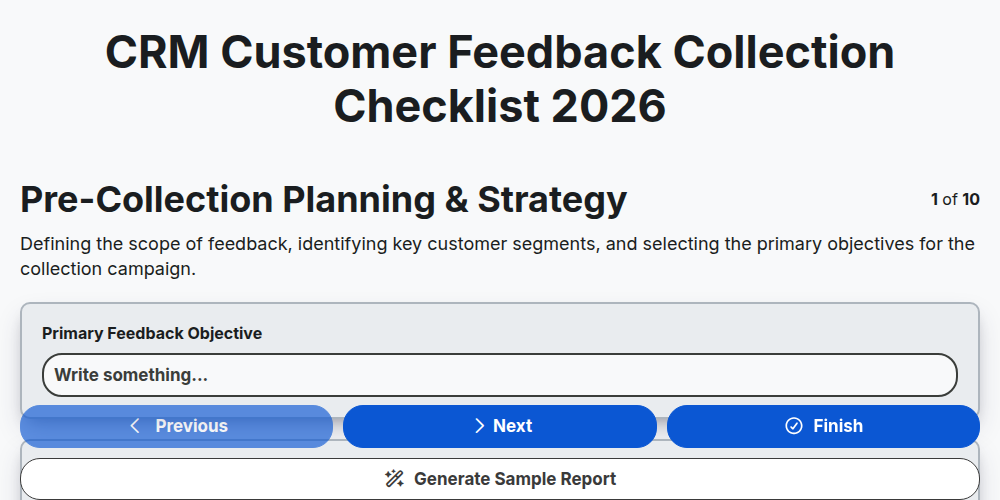
CRM Customer Feedback Collection Checklist 2026
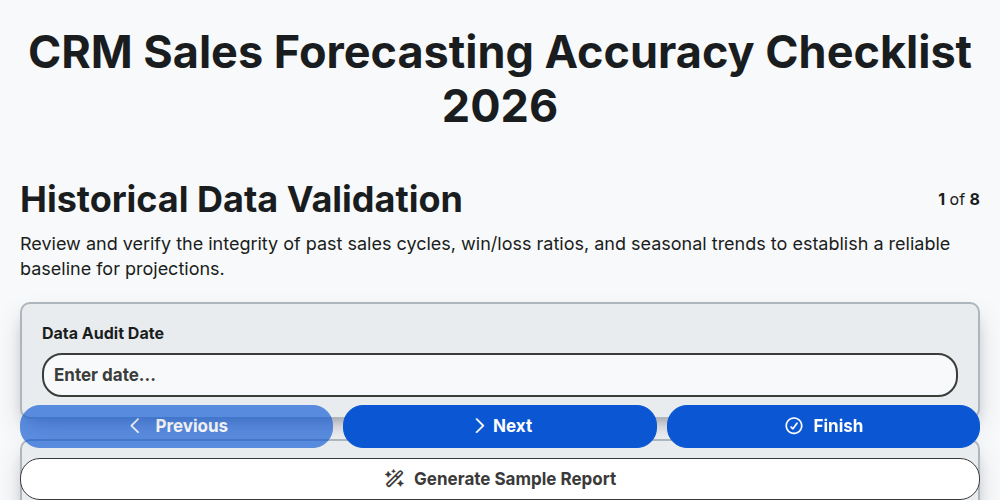
CRM Sales Forecasting Accuracy Checklist 2026
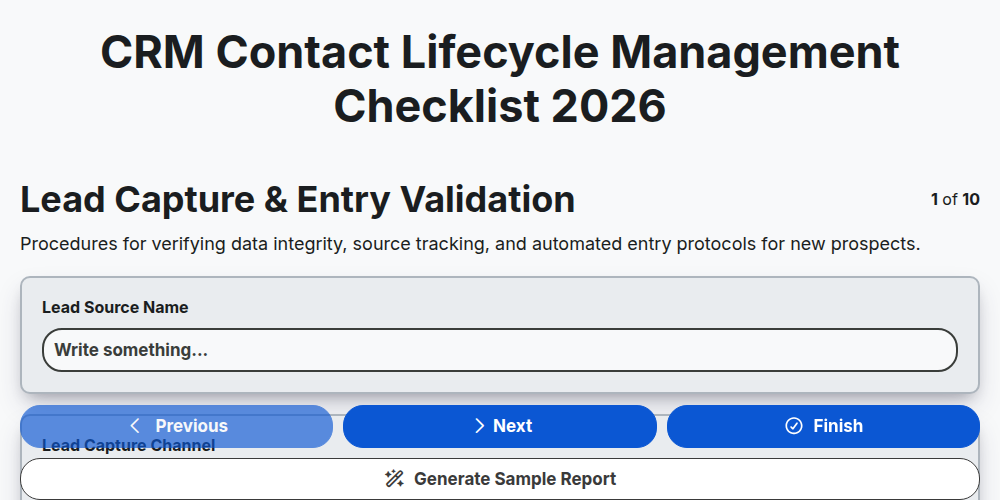
CRM Contact Lifecycle Management Checklist 2026
CRM Customer Retention Strategy Checklist 2026
CRM Lead Scoring Optimization Checklist 2026
CRM Customer Journey Mapping Checklist 2026
CRM Sales Pipeline Management Checklist 2026
Need help with
Customer Relationship Management (CRM)?
Have a question? We're here to help. Please submit your inquiry, and we'll respond promptly.