 ChecklistGuro
 CRM Sales Forecasting Accuracy Checklist 2026
Stop relying on guesswork and start predicting revenue with precision. Our CRM Sales Forecasting Accuracy Checklist 2026 is the ultimate professional toolkit designed for sales leaders and operations managers looking to eliminate discrepancies in their revenue projections. This comprehensive, step-by-step guide provides a rigorous framework for validating pipeline data, auditing historical win rates, and optimizing forecasting models within your CRM ecosystem. Ensure your 2026 revenue targets are backed by actionable intelligence and high-integrity data. Perfect for reducing sales volatility, improving budget planning, and driving data-driven decision-making across your entire organization.
Historical Data Validation
Review and verify the integrity of past sales cycles, win/loss ratios, and seasonal trends to establish a reliable baseline for projections.
Data Audit Date
Historical Period Analyzed
Historical Win Rate (%)
Data Sources Verified
Discrepancy Notes
Data Auditor Approval
Pipeline Stage Standardization
Ensure all sales stages are clearly defined and that movement criteria between stages are consistently applied across the CRM.
Current Pipeline Stage Definition
Exit Criteria for Each Stage
Required Documentation per Stage
Last Standardization Audit Date
Discrepancy Notes & Observations
Lead Scoring & Qualification Review
Audit the weighting of lead scoring parameters to ensure high-intent prospects are accurately reflected in the revenue forecast.
Lead Scoring Model Type
Current Minimum Lead Score Threshold
Scoring Criteria Verified
Discrepancies Found in Scoring Logic
Last Scoring Logic Audit Date
Deal Value & Probability Audit
Verify that all open opportunities have accurate deal amounts and that probability percentages align with the current stage of the sales cycle.
Current Estimated Deal Value
Confidence Level
Expected Close Date
Probability Justification Notes
Risk Factors Identified
Sales Manager Approval
Sales Representative Input Verification
Check for manual overrides or outdated 'close dates' entered by sales reps that may skew the automated forecasting models.
Date of Last Pipeline Review
Reviewer Role
Verified Data Points
Notes on Discrepancies Found
Representative Acknowledgment
Weighted Pipeline Calculation Check
Validate the mathematical accuracy of the weighted pipeline formula (Deal Value x Probability) against actual projected revenue.
Total Pipeline Value
Weighted Forecast Value
Calculation Methodology Used
Forecast Review Date
Discrepancy Notes
Auditor Approval
External Factor Integration
Assess the inclusion of market volatility, macroeconomic trends, and competitor activity into the forecasting logic.
Identified Market Risk Factors
Market Trend Impact Summary
Macroeconomic Review Date
Estimated Impact Percentage (0-100)
Supporting Market Research Report
Forecast Variance Analysis Setup
Define the process for comparing monthly/quarterly forecasted figures against actual closed-won revenue to identify discrepancies.
Forecast Review Period End Date
Target Variance Threshold (%)
Variance Severity Level
Primary Drivers of Variance
Root Cause Analysis Summary
Supporting Variance Report
Finance Manager Approval
Frequently Asked Questions
Can I customize this template after installing it?
Absolutely. Once installed, you can add, remove, or reorder tasks, add custom fields, and adjust deadlines to fit your specific workflow.
Can I add images or photos to these checklist items?
Yes. Our platform allows you to attach photos, signatures, and notes to any checklist item for better verification and proof of completion.
Can I create a custom checklist from scratch instead of using a template?
Yes. You can use our "Create your own checklist" feature to build a unique workflow tailored exactly to your operational requirements.
Can I add dependencies between tasks?
Yes, you can set up conditional logic and dependencies to ensure your team follows the correct sequence of operations.
Can I assign specific checklist items to different team members?
Yes. You can assign individual tasks to specific employees, ensuring clear accountability across your entire team.
Can I use these checklists on mobile devices in the field?
Yes. Our platform is fully responsive, allowing your team to complete, update, and upload photos to checklists directly from any smartphone or tablet.
How do I notify my manager when a checklist is completed?
You can set up automated notifications (via email, push notification, or in-app alerts) to trigger whenever a checklist is finished or if an item fails inspection.
Can multiple people work on the same checklist simultaneously?
Yes, the platform supports real-time updates, allowing multiple users to contribute to a single live checklist.
Where is the data from completed checklists stored?
All completed checklists are stored securely in your Work OS dashboard, creating a permanent, searchable audit trail of your operations.
Can I generate reports based on my checklist results?
Yes. You can track completion rates, identify recurring issues, and monitor team performance through our integrated reporting and analytics tools.
How can I use these checklists for compliance or auditing purposes?
Because our checklists capture timestamps, photos, and digital signatures, they serve as a robust digital paper trail for regulatory compliance and internal audits.
Can I export my completed checklist data for use in other tools?
Yes. You can export your data in various formats (CSV, Excel, etc.) to integrate your operational insights with your other business software.
Comments
There are no comments yet. Be the first to add one!
CRM - Customer Relationship Management Solution Demo
Struggling to manage customer interactions & track leads? ChecklistGuro provides a centralized CRM solution, connecting your sales, marketing, & support teams for improved collaboration & customer experiences. Simplify your workflow & close more deals.
Related Checklist Templates
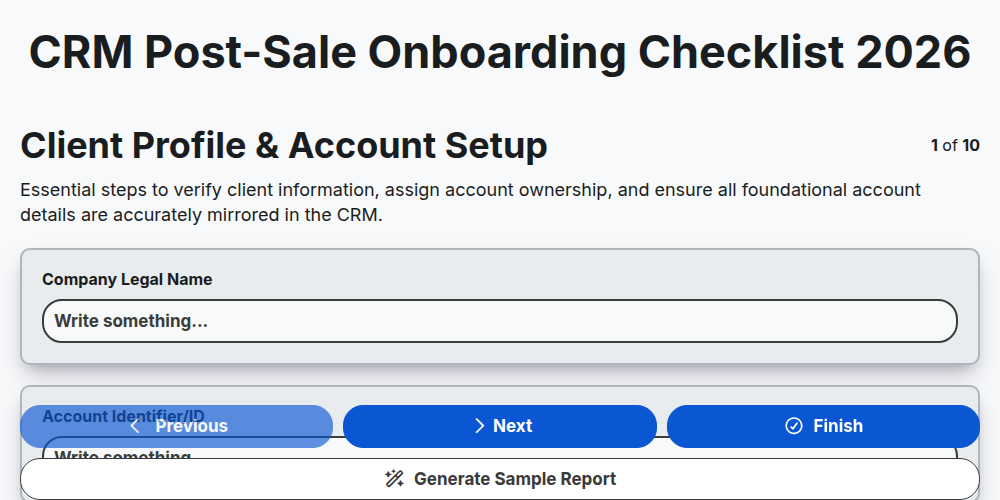
CRM Post-Sale Onboarding Checklist 2026
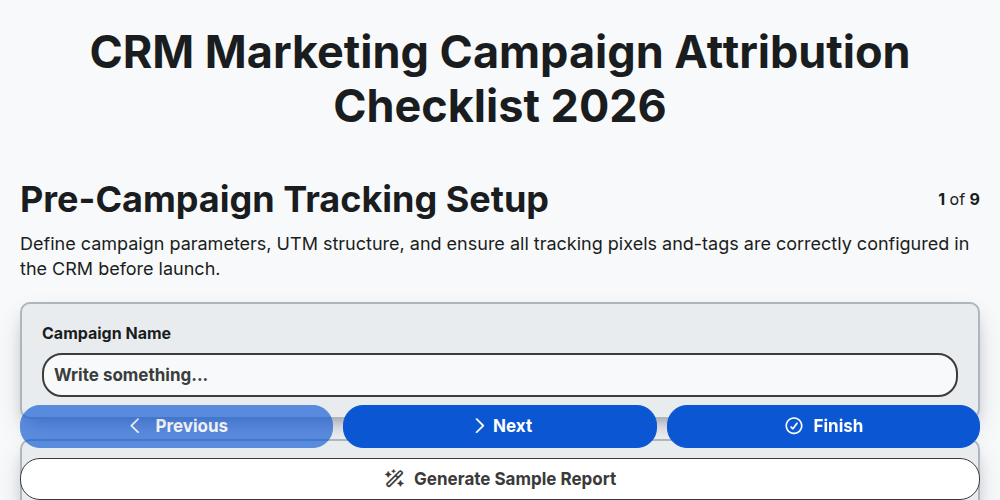
CRM Marketing Campaign Attribution Checklist 2026
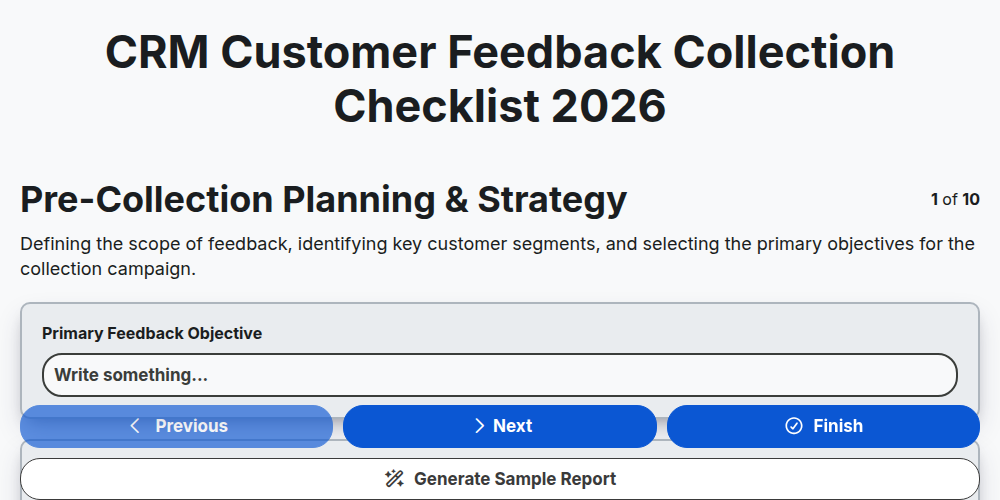
CRM Customer Feedback Collection Checklist 2026
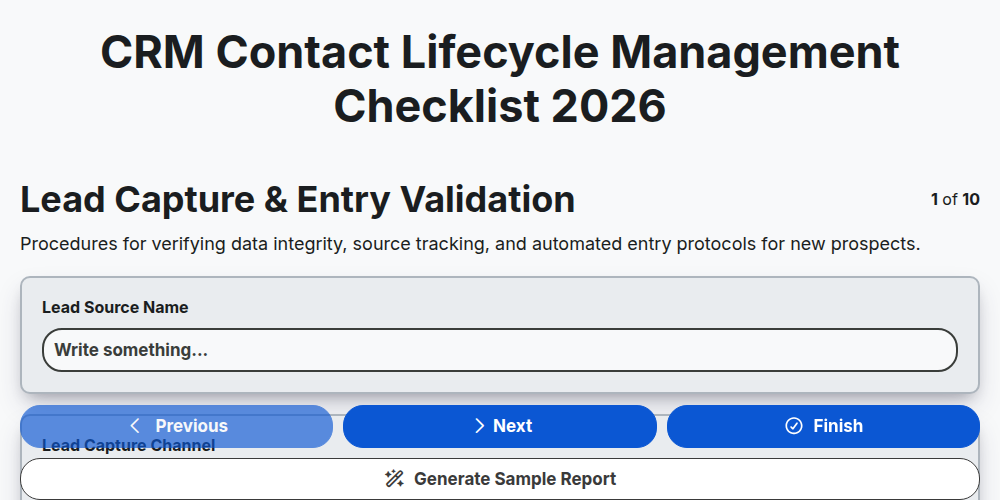
CRM Contact Lifecycle Management Checklist 2026
CRM Customer Retention Strategy Checklist 2026
CRM Lead Scoring Optimization Checklist 2026
CRM Customer Journey Mapping Checklist 2026
CRM Sales Pipeline Management Checklist 2026
Need help with
Customer Relationship Management (CRM)?
Have a question? We're here to help. Please submit your inquiry, and we'll respond promptly.