 ChecklistGuro
 CRM Post-Sale Onboarding Checklist 2026
Ensure seamless client transitions and maximize lifetime value with our professional CRM Post-Sale Onboarding Checklist 2026. Designed for sales operations leaders and account managers, this comprehensive guide provides a step-by-step roadmap to migrating new customers from Closed-Won to fully onboarded. Eliminate manual errors, standardize handoff processes between sales and success teams, and ensure all critical customer data is accurately captured within your CRM. Perfect for optimizing customer retention, reducing churn, and driving long-term satisfaction through a structured, repeatable onboarding workflow. Master your post-sale execution and turn every new contract into a long-term partnership.
Client Profile & Account Setup
Essential steps to verify client information, assign account ownership, and ensure all foundational account details are accurately mirrored in the CRM.
Company Legal Name
Account Identifier/ID
Industry Vertical
Account Activation Date
Client Business Overview
Company Logo/Branding Assets
Headquarters Address
Contract & Documentation Verification
A review of signed agreements, service level agreements (SLAs), and legal documents to ensure all terms are captured and accessible within the CRM record.
Contract Effective Date
Signed Agreement Upload
Contract Type
Required Documents Verified
Special Contractual Terms or Notes
Internal Compliance Officer Approval
Product/Service Provisioning Audit
Verification that the purchased products or services have been activated and that the corresponding entitlements are correctly logged in the customer profile.
Provisioned Service Tier
Service Activation Date
Included Feature Modules
Seat/License Count
Provisioning Confirmation Receipt
Provisioning Discrepancy Notes
Stakeholder & Contact Mapping
Identifying and adding all key decision-makers, technical contacts, and billing administrators to the CRM hierarchy to ensure seamless communication.
Primary Stakeholder Name
Stakeholder Job Title
Stakeholder Role Type
First Contact Date
Organization Chart or Contact Directory
Initial Engagement & Kickoff Tasking
Automating or manual assignment of initial onboarding tasks, follow-up meetings, and the creation of the primary onboarding project timeline.
Scheduled Kickoff Meeting Date
Assigned Account Manager
Meeting Agenda Summary
Required Attendees
Initial Discovery Notes
Kickoff Presentation Deck
Internal Handover Protocol
Ensuring the Sales team has successfully transferred all critical intelligence, pain points, and discovery notes to the Account Management/CSM team.
Handover Completion Date
Handover Status
Transferred Knowledge Assets
Critical Client Nuances & Pain Points
Handover Documentation/Meeting Recording
Sales Representative Acknowledgment
Success Criteria & KPI Definition
Documenting the client's specific goals and the metrics that will be used within the CRM to track the health and success of the account.
Primary Customer Goal
Detailed Success Metric Descriptions
Target KPI Value
KPI Review Milestone Date
Success Indicators to Track
Account Manager Approval
Communication Workflow Configuration
Setting up automated email sequences, notification triggers, and communication cadences to maintain consistent contact during the onboarding phase.
Primary Communication Channel
Automated Email Triggers to Activate
First Follow-up Date
Communication Cadence Frequency
Custom Messaging Instructions
Communication Template Templates
Billing & Revenue Recognition Sync
Confirming that the subscription start date, renewal date, and billing frequency are accurately synced with the finance module or ERP integration.
Subscription Start Date
Contract Renewal Date
Billing Frequency
Total Contract Value (TCV)
Revenue Recognition Method
Signed Invoice or PO
Included Revenue Streams
Post-Onboarding Review & Closed-Loop Verification
Final audit to ensure all onboarding milestones were met and transitioning the opportunity status from 'Closed-Won' to 'Active Customer'.
Final Verification Completion Date
Onboarding Success Status
Verified Compliance Milestones
Post-Onboarding Summary & Lessons Learned
Account Manager Approval
Frequently Asked Questions
Can I customize this template after installing it?
Absolutely. Once installed, you can add, remove, or reorder tasks, add custom fields, and adjust deadlines to fit your specific workflow.
Can I add images or photos to these checklist items?
Yes. Our platform allows you to attach photos, signatures, and notes to any checklist item for better verification and proof of completion.
Can I create a custom checklist from scratch instead of using a template?
Yes. You can use our "Create your own checklist" feature to build a unique workflow tailored exactly to your operational requirements.
Can I add dependencies between tasks?
Yes, you can set up conditional logic and dependencies to ensure your team follows the correct sequence of operations.
Can I assign specific checklist items to different team members?
Yes. You can assign individual tasks to specific employees, ensuring clear accountability across your entire team.
Can I use these checklists on mobile devices in the field?
Yes. Our platform is fully responsive, allowing your team to complete, update, and upload photos to checklists directly from any smartphone or tablet.
How do I notify my manager when a checklist is completed?
You can set up automated notifications (via email, push notification, or in-app alerts) to trigger whenever a checklist is finished or if an item fails inspection.
Can multiple people work on the same checklist simultaneously?
Yes, the platform supports real-time updates, allowing multiple users to contribute to a single live checklist.
Where is the data from completed checklists stored?
All completed checklists are stored securely in your Work OS dashboard, creating a permanent, searchable audit trail of your operations.
Can I generate reports based on my checklist results?
Yes. You can track completion rates, identify recurring issues, and monitor team performance through our integrated reporting and analytics tools.
How can I use these checklists for compliance or auditing purposes?
Because our checklists capture timestamps, photos, and digital signatures, they serve as a robust digital paper trail for regulatory compliance and internal audits.
Can I export my completed checklist data for use in other tools?
Yes. You can export your data in various formats (CSV, Excel, etc.) to integrate your operational insights with your other business software.
Comments
There are no comments yet. Be the first to add one!
CRM - Customer Relationship Management Solution Demo
Struggling to manage customer interactions & track leads? ChecklistGuro provides a centralized CRM solution, connecting your sales, marketing, & support teams for improved collaboration & customer experiences. Simplify your workflow & close more deals.
Related Checklist Templates
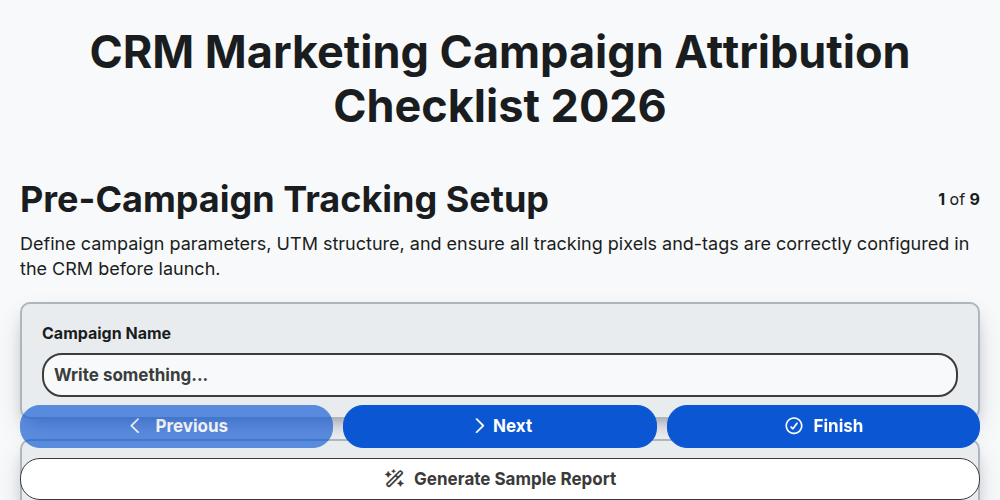
CRM Marketing Campaign Attribution Checklist 2026
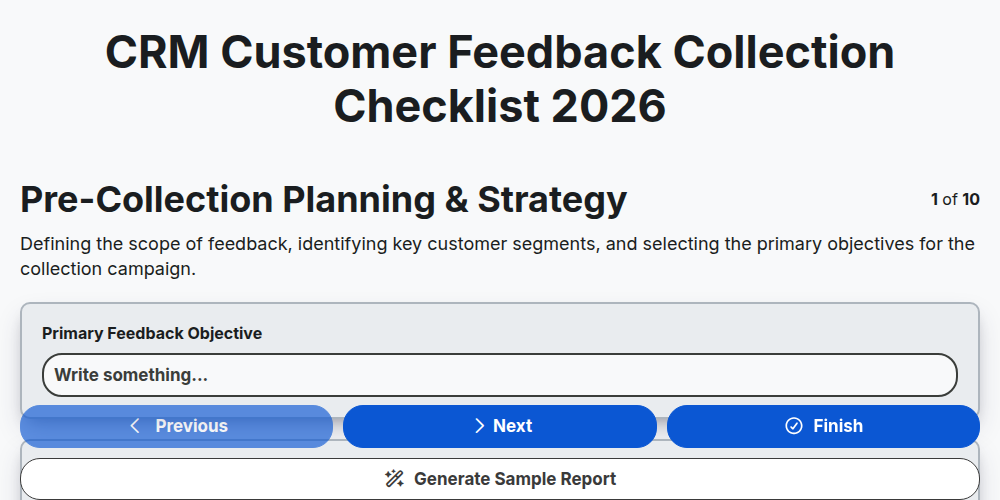
CRM Customer Feedback Collection Checklist 2026
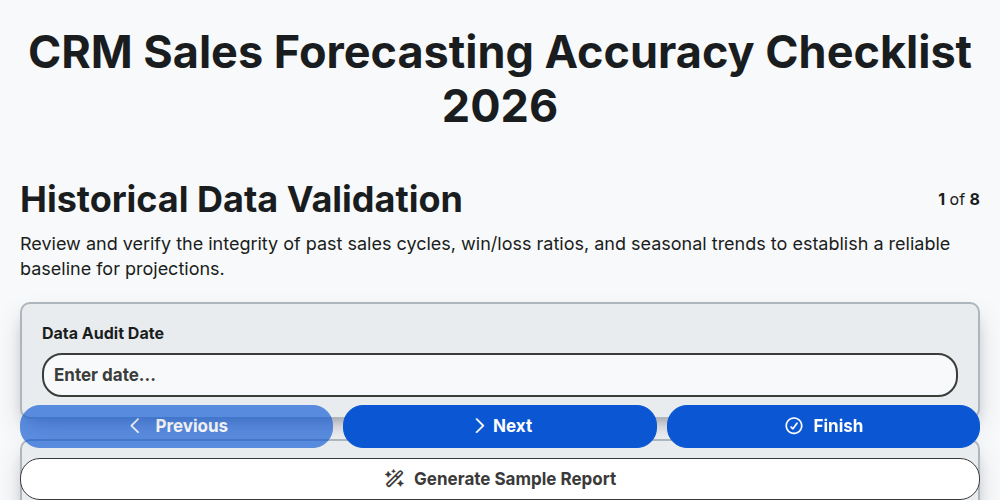
CRM Sales Forecasting Accuracy Checklist 2026
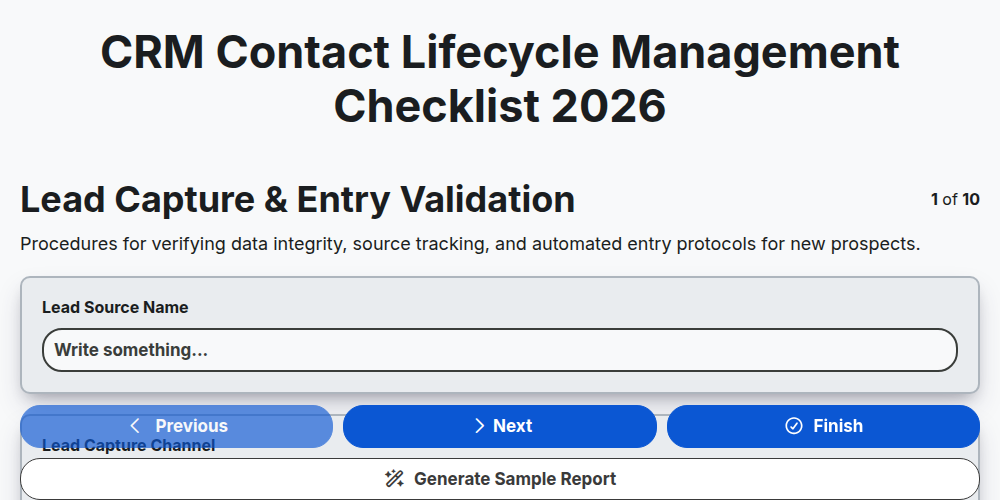
CRM Contact Lifecycle Management Checklist 2026
CRM Customer Retention Strategy Checklist 2026
CRM Lead Scoring Optimization Checklist 2026
CRM Customer Journey Mapping Checklist 2026
CRM Sales Pipeline Management Checklist 2026
Need help with
Customer Relationship Management (CRM)?
Have a question? We're here to help. Please submit your inquiry, and we'll respond promptly.