 ChecklistGuro
 Dental Charting Checklist Template
Ensure accurate and consistent patient records with our Dental Charting Checklist Template! Streamline your charting process, improve communication between dental professionals, and minimize errors - all while optimizing patient care and compliance. Download now and elevate your dental practice's charting standards.
This Template was installed 1 times.
Patient Demographics Verification
Confirm accuracy of patient information before charting begins.
Patient First Name
Patient Last Name
Date of Birth
Patient Phone Number
Insurance Provider
Gender
Chief Complaint & History
Record patient's primary concern and relevant medical/dental history.
Chief Complaint (Patient's Words)
Detailed History of Presenting Complaint
Duration of Complaint (Days/Weeks)
Relevant Medical History
Medications (List and Dosage)
Date of Last Dental Visit
Reason for Visit
Extraoral Examination
Document observations of the face, lymph nodes, temporomandibular joints (TMJs), and occlusal forces.
Patient Name
Chief Complaint (Extraoral Perspective)
TMJ Assessment (Left)
TMJ Assessment (Right)
Neck Circumference (cm)
Observations - Skin/Lymph Nodes
Intraoral Examination - Soft Tissues
Assess and record findings related to the lips, cheeks, tongue, floor of the mouth, palate, and pharynx.
Lip Condition (Color, Texture, Lesions)
Cheek Condition (Color, Texture, Lesions)
Tongue Condition (Color, Papillae, Ulcerations)
Floor of Mouth Condition (Color, Masses, Lesions)
Palate Condition (Color, Texture, Lesions)
Presence of Ulcerations?
Saliva Characteristics (Quantity, Consistency, Color)
Intraoral Examination - Hard Tissues
Evaluate and document the condition of the teeth, gums, and alveolar bone.
Tooth #
Enamel Condition
Dentin Condition
Crown/Restoration Condition (if applicable)
Notes on Tooth Condition
Existing Caries Depth (mm)
Periodontal Assessment
Record probing depths, recession, bleeding on probing, and mobility.
Probing Depth (Anterior)
Probing Depth (Posterior)
Recession (mm)
Bleeding on Probing (BOP)
Mobility (mm)
Furcation Involvement
Additional Periodontal Notes
Caries Assessment (Tooth Surfaces)
Document the presence and severity of existing and potential caries.
Tooth Surface D1 (Occlusal):
Tooth Surface D2 (Mesial-Occlusal):
Tooth Surface D3 (Distal-Occlusal):
D1 Caries Depth (mm):
D2 Caries Depth (mm):
D3 Caries Depth (mm):
Existing Restoration on Surface D1:
Restorations & Existing Dental Work
List all existing restorations, crowns, bridges, implants, and other dental work, noting material, size, and condition.
Tooth Number
Restoration Type
Size/Width (mm)
Condition
Notes/Comments
Placement Date
Lab/Manufacturer
Occlusion & Bite Analysis
Evaluate and document the patient’s bite and occlusal relationships.
Occlusal Class
Overbite (mm)
Overjet (mm)
Occlusal Interferences/Premature Contacts
TMJ Status
Deviations/Comments (e.g. Crossbite, Open Bite)
Radiographic Assessment
Record type and findings of radiographs taken (e.g., BW, Pano, CBCT).
Radiograph Type(s) Taken
Radiographic Findings (Detailed)
Radiograph Date (MM/DD/YYYY)
Attach Radiograph Image(s)
Radiographic Assessment Quality
Treatment Plan Recommendations
Outline proposed treatment modalities, sequencing, and priorities.
Prioritized Treatment Categories
Estimated Treatment Cost
Proposed Treatment Start Date
Patient Communication Notes (e.g., financial arrangements, treatment explanation)
Financial Arrangement Type
Treatment Sequencing Priority
Additional Notes / Considerations
Frequently Asked Questions
Can I customize this template after installing it?
Absolutely. Once installed, you can add, remove, or reorder tasks, add custom fields, and adjust deadlines to fit your specific workflow.
Can I add images or photos to these checklist items?
Yes. Our platform allows you to attach photos, signatures, and notes to any checklist item for better verification and proof of completion.
Can I create a custom checklist from scratch instead of using a template?
Yes. You can use our "Create your own checklist" feature to build a unique workflow tailored exactly to your operational requirements.
Can I add dependencies between tasks?
Yes, you can set up conditional logic and dependencies to ensure your team follows the correct sequence of operations.
Can I assign specific checklist items to different team members?
Yes. You can assign individual tasks to specific employees, ensuring clear accountability across your entire team.
Can I use these checklists on mobile devices in the field?
Yes. Our platform is fully responsive, allowing your team to complete, update, and upload photos to checklists directly from any smartphone or tablet.
How do I notify my manager when a checklist is completed?
You can set up automated notifications (via email, push notification, or in-app alerts) to trigger whenever a checklist is finished or if an item fails inspection.
Can multiple people work on the same checklist simultaneously?
Yes, the platform supports real-time updates, allowing multiple users to contribute to a single live checklist.
Where is the data from completed checklists stored?
All completed checklists are stored securely in your Work OS dashboard, creating a permanent, searchable audit trail of your operations.
Can I generate reports based on my checklist results?
Yes. You can track completion rates, identify recurring issues, and monitor team performance through our integrated reporting and analytics tools.
How can I use these checklists for compliance or auditing purposes?
Because our checklists capture timestamps, photos, and digital signatures, they serve as a robust digital paper trail for regulatory compliance and internal audits.
Can I export my completed checklist data for use in other tools?
Yes. You can export your data in various formats (CSV, Excel, etc.) to integrate your operational insights with your other business software.
Comments
There are no comments yet. Be the first to add one!
Dental Management Solution Demo
Simplify your dental practice & enhance patient care! ChecklistGuro streamlines appointment scheduling, patient records, and billing. Improve efficiency, reduce errors, & boost patient satisfaction. Manage it all with our Work OS.
Related Checklist Templates
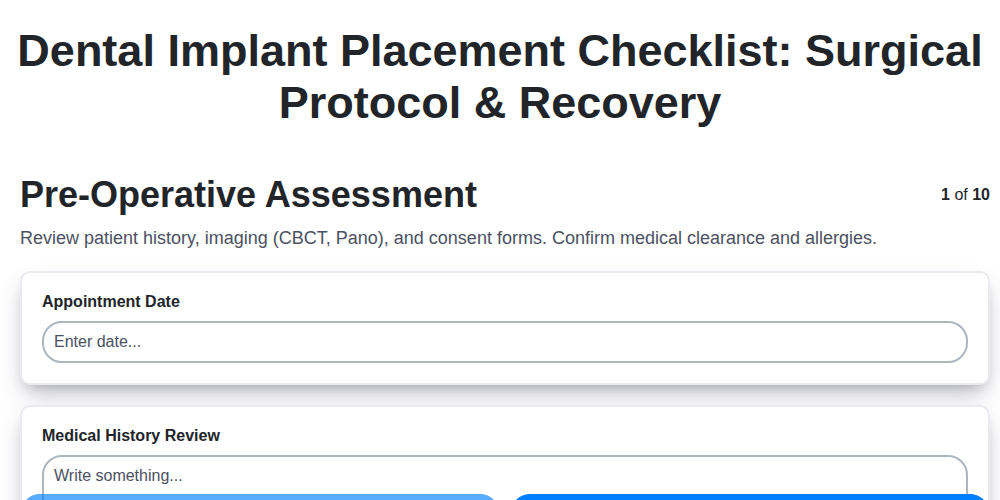
Dental Implant Placement Checklist: Surgical Protocol & Recovery
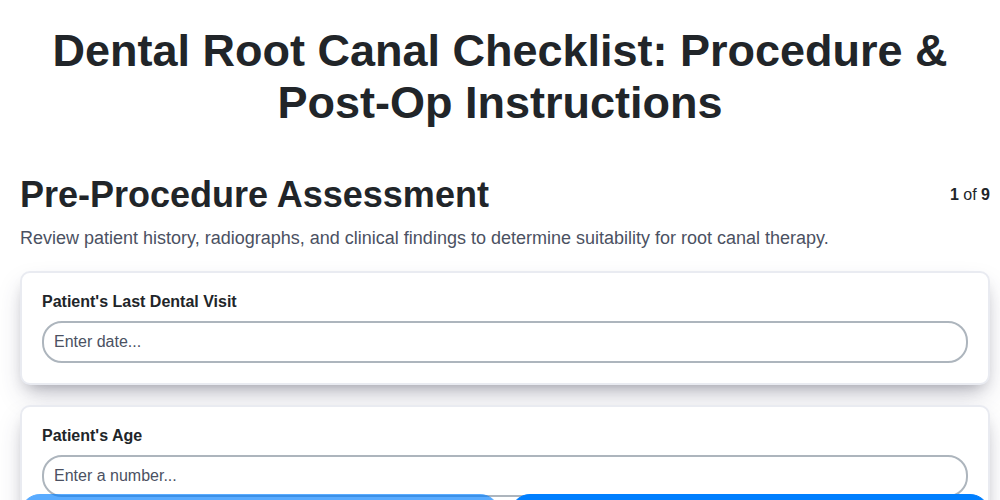
Dental Root Canal Checklist: Procedure & Post-Op Instructions
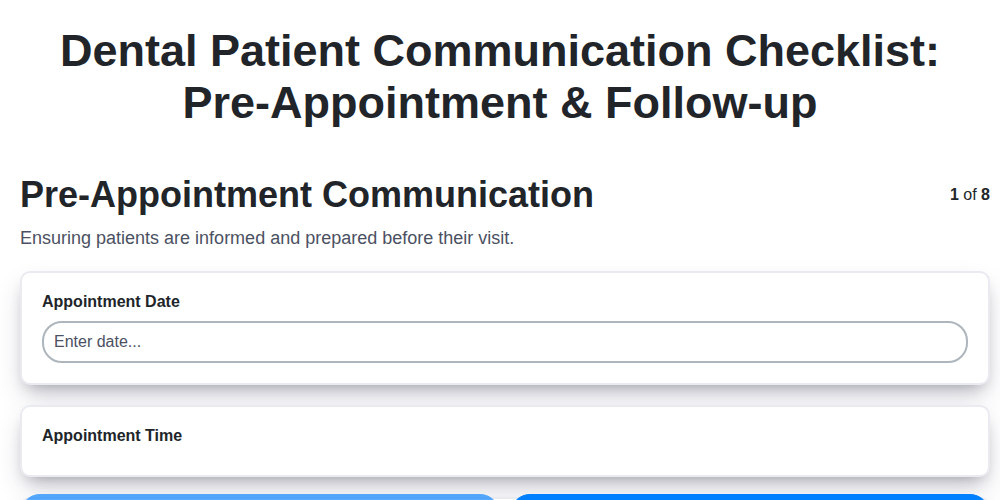
Dental Patient Communication Checklist: Pre-Appointment & Follow-up

Dental Infection Control Checklist: PPE & Surface Disinfection
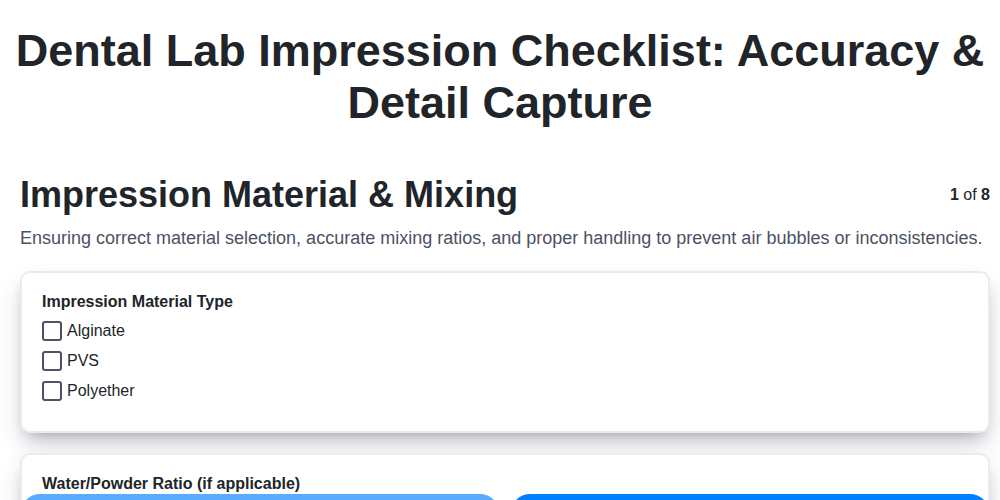
Dental Lab Impression Checklist: Accuracy & Detail Capture

Dental Regulatory Compliance Checklist: State & Federal Guidelines

Dental Dental Case Presentation Checklist: Diagnostic Records & Treatment Options
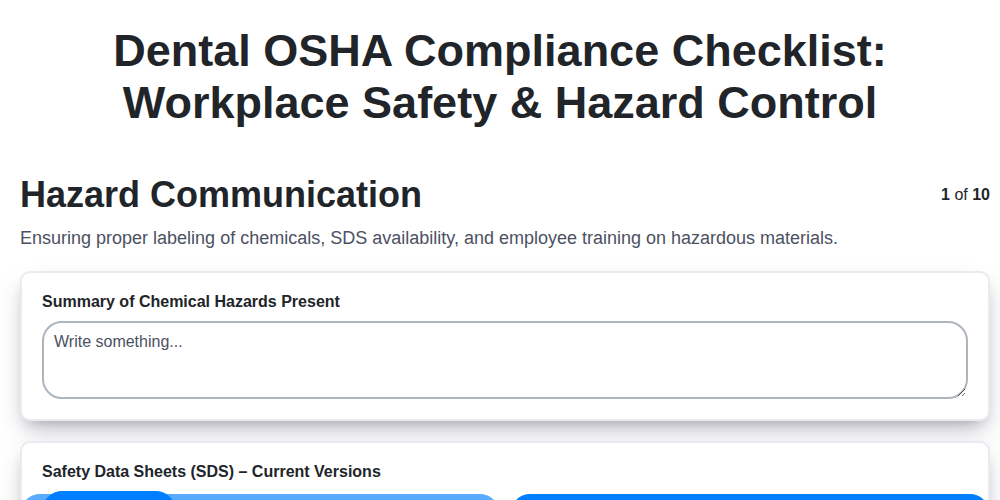
Dental OSHA Compliance Checklist: Workplace Safety & Hazard Control
We can do it Together
Need help with
Dental Management?
Have a question? We're here to help. Please submit your inquiry, and we'll respond promptly.