 ChecklistGuro
 Dental Equipment Maintenance Checklist: Calibration & Repairs
Ensure your dental equipment is always operating at peak performance and meeting safety standards. Our Dental Equipment Maintenance Checklist helps you track calibration, schedule repairs, and maintain a compliant and efficient practice. Download now and protect your patients and your investment!
This Template was installed 4 times.
Daily Visual Inspection
Quick checks for obvious damage, leaks, or unusual wear.
Handpiece Serial Number
Water Pressure (PSI)
Air Compressor Noise Level
Check for Leaks
Notes/Observations
Weekly Calibration & Functionality Tests
Regular checks of accuracy and performance according to manufacturer guidelines.
Handpiece RPM Calibration
X-Ray Machine mA Calibration
X-Ray Machine kVp Calibration
Autoclave Cycle Validation (Biological Indicator)
Ultrasonic Scaler Frequency Check
Last Calibration Date
Calibration Time
Monthly Preventative Maintenance
Tasks to prolong equipment lifespan and prevent major issues, as outlined in maintenance schedules.
Ultrasonic Scaler - Power Output (Watts)
Handpiece - RPM Check
Autoclave - Cycle Time (Minutes)
Vacuum Pump - Oil Level
Dental Chair - Movement Check
Last Filter Replacement
Any Unusual Noises or Issues Observed?
Technician Signature
Annual Service & Certification
Comprehensive service performed by certified technicians to ensure compliance and optimal operation.
Service Date
Service Provider
Serial Number
Service Report Summary
Service Report PDF
Certification Status
Calibration Readings (Pre)
Calibration Readings (Post)
Technician Signature
Waterline Maintenance
Checks and procedures related to waterline quality, filtration, and antimicrobial treatment.
Last Waterline Flush Date
PSI of Water Pressure
Water Treatment Type
Comments/Observations Regarding Waterline Condition
Filter Change Interval (Days)
Last Filter Replacement Date
Water Source Type
Emergency Repair Documentation
Record of any unexpected repairs, troubleshooting steps, and resolutions.
Date of Emergency Repair
Time of Emergency Repair
Detailed Description of the Issue
Troubleshooting Steps Taken
Repair Solution/Action Performed
Estimated Repair Cost
Repair Performed By (Internal/External)
Supporting Documentation (Photos, Invoices)
Technician Signature
Software & Firmware Updates
Tracking and implementation of software and firmware updates as released by the manufacturer.
Last Update Date
Software Version (Current)
Update File Size (MB)
Release Notes Summary
Update Status
Update Log File (Optional)
Next Scheduled Update Date
Frequently Asked Questions
Can I customize this template after installing it?
Absolutely. Once installed, you can add, remove, or reorder tasks, add custom fields, and adjust deadlines to fit your specific workflow.
Can I add images or photos to these checklist items?
Yes. Our platform allows you to attach photos, signatures, and notes to any checklist item for better verification and proof of completion.
Can I create a custom checklist from scratch instead of using a template?
Yes. You can use our "Create your own checklist" feature to build a unique workflow tailored exactly to your operational requirements.
Can I add dependencies between tasks?
Yes, you can set up conditional logic and dependencies to ensure your team follows the correct sequence of operations.
Can I assign specific checklist items to different team members?
Yes. You can assign individual tasks to specific employees, ensuring clear accountability across your entire team.
Can I use these checklists on mobile devices in the field?
Yes. Our platform is fully responsive, allowing your team to complete, update, and upload photos to checklists directly from any smartphone or tablet.
How do I notify my manager when a checklist is completed?
You can set up automated notifications (via email, push notification, or in-app alerts) to trigger whenever a checklist is finished or if an item fails inspection.
Can multiple people work on the same checklist simultaneously?
Yes, the platform supports real-time updates, allowing multiple users to contribute to a single live checklist.
Where is the data from completed checklists stored?
All completed checklists are stored securely in your Work OS dashboard, creating a permanent, searchable audit trail of your operations.
Can I generate reports based on my checklist results?
Yes. You can track completion rates, identify recurring issues, and monitor team performance through our integrated reporting and analytics tools.
How can I use these checklists for compliance or auditing purposes?
Because our checklists capture timestamps, photos, and digital signatures, they serve as a robust digital paper trail for regulatory compliance and internal audits.
Can I export my completed checklist data for use in other tools?
Yes. You can export your data in various formats (CSV, Excel, etc.) to integrate your operational insights with your other business software.
Comments
There are no comments yet. Be the first to add one!
Dental Management Solution Demo
Simplify your dental practice & enhance patient care! ChecklistGuro streamlines appointment scheduling, patient records, and billing. Improve efficiency, reduce errors, & boost patient satisfaction. Manage it all with our Work OS.
Related Checklist Templates
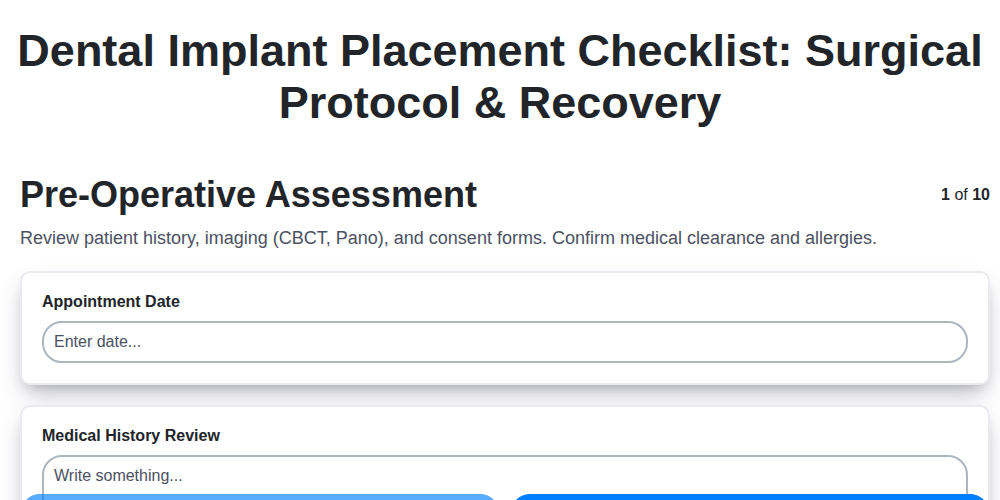
Dental Implant Placement Checklist: Surgical Protocol & Recovery
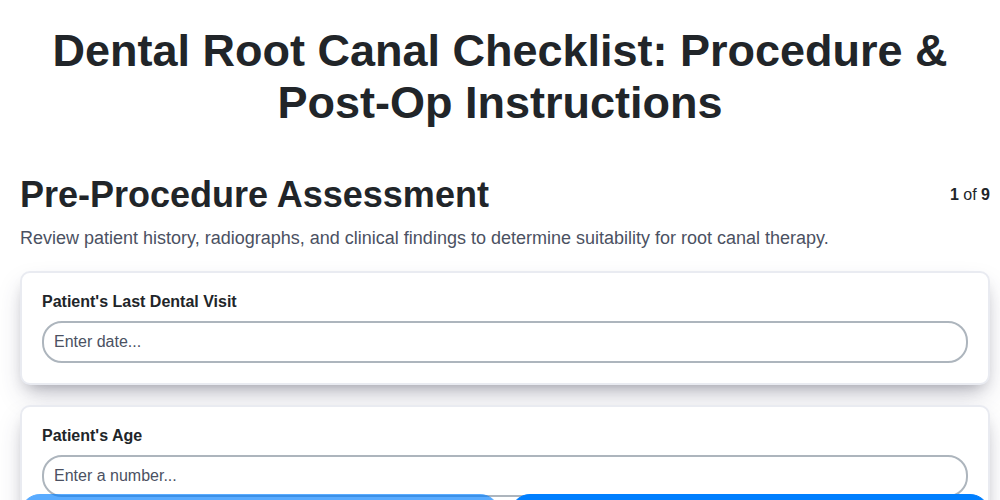
Dental Root Canal Checklist: Procedure & Post-Op Instructions
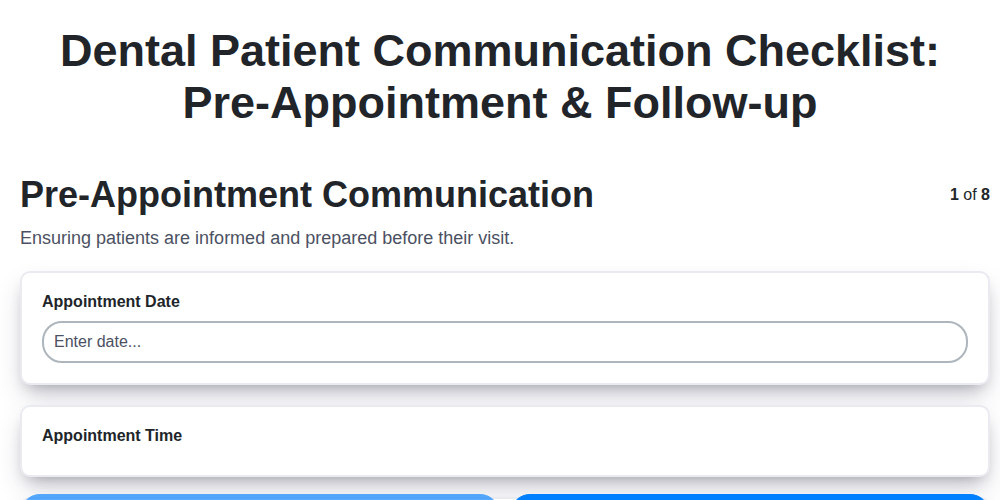
Dental Patient Communication Checklist: Pre-Appointment & Follow-up

Dental Infection Control Checklist: PPE & Surface Disinfection
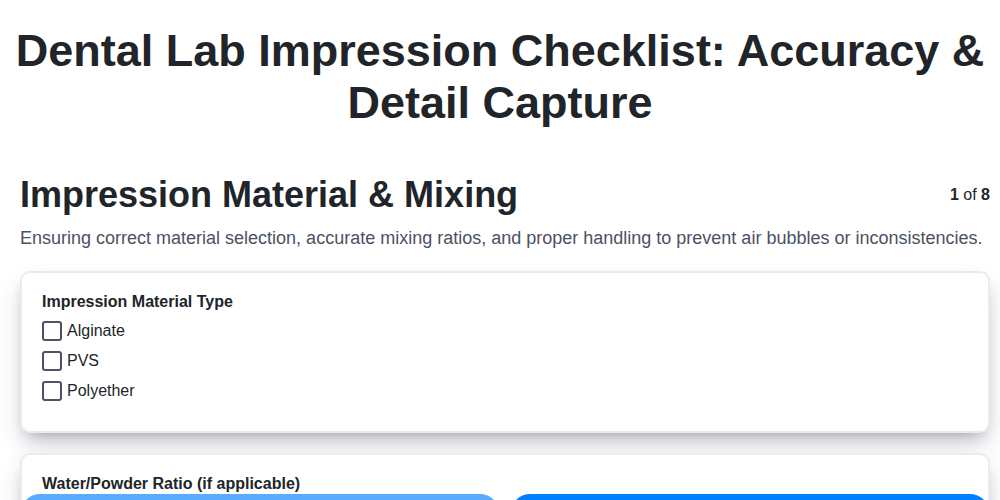
Dental Lab Impression Checklist: Accuracy & Detail Capture

Dental Regulatory Compliance Checklist: State & Federal Guidelines

Dental Dental Case Presentation Checklist: Diagnostic Records & Treatment Options
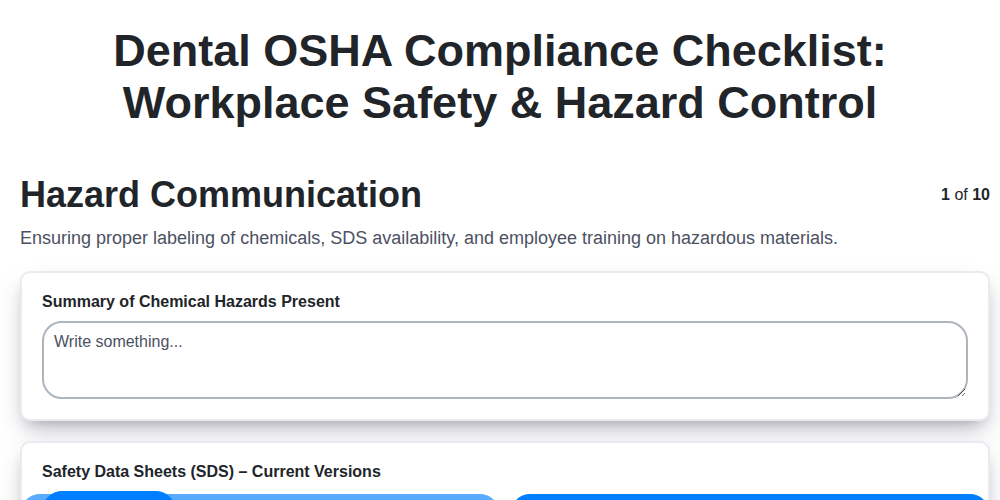
Dental OSHA Compliance Checklist: Workplace Safety & Hazard Control
Need help with
Dental Management?
Have a question? We're here to help. Please submit your inquiry, and we'll respond promptly.