 ChecklistGuro
 Energy Consumption Reduction Checklist Template
Unlock energy savings & boost sustainability! Our Energy Consumption Reduction Checklist Template provides a clear path to identifying and eliminating waste, optimizing efficiency, and achieving your energy-saving goals. Download now & start your journey to a greener future!
This Template was installed 5 times.
Baseline Data Collection
Gather initial energy consumption data for comparison and tracking progress.
Total Monthly Electricity Consumption (kWh)
Total Monthly Natural Gas Consumption (therms)
Total Monthly Water Consumption (gallons)
Date of Baseline Measurement
Average Daily Temperature During Measurement Period (°F/°C)
Notes on measurement conditions or unusual circumstances
Building Envelope Assessment
Evaluate insulation, windows, and doors for heat loss/gain.
Wall R-Value (Existing)
Wall R-Value (Recommended)
Window Type (Existing)
Door Condition
Air Leakage (CFM)
Notes on Envelope Condition
HVAC System Efficiency
Check for leaks, proper maintenance, and optimal settings of heating, ventilation, and air conditioning systems.
Supply Air Temperature (°C)
Return Air Temperature (°C)
Chilled Water Supply Temperature (°C)
Delta T (ΔT) Across Chiller (°C)
Filter Condition
Refrigerant Leak Check Result
Last Maintenance Date
Notes/Observations
Lighting Optimization
Assess lighting usage, identify opportunities for LED upgrades and motion sensors.
Number of Incandescent Bulbs Replaced with LEDs
Wattage of Existing Bulbs (Average)
Wattage of New LED Bulbs (Average)
Motion Sensor Installation Status
Lighting Control Measures Implemented
Date of Last Lighting System Audit
Lighting System Diagram/Layout (Optional)
Equipment Efficiency
Review energy usage of appliances, machinery, and other equipment; prioritize replacements with energy-efficient models.
Equipment Energy Consumption (kWh)
Equipment Age (Years)
Equipment Capacity (kW)
Energy Star Rating (if applicable)
Notes on Equipment Condition
Equipment Efficiency Documentation (e.g., datasheet)
Behavioral Changes
Implement employee training and awareness programs to promote energy-saving habits.
Employee Training Program Description
Number of Employees Trained (Last Month)
Topics Covered in Training (Check all that apply)
Date of Last Training Session
Employee Feedback on Training Effectiveness (Scale of 1-5)
Supporting Documentation (Training Materials, Sign-in Sheets)
Renewable Energy Options
Explore feasibility of solar, wind, or other renewable energy sources.
Preferred Renewable Energy Source
Estimated System Size (kW)
Initial Feasibility Study Findings
Target Installation Date
Estimated Annual Energy Production (kWh)
Financing Method
Supporting Documents (e.g., Site Assessment)
Monitoring & Reporting
Establish a system for ongoing monitoring of energy consumption and regular reporting of progress.
Total Energy Consumption (kWh)
Baseline Energy Consumption (kWh)
Energy Savings (kWh)
Percentage Reduction in Energy Consumption
Reporting Date
Summary of Findings and Recommendations
Supporting Documents (e.g., meter readings, invoices)
Reporting Status
Maintenance Schedules
Review and update maintenance schedules to ensure optimal equipment performance and energy efficiency.
Last HVAC System Tune-Up
Lighting Fixture Cleaning Frequency (Months)
Next Boiler Inspection Date
Cooling Tower Water Treatment Type
Last Transformer Oil Analysis
Motor Vibration Analysis Frequency (Months)
Demand Response Program Compliance
Verify adherence to demand response program requirements, if applicable.
Participation Status
Maximum Curtailment Limit (kW)
Last DR Event Date
Percentage of Load Curtailment Achieved (Last Event)
Communication Method with DR Coordinator
Notes on Recent DR Events
Frequently Asked Questions
Can I customize this template after installing it?
Absolutely. Once installed, you can add, remove, or reorder tasks, add custom fields, and adjust deadlines to fit your specific workflow.
Can I add images or photos to these checklist items?
Yes. Our platform allows you to attach photos, signatures, and notes to any checklist item for better verification and proof of completion.
Can I create a custom checklist from scratch instead of using a template?
Yes. You can use our "Create your own checklist" feature to build a unique workflow tailored exactly to your operational requirements.
Can I add dependencies between tasks?
Yes, you can set up conditional logic and dependencies to ensure your team follows the correct sequence of operations.
Can I assign specific checklist items to different team members?
Yes. You can assign individual tasks to specific employees, ensuring clear accountability across your entire team.
Can I use these checklists on mobile devices in the field?
Yes. Our platform is fully responsive, allowing your team to complete, update, and upload photos to checklists directly from any smartphone or tablet.
How do I notify my manager when a checklist is completed?
You can set up automated notifications (via email, push notification, or in-app alerts) to trigger whenever a checklist is finished or if an item fails inspection.
Can multiple people work on the same checklist simultaneously?
Yes, the platform supports real-time updates, allowing multiple users to contribute to a single live checklist.
Where is the data from completed checklists stored?
All completed checklists are stored securely in your Work OS dashboard, creating a permanent, searchable audit trail of your operations.
Can I generate reports based on my checklist results?
Yes. You can track completion rates, identify recurring issues, and monitor team performance through our integrated reporting and analytics tools.
How can I use these checklists for compliance or auditing purposes?
Because our checklists capture timestamps, photos, and digital signatures, they serve as a robust digital paper trail for regulatory compliance and internal audits.
Can I export my completed checklist data for use in other tools?
Yes. You can export your data in various formats (CSV, Excel, etc.) to integrate your operational insights with your other business software.
Comments
There are no comments yet. Be the first to add one!
Energy Management Solution Demo
Managing operations, safety, and compliance in the energy sector is critical. ChecklistGuro's Work OS platform streamlines your workflow from exploration and production to distribution and maintenance. Enhance safety, improve efficiency, and ensure regulatory adherence. Discover how ChecklistGuro can transform your energy business!
Related Checklist Templates
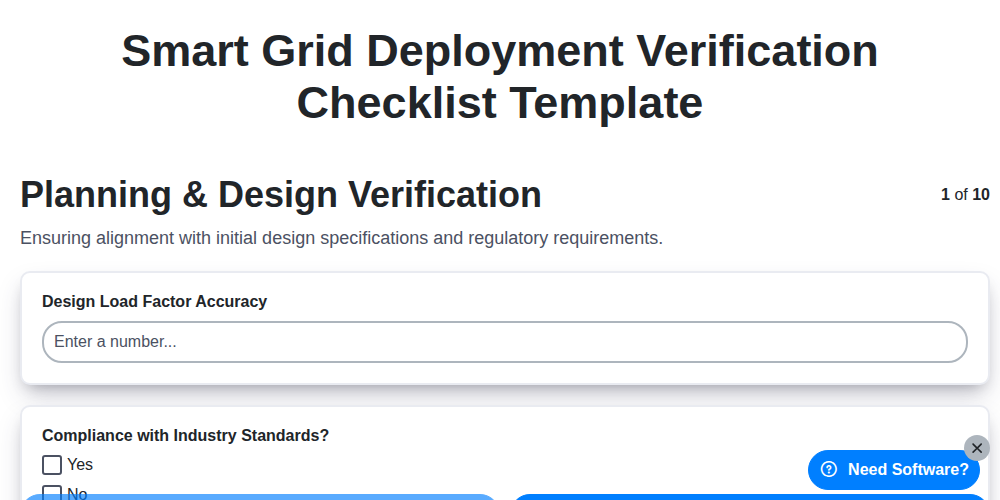
Smart Grid Deployment Verification Checklist Template
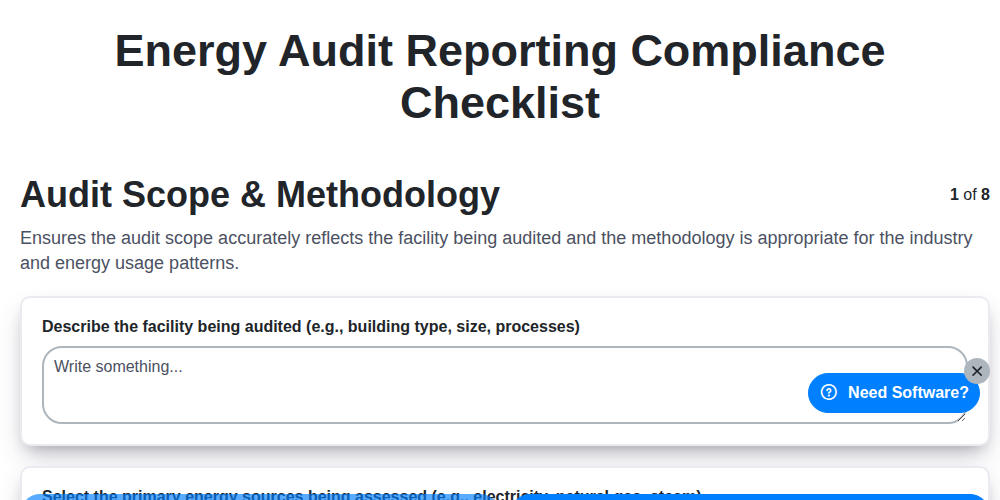
Energy Audit Reporting Compliance Checklist
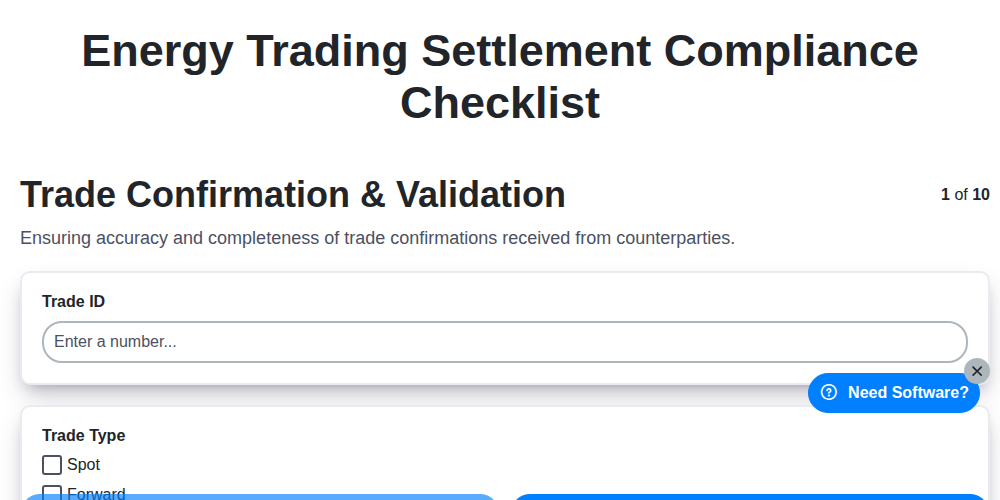
Energy Trading Settlement Compliance Checklist
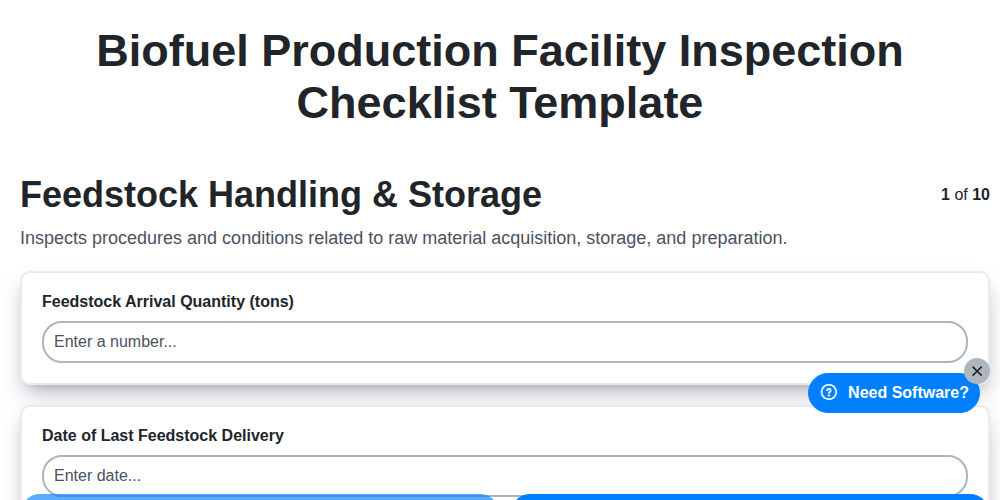
Biofuel Production Facility Inspection Checklist Template
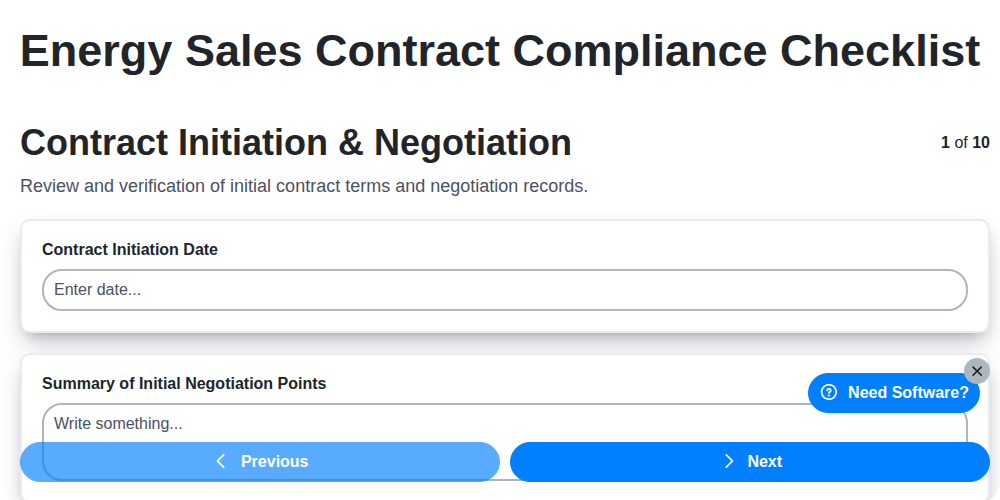
Energy Sales Contract Compliance Checklist
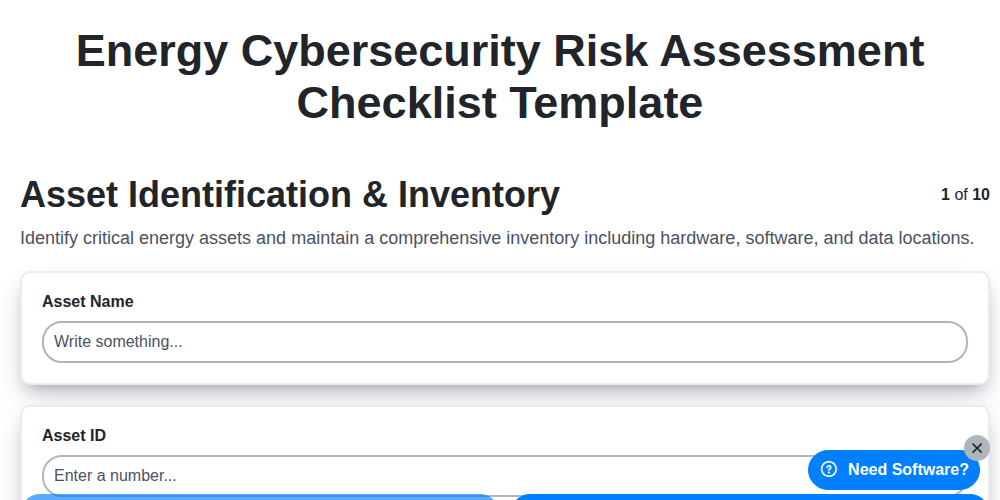
Energy Cybersecurity Risk Assessment Checklist Template
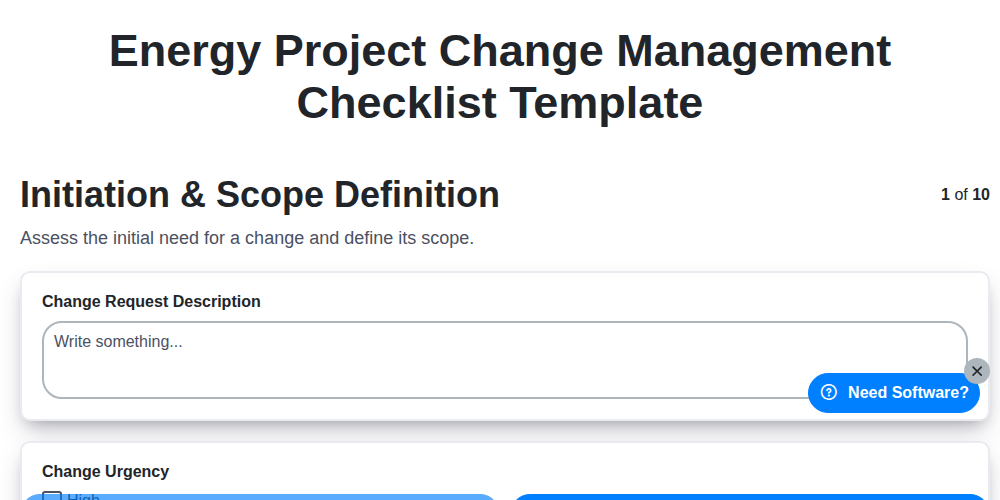
Energy Project Change Management Checklist Template
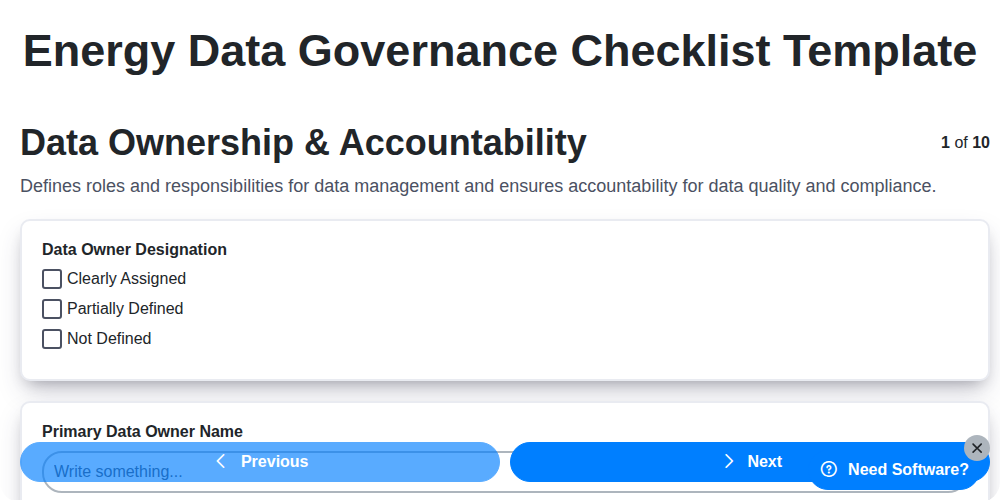
Energy Data Governance Checklist Template
Need help with
Energy?
Have a question? We're here to help. Please submit your inquiry, and we'll respond promptly.