 ChecklistGuro
 ERP Cybersecurity Incident Response Checklist 2026
Protect your organization's critical data and minimize downtime with the definitive ERP Cybersecurity Incident Response Checklist 2026. Designed for IT professionals and ERP administrators, this professional-grade checklist provides a structured, step-by-step framework for detecting, containing, and recovering from security breaches within your Enterprise Resource Planning ecosystem. From identifying unauthorized access to executing rapid recovery protocols and conducting post-incident forensics, this 2026 updated guide ensures your ERP landscape remains resilient against evolving cyber threats, maintaining business continuity and regulatory compliance. Don't let a breach paralyze your operations-standardize your defense strategy with this essential ERP security asset from ChecklistGuro.
Pre-Incident Preparation & Readiness
Steps to ensure the ERP environment, security tools, and response teams are prepared before an incident occurs.
Last Security Audit Date
Incident Response Team Lead
Verified Backup Locations
ERP Criticality Assessment Summary
Incident Response Plan (PDF)
Compliance Officer Approval
Detection & Identification
Procedures for identifying potential security breaches, unauthorized access, or anomalous ERP system behavior.
Incident Detection Timestamp
Alert Source/Monitoring Tool
Incident Severity Level
Affected ERP Modules
Description of Detected Anomaly
Initial Log Snippets or Screenshots
Containment Strategies
Immediate actions required to isolate affected ERP modules, databases, or user accounts to prevent lateral movement.
Primary Containment Action Taken
Affected ERP Modules
Containment Timestamp
Detailed Containment Summary
Containment Evidence Logs
Incident Response Lead Approval
Investigation & Forensic Analysis
Deep-dive procedures for analyzing ERP logs, audit trails, and database activity to determine the scope of the breach.
Incident Detection Timestamp
Affected ERP Module/Component
Identified Attack Vectors
Detailed Description of Anomalous Activity
System Log Extracts & Audit Trail Evidence
Severity Level
Lead Forensic Investigator Signature
Eradication & Remediation
Steps to remove the root cause of the threat, such as patching vulnerabilities, removing malware, or revoking compromised credentials.
Remediation Actions Completed
Root Cause Identified
Detailed Remediation Summary
Remediation Completion Date
Evidence of Patching/Remediation
Security Officer Approval
Recovery & System Restoration
Protocols for safely restoring ERP services, validating data integrity, and bringing business processes back online.
System Restoration Completion Date
Recovery Priority Level
Restored ERP Modules
Data Integrity Verification Summary
Post-Restoration Validation Report
IT Security Manager Approval
Communication & Stakeholder Management
Guidelines for notifying internal executives, legal teams, regulatory bodies, and external customers regarding the incident.
Incident Notification Date
Incident Severity Level
Internal Stakeholders Notified
Primary Incident Commander
Summary of Communication Sent to External Partners
Copy of Official Incident Press Release/Statement
Incident Response Manager Approval
Post-Incident Review & Hardening
Activities focused on analyzing lessons learned and updating the ERP security posture to prevent recurrence.
Incident Review Completion Date
Root Cause Analysis Summary
Identified Vulnerabilities
Corrective Action Plan & Hardening Steps
Final Incident Report Document
Security Officer Approval
Frequently Asked Questions
Can I customize this template after installing it?
Absolutely. Once installed, you can add, remove, or reorder tasks, add custom fields, and adjust deadlines to fit your specific workflow.
Can I add images or photos to these checklist items?
Yes. Our platform allows you to attach photos, signatures, and notes to any checklist item for better verification and proof of completion.
Can I create a custom checklist from scratch instead of using a template?
Yes. You can use our "Create your own checklist" feature to build a unique workflow tailored exactly to your operational requirements.
Can I add dependencies between tasks?
Yes, you can set up conditional logic and dependencies to ensure your team follows the correct sequence of operations.
Can I assign specific checklist items to different team members?
Yes. You can assign individual tasks to specific employees, ensuring clear accountability across your entire team.
Can I use these checklists on mobile devices in the field?
Yes. Our platform is fully responsive, allowing your team to complete, update, and upload photos to checklists directly from any smartphone or tablet.
How do I notify my manager when a checklist is completed?
You can set up automated notifications (via email, push notification, or in-app alerts) to trigger whenever a checklist is finished or if an item fails inspection.
Can multiple people work on the same checklist simultaneously?
Yes, the platform supports real-time updates, allowing multiple users to contribute to a single live checklist.
Where is the data from completed checklists stored?
All completed checklists are stored securely in your Work OS dashboard, creating a permanent, searchable audit trail of your operations.
Can I generate reports based on my checklist results?
Yes. You can track completion rates, identify recurring issues, and monitor team performance through our integrated reporting and analytics tools.
How can I use these checklists for compliance or auditing purposes?
Because our checklists capture timestamps, photos, and digital signatures, they serve as a robust digital paper trail for regulatory compliance and internal audits.
Can I export my completed checklist data for use in other tools?
Yes. You can export your data in various formats (CSV, Excel, etc.) to integrate your operational insights with your other business software.
Comments
There are no comments yet. Be the first to add one!
ERP - Enterprise Resource Planning Solution Demo
Overwhelmed by disconnected systems? ChecklistGuro provides a centralized ERP solution, connecting your business processes - finance, operations, & more - for improved visibility and control. Simplify operations & boost efficiency.
Related Checklist Templates
ERP Digital Transformation Roadmap Checklist 2026
ERP IT Infrastructure Scalability Assessment Checklist 2026
ERP Data Integrity & Cleansing Checklist 2026
ERP Supply Chain Visibility & Integration Checklist 2026
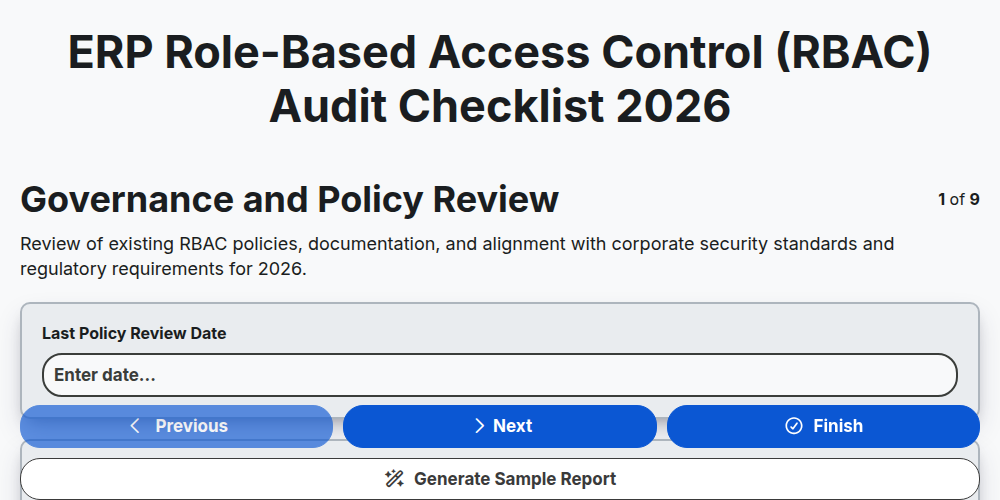
ERP Role-Based Access Control (RBAC) Audit Checklist 2026
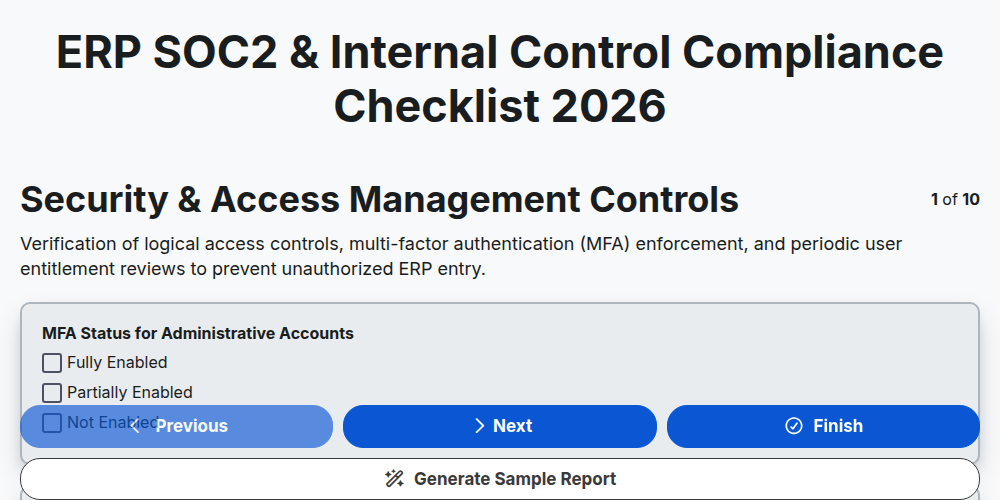
ERP SOC2 & Internal Control Compliance Checklist 2026
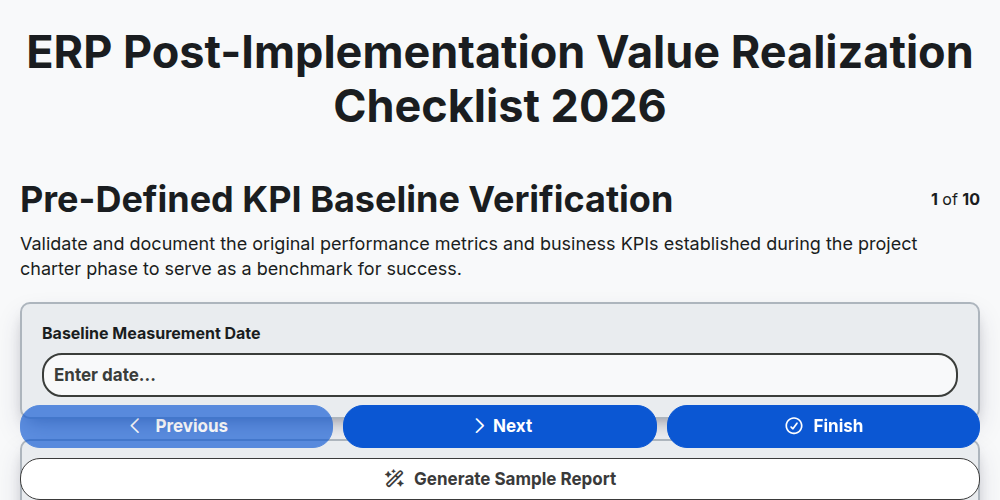
ERP Post-Implementation Value Realization Checklist 2026
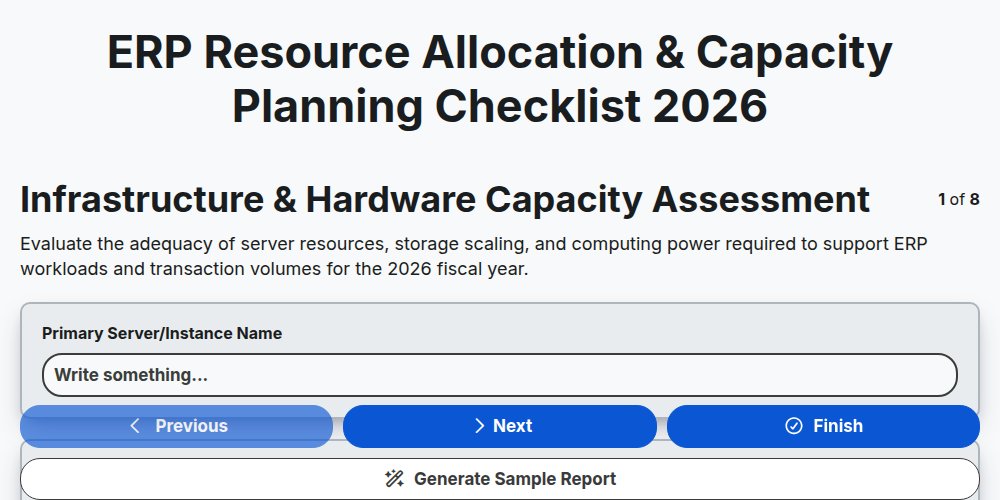
ERP Resource Allocation & Capacity Planning Checklist 2026
Need help with
Enterprise Resource Planning (ERP)?
Have a question? We're here to help. Please submit your inquiry, and we'll respond promptly.