 ChecklistGuro
ERP Data Retention Policy Checklist
Ensure long-term compliance & minimize risk! Our ERP Data Retention Policy Checklist guides you through essential steps to define, implement, & maintain a robust data retention strategy within your ERP system. Avoid costly legal issues & optimize storage - download now!
This Template was installed 4 times.
Policy Scope & Definitions
Defines the ERP data covered, relevant terms, and applicable legal/regulatory frameworks.
Policy Objective Statement
Scope of ERP System(s) Covered
Applicable Legal/Regulatory Frameworks
Definition of 'Personal Data'
Definition of 'Business Data'
Data Ownership Roles
Data Categorization
Identifies and categorizes ERP data based on sensitivity, legal requirements, and business value.
Financial Transaction Data
Customer Data
Inventory Records
Data Sensitivity Score (1-10)
Legal Hold Status
Specific Justification for Category
Retention Periods
Specifies the defined retention periods for each data category, justifying the durations.
Retention Period (Financial Records)
Retention Period (Customer Contracts)
Retention Period (Employee Records - HR)
Retention Period (Inventory Data)
Last Policy Review Date
Legal Basis for Retention (e.g., Statute of Limitations)
Legal & Regulatory Compliance
Verifies adherence to relevant laws (e.g., GDPR, CCPA) and industry regulations.
Summary of Applicable Laws & Regulations
Relevant Regulations (Select all that apply)
Retention Period Mandated by Law (e.g., Years)
Date of Last Regulatory Compliance Review
Confirmation of Legal Counsel Review
Supporting Documentation (e.g., Legal Opinions)
Archiving Procedures
Outlines the process for archiving ERP data, including storage media, security measures, and accessibility protocols.
Detailed Archiving Process Description
Data Volume (GB) to be Archived
Scheduled Archiving Start Date
Scheduled Archiving Time
Archiving Storage Medium
Storage Medium Specification Document (e.g., Vendor Specs)
Encryption Key Rotation Period (Days)
Physical Storage Location (if applicable)
Data Disposal Methods
Details secure data disposal methods, ensuring compliance with legal and regulatory requirements.
Preferred Disposal Method
Number of Overwrite Passes (if applicable)
Detailed Disposal Procedure Description
Proof of Disposal Certificate/Documentation
Date of Disposal
Verification Method
Access Control & Security
Confirms appropriate access controls and security measures are in place for archived data.
Maximum User Access Level
Data Access Restrictions (e.g., IP address, time-of-day)
Encryption Method for Archived Data
Last Security Audit Date
Description of access control implementation
Audit Trails & Monitoring
Establishes processes for auditing data retention and disposal activities.
Last Audit Trail Review Date
Number of Audit Log Entries Reviewed
Summary of Audit Findings
Audit Trail Integrity Verification Method
Next Scheduled Audit Trail Review Date
Description of Corrective Actions Taken (if any)
Policy Review & Updates
Defines a schedule and procedure for regular policy review and updates.
Last Review Date
Review Frequency (in months)
Summary of Changes Made (if applicable)
Review Triggered By:
Reviewer Name
Next Review Date (calculated)
Employee Training & Awareness
Details training programs to ensure employee understanding and compliance with the data retention policy.
Briefly describe the purpose of the ERP data retention policy.
Which data categories are you responsible for?
Date of Training Completion
How familiar are you with the data retention schedule?
Describe your understanding of the consequences of non-compliance.
Employee Signature acknowledging training completion
Frequently Asked Questions
Can I customize this template after installing it?
Absolutely. Once installed, you can add, remove, or reorder tasks, add custom fields, and adjust deadlines to fit your specific workflow.
Can I add images or photos to these checklist items?
Yes. Our platform allows you to attach photos, signatures, and notes to any checklist item for better verification and proof of completion.
Can I create a custom checklist from scratch instead of using a template?
Yes. You can use our "Create your own checklist" feature to build a unique workflow tailored exactly to your operational requirements.
Can I add dependencies between tasks?
Yes, you can set up conditional logic and dependencies to ensure your team follows the correct sequence of operations.
Can I assign specific checklist items to different team members?
Yes. You can assign individual tasks to specific employees, ensuring clear accountability across your entire team.
Can I use these checklists on mobile devices in the field?
Yes. Our platform is fully responsive, allowing your team to complete, update, and upload photos to checklists directly from any smartphone or tablet.
How do I notify my manager when a checklist is completed?
You can set up automated notifications (via email, push notification, or in-app alerts) to trigger whenever a checklist is finished or if an item fails inspection.
Can multiple people work on the same checklist simultaneously?
Yes, the platform supports real-time updates, allowing multiple users to contribute to a single live checklist.
Where is the data from completed checklists stored?
All completed checklists are stored securely in your Work OS dashboard, creating a permanent, searchable audit trail of your operations.
Can I generate reports based on my checklist results?
Yes. You can track completion rates, identify recurring issues, and monitor team performance through our integrated reporting and analytics tools.
How can I use these checklists for compliance or auditing purposes?
Because our checklists capture timestamps, photos, and digital signatures, they serve as a robust digital paper trail for regulatory compliance and internal audits.
Can I export my completed checklist data for use in other tools?
Yes. You can export your data in various formats (CSV, Excel, etc.) to integrate your operational insights with your other business software.
Comments
There are no comments yet. Be the first to add one!
ERP - Enterprise Resource Planning Solution Demo
Overwhelmed by disconnected systems? ChecklistGuro provides a centralized ERP solution, connecting your business processes - finance, operations, & more - for improved visibility and control. Simplify operations & boost efficiency.
Related Checklist Templates
ERP Digital Transformation Roadmap Checklist 2026
ERP IT Infrastructure Scalability Assessment Checklist 2026
ERP Data Integrity & Cleansing Checklist 2026
ERP Supply Chain Visibility & Integration Checklist 2026
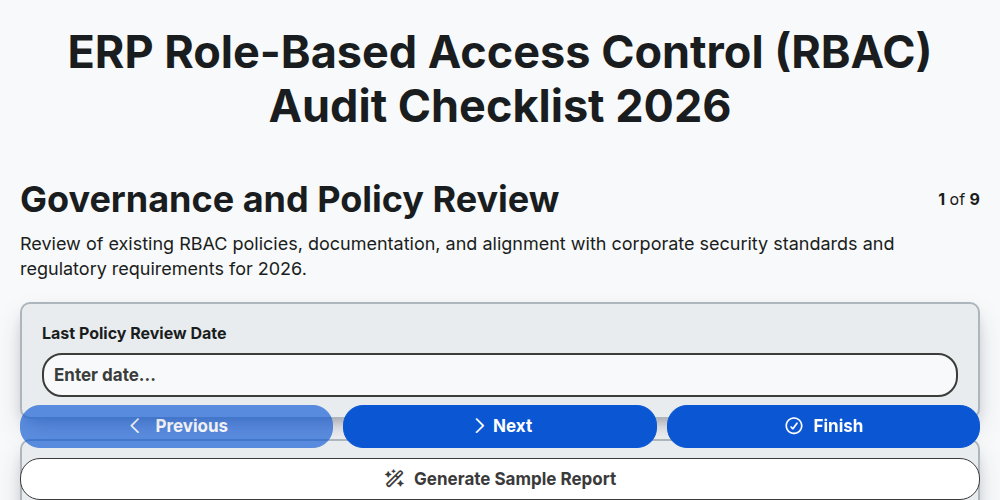
ERP Role-Based Access Control (RBAC) Audit Checklist 2026
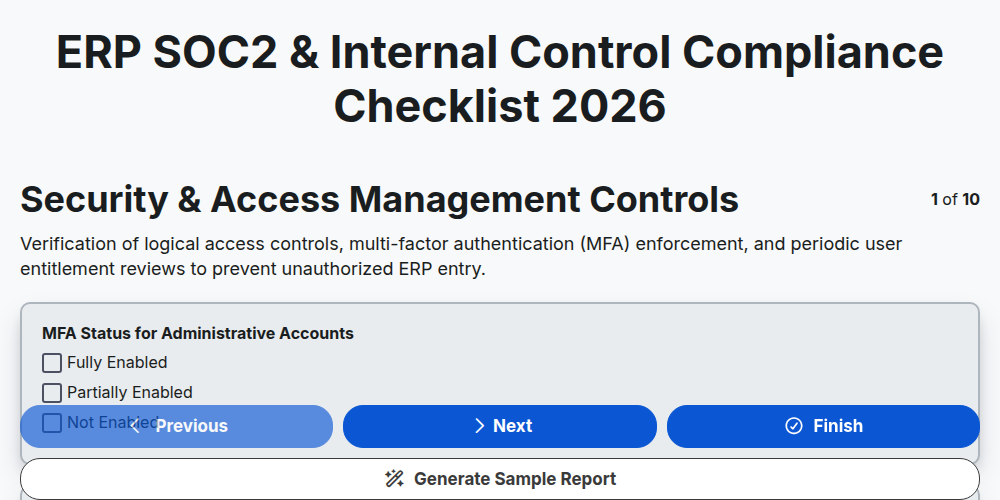
ERP SOC2 & Internal Control Compliance Checklist 2026
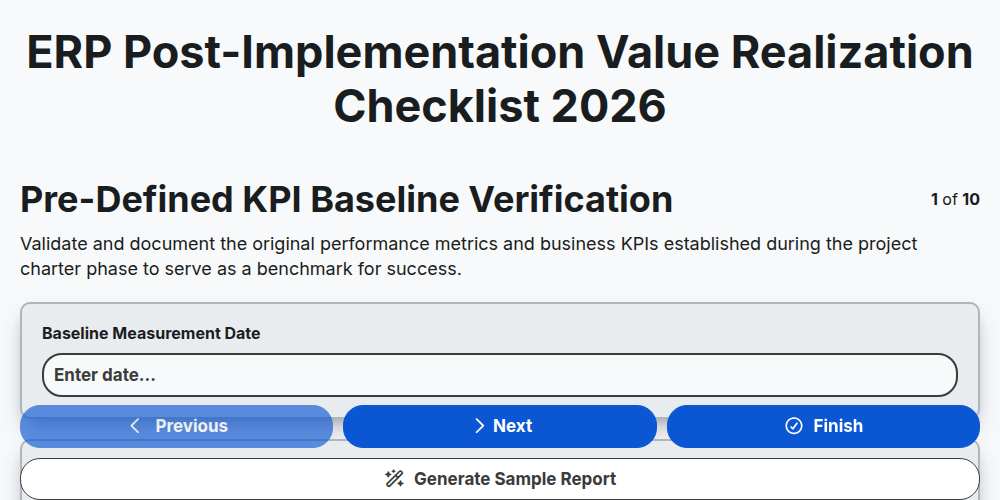
ERP Post-Implementation Value Realization Checklist 2026
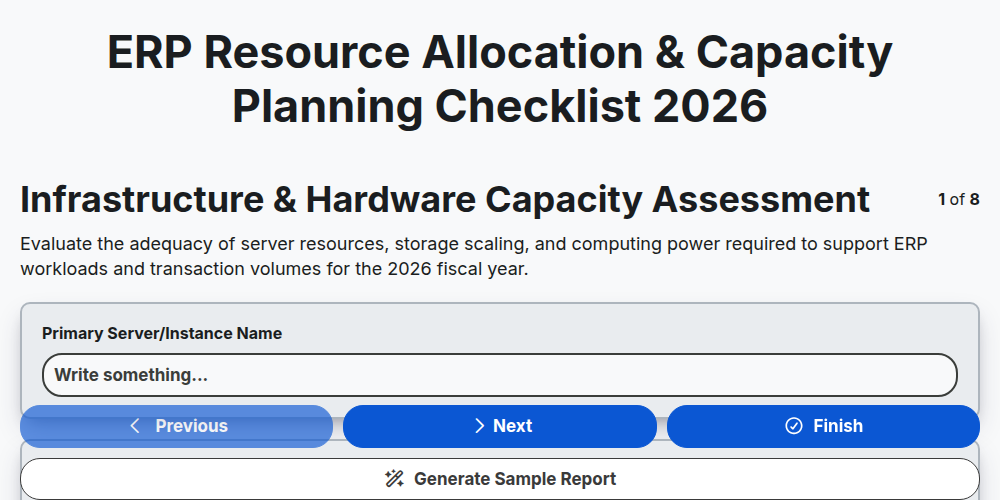
ERP Resource Allocation & Capacity Planning Checklist 2026
Need help with
Enterprise Resource Planning (ERP)?
Have a question? We're here to help. Please submit your inquiry, and we'll respond promptly.