 ChecklistGuro
 ERP Remote Access Security Checklist
Secure your ERP data & operations with our comprehensive ERP Remote Access Security Checklist. Minimize risks, enforce best practices, and ensure compliance when accessing your ERP system from anywhere. Download now for peace of mind!
This Template was installed 3 times.
User Authentication & Authorization
Verifies the security of user logins and access controls.
Multi-Factor Authentication (MFA) Enabled?
Password Complexity Requirements Enforced?
Maximum Number of Failed Login Attempts Allowed
Last Password Policy Review Date
Account Lockout Duration
Detailed Explanation of Password Reset Process
Device Security & Management
Assesses the security posture of devices accessing the ERP system remotely.
Device Operating System
Device Encryption Status (0 = Not Encrypted, 1 = Encrypted)
Security Software Installed (Select all that apply)
Last Security Scan Date
Device Management Status
Device Security Configuration Notes
Network Security & Encryption
Evaluates the network connections used for remote access and the encryption protocols in place.
VPN Protocol in Use:
Encryption Protocol for Data Transmission:
Encryption Key Length (bits):
Network Segmentation Implemented?
Firewall Rules for ERP Access:
Details of any network monitoring tools or systems used:
Data Loss Prevention (DLP)
Confirms measures to prevent sensitive data from leaving the organization through remote access.
DLP Software in Use?
Data Types Protected by DLP (Select all that apply)
Number of DLP Rules Configured
Description of DLP Policy Enforcement Methods
Are Data Leakage Alerts Monitored?
Last DLP Policy Review Date
Session Management & Monitoring
Checks controls for managing remote sessions and for monitoring user activity.
Maximum Concurrent Remote Sessions per User
Session Timeout (Idle)
Session Recording Enabled?
Session Recording Storage Location & Retention Policy
Alerting/Notification System for Suspicious Activity?
Description of Audit Logging Details
Multi-Factor Authentication (MFA)
Ensures MFA is enabled and properly configured for all remote ERP access.
MFA Enrollment Status
Primary MFA Method
Number of Active MFA Devices Per User (Max)
Bypass MFA Procedure
Last MFA Policy Review Date
User Groups Requiring MFA
Least Privilege Access
Verifies users have only the minimum necessary access permissions for remote ERP use.
ERP Module Access Review Frequency
Common ERP Modules Requiring Review
Number of Users with 'Administrator' Access
Method for Justifying Elevated ERP Access
Documentation of Access Justification Rationale
Software Updates & Patch Management
Confirms timely updates and security patches are applied to remote access software.
Last Patch Applied (Version Number)
Date of Last Patch Application
Patch Delivery Method
Notes Regarding Patching Process (e.g., downtime, testing)
Patch Testing Environment
Next Scheduled Patch Update Date
Endpoint Security Software
Checks for the presence and proper configuration of antivirus and other endpoint security tools.
Antivirus Software Installed?
Firewall Enabled?
Last Antivirus Scan Date (DD/MM/YYYY)
Endpoint Detection and Response (EDR) Solution?
Intrusion Prevention System (IPS) Active?
Description of Endpoint Security Software
VPN Security Configuration
Evaluates the security settings of the VPN used for remote access (if applicable).
VPN Tunnel Encryption Strength (bits)
VPN Protocol in Use
VPN Server Authentication Method
Last VPN Server Security Audit Date
Description of VPN Segmentation/Access Controls
Split Tunneling Enabled?
Found this Checklist Template helpful?
Comments
There are no comments yet. Be the first to add one!
ERP - Enterprise Resource Planning Solution Demo
Overwhelmed by disconnected systems? ChecklistGuro provides a centralized ERP solution, connecting your business processes - finance, operations, & more - for improved visibility and control. Simplify operations & boost efficiency.
Related Checklist Templates
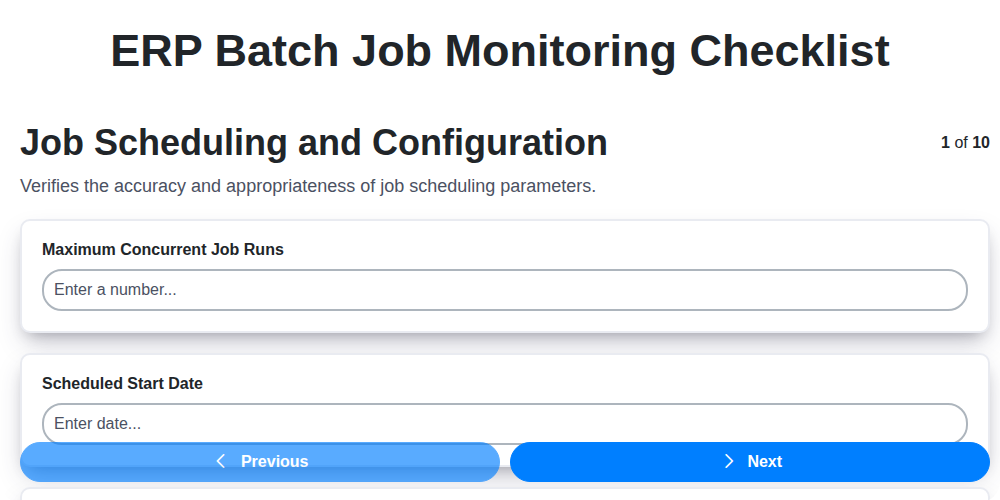
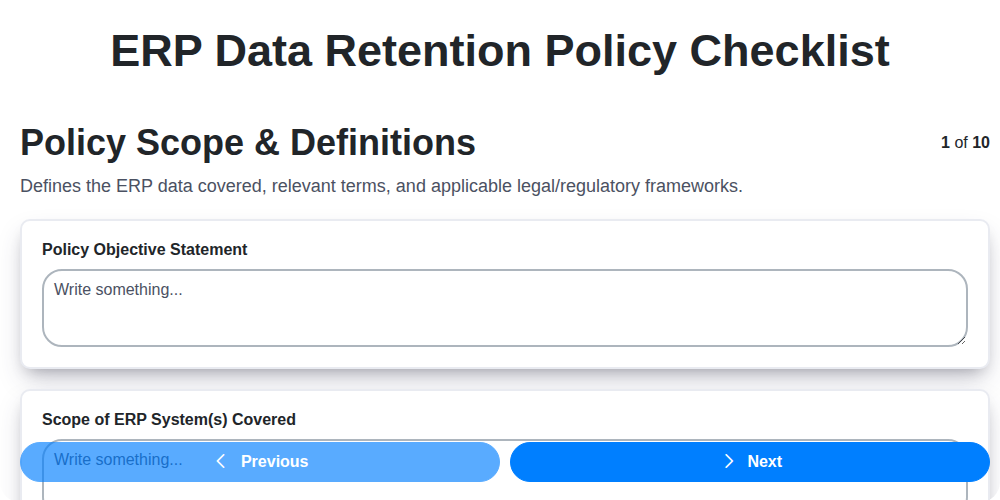
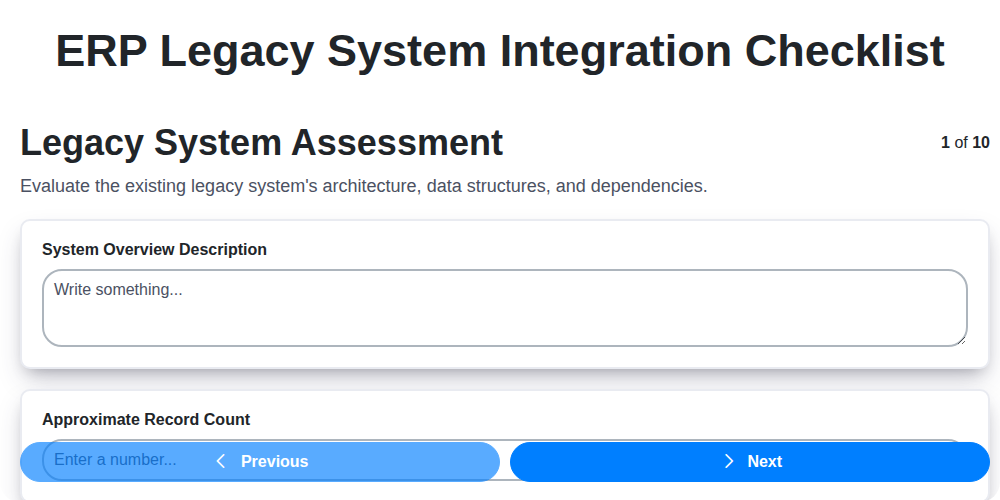

We can do it Together
Need help with
Enterprise Resource Planning (ERP)?
Have a question? We're here to help. Please submit your inquiry, and we'll respond promptly.