 ChecklistGuro
ERP Version Control Checklist
Maintain a stable and auditable ERP system. This checklist ensures meticulous version control, safeguarding data integrity and simplifying upgrades. Avoid costly errors - download now!
This Template was installed 5 times.
Version Control Strategy
Defines the overall approach to managing ERP versions and updates.
Describe the overall version control philosophy (e.g., branching strategy, tagging conventions).
Primary Version Control System Used:
Maximum Number of Concurrent Branches Allowed:
Types of Changes Requiring Formal Version Control:
Date of Last Version Control Strategy Review:
Documentation of Current Version
Ensures a clear record of the current ERP version, including build numbers, patch levels, and customizations.
ERP System Version Number
Build Number
Patch Level Details (if applicable)
Release Notes Summary
Date of Current Version Implementation
Description of Major Customizations in this Version
Configuration File Backup (Optional)
Change Request Process
Outlines the procedures for submitting, approving, and implementing changes to the ERP system.
Change Request Description
Change Priority
Estimated Effort (Hours)
Request Date
Impacted Module(s)
Related Documents
Approval Deadline
Backup and Recovery Procedures
Details the steps for backing up the ERP system and restoring it in case of failures or errors.
Backup Frequency (Days)
Last Successful Full Backup Date
Scheduled Backup Start Time
Backup Location Description (e.g., offsite storage)
Copy of Latest Backup Configuration File
Retention Period (Days)
Recovery Point Objective (RPO)
Recovery Time Objective (RTO)
Customization Tracking
Maintains a record of all customizations made to the ERP system, including code, configuration changes, and integration points.
Description of Customization
Customization ID
Date of Implementation
Developer Responsible
Customization Code File
Reason for Customization
Module Affected
Upgrade Planning & Testing
Covers the steps involved in planning, testing, and implementing upgrades to new ERP versions.
Planned Upgrade Start Date
Estimated Upgrade Duration (in hours)
Upgrade Method
Upgrade Scope & Objectives
Affected Modules
Pre-Upgrade System Backup
Planned Go-Live Date
Rollback Procedures
Defines the steps to revert to a previous ERP version in case of problems with an upgrade or implementation.
Detailed Rollback Plan Narrative
Scheduled Rollback Start Date
Estimated Rollback Start Time
Estimated Rollback Duration (hours)
Rollback Lead Contact
Data Integrity Verification Steps After Rollback
Pre-Rollback System Backup (Confirmation)
Environment Management
Covers the management of different ERP environments (development, testing, production).
Number of Development Environments
Number of Testing Environments
Number of Production Environments
Environment Access Control Method
Last Environment Health Check Date
Description of Environment Naming Convention
Environment Monitoring Tools Used
Environment Configuration Documentation
Code Repository Management
Details the process for storing and managing code related to ERP customizations.
Repository URL
Repository Branch Size Limit (MB)
Allowed Branch Types (e.g., Feature, Release, Hotfix)
Repository Access Control Policy
Last Repository Audit Date
Repository Contribution Guidelines
Version Control System Usage
Ensures consistent use of the chosen version control system (e.g., Git).
Version Control System in Use
Repository URL
Branching Strategy Number of Allowed Branches
Workflow Stages Requiring Version Control
Naming Conventions for Branches/Tags
Last Code Review Date
Frequently Asked Questions
Can I customize this template after installing it?
Absolutely. Once installed, you can add, remove, or reorder tasks, add custom fields, and adjust deadlines to fit your specific workflow.
Can I add images or photos to these checklist items?
Yes. Our platform allows you to attach photos, signatures, and notes to any checklist item for better verification and proof of completion.
Can I create a custom checklist from scratch instead of using a template?
Yes. You can use our "Create your own checklist" feature to build a unique workflow tailored exactly to your operational requirements.
Can I add dependencies between tasks?
Yes, you can set up conditional logic and dependencies to ensure your team follows the correct sequence of operations.
Can I assign specific checklist items to different team members?
Yes. You can assign individual tasks to specific employees, ensuring clear accountability across your entire team.
Can I use these checklists on mobile devices in the field?
Yes. Our platform is fully responsive, allowing your team to complete, update, and upload photos to checklists directly from any smartphone or tablet.
How do I notify my manager when a checklist is completed?
You can set up automated notifications (via email, push notification, or in-app alerts) to trigger whenever a checklist is finished or if an item fails inspection.
Can multiple people work on the same checklist simultaneously?
Yes, the platform supports real-time updates, allowing multiple users to contribute to a single live checklist.
Where is the data from completed checklists stored?
All completed checklists are stored securely in your Work OS dashboard, creating a permanent, searchable audit trail of your operations.
Can I generate reports based on my checklist results?
Yes. You can track completion rates, identify recurring issues, and monitor team performance through our integrated reporting and analytics tools.
How can I use these checklists for compliance or auditing purposes?
Because our checklists capture timestamps, photos, and digital signatures, they serve as a robust digital paper trail for regulatory compliance and internal audits.
Can I export my completed checklist data for use in other tools?
Yes. You can export your data in various formats (CSV, Excel, etc.) to integrate your operational insights with your other business software.
Comments
There are no comments yet. Be the first to add one!
ERP - Enterprise Resource Planning Solution Demo
Overwhelmed by disconnected systems? ChecklistGuro provides a centralized ERP solution, connecting your business processes - finance, operations, & more - for improved visibility and control. Simplify operations & boost efficiency.
Related Checklist Templates
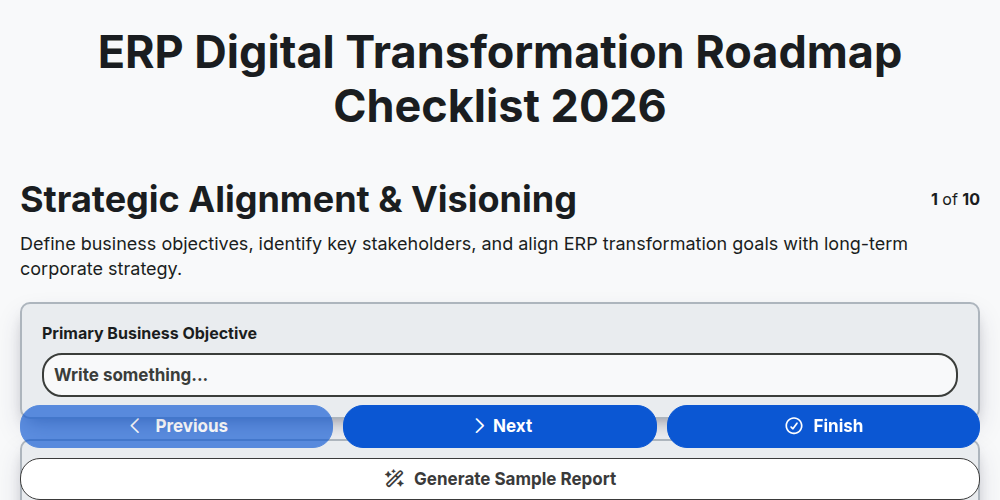
ERP Digital Transformation Roadmap Checklist 2026
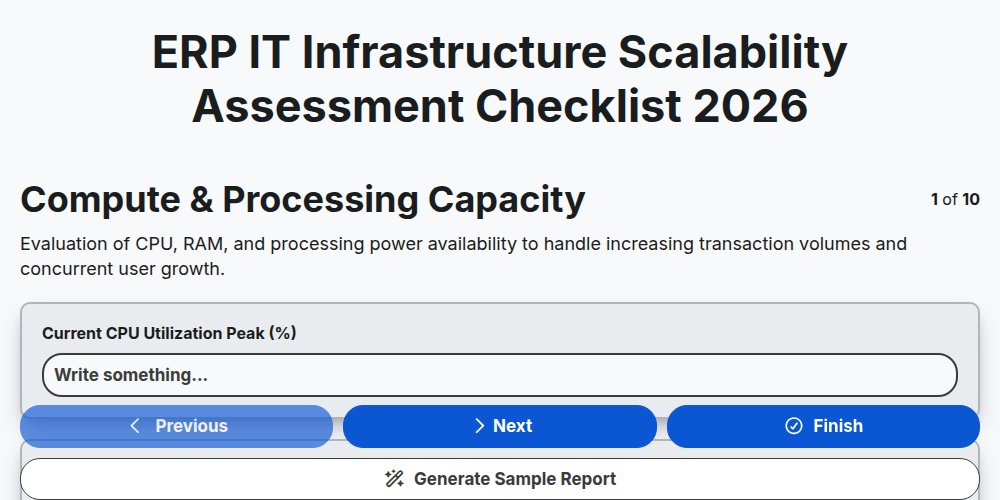
ERP IT Infrastructure Scalability Assessment Checklist 2026
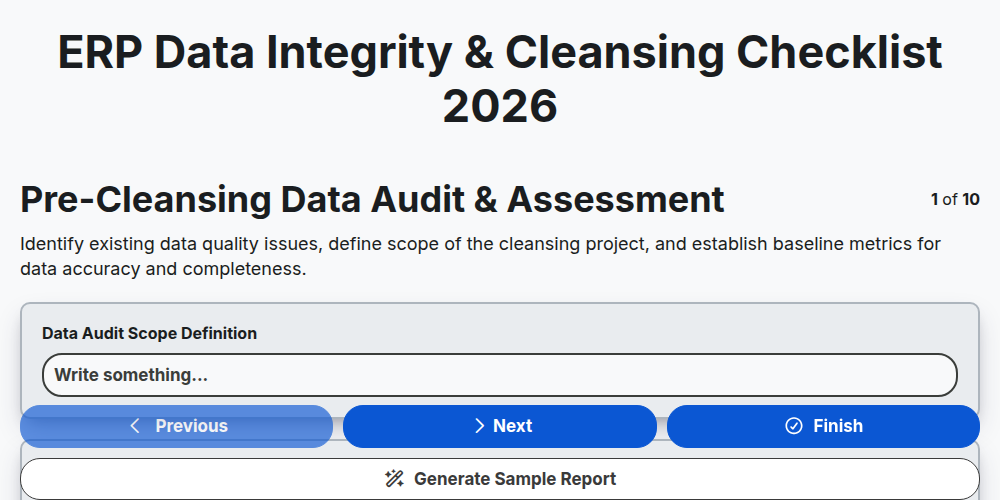
ERP Data Integrity & Cleansing Checklist 2026
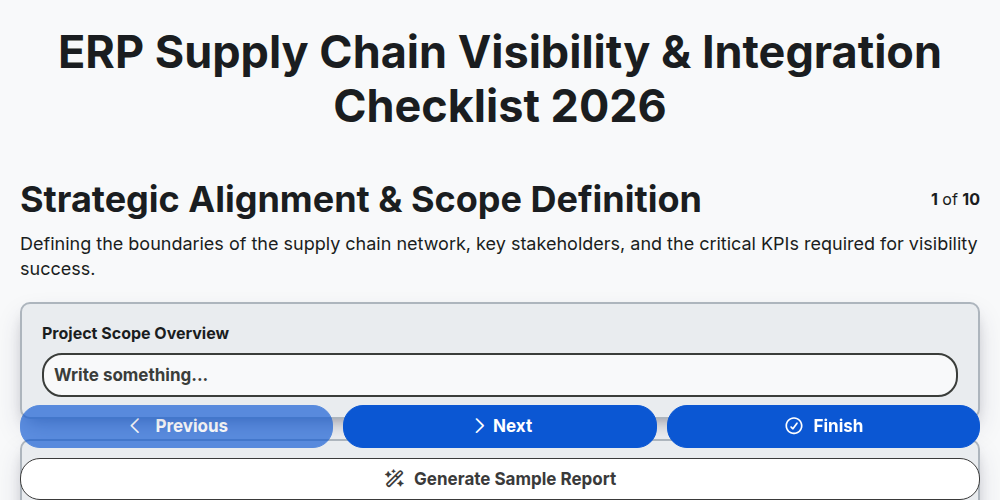
ERP Supply Chain Visibility & Integration Checklist 2026
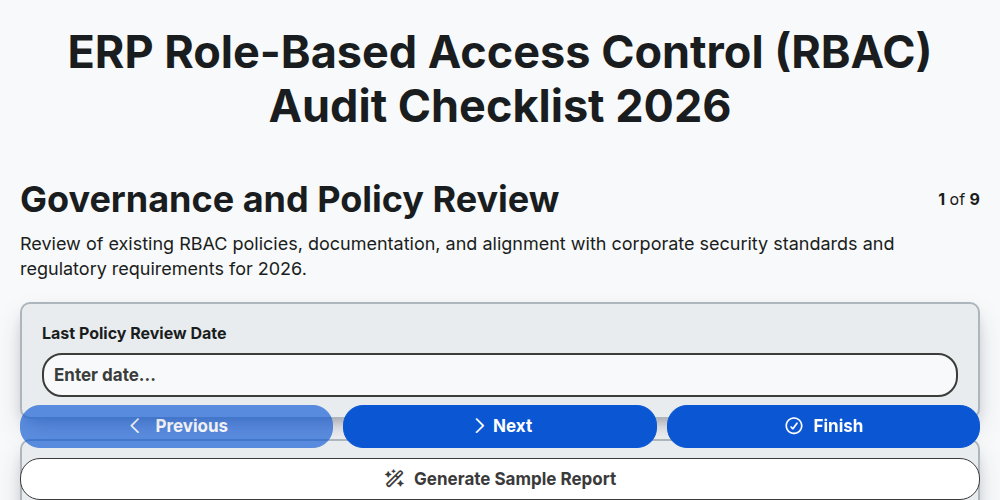
ERP Role-Based Access Control (RBAC) Audit Checklist 2026
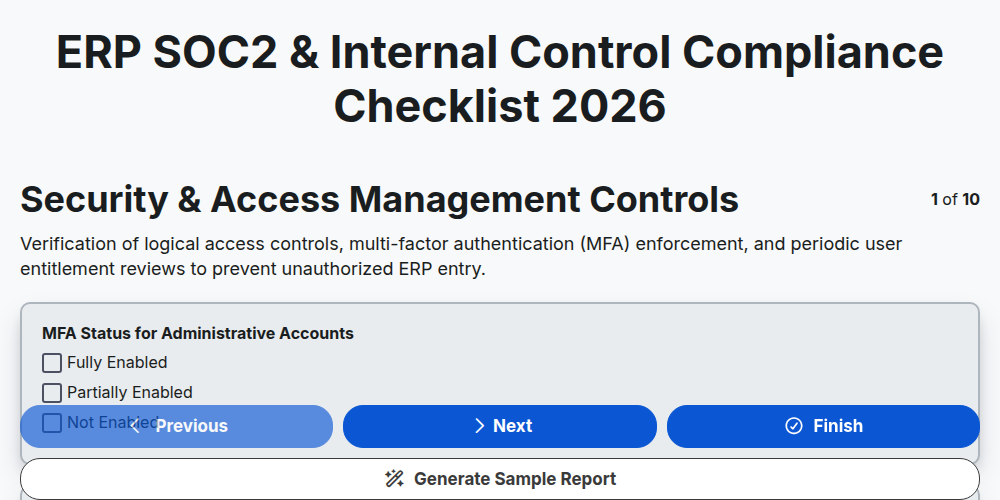
ERP SOC2 & Internal Control Compliance Checklist 2026
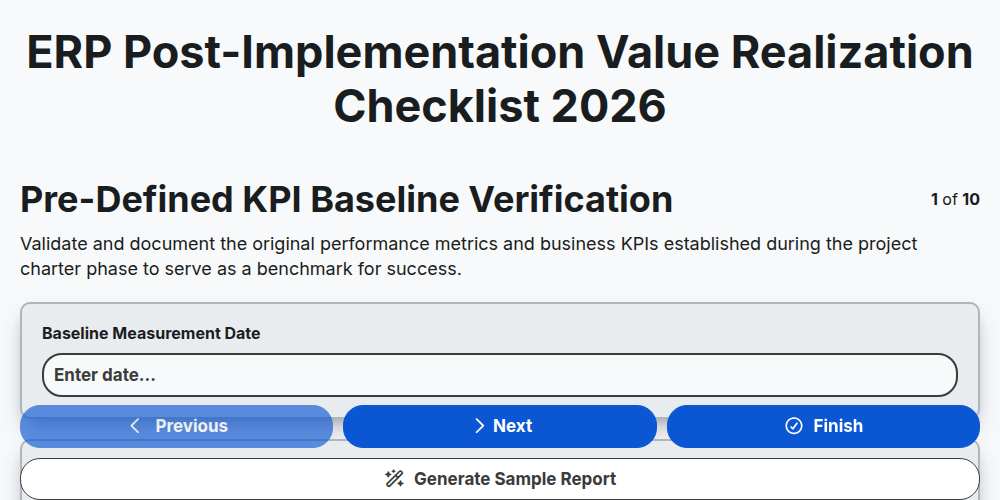
ERP Post-Implementation Value Realization Checklist 2026
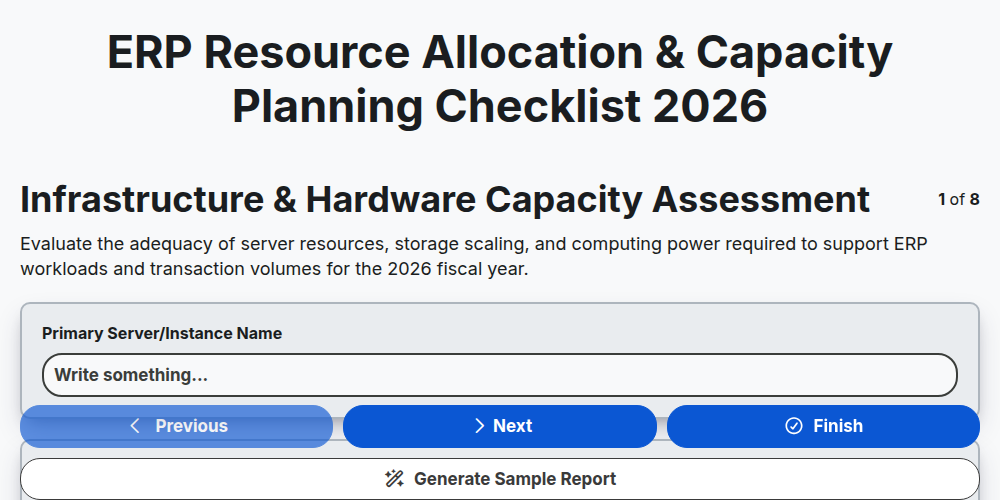
ERP Resource Allocation & Capacity Planning Checklist 2026
Need help with
Enterprise Resource Planning (ERP)?
Have a question? We're here to help. Please submit your inquiry, and we'll respond promptly.