 ChecklistGuro
 Farm Financial Management Checklist
Stay on top of your farm's profitability! Our Farm Financial Management Checklist simplifies tracking expenses, monitoring revenue, and ensuring financial health. Download now and optimize your farm's bottom line.
This Template was installed 1 times.
Revenue Tracking
Record all income sources, including crop sales, livestock sales, government subsidies, and grants.
Date of Sale
Quantity Sold (Units)
Commodity Type
Price per Unit
Total Revenue (USD)
Sale Details (Buyer, Contract, etc.)
Payment Method
Expense Monitoring
Document all farm expenses such as seeds, fertilizer, fuel, labor, repairs, and insurance.
Seed Cost (per acre)
Fertilizer Cost (per acre)
Fuel Cost (gallons)
Labor Cost (hours)
Repair & Maintenance Costs
Date of Expense
Expense Description
Amount Paid
Budget Variance Analysis
Compare actual income and expenses against the established budget, noting any significant discrepancies.
Budgeted Revenue
Actual Revenue
Revenue Variance (Budget - Actual)
Budgeted Expenses
Actual Expenses
Expense Variance (Budget - Actual)
Variance Explanation
Detailed Variance Comments
Cash Flow Management
Track cash inflows and outflows to ensure sufficient liquidity for farm operations.
Date of Cash Flow Review
Beginning Cash Balance
Total Income Received
Total Expenses Paid
Loan Payments Made
Capital Expenditures
Net Cash Flow
Ending Cash Balance
Loan and Debt Management
Monitor loan balances, interest rates, and payment schedules; ensure timely payments.
Loan Balance (Principal)
Interest Rate (%)
Next Payment Due Date
Payment Amount
Loan Type
Loan Origination Date
Remaining Loan Term (Years)
Notes/Special Conditions
Tax Compliance
Track income and expenses for accurate tax reporting and ensure timely tax payments.
Tax Year End Date
Estimated Income Tax Payable
Estimated Self-Employment Tax
Supporting Income Documentation (e.g., sales receipts)
Notes on Deductions or Credits Claimed
Tax Filing Status
Estimated Payment Due Date
Record Keeping and Documentation
Maintain organized financial records for audit trails and future reference.
Date of Record Entry
Record Description (e.g., Fertilizer Application, Equipment Repair)
Quantity/Volume (if applicable)
Detailed Notes/Observations
Supporting Documents (Receipts, Invoices, Photos)
Record Type
Profitability Analysis
Calculate and analyze key profitability ratios to assess farm performance.
Gross Revenue (Crop Sales)
Gross Revenue (Livestock Sales)
Cost of Goods Sold (COGS)
Operating Expenses
Net Profit Before Taxes
Net Profit After Taxes
Profitability Metric (e.g., ROI, Net Profit Margin)
Profitability Metric Value
Frequently Asked Questions
Can I customize this template after installing it?
Absolutely. Once installed, you can add, remove, or reorder tasks, add custom fields, and adjust deadlines to fit your specific workflow.
Can I add images or photos to these checklist items?
Yes. Our platform allows you to attach photos, signatures, and notes to any checklist item for better verification and proof of completion.
Can I create a custom checklist from scratch instead of using a template?
Yes. You can use our "Create your own checklist" feature to build a unique workflow tailored exactly to your operational requirements.
Can I add dependencies between tasks?
Yes, you can set up conditional logic and dependencies to ensure your team follows the correct sequence of operations.
Can I assign specific checklist items to different team members?
Yes. You can assign individual tasks to specific employees, ensuring clear accountability across your entire team.
Can I use these checklists on mobile devices in the field?
Yes. Our platform is fully responsive, allowing your team to complete, update, and upload photos to checklists directly from any smartphone or tablet.
How do I notify my manager when a checklist is completed?
You can set up automated notifications (via email, push notification, or in-app alerts) to trigger whenever a checklist is finished or if an item fails inspection.
Can multiple people work on the same checklist simultaneously?
Yes, the platform supports real-time updates, allowing multiple users to contribute to a single live checklist.
Where is the data from completed checklists stored?
All completed checklists are stored securely in your Work OS dashboard, creating a permanent, searchable audit trail of your operations.
Can I generate reports based on my checklist results?
Yes. You can track completion rates, identify recurring issues, and monitor team performance through our integrated reporting and analytics tools.
How can I use these checklists for compliance or auditing purposes?
Because our checklists capture timestamps, photos, and digital signatures, they serve as a robust digital paper trail for regulatory compliance and internal audits.
Can I export my completed checklist data for use in other tools?
Yes. You can export your data in various formats (CSV, Excel, etc.) to integrate your operational insights with your other business software.
Comments
There are no comments yet. Be the first to add one!
Farm Management Solution Demo
Grow your farm smarter & more efficiently! ChecklistGuro streamlines crop planning, task management, & resource tracking. Maximize yields, reduce waste, & improve profitability. Manage it all with our Work OS.
Related Checklist Templates
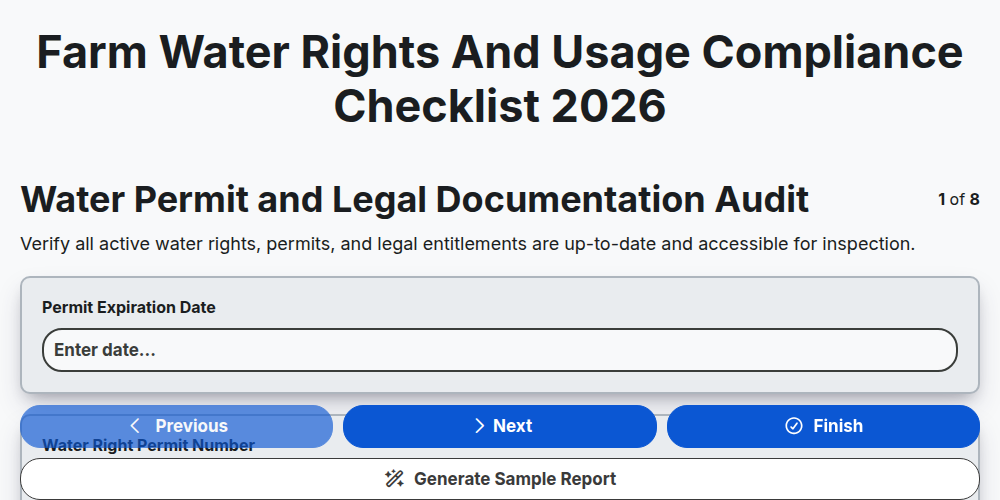
Farm Water Rights and Usage Compliance Checklist 2026
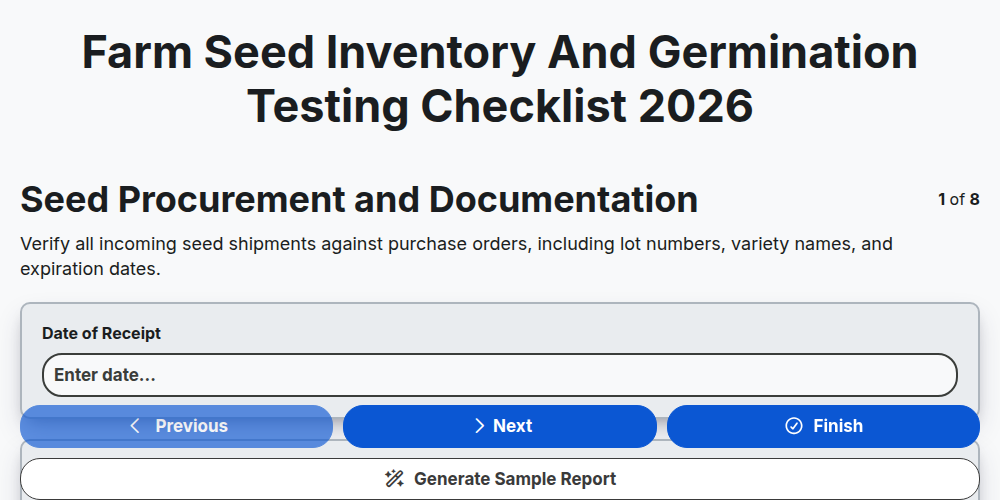
Farm Seed Inventory and Germination Testing Checklist 2026
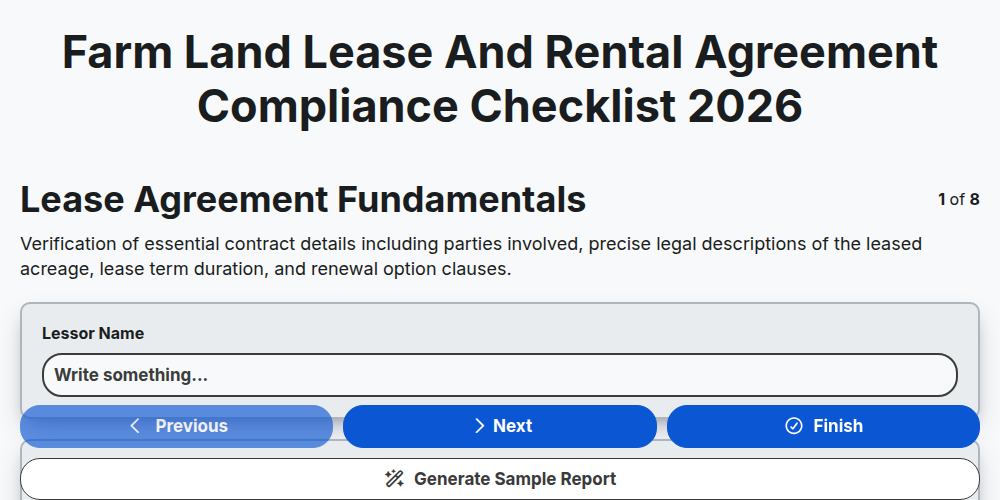
Farm Land Lease and Rental Agreement Compliance Checklist 2026
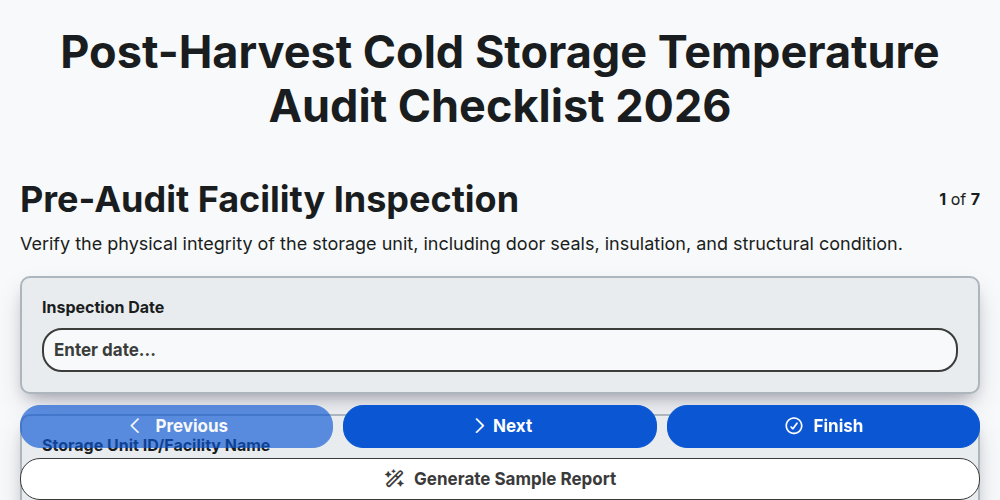
Post-Harvest Cold Storage Temperature Audit Checklist 2026
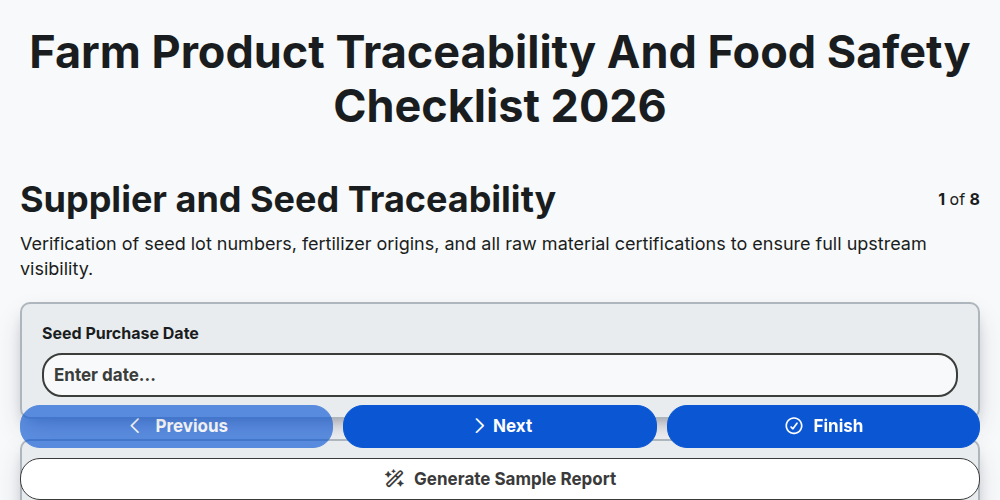
Farm Product Traceability and Food Safety Checklist 2026
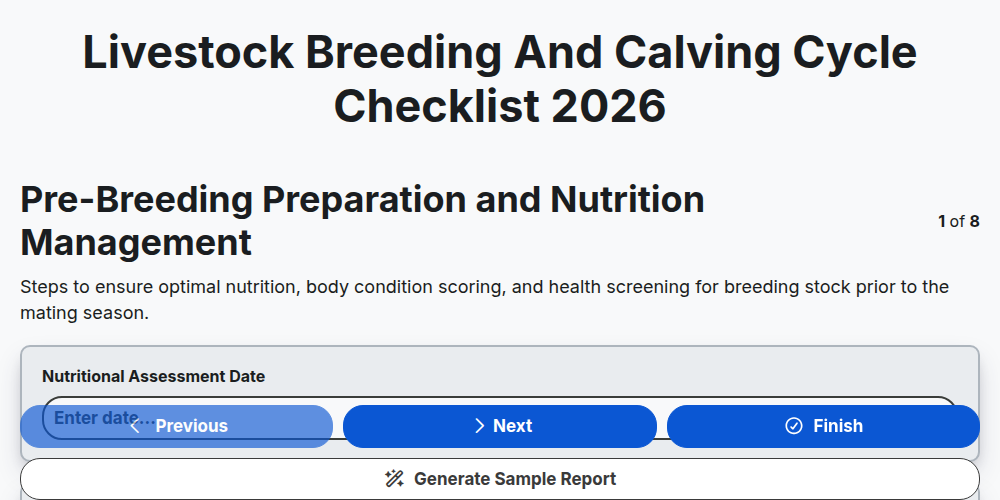
Livestock Breeding and Calving Cycle Checklist 2026
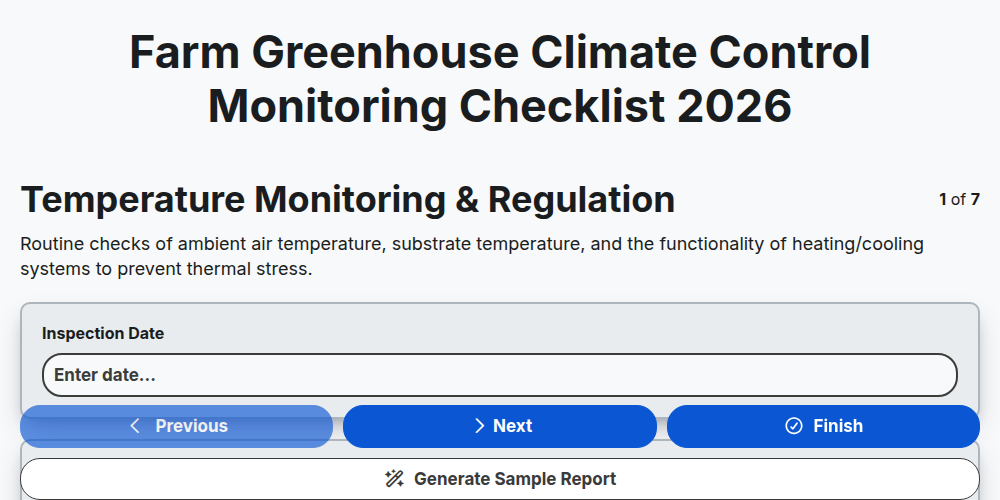
Farm Greenhouse Climate Control Monitoring Checklist 2026
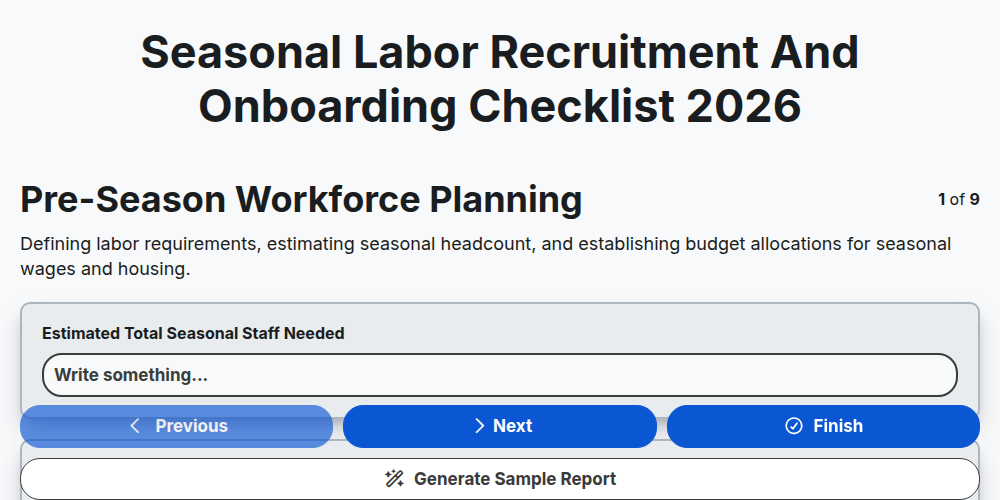
Seasonal Labor Recruitment and Onboarding Checklist 2026
Need help with
Farm Management?
Have a question? We're here to help. Please submit your inquiry, and we'll respond promptly.