 ChecklistGuro
 Farm Technology Integration Checklist
Maximize farm efficiency and ROI! Our Farm Technology Integration Checklist ensures seamless implementation and optimal performance of your precision ag tech-from drones to sensors. Stay on track, minimize errors, and unlock the full potential of your farm's digital tools. Download now!
This Template was installed 3 times.
Hardware Setup & Connectivity
Ensuring all physical devices are correctly installed, configured, and connected to the network.
Device Name
Serial Number
Connection Type
Signal Strength (dBm)
Installation Date
Device Location (GPS Coordinates)
Notes on Connectivity Issues
Software Installation & Configuration
Managing software deployments, updates, and user access rights.
Software Name
Software Version
Installation Date
Installation Method
Number of Users
Installation Notes
Data Integration & Flow
Verifying data synchronization and movement between different platforms and systems.
Data Source Connection Status
Last Data Sync Timestamp (Epoch)
Next Scheduled Data Sync
Data Sync Error Messages (if any)
Data Format Consistency
Number of Records Synced
Data Categories Integrated
User Training & Adoption
Tracking user onboarding, proficiency levels, and identifying training needs.
Number of Users Trained
Training Completion Date
Training Delivery Method
User Feedback on Training
Score on Post-Training Assessment
Confidence Level Using New Tech
Security & Permissions
Reviewing access controls and security protocols to protect sensitive farm data.
Authentication Method
Maximum Login Attempts
Data Encryption Status
User Roles & Permissions
Security Audit Log Review Notes
Last Security Audit Date
Performance Monitoring & Optimization
Analyzing system performance and identifying areas for improvement and troubleshooting.
System Uptime (%)
Data Transfer Rate (MB/s)
Average Response Time (seconds)
Observed Performance Issues
Overall Performance Rating
Date of Last Performance Review
Troubleshooting Steps Taken
Backup & Disaster Recovery
Confirming data backup procedures and recovery plans are in place and tested.
Last Full Backup Date
Backup Retention Period (Days)
Backup Storage Location
Detailed Backup Procedure Documentation
Last Disaster Recovery Test Date
Disaster Recovery Plan Summary
Copy of Disaster Recovery Plan Document
Maintenance & Updates
Scheduling regular system maintenance, firmware updates and security patches.
Last Firmware Update Date
Firmware Version Number
Notes on Update Process
Next Scheduled System Maintenance
Update Method Used
Hours System Offline for Maintenance
Screenshot of System Health Report
Frequently Asked Questions
Can I customize this template after installing it?
Absolutely. Once installed, you can add, remove, or reorder tasks, add custom fields, and adjust deadlines to fit your specific workflow.
Can I add images or photos to these checklist items?
Yes. Our platform allows you to attach photos, signatures, and notes to any checklist item for better verification and proof of completion.
Can I create a custom checklist from scratch instead of using a template?
Yes. You can use our "Create your own checklist" feature to build a unique workflow tailored exactly to your operational requirements.
Can I add dependencies between tasks?
Yes, you can set up conditional logic and dependencies to ensure your team follows the correct sequence of operations.
Can I assign specific checklist items to different team members?
Yes. You can assign individual tasks to specific employees, ensuring clear accountability across your entire team.
Can I use these checklists on mobile devices in the field?
Yes. Our platform is fully responsive, allowing your team to complete, update, and upload photos to checklists directly from any smartphone or tablet.
How do I notify my manager when a checklist is completed?
You can set up automated notifications (via email, push notification, or in-app alerts) to trigger whenever a checklist is finished or if an item fails inspection.
Can multiple people work on the same checklist simultaneously?
Yes, the platform supports real-time updates, allowing multiple users to contribute to a single live checklist.
Where is the data from completed checklists stored?
All completed checklists are stored securely in your Work OS dashboard, creating a permanent, searchable audit trail of your operations.
Can I generate reports based on my checklist results?
Yes. You can track completion rates, identify recurring issues, and monitor team performance through our integrated reporting and analytics tools.
How can I use these checklists for compliance or auditing purposes?
Because our checklists capture timestamps, photos, and digital signatures, they serve as a robust digital paper trail for regulatory compliance and internal audits.
Can I export my completed checklist data for use in other tools?
Yes. You can export your data in various formats (CSV, Excel, etc.) to integrate your operational insights with your other business software.
Comments
There are no comments yet. Be the first to add one!
Farm Management Solution Demo
Grow your farm smarter & more efficiently! ChecklistGuro streamlines crop planning, task management, & resource tracking. Maximize yields, reduce waste, & improve profitability. Manage it all with our Work OS.
Related Checklist Templates
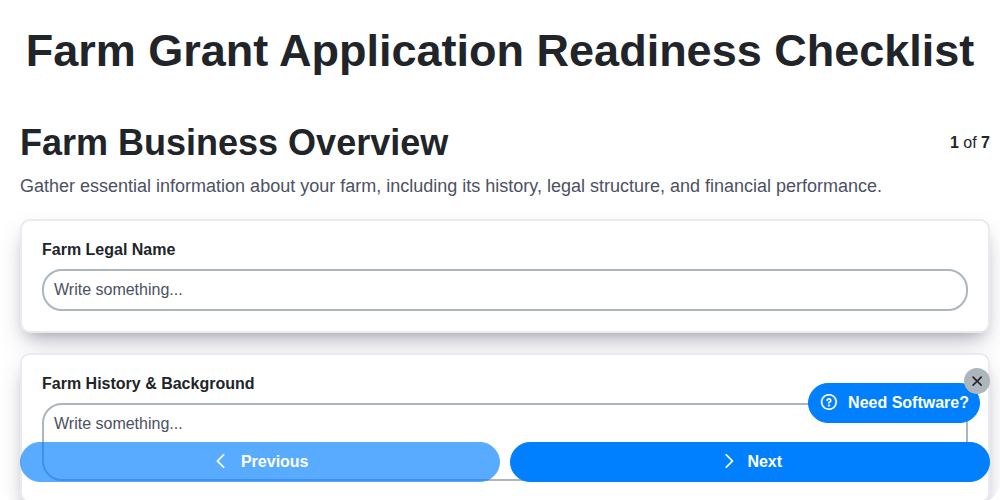
Farm Grant Application Readiness Checklist
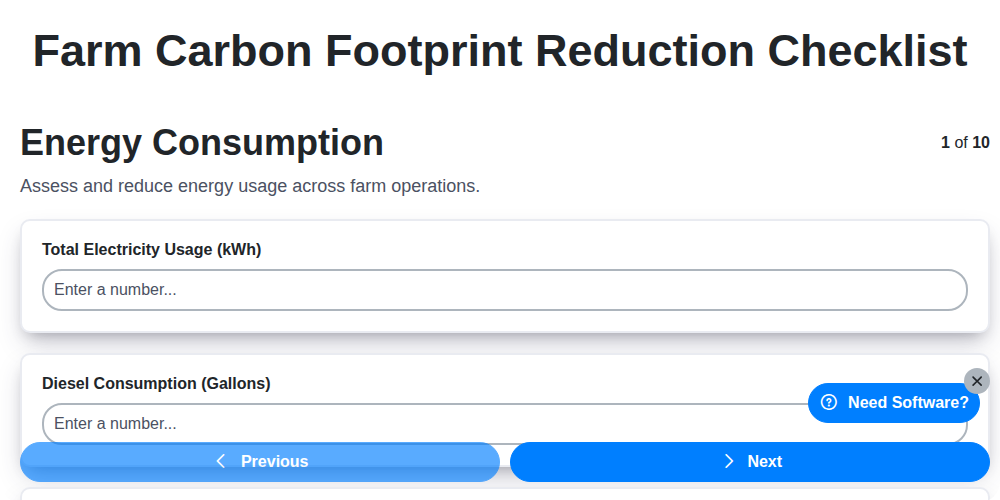
Farm Carbon Footprint Reduction Checklist
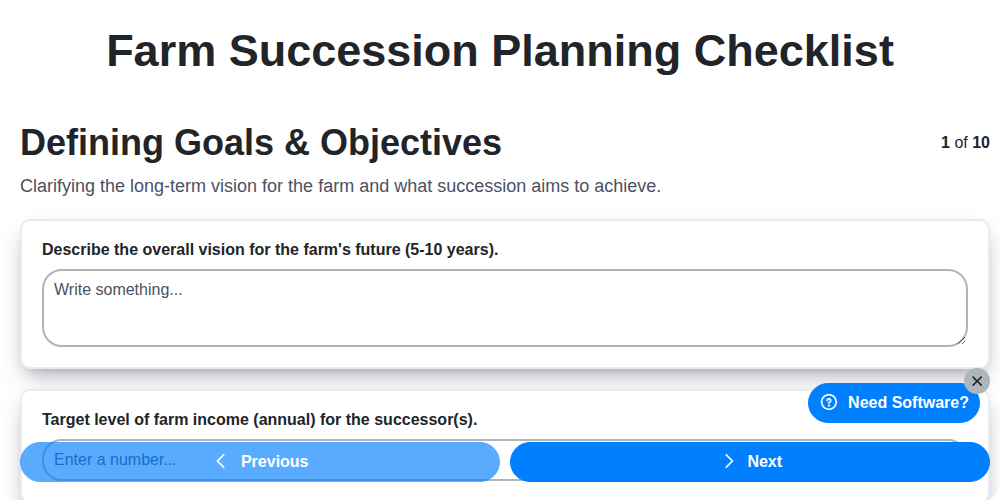
Farm Succession Planning Checklist
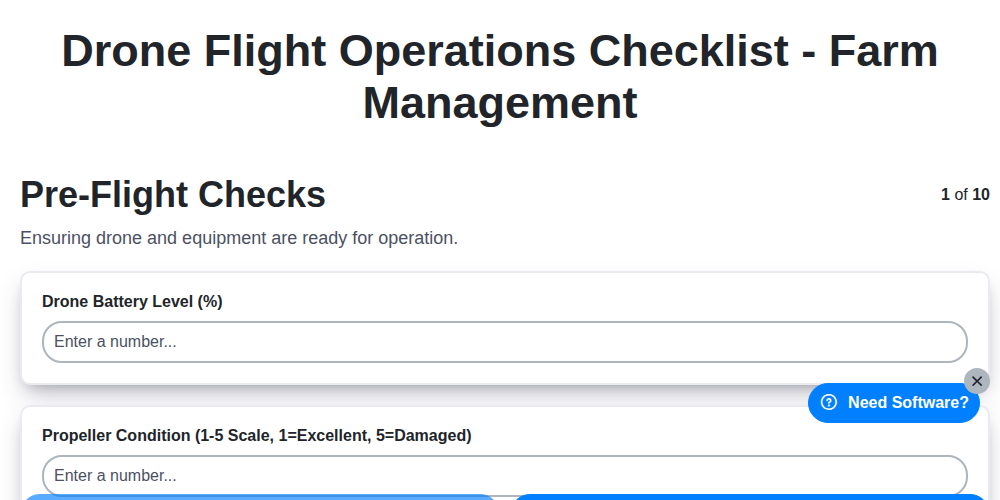
Drone Flight Operations Checklist - Farm Management
Farm Nutrient Management Checklist
Farm Conservation Plan Implementation Checklist
Soil Erosion Control Checklist - Farm Management
Farm Insurance Policy Review Checklist
Need help with
Farm Management?
Have a question? We're here to help. Please submit your inquiry, and we'll respond promptly.