 ChecklistGuro
 Healthcare Medical Staff Credentialing & Privileging Checklist 2026
Ensure seamless provider onboarding and full regulatory compliance with our comprehensive Healthcare Medical Staff Credentialing & Privileging Checklist 2026. Designed for healthcare administrators and medical staff offices, this professional-grade checklist streamlines the verification of physician qualifications, licenses, and clinical privileges. Eliminate the risk of costly errors, reduce administrative bottlenecks, and maintain rigorous standards for patient safety and hospital accreditation. Master your credentialing workflow and optimize practitioner onboarding efficiency with this essential 2026 management tool.
Primary Source Verification (PSV)
Verification of foundational credentials including medical school diplomas, residency completion, and board certifications directly from the issuing institutions.
Medical School Graduation Date
Diploma or Degree Certificate
Institution Name
Verification Status
Residency Completion Date
Board Certification Certificate
Verified Credentials
Verifying Officer Signature
Licensure & Registration Audit
Comprehensive review of active state medical licenses, DEA registrations, and any necessary specialized state-specific practitioner permits.
Medical License Number
Issuing State/Jurisdiction
License Issue Date
License Expiration Date
Upload Digital Copy of License
Associated Registrations
Professional Background & Sanctions Check
Verification of practitioner history via NPDB (National Practitioner Data Bank), OIG Exclusion List (LEIE), and state-level disciplinary databases.
Date of Background Check Completion
Sanction Databases Screened
Sanction/Disciplinary Action Found?
Details of Findings or Disciplinary Notes
Upload Background Screening Report PDF
Credentialing Officer Attestation
Clinical Competency & Peer Review
Assessment of clinical skills, recent surgical logs, peer references, and documentation of continuing medical education (CME) credits.
Date of Last Clinical Competency Assessment
Verified Clinical Competencies
Peer Reference Summary Notes
Uploaded Procedure Logs & Surgical Logs
Competency Assessment Outcome
Medical Director Review Signature
Insurance & Malpractice Verification
Validation of current professional liability insurance coverage, including policy limits, expiration dates, and retroactive coverage details.
Insurance Carrier Name
Policy Coverage Limit (Per Occurrence)
Policy Expiration Date
Policy Type
Upload Certificate of Insurance (COI)
Credentialing Officer Verification
Privileging Scope & Clinical Duty Definition
Formal documentation of specific procedures, patient populations, and clinical areas the practitioner is authorized to perform within the facility.
Specialty Area
Authorized Clinical Procedures
Detailed Scope of Practice Description
Privilege Effective Date
Privilege Expiration Date
Medical Director Approval Signature
Signed Privilege Agreement Document
Immunization & Health Screening Compliance
Verification of required vaccinations, tuberculosis testing, and adherence to facility-specific occupational health protocols.
Date of Last Tetanus Vaccination
Date of Last Hepatitis B Vaccination Series Completion
Date of Most Recent Tuberculosis (TB) Screening
Required Immunization Immunization Verifications Completed
Upload Immunization Records/Lab Results
Provider Attestation of Health Compliance
Credentialing File Maintenance & Re-credentialing Schedule
Establishment of expiration tracking, biennial review timelines, and maintenance of organized, audit-ready digital and physical records.
Last Credentialing Review Date
Next Re-credentialing Due Date
Credentialing Status
Digital Credentialing Archive Folder
Notes on Re-credentialing Discrepancies
Medical Staff Office Manager Approval
Frequently Asked Questions
Can I customize this template after installing it?
Absolutely. Once installed, you can add, remove, or reorder tasks, add custom fields, and adjust deadlines to fit your specific workflow.
Can I add images or photos to these checklist items?
Yes. Our platform allows you to attach photos, signatures, and notes to any checklist item for better verification and proof of completion.
Can I create a custom checklist from scratch instead of using a template?
Yes. You can use our "Create your own checklist" feature to build a unique workflow tailored exactly to your operational requirements.
Can I add dependencies between tasks?
Yes, you can set up conditional logic and dependencies to ensure your team follows the correct sequence of operations.
Can I assign specific checklist items to different team members?
Yes. You can assign individual tasks to specific employees, ensuring clear accountability across your entire team.
Can I use these checklists on mobile devices in the field?
Yes. Our platform is fully responsive, allowing your team to complete, update, and upload photos to checklists directly from any smartphone or tablet.
How do I notify my manager when a checklist is completed?
You can set up automated notifications (via email, push notification, or in-app alerts) to trigger whenever a checklist is finished or if an item fails inspection.
Can multiple people work on the same checklist simultaneously?
Yes, the platform supports real-time updates, allowing multiple users to contribute to a single live checklist.
Where is the data from completed checklists stored?
All completed checklists are stored securely in your Work OS dashboard, creating a permanent, searchable audit trail of your operations.
Can I generate reports based on my checklist results?
Yes. You can track completion rates, identify recurring issues, and monitor team performance through our integrated reporting and analytics tools.
How can I use these checklists for compliance or auditing purposes?
Because our checklists capture timestamps, photos, and digital signatures, they serve as a robust digital paper trail for regulatory compliance and internal audits.
Can I export my completed checklist data for use in other tools?
Yes. You can export your data in various formats (CSV, Excel, etc.) to integrate your operational insights with your other business software.
Comments
There are no comments yet. Be the first to add one!
Healthcare Management Solution Demo
Streamlining healthcare operations and improving patient care? ChecklistGuro's Work OS platform simplifies everything from patient scheduling and billing to compliance and staff management. Enhance efficiency, reduce administrative burden, and focus on what matters most: your patients. Learn how ChecklistGuro can transform your healthcare organization!
Related Checklist Templates
Healthcare Controlled Substance Inventory & Security Checklist 2026
Healthcare Telemedicine Equipment & Room Setup Checklist 2026
Healthcare Utilization Review & Managed Care Checklist 2026
Healthcare Patient Intake & Registration Workflow Checklist 2026
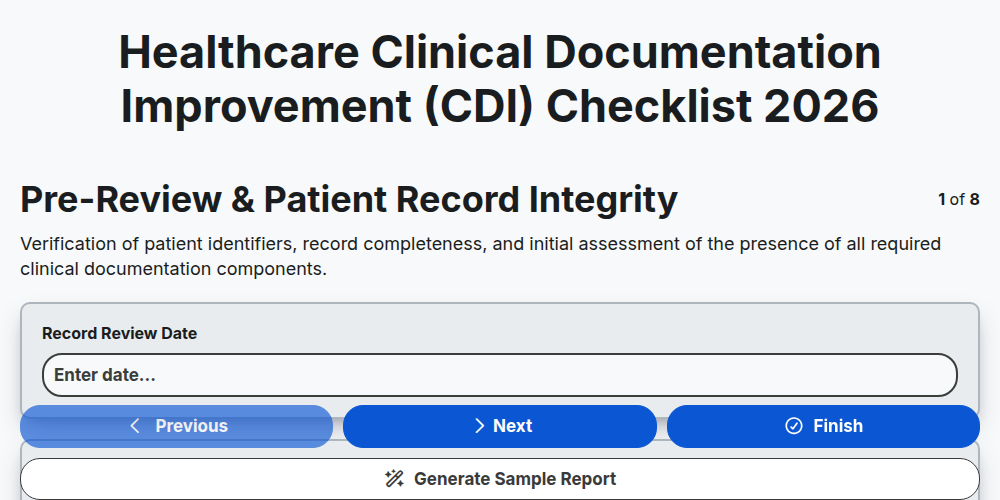
Healthcare Clinical Documentation Improvement (CDI) Checklist 2026
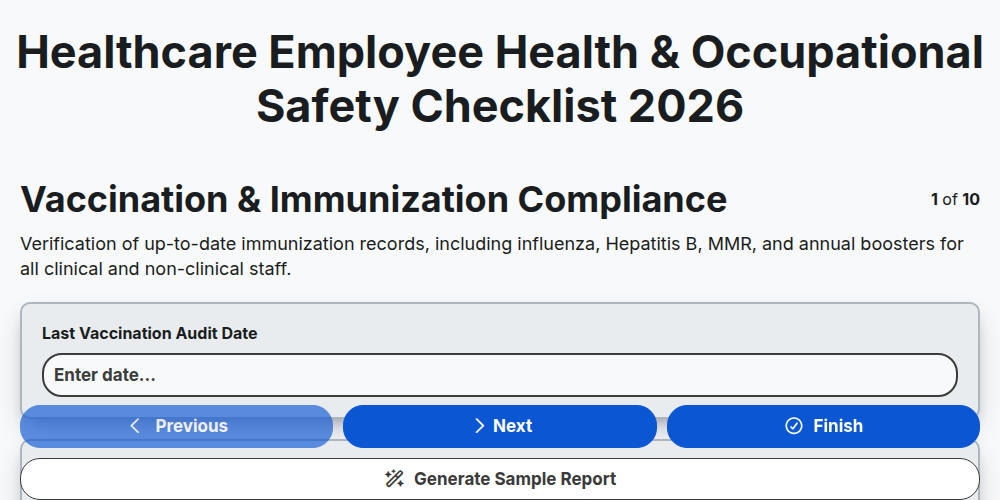
Healthcare Employee Health & Occupational Safety Checklist 2026
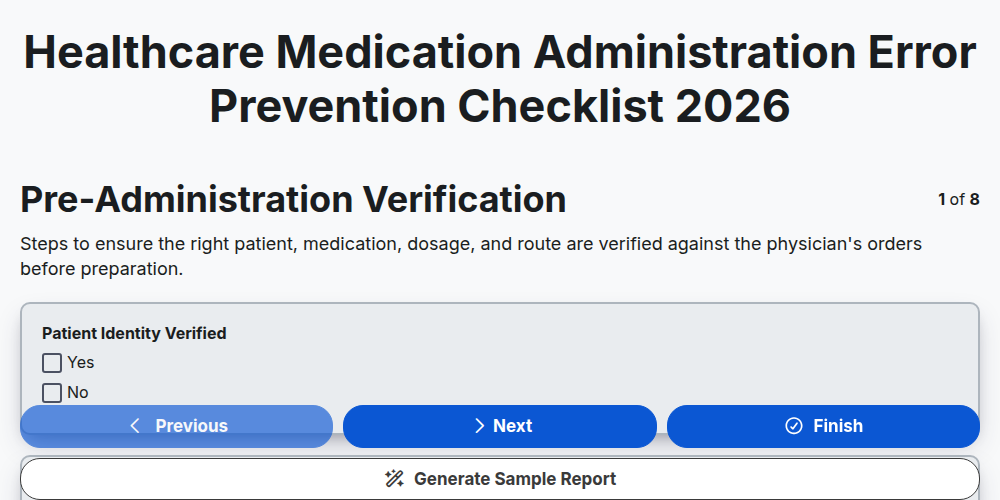
Healthcare Medication Administration Error Prevention Checklist 2026
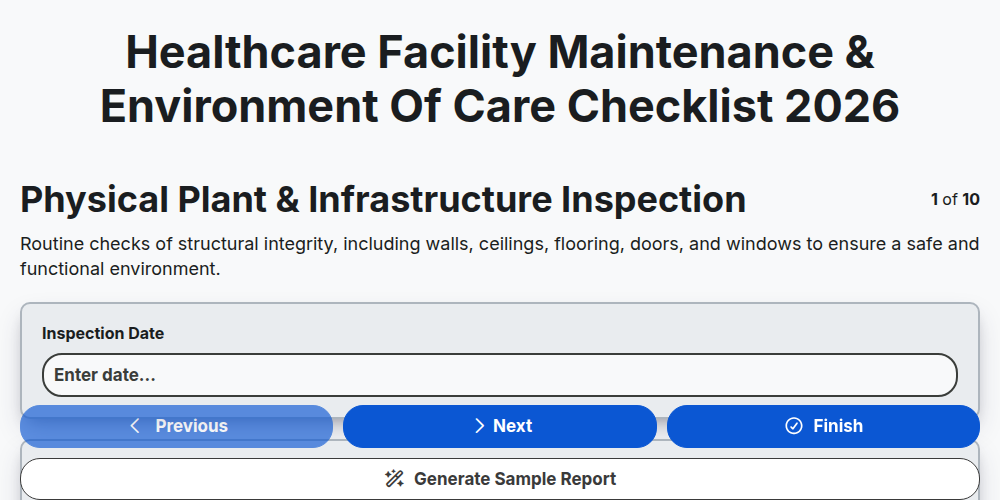
Healthcare Facility Maintenance & Environment of Care Checklist 2026
Need help with
Healthcare?
Have a question? We're here to help. Please submit your inquiry, and we'll respond promptly.