 ChecklistGuro
 Healthcare Telemedicine Equipment & Room Setup Checklist 2026
Ensure seamless, high-quality virtual care delivery with our definitive 2026 Healthcare Telemedicine Equipment & Room Setup Checklist. Designed for healthcare administrators, clinic managers, and telehealth providers, this professional-grade resource provides a comprehensive step-by-step guide to optimizing your remote consultation environment. From verifying high-definition video and audio stability to ensuring HIPAA-compliant hardware integration and ergonomic workspace standards, this checklist helps you eliminate technical disruptions and maintain professional clinical standards. Eliminate setup errors, enhance patient engagement, and ensure your telehealth infrastructure is fully prepared for the 2026 digital healthcare landscape. Perfect for optimizing remote workflows and maximizing patient satisfaction in every virtual encounter.
Pre-Session Technical Audit
Verification of high-speed internet stability, bandwidth testing, and hardware connectivity status.
Internet Connection Speed
Download Speed (Mbps)
Hardware Connectivity Status
Network Error Logs or Observations
Audit Completion Date
Audio & Visual Configuration
Ensuring high-definition camera alignment, microphone clarity, and-lighting optimization for patient visibility.
Microphone Functionality Status
Camera Video Quality
Lighting Equipment Check
Visual Obstruction Notes
Last Audio/Visual Hardware Calibration Date
Webcam & Hardware Check
Inspection of peripheral devices, including microphones, webcams, and secondary monitors for seamless operation.
Peripherals Connected
Webcam Resolution Status
Hardware Serial Numbers
Last Hardware Maintenance Date
Technician Verification
Software & Platform Readiness
Checking for the latest software updates, HIPAA-compliant platform login readiness, and integrated EHR access.
Telemedicine Platform Status
Required Software Loaded
Software Version Number
Last Software Update Date
Software Compliance Certification
Clinical Environment & Privacy Setup
Verification of a private, soundproofed setting and ensuring no unauthorized personnel or visible sensitive data are in view.
Privacy Compliance Verification
Background Environment Type
Room Identification Number/Name
Environment Audit Date
Compliance Officer Verification
Patient Interaction Tools
Testing of digital peripherals such as digital stethoscopes, otoscopes, or shared screen capabilities for clinical demonstration.
Peripheral Devices Connected
Screen Sharing Capability Status
Digital Tool Calibration Notes
Peripheral Device Battery Levels (%)
Device Calibration Certificates
Documentation & Workflow Integration
Confirmation of digital note-taking readiness and the ability to instantly upload prescriptions or referrals during the call.
EHR System Status
Required Digital Documents Ready
Internal Session ID/Reference Number
Session Configuration Screenshot
Clinician Workflow Verification
Emergency & Contingency Protocol
Readying backup communication methods (e.g., telephone) in case of sudden technical or network failure.
Primary Backup Communication Method
Backup Contact Number
Completed Technical Troubleshooting Steps
Last Protocol Drill Date
Technician/Provider Verification
Frequently Asked Questions
Can I customize this template after installing it?
Absolutely. Once installed, you can add, remove, or reorder tasks, add custom fields, and adjust deadlines to fit your specific workflow.
Can I add images or photos to these checklist items?
Yes. Our platform allows you to attach photos, signatures, and notes to any checklist item for better verification and proof of completion.
Can I create a custom checklist from scratch instead of using a template?
Yes. You can use our "Create your own checklist" feature to build a unique workflow tailored exactly to your operational requirements.
Can I add dependencies between tasks?
Yes, you can set up conditional logic and dependencies to ensure your team follows the correct sequence of operations.
Can I assign specific checklist items to different team members?
Yes. You can assign individual tasks to specific employees, ensuring clear accountability across your entire team.
Can I use these checklists on mobile devices in the field?
Yes. Our platform is fully responsive, allowing your team to complete, update, and upload photos to checklists directly from any smartphone or tablet.
How do I notify my manager when a checklist is completed?
You can set up automated notifications (via email, push notification, or in-app alerts) to trigger whenever a checklist is finished or if an item fails inspection.
Can multiple people work on the same checklist simultaneously?
Yes, the platform supports real-time updates, allowing multiple users to contribute to a single live checklist.
Where is the data from completed checklists stored?
All completed checklists are stored securely in your Work OS dashboard, creating a permanent, searchable audit trail of your operations.
Can I generate reports based on my checklist results?
Yes. You can track completion rates, identify recurring issues, and monitor team performance through our integrated reporting and analytics tools.
How can I use these checklists for compliance or auditing purposes?
Because our checklists capture timestamps, photos, and digital signatures, they serve as a robust digital paper trail for regulatory compliance and internal audits.
Can I export my completed checklist data for use in other tools?
Yes. You can export your data in various formats (CSV, Excel, etc.) to integrate your operational insights with your other business software.
Comments
There are no comments yet. Be the first to add one!
Healthcare Management Solution Demo
Streamlining healthcare operations and improving patient care? ChecklistGuro's Work OS platform simplifies everything from patient scheduling and billing to compliance and staff management. Enhance efficiency, reduce administrative burden, and focus on what matters most: your patients. Learn how ChecklistGuro can transform your healthcare organization!
Related Checklist Templates
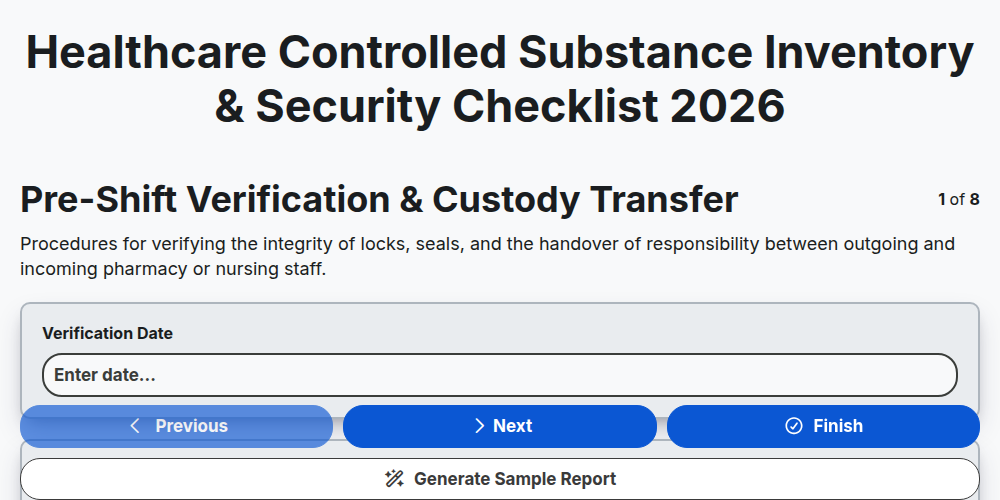
Healthcare Controlled Substance Inventory & Security Checklist 2026
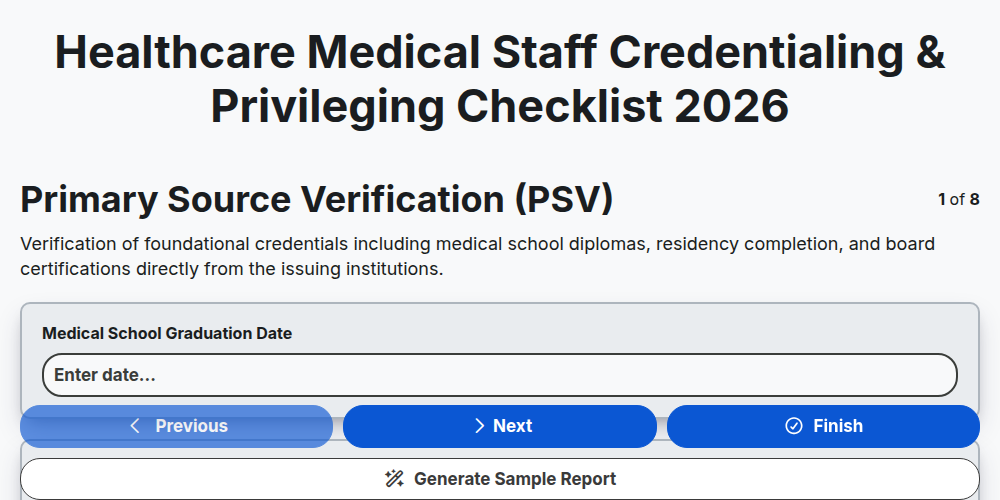
Healthcare Medical Staff Credentialing & Privileging Checklist 2026
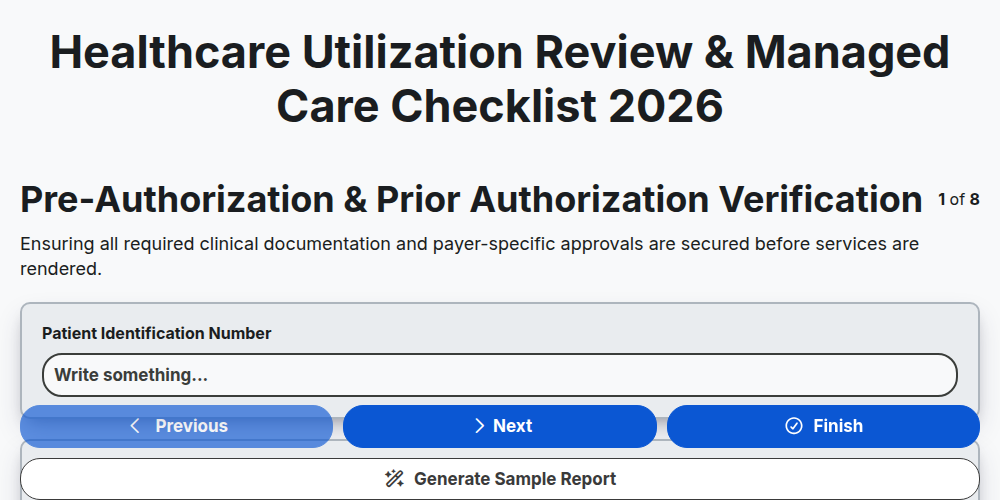
Healthcare Utilization Review & Managed Care Checklist 2026
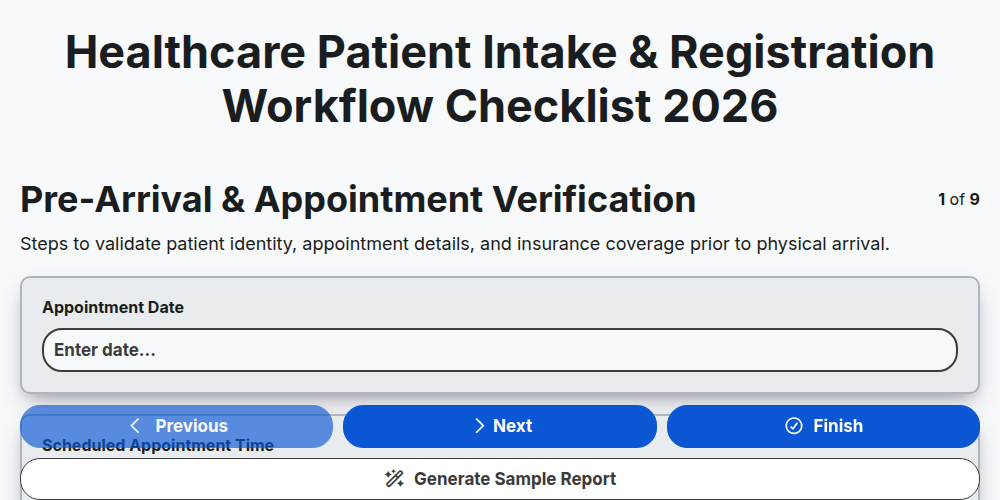
Healthcare Patient Intake & Registration Workflow Checklist 2026
Healthcare Clinical Documentation Improvement (CDI) Checklist 2026
Healthcare Employee Health & Occupational Safety Checklist 2026
Healthcare Medication Administration Error Prevention Checklist 2026
Healthcare Facility Maintenance & Environment of Care Checklist 2026
Need help with
Healthcare?
Have a question? We're here to help. Please submit your inquiry, and we'll respond promptly.