 ChecklistGuro
 Healthcare Medication Administration Error Prevention Checklist 2026
Eliminate preventable errors and enhance patient safety with the ultimate Healthcare Medication Administration Error Prevention Checklist 2026. Designed for healthcare administrators, nursing leads, and clinical managers, this professional-grade checklist provides a standardized, step-by-step framework to audit medication workflows, verify the Five Rights of administration, and strengthen high-risk protocols. Ensure rigorous compliance with 2026 healthcare safety standards, reduce clinical liability, and safeguard patient outcomes with this essential tool for medication error mitigation and clinical excellence.
Pre-Administration Verification
Steps to ensure the right patient, medication, dosage, and route are verified against the physician's orders before preparation.
Patient Identity Verified
Physician Order Verified
Verification Checkpoints Completed
Verification Completion Date
Verifying Clinician Signature
Medication Preparation & Handling
Procedures for sterile technique, accurate measurement, labeling of syringes/containers, and checking expiration dates.
Verification of Medication Integrity
Dosage Calculation Verification
Preparation Environment Cleanliness
Measured Volume/Dosage Amount
Preparer Confirmation Signature
Preparation Timestamp
Patient Identification & Safety Protocols
Standardized methods for using at least two patient identifiers and verifying allergy status and current clinical condition.
Primary Patient Identifier Used
Safety Verification Steps Completed
Verification Date
Clinician Verification Signature
Discrepancies Noted During Identification
High-Alert Medication Protocols
Specific safety measures, dual-signature requirements, and independent double-checks for high-risk drugs (e.g., insulin, anticoagulants).
Medication Category
Pre-Administration Safety Checks Completed
Second Verifying Clinician Signature
Discrepancy Notes
Verification Date
Administration Environment & Workflow
Controls for minimizing interruptions during medication passes and maintaining a sterile or clean administration area.
Medication Administration Area
Distraction Mitigation Measures Implemented
Workflow Compliance Level
Observed Workflow Obstacles
Supervising Nurse Verification
Post-Administration Monitoring
Documentation of administration time, assessment of therapeutic effect, and monitoring for adverse drug reactions (ADRs).
Date of Administration
Time of Administration
Patient Vital Signs Status
Observed Side Effects
Clinical Observations & Patient Response Notes
Administering Clinician Signature
Documentation & Electronic Health Record (EHR) Accuracy
Ensuring real-time, accurate logging of medication administration in the EHR to prevent duplicate dosing or omissions.
Medication Administration Timestamp
Verification Checklist Completed
Discrepancy Notes
Documentation Completion Date
Nurse/Clinician Electronic Signature
Upload Screenshot of EHR Entry (If error occurred)
Incident Reporting & Error Root Cause Analysis
Steps to take immediately following a medication error or 'near-miss' to ensure regulatory compliance and process improvement.
Date of Incident Occurred
Time of Incident Occurred
Incident Severity Level
Potential Contributing Factors
Detailed Incident Description
Root Cause Analysis & Corrective Actions
Reporting Clinician Signature
Upload Supporting Evidence (e.g., Photos, Lab Results)
Frequently Asked Questions
Can I customize this template after installing it?
Absolutely. Once installed, you can add, remove, or reorder tasks, add custom fields, and adjust deadlines to fit your specific workflow.
Can I add images or photos to these checklist items?
Yes. Our platform allows you to attach photos, signatures, and notes to any checklist item for better verification and proof of completion.
Can I create a custom checklist from scratch instead of using a template?
Yes. You can use our "Create your own checklist" feature to build a unique workflow tailored exactly to your operational requirements.
Can I add dependencies between tasks?
Yes, you can set up conditional logic and dependencies to ensure your team follows the correct sequence of operations.
Can I assign specific checklist items to different team members?
Yes. You can assign individual tasks to specific employees, ensuring clear accountability across your entire team.
Can I use these checklists on mobile devices in the field?
Yes. Our platform is fully responsive, allowing your team to complete, update, and upload photos to checklists directly from any smartphone or tablet.
How do I notify my manager when a checklist is completed?
You can set up automated notifications (via email, push notification, or in-app alerts) to trigger whenever a checklist is finished or if an item fails inspection.
Can multiple people work on the same checklist simultaneously?
Yes, the platform supports real-time updates, allowing multiple users to contribute to a single live checklist.
Where is the data from completed checklists stored?
All completed checklists are stored securely in your Work OS dashboard, creating a permanent, searchable audit trail of your operations.
Can I generate reports based on my checklist results?
Yes. You can track completion rates, identify recurring issues, and monitor team performance through our integrated reporting and analytics tools.
How can I use these checklists for compliance or auditing purposes?
Because our checklists capture timestamps, photos, and digital signatures, they serve as a robust digital paper trail for regulatory compliance and internal audits.
Can I export my completed checklist data for use in other tools?
Yes. You can export your data in various formats (CSV, Excel, etc.) to integrate your operational insights with your other business software.
Comments
There are no comments yet. Be the first to add one!
Healthcare Management Solution Demo
Streamlining healthcare operations and improving patient care? ChecklistGuro's Work OS platform simplifies everything from patient scheduling and billing to compliance and staff management. Enhance efficiency, reduce administrative burden, and focus on what matters most: your patients. Learn how ChecklistGuro can transform your healthcare organization!
Related Checklist Templates
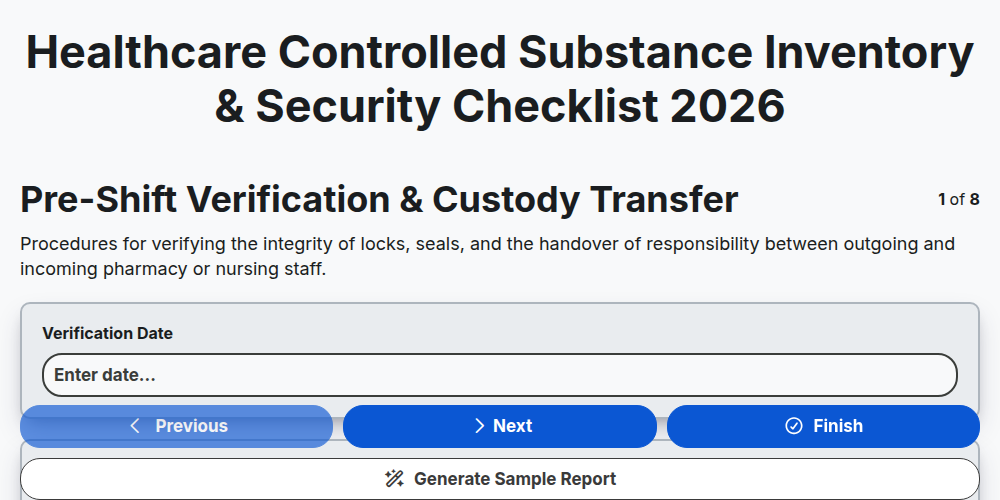
Healthcare Controlled Substance Inventory & Security Checklist 2026
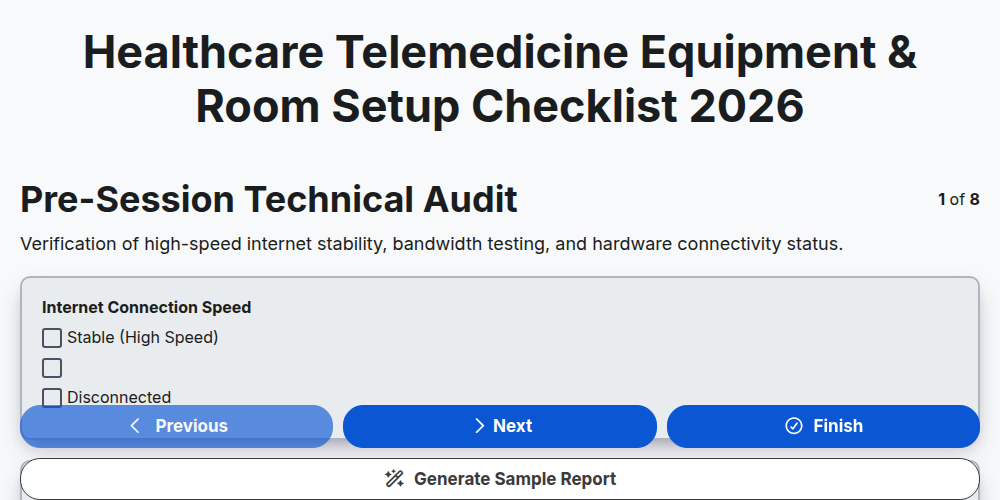
Healthcare Telemedicine Equipment & Room Setup Checklist 2026
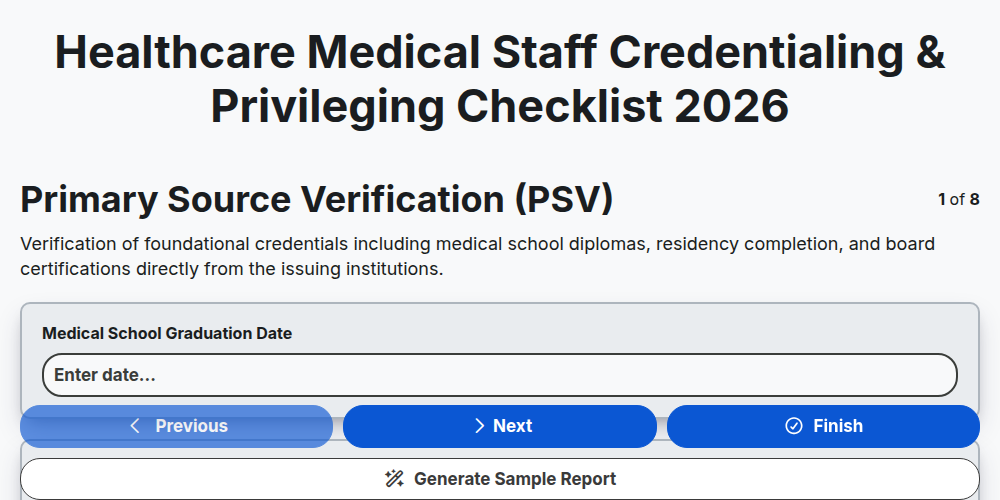
Healthcare Medical Staff Credentialing & Privileging Checklist 2026
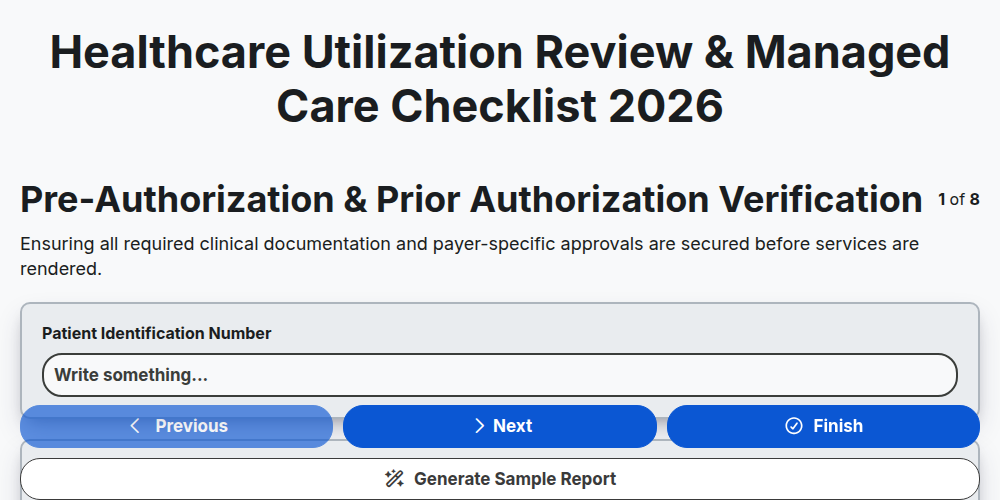
Healthcare Utilization Review & Managed Care Checklist 2026
Healthcare Patient Intake & Registration Workflow Checklist 2026
Healthcare Clinical Documentation Improvement (CDI) Checklist 2026
Healthcare Employee Health & Occupational Safety Checklist 2026
Healthcare Facility Maintenance & Environment of Care Checklist 2026
Need help with
Healthcare?
Have a question? We're here to help. Please submit your inquiry, and we'll respond promptly.