 ChecklistGuro
 Insurance Loss Prevention Checklist
Minimize risks, maximize savings. Our Insurance Loss Prevention Checklist ensures your business is protected and compliant, reducing potential claims and safeguarding your bottom line. Download now!
This Template was installed 1 times.
Property Risk Assessment
Evaluate potential hazards related to physical property and infrastructure.
Property Address
Building Square Footage
Construction Type
Year Built
Description of Surroundings (e.g., industrial, residential, commercial)
Potential Hazards Nearby
Date of Last Property Inspection
Fire Safety Measures
Review and confirm the effectiveness of fire prevention and suppression systems.
Fire Alarm Test Frequency (months)
Last Fire Alarm System Inspection Date
Fire Extinguisher Type
Number of Fire Extinguishers Present
Last Fire Extinguisher Inspection Date
Sprinkler System Status
Details of any Fire Safety Deficiencies Found
Security Protocols
Assess physical security measures and electronic security systems.
Number of Security Cameras
Access Control System Type
Last Security System Inspection Date
Description of Security Personnel Training
Security Features Implemented
Alarm Monitoring Service
Location of Main Security Control Panel
Employee Training
Verify staff are adequately trained on loss prevention procedures.
Training Program Completion (Fire Safety)
Cybersecurity Awareness Training
Last Refresher Training Date (General Safety)
Number of Employees Trained (Fire Extinguisher Use)
Training Topics Covered (Select all that apply)
Notes on Employee Performance during Training
Business Continuity Planning
Ensure a comprehensive plan is in place for disaster recovery and business interruption.
Summary of Business Impact Analysis (BIA)
Last BCP Plan Review Date
Recovery Time Objective (RTO) - Hours
Recovery Point Objective (RPO) - Hours
BCP Testing Frequency
BCP Testing Documentation
Key Personnel Contact Information
Alternate Work Location Strategy
Environmental Hazards
Identify and mitigate potential environmental risks (e.g., flood, earthquake).
Elevation Above Sea Level (Feet)
Flood Zone Designation
Last Flood Risk Assessment Date
Description of Local Geological Hazards (e.g., landslides, sinkholes)
Proximity to Fault Lines
Supporting Documentation (e.g., Flood Maps, Geological Surveys)
Equipment Maintenance
Confirm regular maintenance schedules for critical equipment and machinery.
Last Maintenance Date
Operating Hours Since Last Service
Description of Maintenance Performed
Maintenance Records / Reports
Equipment Condition After Maintenance
Next Service Due (in days)
Cybersecurity Measures
Review cybersecurity protocols to protect data and prevent cyberattacks.
Current Antivirus Software
Last Password Reset Cycle (in days)
Firewall Configuration
Last Security Awareness Training Date
Description of Incident Response Plan
Multi-Factor Authentication Implementation
Network Vulnerability Scan Report
Contractor Safety
Verify safety procedures for contractors working on-site.
Contractor Safety Orientation Completed?
Contractor Orientation Completion Date
Safety Topics Covered (check all that apply)
Contractor Safety Training Certificates
Number of Employees on Site (Contractor)
PPE Assessment Completed?
Any Safety Concerns Observed?
Record Keeping & Documentation
Ensure accurate records are maintained for inspections, maintenance, and incidents.
Last Inspection Date
Inspection Notes/Findings
Inspection Report (PDF/Image)
Number of Corrective Actions Implemented
Details of Corrective Actions Taken
Documentation Status
Date of Next Review
Frequently Asked Questions
Can I customize this template after installing it?
Absolutely. Once installed, you can add, remove, or reorder tasks, add custom fields, and adjust deadlines to fit your specific workflow.
Can I add images or photos to these checklist items?
Yes. Our platform allows you to attach photos, signatures, and notes to any checklist item for better verification and proof of completion.
Can I create a custom checklist from scratch instead of using a template?
Yes. You can use our "Create your own checklist" feature to build a unique workflow tailored exactly to your operational requirements.
Can I add dependencies between tasks?
Yes, you can set up conditional logic and dependencies to ensure your team follows the correct sequence of operations.
Can I assign specific checklist items to different team members?
Yes. You can assign individual tasks to specific employees, ensuring clear accountability across your entire team.
Can I use these checklists on mobile devices in the field?
Yes. Our platform is fully responsive, allowing your team to complete, update, and upload photos to checklists directly from any smartphone or tablet.
How do I notify my manager when a checklist is completed?
You can set up automated notifications (via email, push notification, or in-app alerts) to trigger whenever a checklist is finished or if an item fails inspection.
Can multiple people work on the same checklist simultaneously?
Yes, the platform supports real-time updates, allowing multiple users to contribute to a single live checklist.
Where is the data from completed checklists stored?
All completed checklists are stored securely in your Work OS dashboard, creating a permanent, searchable audit trail of your operations.
Can I generate reports based on my checklist results?
Yes. You can track completion rates, identify recurring issues, and monitor team performance through our integrated reporting and analytics tools.
How can I use these checklists for compliance or auditing purposes?
Because our checklists capture timestamps, photos, and digital signatures, they serve as a robust digital paper trail for regulatory compliance and internal audits.
Can I export my completed checklist data for use in other tools?
Yes. You can export your data in various formats (CSV, Excel, etc.) to integrate your operational insights with your other business software.
Comments
There are no comments yet. Be the first to add one!
Insurance Management Solution Demo
Managing policies, claims, and compliance in the insurance industry is complex. ChecklistGuro's Work OS platform streamlines your operations, from underwriting and renewals to claims processing and reporting. Improve efficiency, reduce errors, and enhance customer satisfaction. Discover how ChecklistGuro can transform your insurance business!
Related Checklist Templates
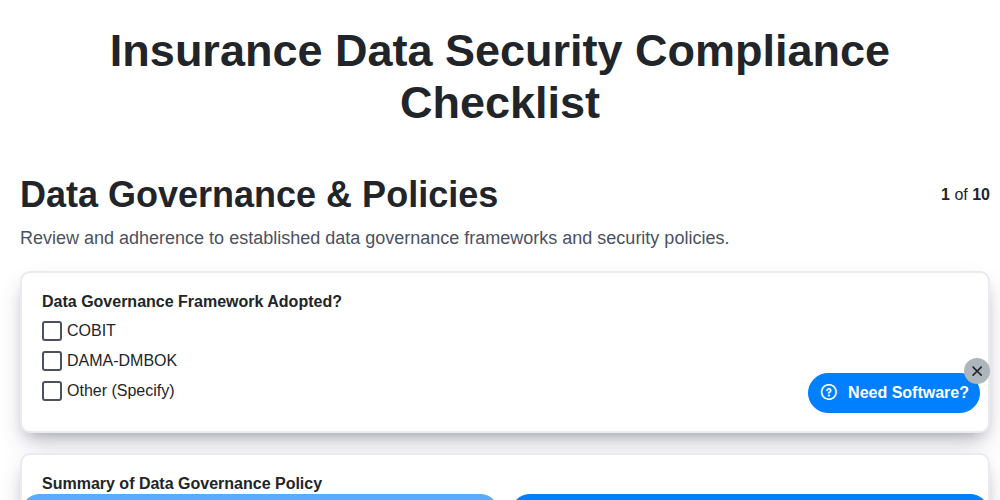
Insurance Data Security Compliance Checklist
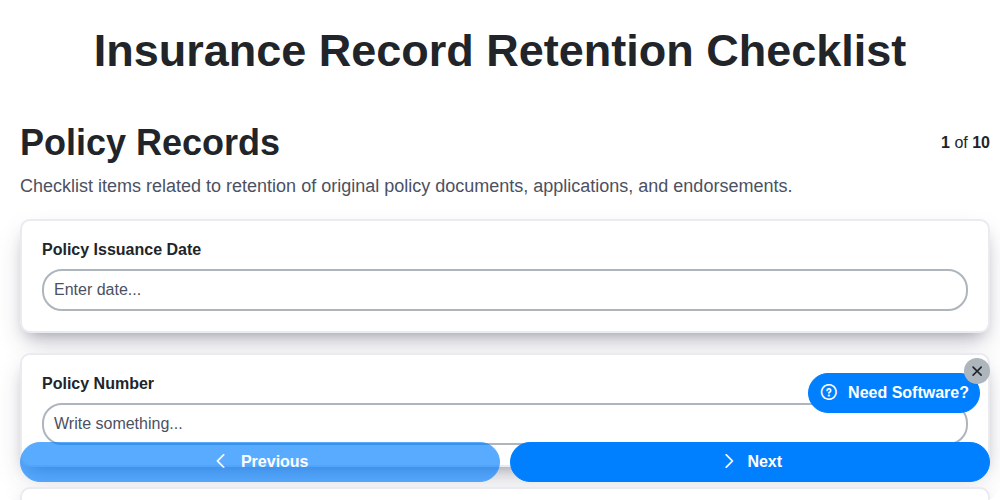
Insurance Record Retention Checklist
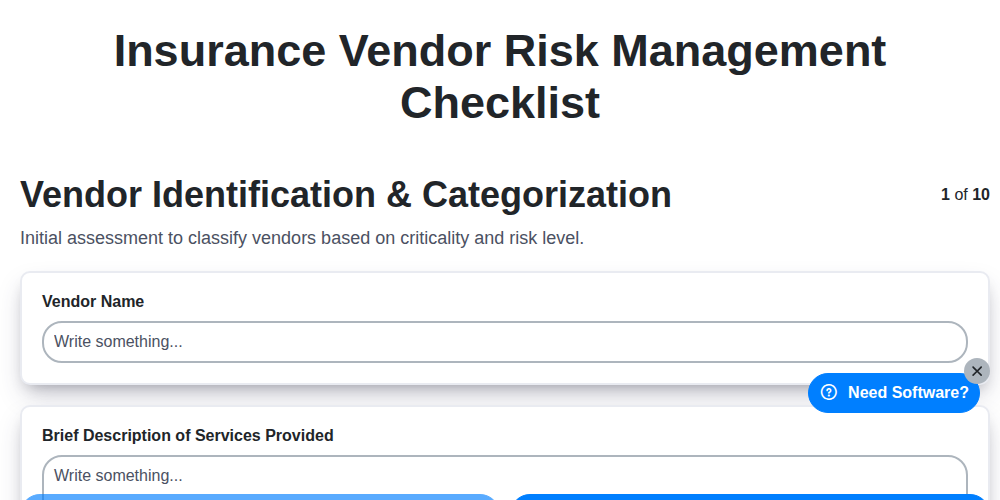
Insurance Vendor Risk Management Checklist
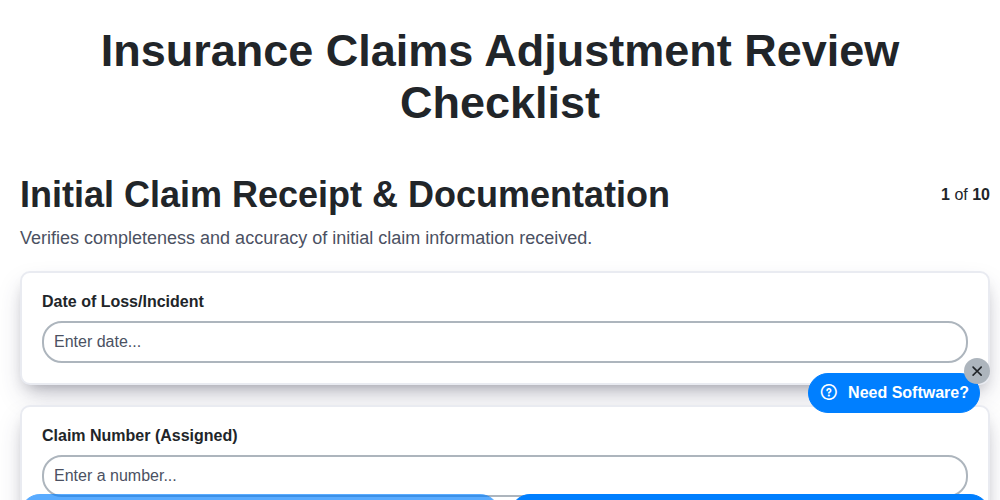
Insurance Claims Adjustment Review Checklist
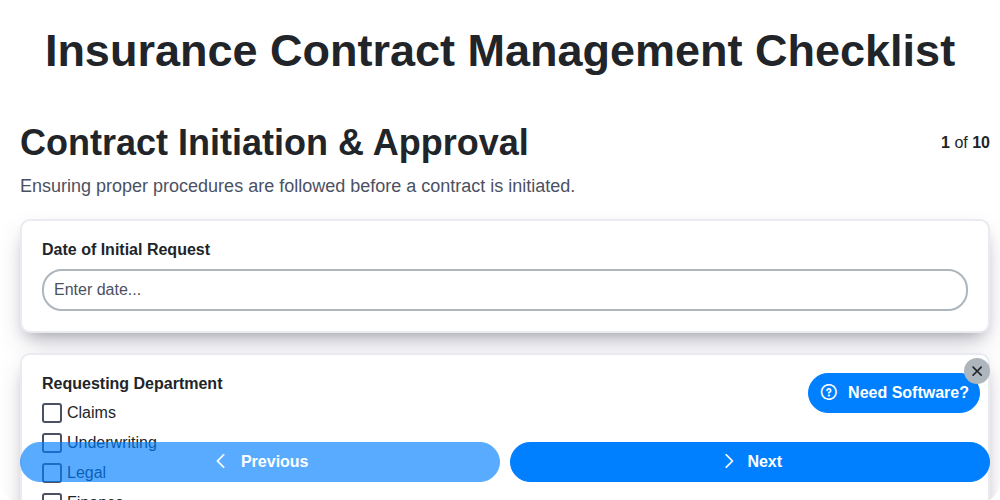
Insurance Contract Management Checklist
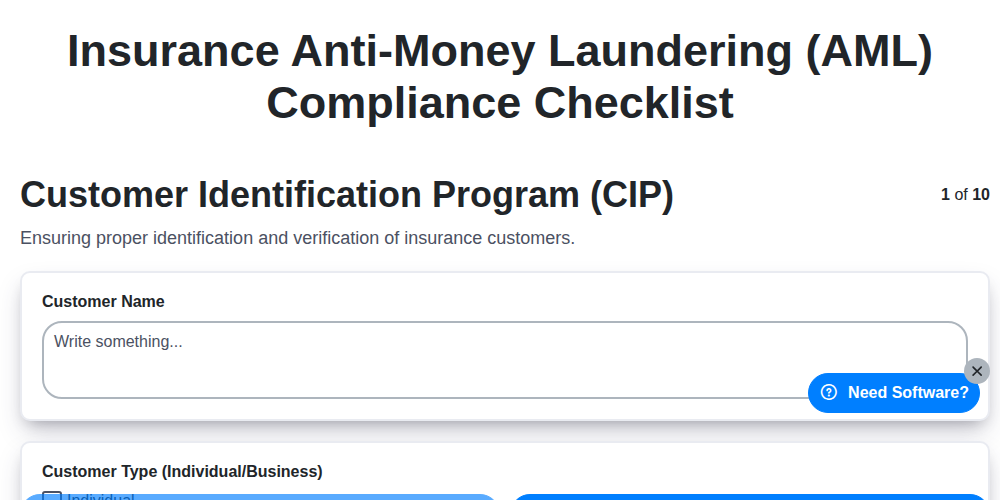
Insurance Anti-Money Laundering (AML) Compliance Checklist
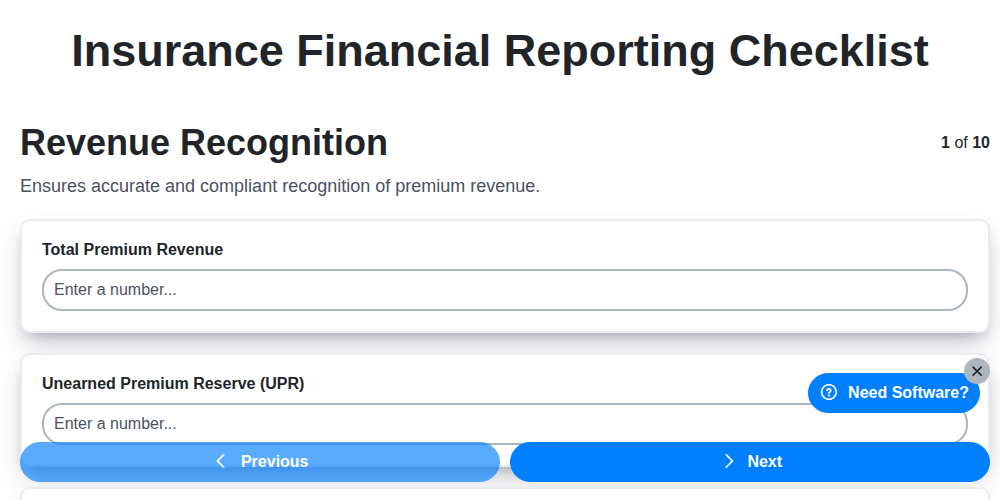
Insurance Financial Reporting Checklist
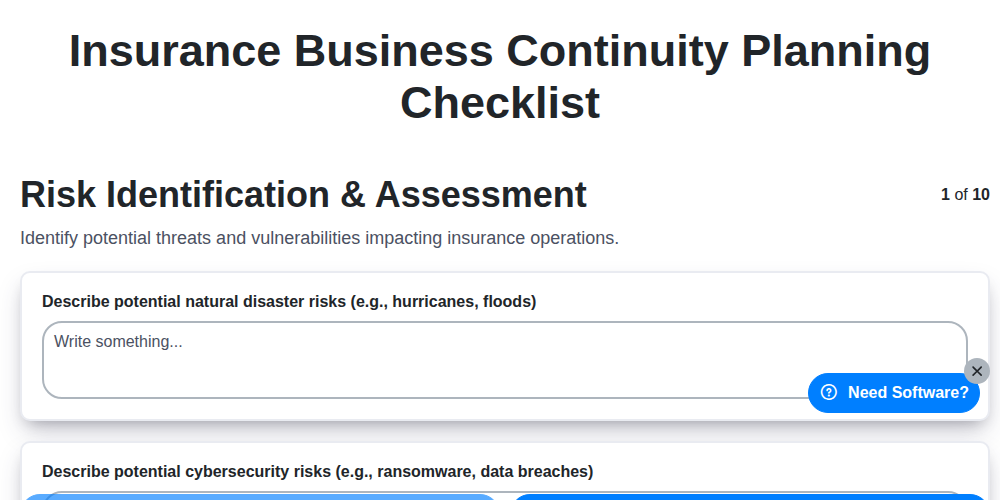
Insurance Business Continuity Planning Checklist
Need help with
Insurance?
Have a question? We're here to help. Please submit your inquiry, and we'll respond promptly.