 ChecklistGuro
 Insurance Policy Cancellation Checklist
Simplify policy terminations! Our Insurance Policy Cancellation Checklist ensures a compliant and stress-free process, covering all essential steps from documentation to final approvals. Avoid costly errors and maintain customer satisfaction - download now!
This Template was installed 5 times.
Initiation & Request
Tasks related to receiving and documenting the cancellation request.
Cancellation Request Date
Reason for Cancellation (Customer Provided)
Cancellation Method
Requestor Name (if not customer)
Reference Number (Internal)
Requestor Signature (if applicable)
Policy Verification
Ensuring the policy is eligible for cancellation and verifying policy details.
Policy Number
Policy Status (Active/Inactive)
Effective Date of Policy
Coverage Type
Insured's Name
Coverage Amount
Outstanding Obligations
Identifying and addressing any outstanding premiums, claims, or loans associated with the policy.
Outstanding Premium Balance
Outstanding Loan Balance (if applicable)
Last Premium Payment Date
Details of any open claims related to the policy
Policyholder Loan Status
Claim Payment Due Date (if applicable)
Refund Calculation & Processing
Determining the refund amount and initiating the refund process.
Premium Paid to Date
Cancellation Fee (if applicable)
Unearned Premium
Refund Amount
Refund Method
Bank Account Details (if EFT)
Notes/Comments Regarding Refund
Scheduled Refund Date
Cancellation Documentation & Notification
Preparing the necessary cancellation documents and notifying all relevant parties.
Cancellation Reason (Customer)
Cancellation Method
Date of Cancellation Notice Sent
Time of Cancellation Notice Sent (if applicable)
Copy of Cancellation Notice (if applicable)
Notes on Communication with Customer
Recipient of Cancellation Confirmation
System Updates & Record Keeping
Updating the insurance system and maintaining accurate records of the cancellation.
Cancellation Record ID
Cancellation Processing Date
Notes on Cancellation Process
Cancellation Status
User ID - Processed By
Final Archive Date
Frequently Asked Questions
Can I customize this template after installing it?
Absolutely. Once installed, you can add, remove, or reorder tasks, add custom fields, and adjust deadlines to fit your specific workflow.
Can I add images or photos to these checklist items?
Yes. Our platform allows you to attach photos, signatures, and notes to any checklist item for better verification and proof of completion.
Can I create a custom checklist from scratch instead of using a template?
Yes. You can use our "Create your own checklist" feature to build a unique workflow tailored exactly to your operational requirements.
Can I add dependencies between tasks?
Yes, you can set up conditional logic and dependencies to ensure your team follows the correct sequence of operations.
Can I assign specific checklist items to different team members?
Yes. You can assign individual tasks to specific employees, ensuring clear accountability across your entire team.
Can I use these checklists on mobile devices in the field?
Yes. Our platform is fully responsive, allowing your team to complete, update, and upload photos to checklists directly from any smartphone or tablet.
How do I notify my manager when a checklist is completed?
You can set up automated notifications (via email, push notification, or in-app alerts) to trigger whenever a checklist is finished or if an item fails inspection.
Can multiple people work on the same checklist simultaneously?
Yes, the platform supports real-time updates, allowing multiple users to contribute to a single live checklist.
Where is the data from completed checklists stored?
All completed checklists are stored securely in your Work OS dashboard, creating a permanent, searchable audit trail of your operations.
Can I generate reports based on my checklist results?
Yes. You can track completion rates, identify recurring issues, and monitor team performance through our integrated reporting and analytics tools.
How can I use these checklists for compliance or auditing purposes?
Because our checklists capture timestamps, photos, and digital signatures, they serve as a robust digital paper trail for regulatory compliance and internal audits.
Can I export my completed checklist data for use in other tools?
Yes. You can export your data in various formats (CSV, Excel, etc.) to integrate your operational insights with your other business software.
Comments
There are no comments yet. Be the first to add one!
Insurance Management Solution Demo
Managing policies, claims, and compliance in the insurance industry is complex. ChecklistGuro's Work OS platform streamlines your operations, from underwriting and renewals to claims processing and reporting. Improve efficiency, reduce errors, and enhance customer satisfaction. Discover how ChecklistGuro can transform your insurance business!
Related Checklist Templates
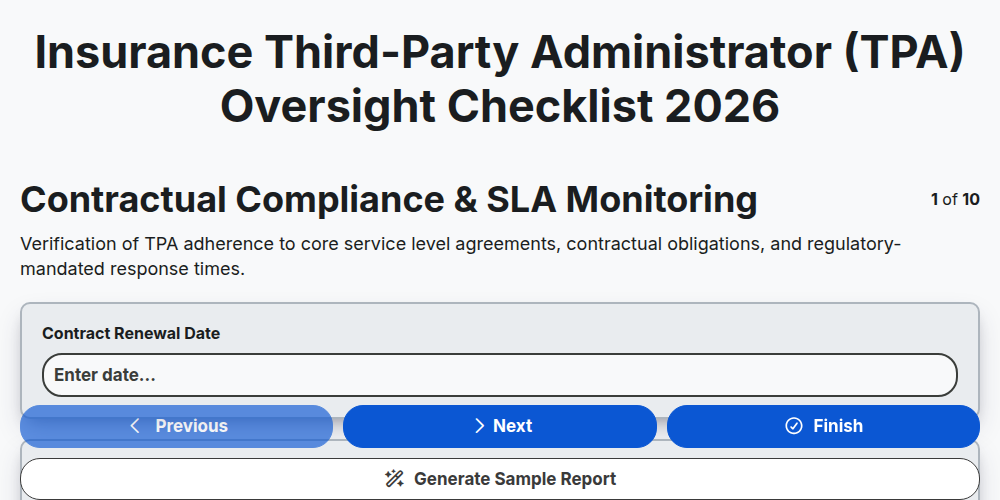
Insurance Third-Party Administrator (TPA) Oversight Checklist 2026
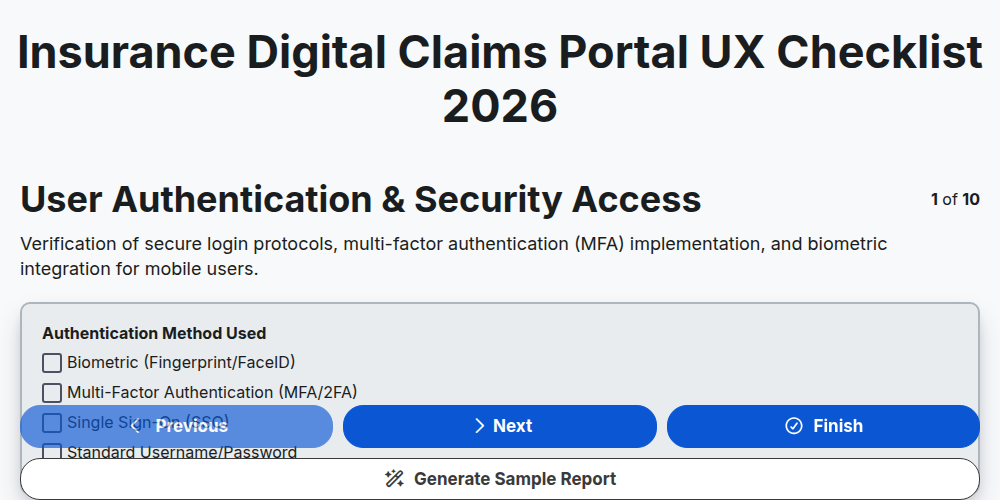
Insurance Digital Claims Portal UX Checklist 2026
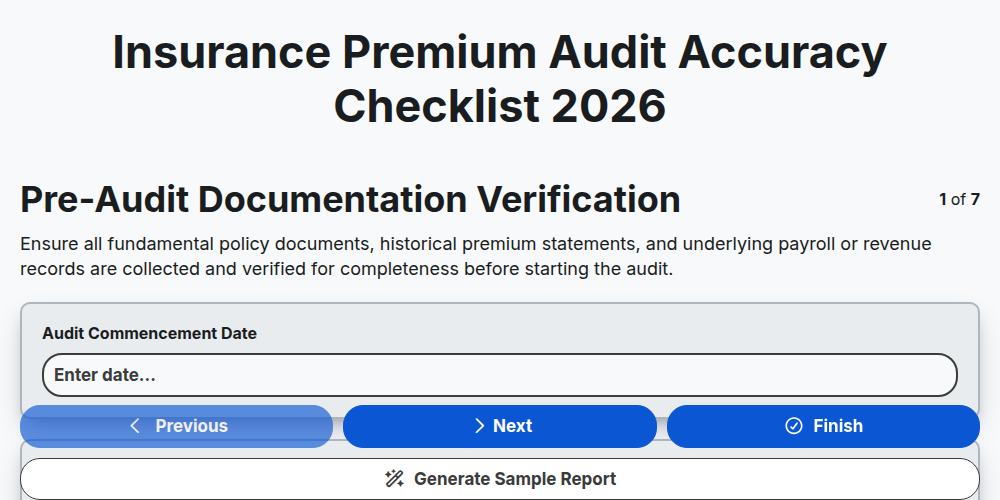
Insurance Premium Audit Accuracy Checklist 2026
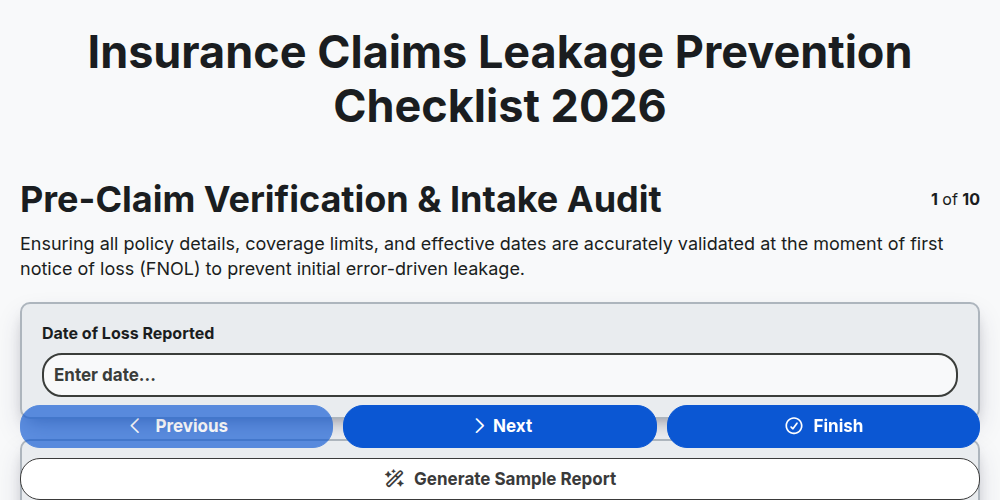
Insurance Claims Leakage Prevention Checklist 2026
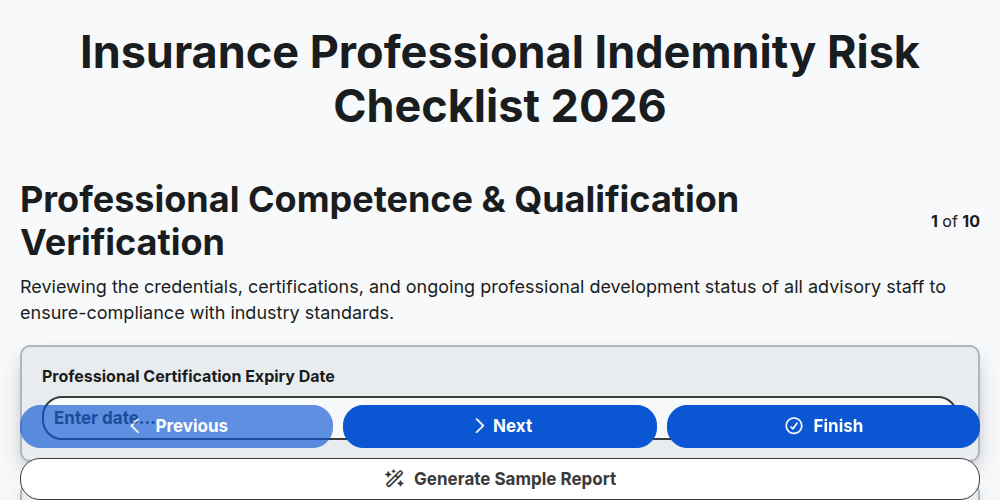
Insurance Professional Indemnity Risk Checklist 2026
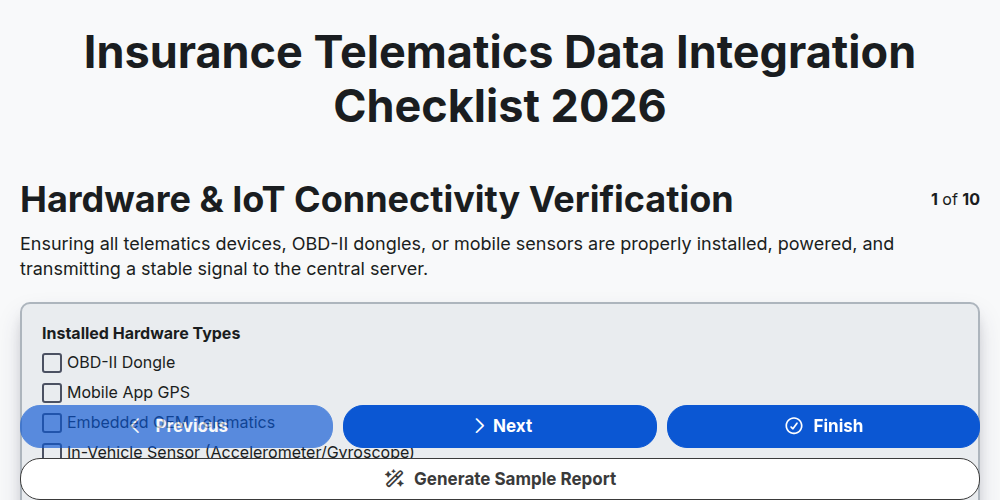
Insurance Telematics Data Integration Checklist 2026
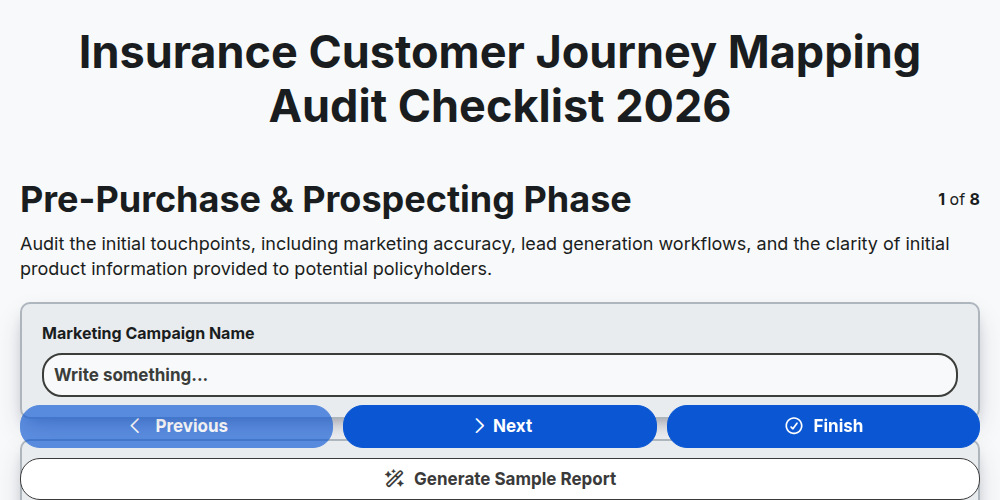
Insurance Customer Journey Mapping Audit Checklist 2026
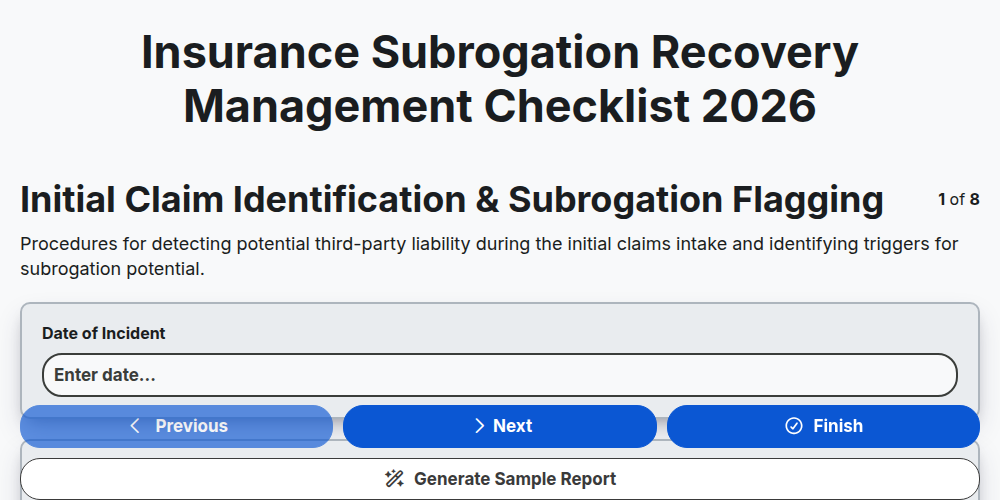
Insurance Subrogation Recovery Management Checklist 2026
Need help with
Insurance?
Have a question? We're here to help. Please submit your inquiry, and we'll respond promptly.