 ChecklistGuro
 MRP Data Migration Checklist
Ensure a smooth and accurate MRP implementation! Our MRP Data Migration Checklist guides you through every step, minimizing errors and maximizing efficiency. Download now and avoid costly data headaches.
This Template was installed 1 times.
Pre-Migration Planning
Tasks related to planning and preparing for the data migration process.
Define Migration Objectives
Estimated Data Volume (GB)
Planned Migration Start Date
Data Scope (Full/Partial)
Data Entities to Migrate
Identify Data Owners & Stakeholders
Data Extraction & Cleansing
Steps involved in extracting data from the legacy system and cleaning it for import.
Description of Data Source(s)
Estimated Record Count
Sample Data File (for validation)
Data Extraction Script/Process Description
Data Quality Issues Identified (e.g., Missing Values, Inconsistent Formats)
Data Cleansing Rules Applied
Data Transformation & Mapping
Activities focused on transforming the extracted data and mapping it to the new MRP system's structure.
Item Number Conversion Factor
Unit of Measure Conversion Rate
Default Costing Method
Default Location Mapping
Custom Field Transformation Logic
Effective Date of Data Transformation
Data Loading & Verification
The process of loading the transformed data into the new MRP system and verifying its accuracy.
Total Records Loaded
Records with Errors
Records Successfully Imported
Error Log Summary
Data Validation Rule Applied
Date of Data Load
Time of Data Load
Post-Migration Validation & Reconciliation
Activities to validate the migrated data, reconcile differences, and ensure data integrity.
Total Records Migrated
Records with Discrepancies
Description of Discrepancies Found
Data Integrity Check Results (Pass/Fail)
Date of Reconciliation Review
Summary of Reconciliation Findings
Signature of Reconciliation Reviewer
User Acceptance Testing (UAT)
Testing by key users to confirm the data meets their requirements and is functional within the new system.
Verify Bill of Materials (BOM) Accuracy
Inventory Quantity Validation (Item ABC)
Describe any discrepancies found in Production Orders
Validate Scheduled Delivery Dates
Confirm Master Data Accuracy (Vendor XYZ)
User Acceptance Signature
Cutover & Go-Live
Tasks for transitioning to the new MRP system and decommissioning the legacy system.
Planned Go-Live Date
Planned Downtime Start Time
Estimated Downtime Duration (hours)
Communication Plan Execution Checklist - Briefly describe actions taken
System Freeze Status
Confirmation of Final Data Freeze - Data Owner
Any Issues Encountered During Cutover - Briefly Describe
Post-Implementation Support & Monitoring
Ongoing support and monitoring to ensure the data migration remains stable and accurate.
Last Data Validation Date
Number of Data Errors Found (Last 7 Days)
Summary of Recent Data Migration Issues & Resolutions
System Performance Status (Last 24 Hours)
Scheduled Data Backup Time
Areas Requiring Ongoing Monitoring
Contact Person for Data Migration Support
Frequently Asked Questions
Can I customize this template after installing it?
Absolutely. Once installed, you can add, remove, or reorder tasks, add custom fields, and adjust deadlines to fit your specific workflow.
Can I add images or photos to these checklist items?
Yes. Our platform allows you to attach photos, signatures, and notes to any checklist item for better verification and proof of completion.
Can I create a custom checklist from scratch instead of using a template?
Yes. You can use our "Create your own checklist" feature to build a unique workflow tailored exactly to your operational requirements.
Can I add dependencies between tasks?
Yes, you can set up conditional logic and dependencies to ensure your team follows the correct sequence of operations.
Can I assign specific checklist items to different team members?
Yes. You can assign individual tasks to specific employees, ensuring clear accountability across your entire team.
Can I use these checklists on mobile devices in the field?
Yes. Our platform is fully responsive, allowing your team to complete, update, and upload photos to checklists directly from any smartphone or tablet.
How do I notify my manager when a checklist is completed?
You can set up automated notifications (via email, push notification, or in-app alerts) to trigger whenever a checklist is finished or if an item fails inspection.
Can multiple people work on the same checklist simultaneously?
Yes, the platform supports real-time updates, allowing multiple users to contribute to a single live checklist.
Where is the data from completed checklists stored?
All completed checklists are stored securely in your Work OS dashboard, creating a permanent, searchable audit trail of your operations.
Can I generate reports based on my checklist results?
Yes. You can track completion rates, identify recurring issues, and monitor team performance through our integrated reporting and analytics tools.
How can I use these checklists for compliance or auditing purposes?
Because our checklists capture timestamps, photos, and digital signatures, they serve as a robust digital paper trail for regulatory compliance and internal audits.
Can I export my completed checklist data for use in other tools?
Yes. You can export your data in various formats (CSV, Excel, etc.) to integrate your operational insights with your other business software.
Comments
There are no comments yet. Be the first to add one!
Related Checklist Templates
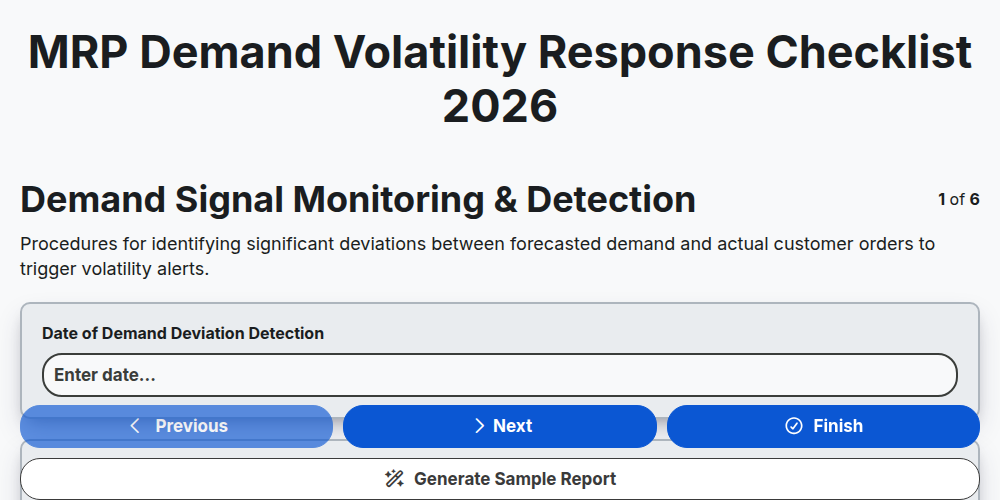
MRP Demand Volatility Response Checklist 2026
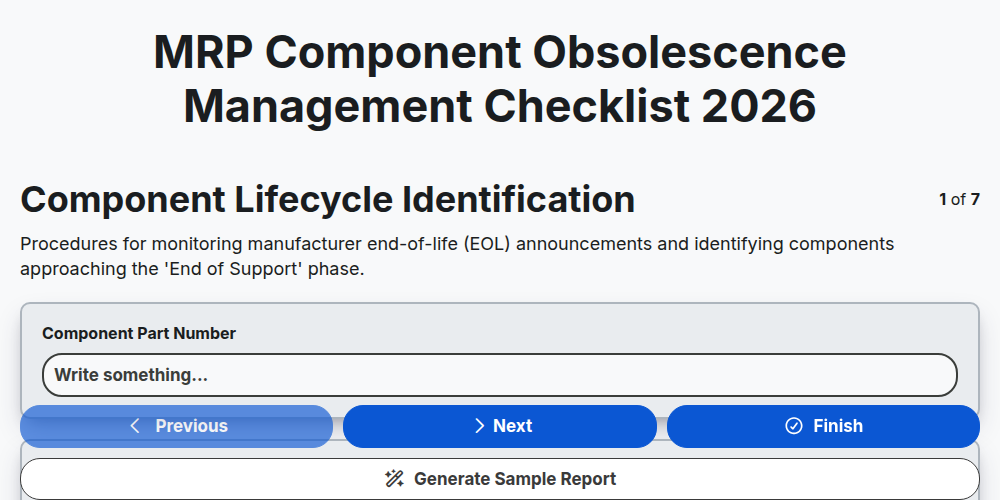
MRP Component Obsolescence Management Checklist 2026
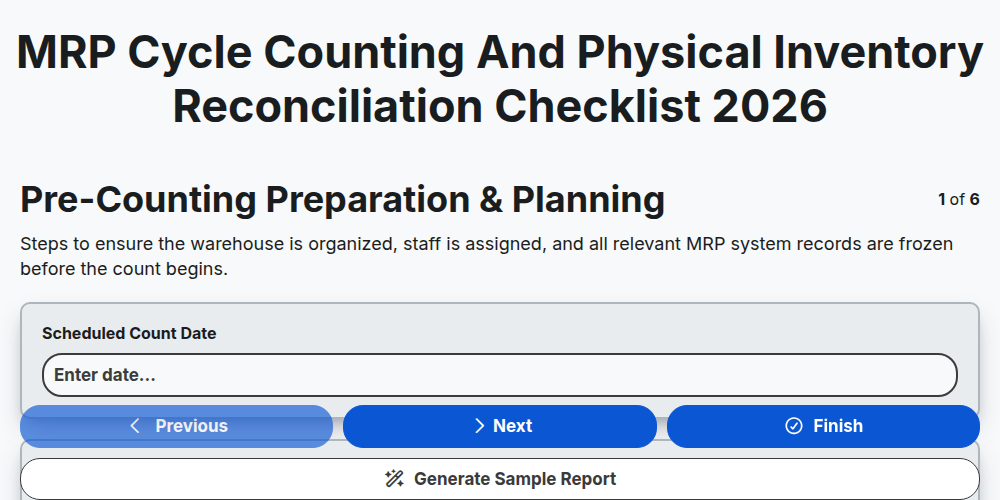
MRP Cycle Counting and Physical Inventory Reconciliation Checklist 2026
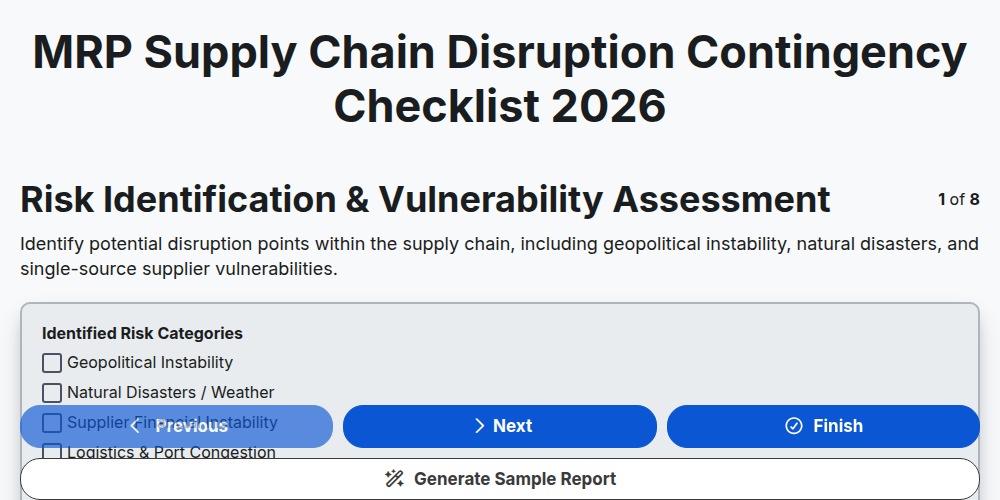
MRP Supply Chain Disruption Contingency Checklist 2026
MRP Production Schedule Attainment Checklist 2026
MRP Finished Goods Allocation Strategy Checklist 2026
MRP Material Shortage Risk Assessment Checklist 2026
MRP Warehouse Slotting and Layout Optimization Checklist 2026
Need help with
Material Requirements Planning (MRP)?
Have a question? We're here to help. Please submit your inquiry, and we'll respond promptly.