 ChecklistGuro
 MRP System Documentation Checklist
Ensure your MRP system is running smoothly and compliant with industry best practices. Our MRP System Documentation Checklist guarantees complete records, streamlined processes, and effortless audits. Download now and future-proof your operations!
This Template was installed 5 times.
System Overview
Documentation outlining the overall MRP system architecture, modules, and integration points.
System Purpose and Scope
MRP System Version
Deployment Type (Cloud/On-Premise)
Integrated Systems
Implementation Date
Master Data Definitions
Detailed descriptions of all master data elements (e.g., BOMs, routings, work centers, inventory items, supplier records).
Item Master Description
Item Cost
UOM (Unit of Measure)
Safety Stock Level
Last Updated Date
BOM (Bill of Materials) Notes
Routing Lead Time
Configuration Settings
Documentation of all configuration parameters and their impact on MRP functionality.
Safety Stock Calculation Method
Lead Time Offset (Days)
Planning Horizon (Weeks)
Lot Size Calculation Rule
Demand Forecasting Techniques
Last Configuration Review Date
Process Flows
Visual representations and step-by-step descriptions of key MRP processes (e.g., planning, procurement, production).
Describe the Demand Planning Process
Which departments are involved in Production Order Release?
Lead Time for Production Order Approval (Days)
Date of Last Review of Material Requirements Plan
Describe the Procurement Process for Raw Materials
Who approves vendor selection?
User Manuals
Instructions for users on how to perform tasks within the MRP system, including screenshots and examples.
Navigating the Main Dashboard
Creating a New Purchase Order
Maximum Order Quantity Allowed
Selecting Default Warehouse
Generating MRP Reports
Last MRP Report Generation Date
System Interface Guides
Documentation on how to integrate the MRP system with other systems, including data formats and mapping.
Interface Description
Connected System
Data Mapping Document
API Endpoint URL
Data Transformation Rules
Last Integration Test Date
Security Protocols
Documentation of user access controls, permissions, and authentication methods.
Description of User Access Control Policies
Authentication Methods Supported
Maximum Password Length
Last Password Policy Review Date
Role-Based Access Control (RBAC) Implementation Status
Security Audit Reports
Troubleshooting Guide
Common errors and their resolutions.
Error Message Observed
Error Code (if applicable)
Module Affected
Date of Occurrence
Time of Occurrence
User Involved (if applicable)
Possible Causes (Select all that apply)
Steps Taken to Resolve
Release Notes
Record of changes and updates made to the MRP system.
Release Version
Release Date
Summary of Changes
Detailed Changelog
Release Package (Optional)
Modules Affected
Author/Release Manager
Disaster Recovery Plan
Procedures for data backup, system restoration, and business continuity in case of emergencies.
Last Backup Date
Estimated Recovery Time (RTO)
Maximum Acceptable Data Loss (RPO)
Backup Location Description
Critical Systems to Restore
Detailed Restoration Steps
Alternate Data Center Location
Backup Verification Report
Frequently Asked Questions
Can I customize this template after installing it?
Absolutely. Once installed, you can add, remove, or reorder tasks, add custom fields, and adjust deadlines to fit your specific workflow.
Can I add images or photos to these checklist items?
Yes. Our platform allows you to attach photos, signatures, and notes to any checklist item for better verification and proof of completion.
Can I create a custom checklist from scratch instead of using a template?
Yes. You can use our "Create your own checklist" feature to build a unique workflow tailored exactly to your operational requirements.
Can I add dependencies between tasks?
Yes, you can set up conditional logic and dependencies to ensure your team follows the correct sequence of operations.
Can I assign specific checklist items to different team members?
Yes. You can assign individual tasks to specific employees, ensuring clear accountability across your entire team.
Can I use these checklists on mobile devices in the field?
Yes. Our platform is fully responsive, allowing your team to complete, update, and upload photos to checklists directly from any smartphone or tablet.
How do I notify my manager when a checklist is completed?
You can set up automated notifications (via email, push notification, or in-app alerts) to trigger whenever a checklist is finished or if an item fails inspection.
Can multiple people work on the same checklist simultaneously?
Yes, the platform supports real-time updates, allowing multiple users to contribute to a single live checklist.
Where is the data from completed checklists stored?
All completed checklists are stored securely in your Work OS dashboard, creating a permanent, searchable audit trail of your operations.
Can I generate reports based on my checklist results?
Yes. You can track completion rates, identify recurring issues, and monitor team performance through our integrated reporting and analytics tools.
How can I use these checklists for compliance or auditing purposes?
Because our checklists capture timestamps, photos, and digital signatures, they serve as a robust digital paper trail for regulatory compliance and internal audits.
Can I export my completed checklist data for use in other tools?
Yes. You can export your data in various formats (CSV, Excel, etc.) to integrate your operational insights with your other business software.
Comments
There are no comments yet. Be the first to add one!
Related Checklist Templates
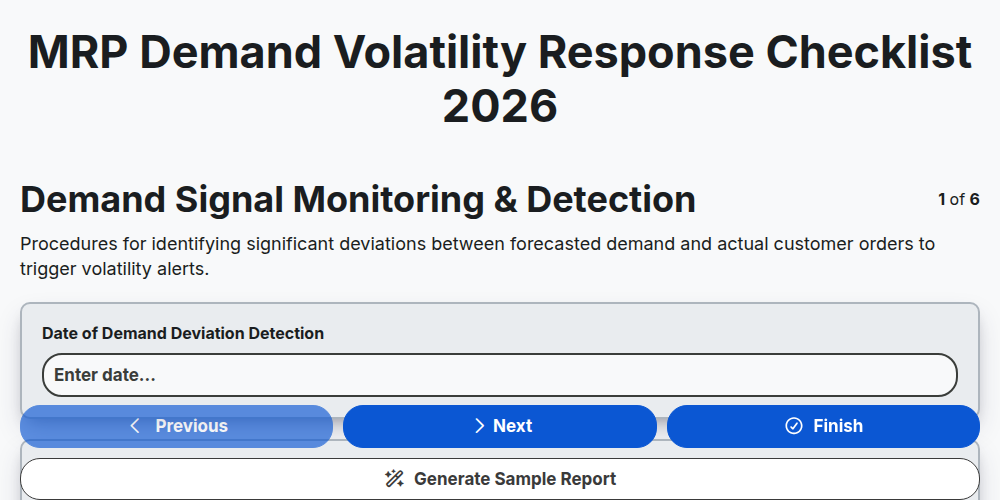
MRP Demand Volatility Response Checklist 2026
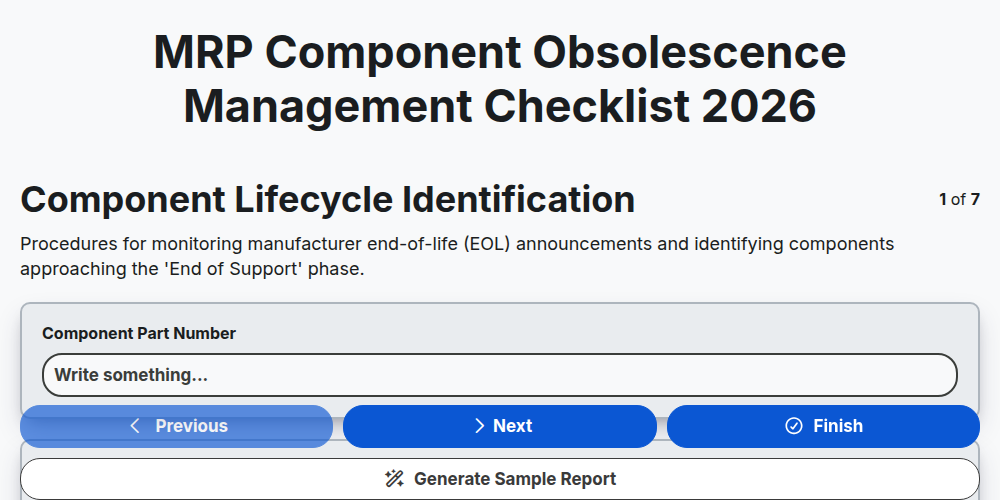
MRP Component Obsolescence Management Checklist 2026
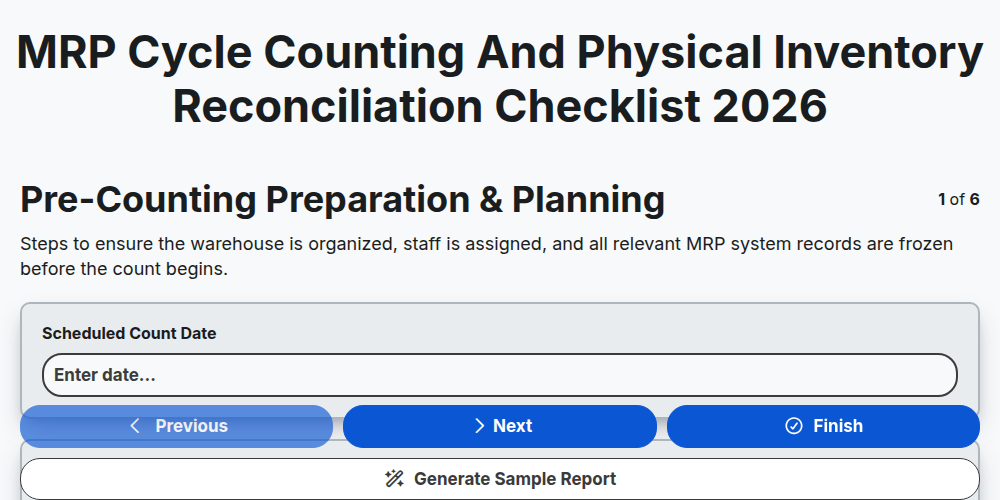
MRP Cycle Counting and Physical Inventory Reconciliation Checklist 2026
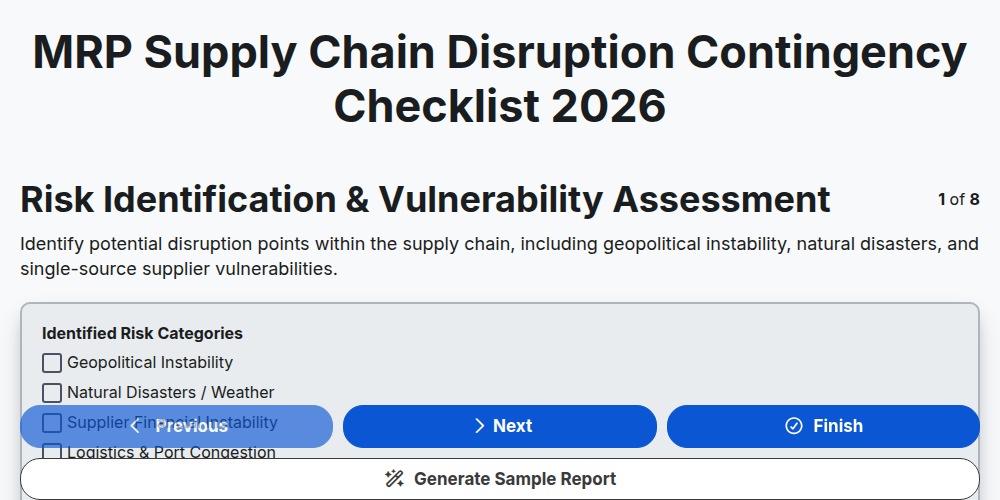
MRP Supply Chain Disruption Contingency Checklist 2026
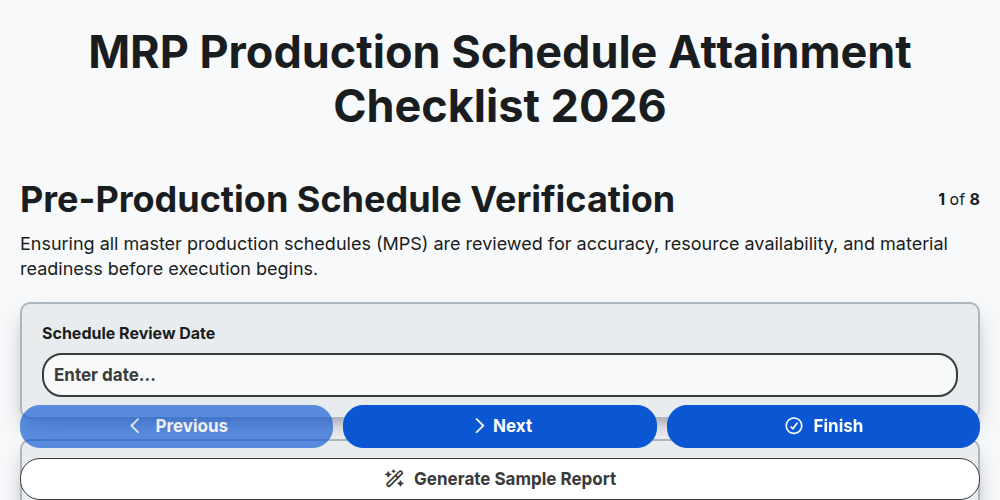
MRP Production Schedule Attainment Checklist 2026
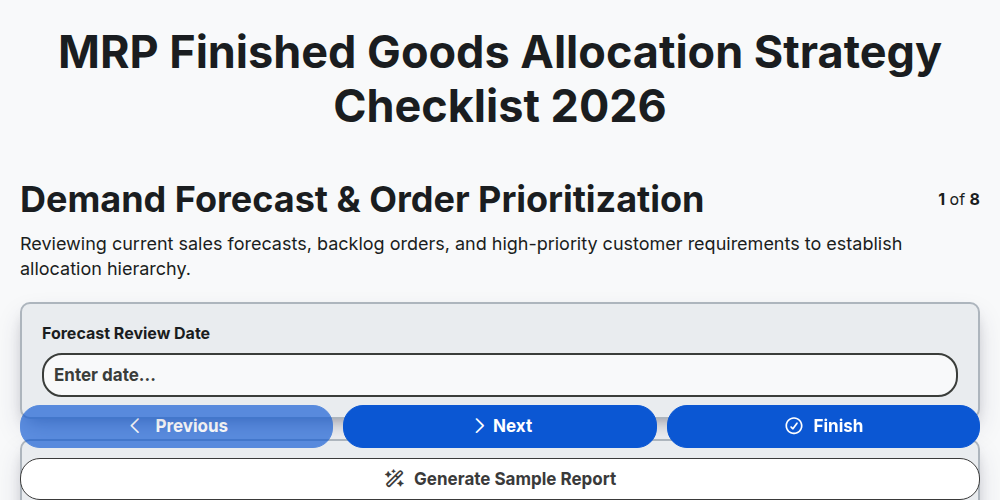
MRP Finished Goods Allocation Strategy Checklist 2026
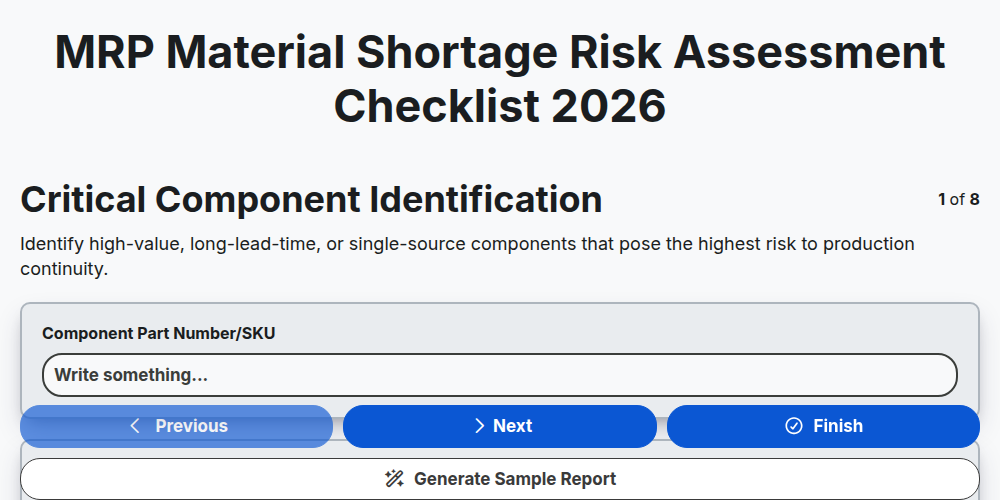
MRP Material Shortage Risk Assessment Checklist 2026
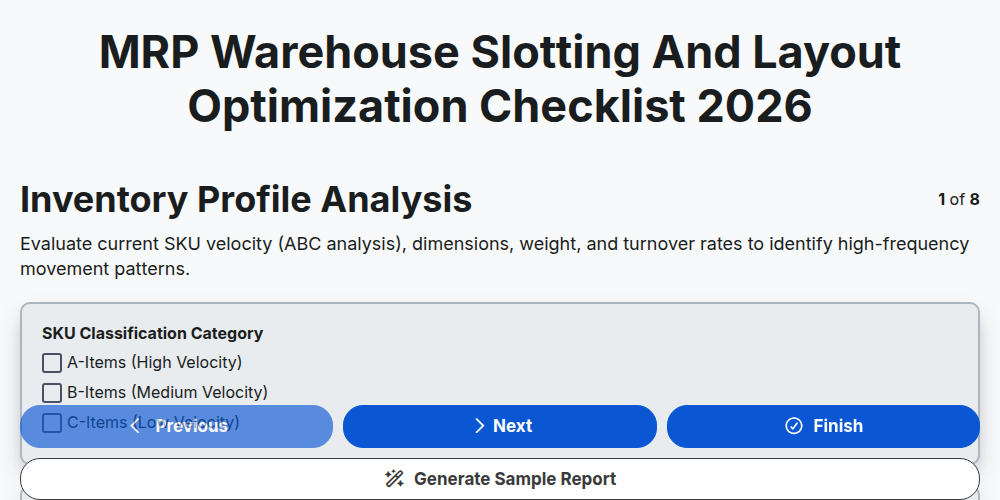
MRP Warehouse Slotting and Layout Optimization Checklist 2026
Need help with
Material Requirements Planning (MRP)?
Have a question? We're here to help. Please submit your inquiry, and we'll respond promptly.