 ChecklistGuro
 Customer Service Training Checklist: Retail Staff Performance & Sales Techniques
Boost your retail team's performance! This Customer Service Training Checklist ensures consistent, exceptional service, sharpens sales techniques, and creates a positive shopping experience that keeps customers coming back. Cover key skills, policies & more.
This Template was installed 4 times.
Greeting & Approach
Assessing initial customer interaction and creating a welcoming environment.
Initial Greeting Style
Time Taken to Acknowledge Customer (seconds)
Eye Contact During Greeting?
Standard Greeting Phrase Used?
Body Language?
Observer Notes on Initial Approach
Product Knowledge & Recommendations
Evaluating staff's understanding of products and ability to provide relevant suggestions.
Number of Product Categories Familiar With
Which product categories can you confidently discuss?
Describe a time you successfully recommended a product to a customer.
Rate your confidence in recommending new arrivals.
Name a key feature of Product A
Active Listening & Needs Identification
Measuring skill in understanding customer requests and identifying underlying needs.
Describe the customer's initial request in detail.
What cues (verbal or non-verbal) did the customer display suggesting additional needs or concerns?
Did the employee ask clarifying questions to fully understand the customer's needs?
Approximately how many clarifying questions were asked?
Did the employee accurately paraphrase the customer's needs to confirm understanding?
Describe any instances where the employee failed to identify the customer's underlying needs.
Handling Objections & Concerns
Assessing techniques for addressing customer doubts and finding solutions.
Describe a common customer objection you're likely to encounter.
Explain your approach to addressing that objection. (Explain your response)
Rate your confidence (1-10) in handling this specific objection.
What is the best response when a customer asks about a competitor's lower price?
Which of the following are good strategies for de-escalating a frustrated customer?
Provide an example of how you’re going to communicate empathy to the customer.
Sales Techniques & Upselling/Cross-selling
Evaluating sales strategies and ability to increase transaction value.
Average Transaction Value Increase (Upselling)
Number of Cross-Sell Opportunities Identified per Shift
Preferred Upselling Technique (e.g., feature comparison, value proposition)
Product Bundles Staff are Comfortable Promoting
Example Upselling Script Used
Notes on Customer Reactions to Upselling Attempts
Point of Sale (POS) System Proficiency
Checking accuracy and efficiency in processing transactions.
Transaction Count (per shift)
Average Transaction Time (seconds)
Scanner Usage
Payment Methods Processed
Coupon/Discount Application
Returns/Voids Handling
Returns & Exchanges Procedures
Ensuring correct handling of returns and exchanges according to company policy.
Reason for Return/Exchange
Quantity Returned/Exchanged
Desired Resolution
Return/Exchange Date
Additional Notes (if any)
Condition of Returned Item
Professionalism & Communication Skills
Observing overall demeanor, verbal and non-verbal communication, and problem-solving abilities.
Eye Contact Frequency (Scale of 1-5)
Voice Tone & Clarity
Describe Non-Verbal Communication (e.g., posture, facial expressions)
Active Listening - Paraphrasing Skills
Time Taken to Respond to Customer Queries (approx.)
Note any instances of unprofessional language used (if applicable)
Company Policies & Procedures
Verifying knowledge and adherence to store-specific guidelines.
Review of Employee Handbook
Dress Code Compliance
Loss Prevention Procedures Acknowledgment
Employee ID Number
Date of Policy Review Completion
Confidentiality Agreement Items Covered
Customer Feedback & Continuous Improvement
Promoting a culture of soliciting and acting on customer feedback to enhance service.
Overall Customer Satisfaction (1-5)
What did the customer specifically enjoy about their experience?
What could be improved about the service?
Which of the following aspects of the experience were relevant?
How likely are you to recommend our store to a friend?
Date of Interaction
Frequently Asked Questions
Can I customize this template after installing it?
Absolutely. Once installed, you can add, remove, or reorder tasks, add custom fields, and adjust deadlines to fit your specific workflow.
Can I add images or photos to these checklist items?
Yes. Our platform allows you to attach photos, signatures, and notes to any checklist item for better verification and proof of completion.
Can I create a custom checklist from scratch instead of using a template?
Yes. You can use our "Create your own checklist" feature to build a unique workflow tailored exactly to your operational requirements.
Can I add dependencies between tasks?
Yes, you can set up conditional logic and dependencies to ensure your team follows the correct sequence of operations.
Can I assign specific checklist items to different team members?
Yes. You can assign individual tasks to specific employees, ensuring clear accountability across your entire team.
Can I use these checklists on mobile devices in the field?
Yes. Our platform is fully responsive, allowing your team to complete, update, and upload photos to checklists directly from any smartphone or tablet.
How do I notify my manager when a checklist is completed?
You can set up automated notifications (via email, push notification, or in-app alerts) to trigger whenever a checklist is finished or if an item fails inspection.
Can multiple people work on the same checklist simultaneously?
Yes, the platform supports real-time updates, allowing multiple users to contribute to a single live checklist.
Where is the data from completed checklists stored?
All completed checklists are stored securely in your Work OS dashboard, creating a permanent, searchable audit trail of your operations.
Can I generate reports based on my checklist results?
Yes. You can track completion rates, identify recurring issues, and monitor team performance through our integrated reporting and analytics tools.
How can I use these checklists for compliance or auditing purposes?
Because our checklists capture timestamps, photos, and digital signatures, they serve as a robust digital paper trail for regulatory compliance and internal audits.
Can I export my completed checklist data for use in other tools?
Yes. You can export your data in various formats (CSV, Excel, etc.) to integrate your operational insights with your other business software.
Comments
There are no comments yet. Be the first to add one!
Retail Management Solution Demo
Boost retail efficiency! ChecklistGuro simplifies store operations, inventory management, and employee training. Improve customer experience and maximize profitability. Manage it all with our Work OS.
Related Checklist Templates
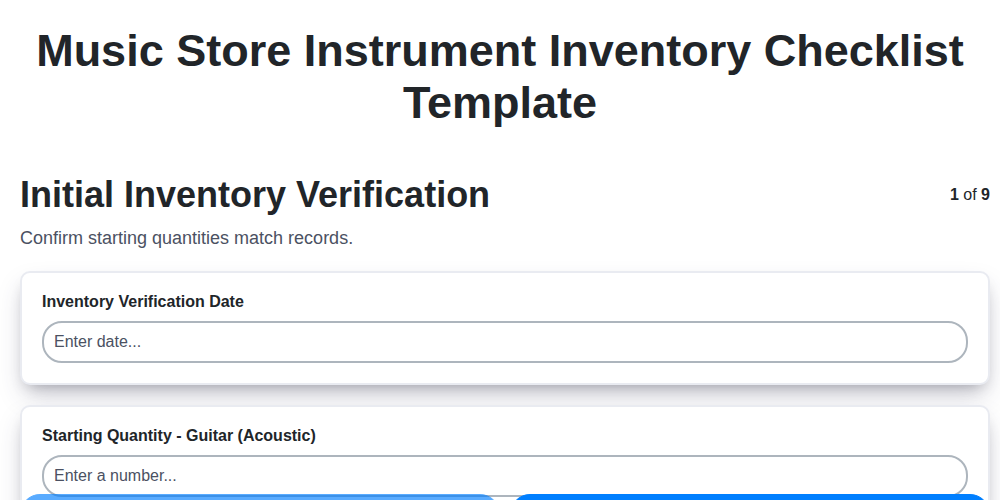
Music Store Instrument Inventory Checklist Template
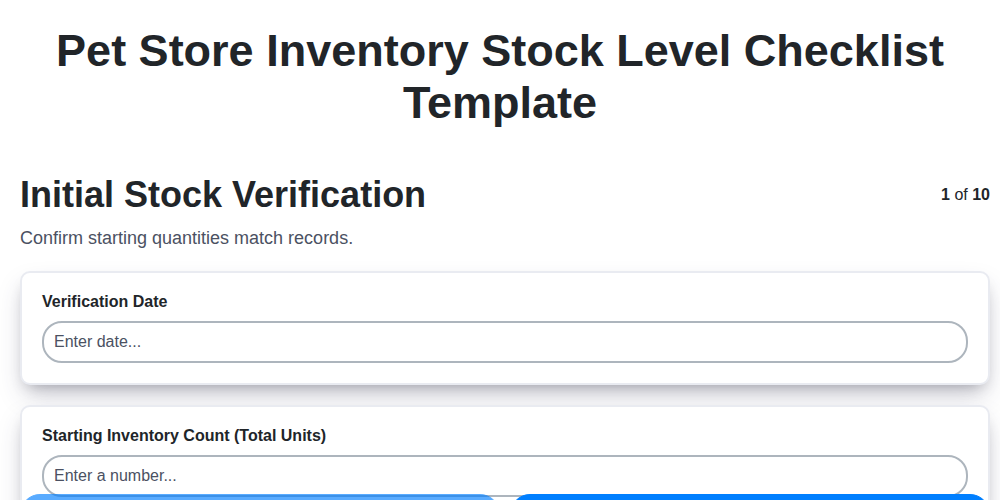
Pet Store Inventory Stock Level Checklist Template
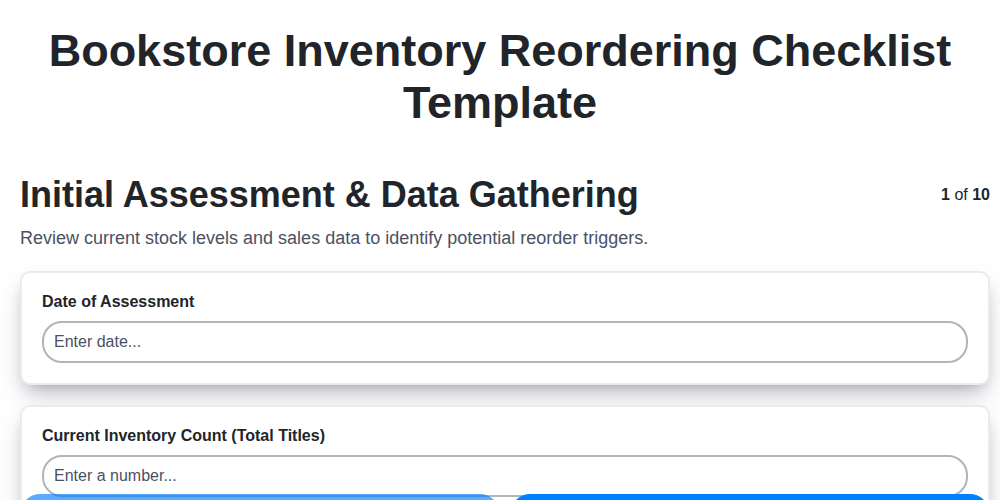
Bookstore Inventory Reordering Checklist Template
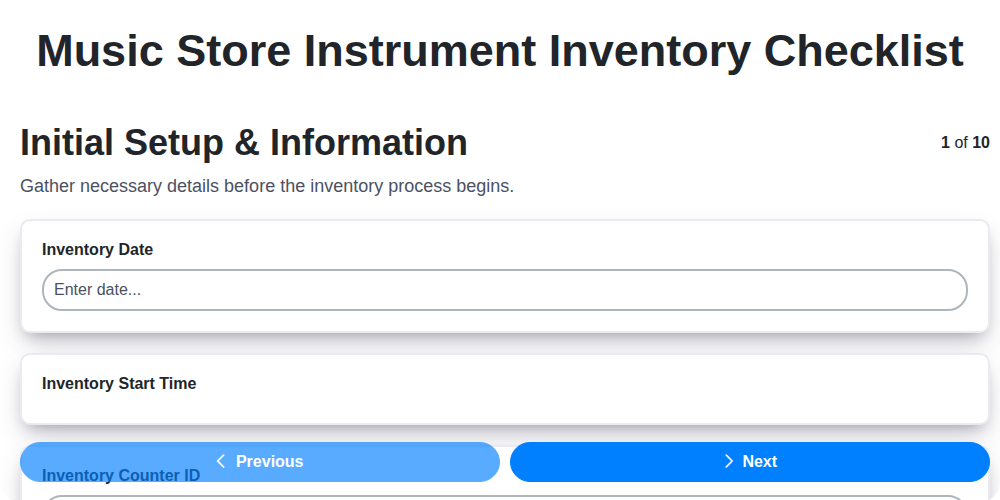
Music Store Instrument Inventory Checklist
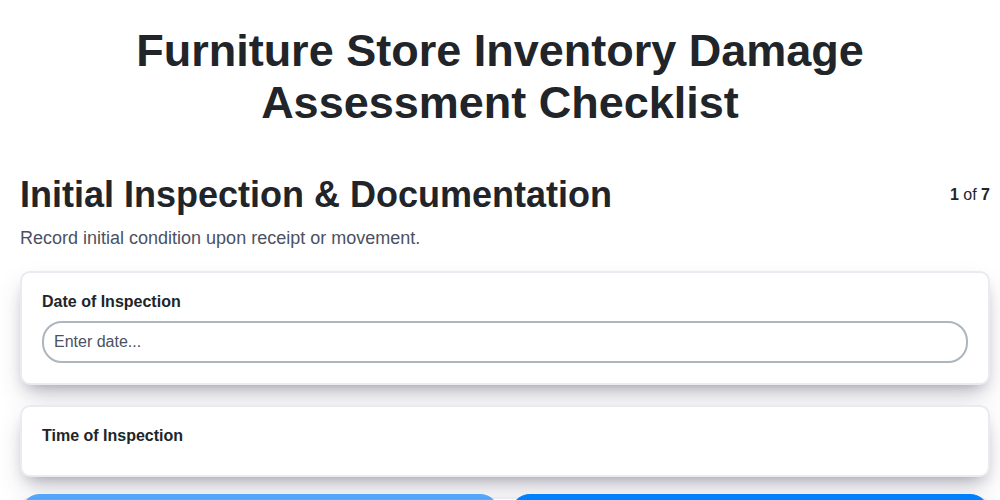
Furniture Store Inventory Damage Assessment Checklist
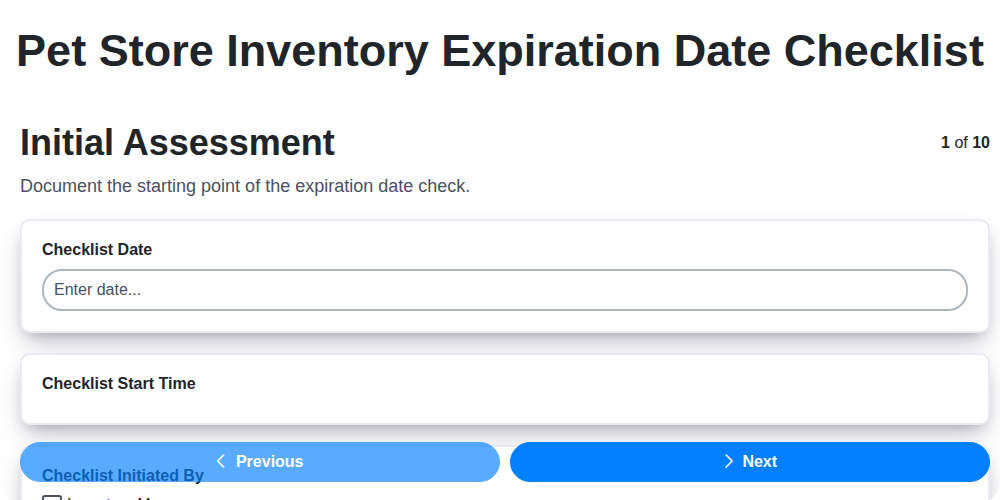
Pet Store Inventory Expiration Date Checklist
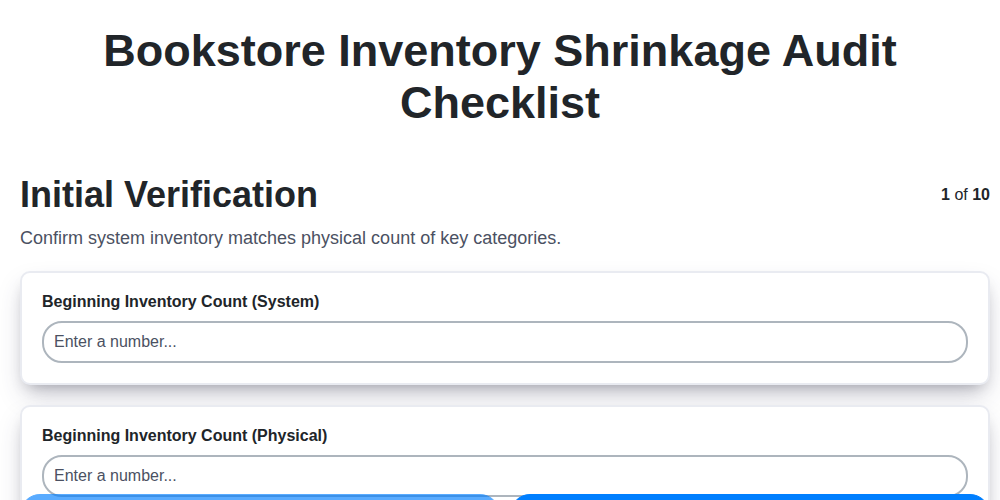
Bookstore Inventory Shrinkage Audit Checklist
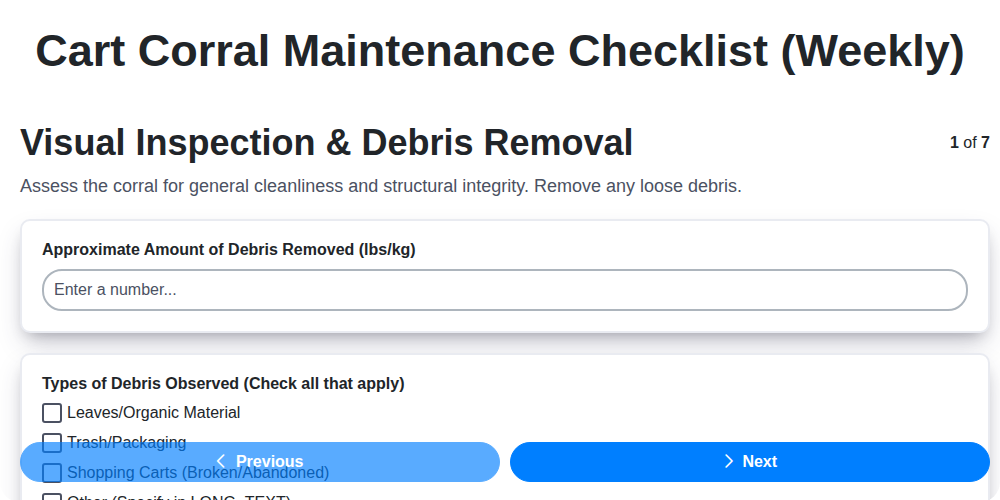
Cart Corral Maintenance Checklist (Weekly)
Need help with
Retail?
Have a question? We're here to help. Please submit your inquiry, and we'll respond promptly.