 ChecklistGuro
 Deli Counter Inspection Checklist (Daily) - Food handling, temperature
Ensure food safety & regulatory compliance with our Daily Deli Counter Inspection Checklist! Downloadable & printable, this Retail checklist covers critical food handling practices & temperature logs for a safe, customer-ready deli. Protect your business & customers today!
This Template was installed 3 times.
Employee Hygiene & Practices
Checks related to employee handwashing, glove usage, and overall hygiene.
Employee Handwashing Observed?
Glove Usage Proper?
Any observed hygiene concerns? (e.g., excessive jewelry, improper attire)
Aprons/Protective Wear Used?
Number of handwashing events observed (if observed)
Hair Restraints (hairnet, hat) in Use?
Temperature Monitoring & Control
Verification of proper temperature ranges for all deli items; documentation checks.
Temperature Log Start Time
Cold Deli Case Temperature (degrees F)
Hot Deli Case Temperature (degrees F)
Holding Unit Temperature (if applicable) (degrees F)
Refrigerator Temperature (Deli Storage) (degrees F)
Thermometer Calibration Status
Notes on Temperature Readings/Corrections Needed
Date of Last Thermometer Calibration
Food Handling Procedures
Observation of safe food handling techniques, including use of utensils, preventing cross-contamination, and proper labeling.
Were gloves used when handling ready-to-eat foods?
Was proper use of utensils observed when handling food?
Number of times employee handwashing observed?
Was cross-contamination prevention observed (e.g., separate cutting boards/utensils)?
Describe any deviations from safe food handling practices observed:
Were proper procedures followed for thawing frozen foods?
Employee initials observing handling practices:
Product Display & Rotation
Evaluation of product placement, stock rotation (FIFO), and proper storage methods.
Temperature of Prepared Salads (in °F)
Temperature of Meats/Cheeses (in °F)
FIFO Rotation Verified (Check One)
Rotation issues observed (select all that apply)
Notes on Product Display/Rotation
Product Overwrapping observed?
Number of items past expiration date observed
Equipment & Sanitation
Assessment of equipment cleanliness, functionality, and sanitation practices.
Cooler/Refrigeration Unit Temperature (Record Reading)
Meat/Cheese Display Case Temperature (Record Reading)
Cooler/Case Condensation Present?
Equipment Cleanliness - Overall Condition
Notes on Equipment Cleanliness/Maintenance
Sanitizer Concentration Correct?
Photo Documentation (if issues found)
Labeling and Dating
Confirmation that all items are properly labeled with names, ingredients, allergens (where applicable), and preparation/expiration dates.
Are all pre-made deli salads and sandwiches properly labeled?
Are all items labeled with preparation date?
Preparation Date (for items without a specific sell-by date)
Sell-By/Use-By Date (for items with a designated date)
Note any discrepancies or corrections made to labeling (e.g., missing dates, incorrect ingredient lists)
Are allergen information displayed appropriately (if applicable)?
Are product names clearly visible and accurate?
Waste Management
Verification of proper waste disposal practices.
Quantity of food waste generated (lbs/kg)
Waste containers properly covered?
Waste bags properly sealed?
Waste area clean and free of pests?
Comments/Corrective Actions Needed (Waste Management)
Frequently Asked Questions
Can I customize this template after installing it?
Absolutely. Once installed, you can add, remove, or reorder tasks, add custom fields, and adjust deadlines to fit your specific workflow.
Can I add images or photos to these checklist items?
Yes. Our platform allows you to attach photos, signatures, and notes to any checklist item for better verification and proof of completion.
Can I create a custom checklist from scratch instead of using a template?
Yes. You can use our "Create your own checklist" feature to build a unique workflow tailored exactly to your operational requirements.
Can I add dependencies between tasks?
Yes, you can set up conditional logic and dependencies to ensure your team follows the correct sequence of operations.
Can I assign specific checklist items to different team members?
Yes. You can assign individual tasks to specific employees, ensuring clear accountability across your entire team.
Can I use these checklists on mobile devices in the field?
Yes. Our platform is fully responsive, allowing your team to complete, update, and upload photos to checklists directly from any smartphone or tablet.
How do I notify my manager when a checklist is completed?
You can set up automated notifications (via email, push notification, or in-app alerts) to trigger whenever a checklist is finished or if an item fails inspection.
Can multiple people work on the same checklist simultaneously?
Yes, the platform supports real-time updates, allowing multiple users to contribute to a single live checklist.
Where is the data from completed checklists stored?
All completed checklists are stored securely in your Work OS dashboard, creating a permanent, searchable audit trail of your operations.
Can I generate reports based on my checklist results?
Yes. You can track completion rates, identify recurring issues, and monitor team performance through our integrated reporting and analytics tools.
How can I use these checklists for compliance or auditing purposes?
Because our checklists capture timestamps, photos, and digital signatures, they serve as a robust digital paper trail for regulatory compliance and internal audits.
Can I export my completed checklist data for use in other tools?
Yes. You can export your data in various formats (CSV, Excel, etc.) to integrate your operational insights with your other business software.
Comments
There are no comments yet. Be the first to add one!
Retail Management Solution Demo
Boost retail efficiency! ChecklistGuro simplifies store operations, inventory management, and employee training. Improve customer experience and maximize profitability. Manage it all with our Work OS.
Related Checklist Templates
Music Store Instrument Inventory Checklist Template
Pet Store Inventory Stock Level Checklist Template
Bookstore Inventory Reordering Checklist Template
Music Store Instrument Inventory Checklist
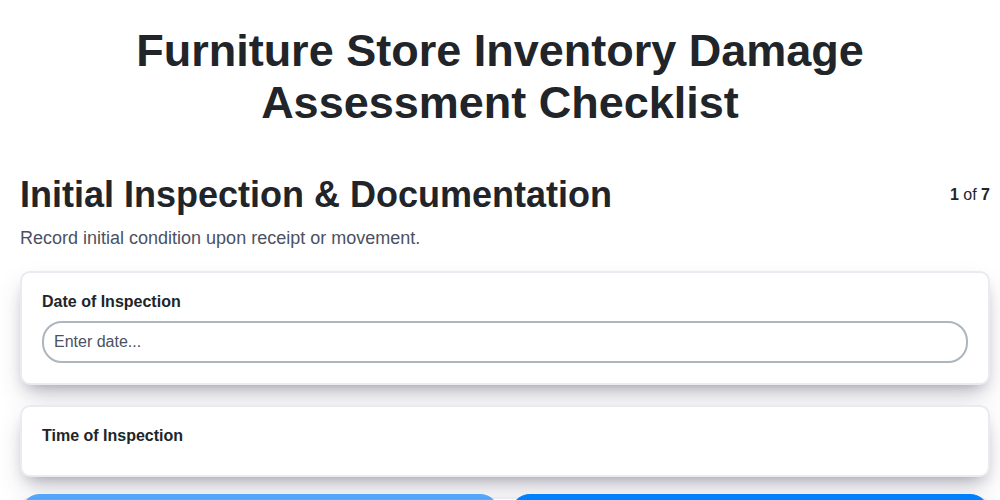
Furniture Store Inventory Damage Assessment Checklist
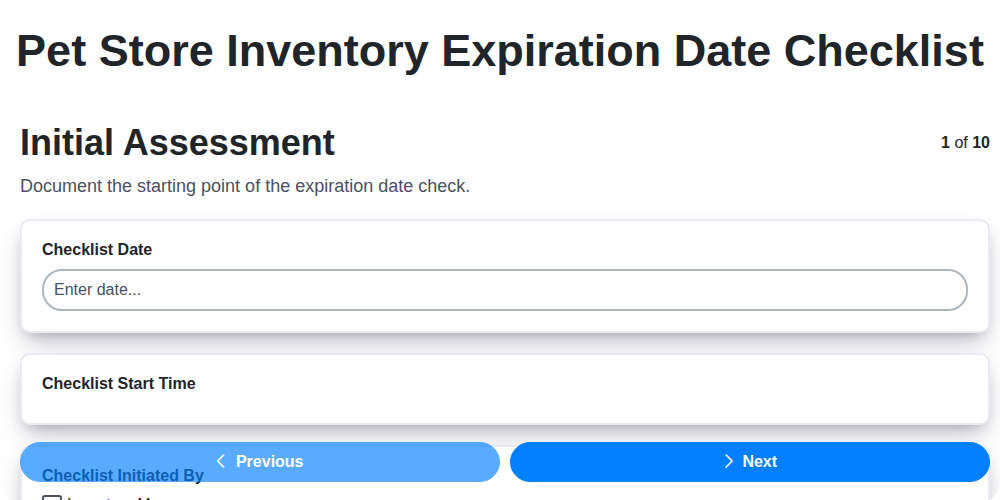
Pet Store Inventory Expiration Date Checklist
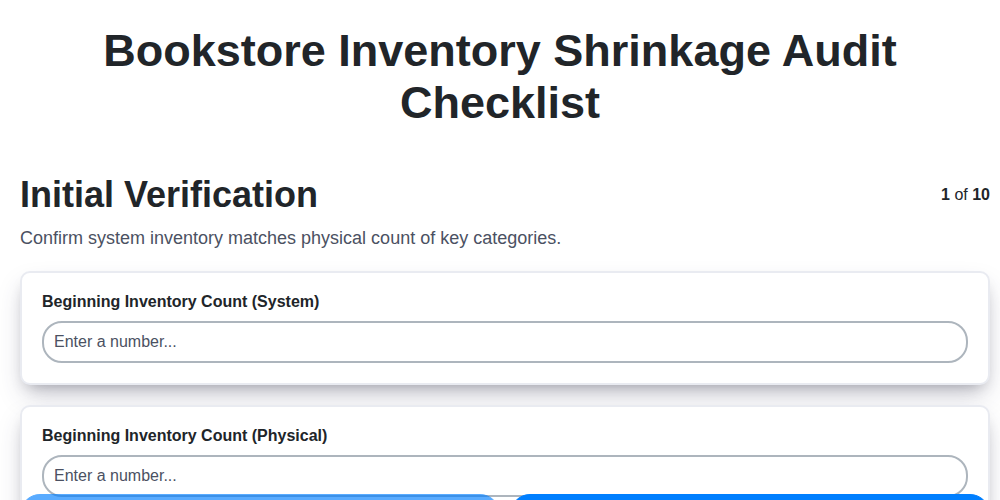
Bookstore Inventory Shrinkage Audit Checklist
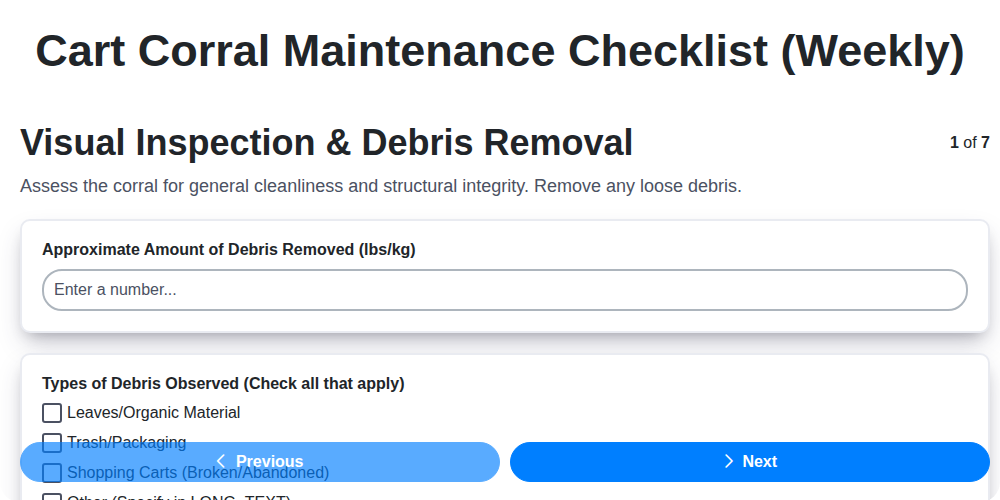
Cart Corral Maintenance Checklist (Weekly)
We can do it Together
Need help with
Retail?
Have a question? We're here to help. Please submit your inquiry, and we'll respond promptly.