 ChecklistGuro
 Over-the-Counter Medication Storage Checklist (Monthly)
Ensure OTC medication safety & compliance! Download our free monthly checklist for retail pharmacies & stores. Prevent errors, reduce risk, & protect customers with this easy-to-use storage guide. Retail checklist, medication storage, compliance, pharmacy safety.
This Template was installed 4 times.
Inventory & Rotation
Ensuring proper stock levels and preventing expired medications.
Initial Count of Each Medication (Refers to current inventory)
Number of Units Sold/Moved This Month (per medication)
Number of Units Expired This Month (per medication)
Date of Last First-In, First-Out (FIFO) Rotation
Notes on Observed Inventory Issues (e.g., damaged packaging, stock discrepancies)
FIFO Rotation Procedure Followed?
Number of Medications Requiring Reordering
Storage Area Condition
Assessing the overall cleanliness and environment of the medication storage area.
Overall Cleanliness Rating (1-5, 5 being spotless)
Describe any visible dust, debris, or mold present.
Check all that apply: Evidence of pests (e.g., insects, rodents)?
If pests were observed, describe type and location.
Note any unusual odors detected in the storage area.
Estimated square footage of visible dust accumulation (approximate)
Condition of shelving (e.g., rusty, damaged)
Temperature & Humidity Monitoring
Verifying temperature and humidity are within recommended ranges for OTC medications.
Current Temperature (Degrees Fahrenheit)
Current Humidity Level (%)
Temperature within acceptable range?
Humidity within acceptable range?
Date of Temperature/Humidity Reading
Time of Temperature/Humidity Reading
Notes on Temperature/Humidity Readings (e.g., unusual fluctuations, corrective actions)
Security & Access Control
Confirming security protocols are in place to prevent theft or unauthorized access.
Access to storage area restricted?
Who has access to the storage area?
If 'Other' selected above, please specify:
Keypad/Access Code required?
Keypad/Access Code last changed?
Are security cameras in place?
Location of Security Camera Recordings (if applicable)
Expiration Date Checks
Systematically reviewing expiration dates and removing expired products.
Date of Expiration Date Review
Number of Products Reviewed This Month
Expired Medications Found (Select all that apply)
Specify 'Other' Medications Expired (if applicable)
Quantity of Expired Medications Removed
Method of Disposal of Expired Medications (Record details for traceability)
Rotation Method Used (FIFO, FEFO, etc.)
Specify Rotation Method if 'Other' (above)
Proper Shelving & Organization
Making sure medications are stored appropriately on shelves and are easily accessible.
Are shelves appropriately labeled with medication categories?
Are heavier items stored on lower shelves?
Number of empty shelf spaces observed (potential for restocking)
Are medications stored upright to prevent damage to packaging?
Describe any observed organization issues or areas for improvement.
Are all medications facing forward on the shelves?
Spill Prevention & Cleanup
Checking for potential spill hazards and ensuring a cleanup plan is in place.
Are spill kits readily available and accessible?
Are spill kits properly stocked and replenished?
Date of last spill kit inspection:
Describe any recent spills or near misses (if applicable):
Quantity of absorbent material (e.g., pads, pillows) in spill kit:
Are employees trained on spill response procedures?
Comments or actions needed regarding spill prevention/cleanup:
Frequently Asked Questions
Can I customize this template after installing it?
Absolutely. Once installed, you can add, remove, or reorder tasks, add custom fields, and adjust deadlines to fit your specific workflow.
Can I add images or photos to these checklist items?
Yes. Our platform allows you to attach photos, signatures, and notes to any checklist item for better verification and proof of completion.
Can I create a custom checklist from scratch instead of using a template?
Yes. You can use our "Create your own checklist" feature to build a unique workflow tailored exactly to your operational requirements.
Can I add dependencies between tasks?
Yes, you can set up conditional logic and dependencies to ensure your team follows the correct sequence of operations.
Can I assign specific checklist items to different team members?
Yes. You can assign individual tasks to specific employees, ensuring clear accountability across your entire team.
Can I use these checklists on mobile devices in the field?
Yes. Our platform is fully responsive, allowing your team to complete, update, and upload photos to checklists directly from any smartphone or tablet.
How do I notify my manager when a checklist is completed?
You can set up automated notifications (via email, push notification, or in-app alerts) to trigger whenever a checklist is finished or if an item fails inspection.
Can multiple people work on the same checklist simultaneously?
Yes, the platform supports real-time updates, allowing multiple users to contribute to a single live checklist.
Where is the data from completed checklists stored?
All completed checklists are stored securely in your Work OS dashboard, creating a permanent, searchable audit trail of your operations.
Can I generate reports based on my checklist results?
Yes. You can track completion rates, identify recurring issues, and monitor team performance through our integrated reporting and analytics tools.
How can I use these checklists for compliance or auditing purposes?
Because our checklists capture timestamps, photos, and digital signatures, they serve as a robust digital paper trail for regulatory compliance and internal audits.
Can I export my completed checklist data for use in other tools?
Yes. You can export your data in various formats (CSV, Excel, etc.) to integrate your operational insights with your other business software.
Comments
There are no comments yet. Be the first to add one!
Retail Management Solution Demo
Boost retail efficiency! ChecklistGuro simplifies store operations, inventory management, and employee training. Improve customer experience and maximize profitability. Manage it all with our Work OS.
Related Checklist Templates
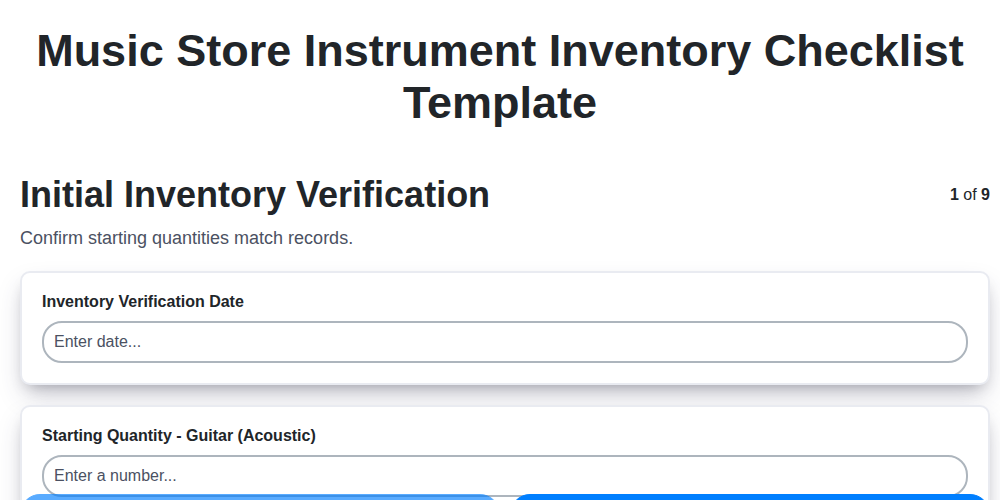
Music Store Instrument Inventory Checklist Template
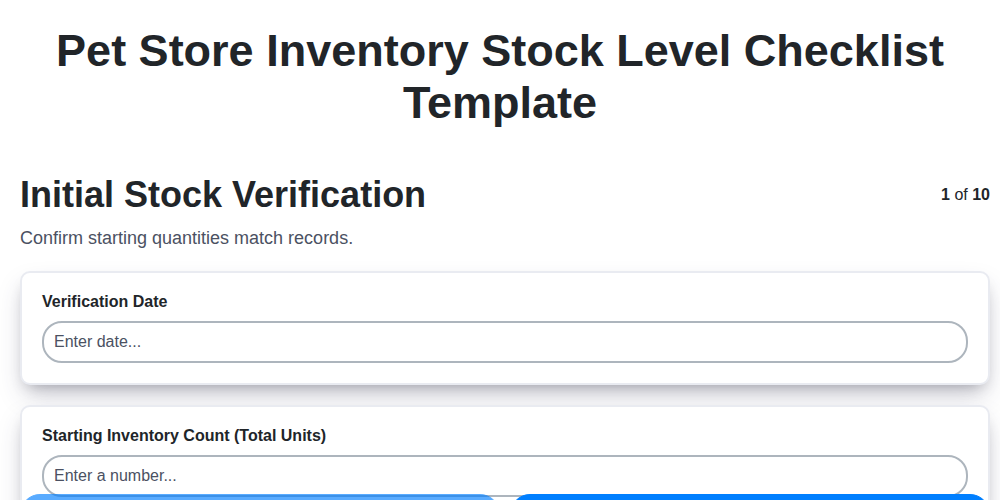
Pet Store Inventory Stock Level Checklist Template
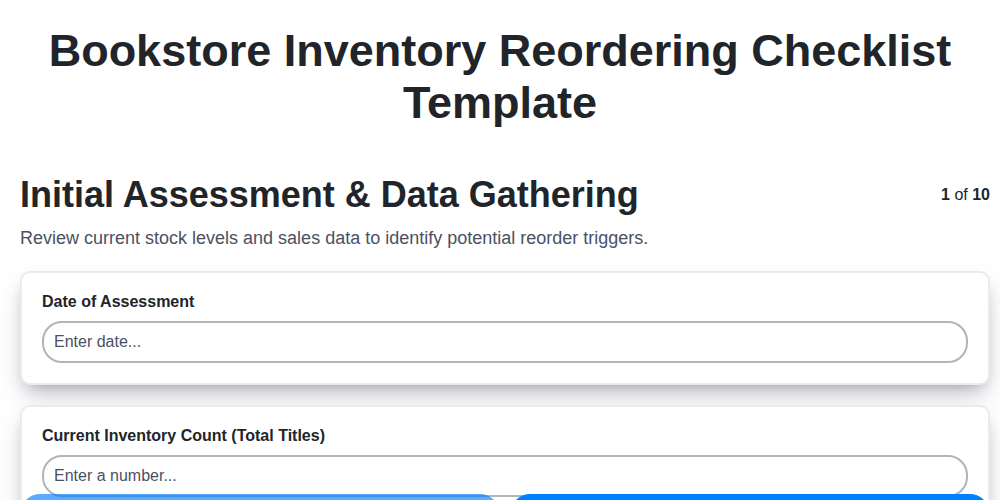
Bookstore Inventory Reordering Checklist Template
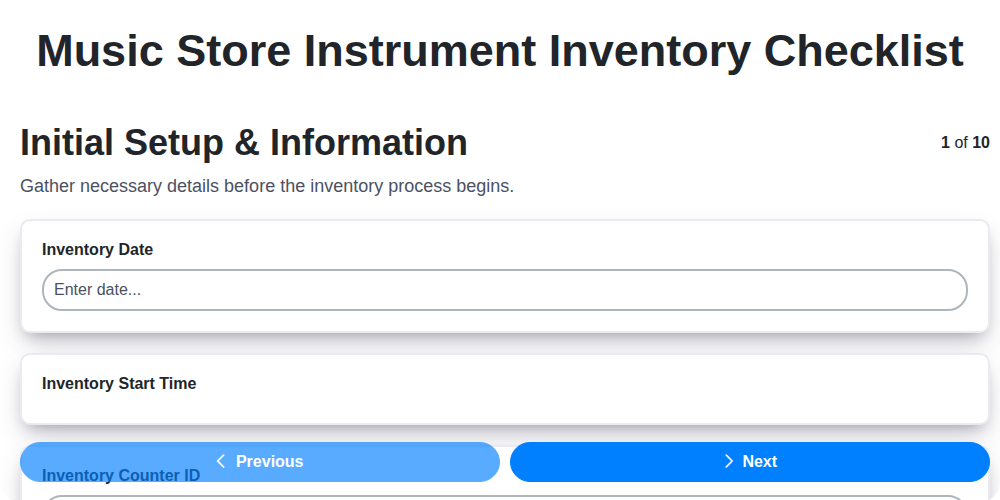
Music Store Instrument Inventory Checklist
Furniture Store Inventory Damage Assessment Checklist
Pet Store Inventory Expiration Date Checklist
Bookstore Inventory Shrinkage Audit Checklist
Cart Corral Maintenance Checklist (Weekly)
We can do it Together
Need help with
Retail?
Have a question? We're here to help. Please submit your inquiry, and we'll respond promptly.