 ChecklistGuro
 Produce Section Inspection Checklist (Daily) - Temperature, spoilage, cleanliness
Ensure fresh, safe, and appealing produce with our daily Produce Section Inspection Checklist! Stay compliant, minimize waste, and boost customer satisfaction with this easy-to-use template for temperature, spoilage, and cleanliness checks in your retail store. Download now!
This Template was installed 3 times.
Temperature Monitoring
Record temperatures of refrigerated and display produce areas. Ensure compliance with food safety guidelines.
Walk-in Cooler Temperature (°F)
Display Case 1 Temperature (°F)
Display Case 2 Temperature (°F)
Display Case 3 Temperature (°F)
Temperature Readings Within Safe Range?
Notes on Temperature Readings/Corrective Actions
Spoilage Assessment
Inspect produce for signs of decay, mold, pests, or other spoilage. Document findings and corrective actions.
Visible Mold Observed?
Signs of Bruising/Softening?
Percentage of Produce Showing Signs of Spoilage (Estimate)
Detailed Description of Spoilage Observed (if applicable)
Pest Activity Observed?
Details of Pest Activity Observed (if applicable)
Produce Type Showing Most Spoilage
Cleanliness & Sanitation
Assess the cleanliness of display areas, shelving, floors, and equipment. Note any sanitation issues.
Floor Cleanliness Rating (1-5, 5=Excellent)
Shelf Cleanliness Rating (1-5, 5=Excellent)
Areas needing cleaning (Check all that apply)
Describe any specific cleaning issues or concerns
Type of Cleaning Solution Used (If applicable)
Time of Cleaning (if applicable)
Describe corrective actions taken (if applicable)
Produce Rotation & Stocking
Verify proper rotation of stock (FIFO) and ensure adequate and presentable stocking levels.
Quantity of Apples Remaining
Quantity of Bananas Remaining
Quantity of Lettuce Heads Remaining
FIFO Compliance (Apples)
FIFO Compliance (Berries)
Notes on Stock Levels or Display
Produce Display - Overstock?
Pest Control
Check for signs of pests (insects, rodents). Document any findings and escalate as necessary.
Evidence of Insects Observed?
Evidence of Rodents Observed?
Describe any pest sightings or concerns (if any)
Number of Sticky Traps Checked:
Sticky trap condition:
Specific location(s) where pests were observed (e.g., near bananas, under shelf 3)
Upload Photo Evidence (if applicable)
Display & Presentation
Evaluate the overall appearance and appeal of the produce section. Note any issues needing attention.
Overall Appearance Score (1-5, 5 being excellent)
Are displays neatly arranged and visually appealing?
Describe any specific presentation concerns (e.g., wilting, bruising, excessive packaging)
Which of the following presentation issues are present? (Select all that apply)
Notes on customer appeal:
Comments
There are no comments yet. Be the first to add one!
Retail Management Solution Demo
Boost retail efficiency! ChecklistGuro simplifies store operations, inventory management, and employee training. Improve customer experience and maximize profitability. Manage it all with our Work OS.
Related Checklist Templates
Music Store Instrument Inventory Checklist Template
Pet Store Inventory Stock Level Checklist Template
Bookstore Inventory Reordering Checklist Template
Music Store Instrument Inventory Checklist
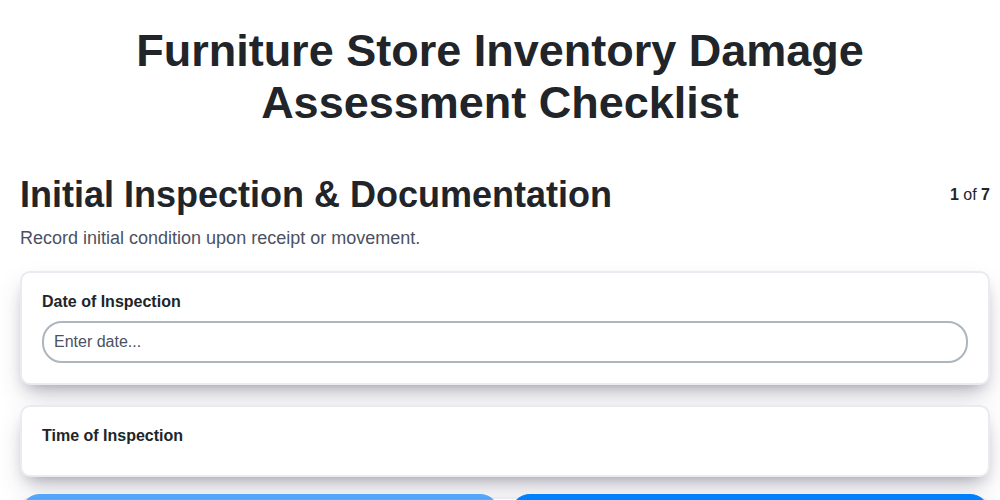
Furniture Store Inventory Damage Assessment Checklist
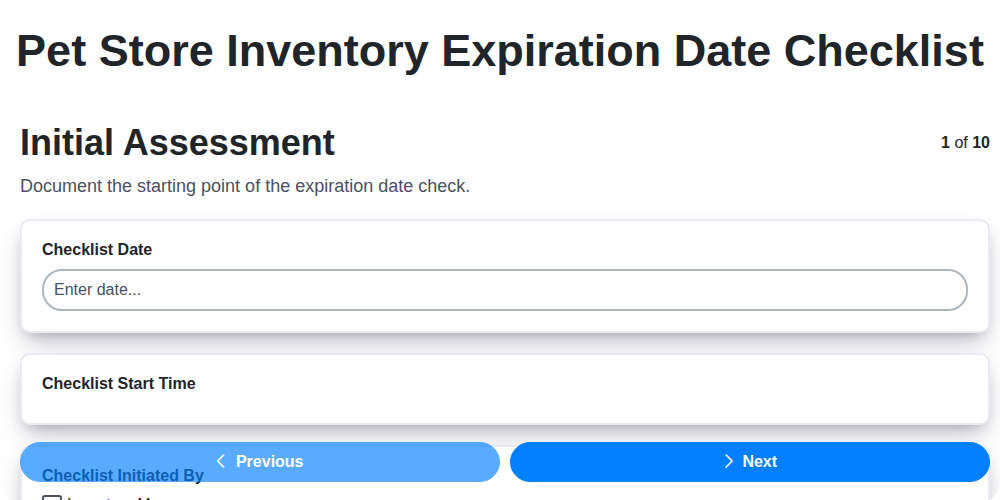
Pet Store Inventory Expiration Date Checklist
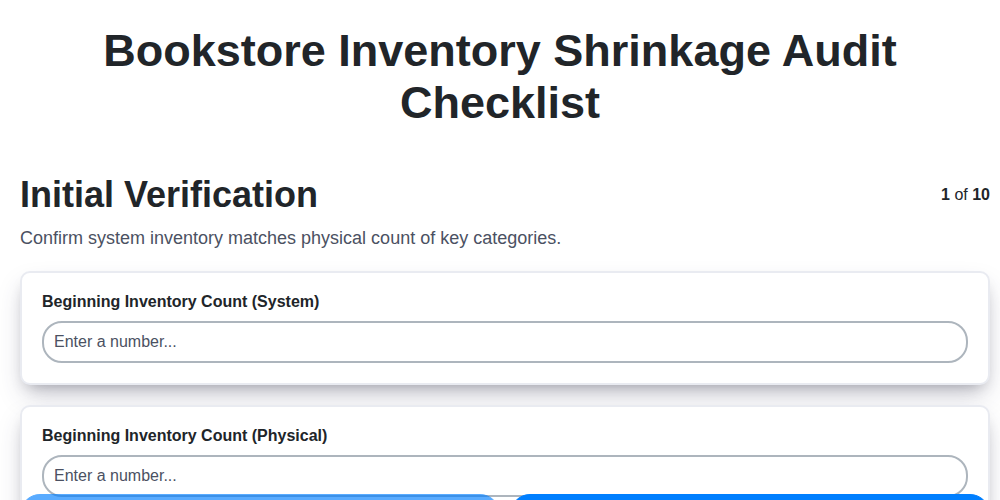
Bookstore Inventory Shrinkage Audit Checklist
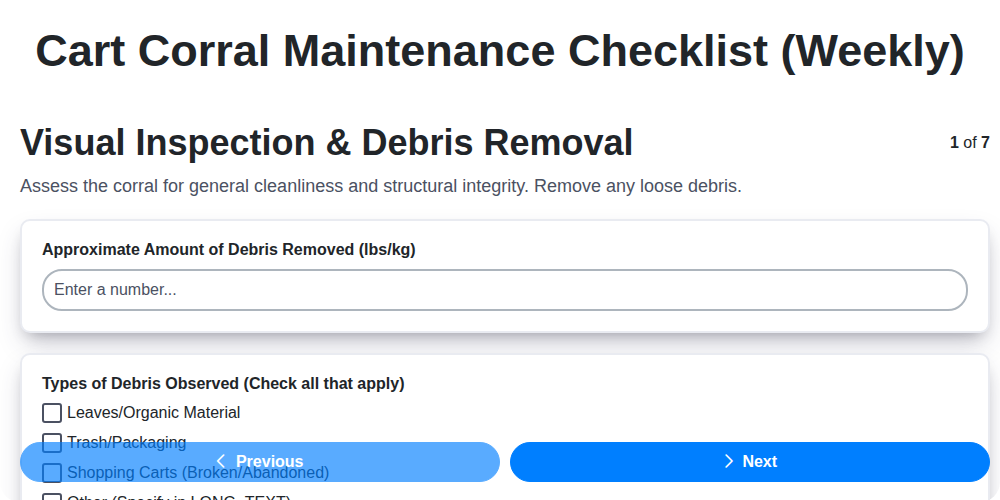
Cart Corral Maintenance Checklist (Weekly)
We can do it Together
Need help with
Retail?
Have a question? We're here to help. Please submit your inquiry, and we'll respond promptly.