 ChecklistGuro
 Retail Staff Shift Handover & Communication Checklist 2026
Ensure seamless store transitions and eliminate operational gaps with the Retail Staff Shift Handover & Communication Checklist 2026. Designed for retail managers and team leads, this professional template streamlines the transfer of critical information between morning, afternoon, and closing shifts. Track essential updates including cash drawer balances, pending customer orders, inventory discrepancies, and urgent maintenance tasks. Perfect for maintaining consistent store standards, improving team accountability, and preventing communication breakdowns in high-traffic retail environments. Download this essential 2026 retail management tool to keep your team aligned and your operations running smoothly 24/7.
Shift Summary & Personnel Overview
Record of outgoing/incoming staff, total headcount, and any staff absences or late arrivals.
Shift Date
Shift Start Time
Outgoing Supervisor Name
Incoming Supervisor Name
Total Number of Staff on Shift
Staffing Status
Personnel Notes & Handover Notes
Sales Performance & KPI Review
Review of sales targets achieved, transaction counts, and average transaction value (ATV) for the completed shift.
Shift Date
Shift End Time
Total Sales Revenue Achieved
Total Number of Transactions
Average Transaction Value (ATV)
Sales Target Met?
Performance Notes & Variance Explanations
Cash Management & Till Reconciliation
Verification of register balances, float amounts, processed refunds, and any identified cash discrepancies.
Reconciliation Date
Shift End Time
Opening Float Amount
Total Cash Sales Recorded
Actual Cash in Drawer
Cash Discrepancy (Over/Short)
Payment Method Breakdown
Discrepancy Explanation/Notes
Upload Cash Count Slip/Z-Report
Manager Verification
Inventory & Stock Updates
Reporting on high-velocity items sold out, new deliveries received, and any damaged or missing stock noted.
Inventory Audit Date
Total Units Received Today
Stock Discrepancy Types
Details of Stock Discrepancies
Delivery Note/Invoice Photo
Stock Level Status
Store Maintenance & Cleanliness Status
Assessment of floor cleanliness, fitting room tidiness, and completion of scheduled cleaning tasks.
Completed Cleaning Zones
Overall Store Cleanliness Rating
Cleaning Discrepancies or Maintenance Issues
Cleanliness Inspection Photo Proof
Last Cleaning Cycle Completion Time
Customer Service & Incident Reporting
Documentation of significant customer interactions, complaints, feedback, or any security/safety incidents.
Incident Date
Time of Incident
Incident Category
Incident Description
Staff Involved
Incident Photo or CCTV Screenshot
Manager Acknowledgment
Merchandising & Visual Standards
Notes on replenishment needs, replenishment of promotional signage, and maintenance of window displays.
Merchandising Tasks Completed
Missing Signage or Labels
Visual Merchandising Issues/Notes
Display Area Photo Documentation
Display Integrity Status
Task Completion & Pending Actions
List of unfinished tasks from the previous shift and priority items requiring immediate attention for the incoming team.
Completed Tasks
Unfinished Tasks & Pending Items
Priority Level for Pending Tasks
Task Deadline/Follow-up Date
Outgoing Supervisor Verification
Facility & Equipment Status
Check of POS functionality, handheld scanner status, and any lighting or temperature issues needing maintenance.
Equipment Functionality Check
Store Temperature Status
Equipment Malfunction Details
Last Maintenance Check Date
Technician or Supervisor Verification
Handover Sign-off
Formal acknowledgement and signatures from both the outgoing and incoming Shift Leads/Managers.
Handover Date
Outgoing Manager Signature
Incoming Manager Signature
Handover Status
Additional Handover Notes
Frequently Asked Questions
Can I customize this template after installing it?
Absolutely. Once installed, you can add, remove, or reorder tasks, add custom fields, and adjust deadlines to fit your specific workflow.
Can I add images or photos to these checklist items?
Yes. Our platform allows you to attach photos, signatures, and notes to any checklist item for better verification and proof of completion.
Can I create a custom checklist from scratch instead of using a template?
Yes. You can use our "Create your own checklist" feature to build a unique workflow tailored exactly to your operational requirements.
Can I add dependencies between tasks?
Yes, you can set up conditional logic and dependencies to ensure your team follows the correct sequence of operations.
Can I assign specific checklist items to different team members?
Yes. You can assign individual tasks to specific employees, ensuring clear accountability across your entire team.
Can I use these checklists on mobile devices in the field?
Yes. Our platform is fully responsive, allowing your team to complete, update, and upload photos to checklists directly from any smartphone or tablet.
How do I notify my manager when a checklist is completed?
You can set up automated notifications (via email, push notification, or in-app alerts) to trigger whenever a checklist is finished or if an item fails inspection.
Can multiple people work on the same checklist simultaneously?
Yes, the platform supports real-time updates, allowing multiple users to contribute to a single live checklist.
Where is the data from completed checklists stored?
All completed checklists are stored securely in your Work OS dashboard, creating a permanent, searchable audit trail of your operations.
Can I generate reports based on my checklist results?
Yes. You can track completion rates, identify recurring issues, and monitor team performance through our integrated reporting and analytics tools.
How can I use these checklists for compliance or auditing purposes?
Because our checklists capture timestamps, photos, and digital signatures, they serve as a robust digital paper trail for regulatory compliance and internal audits.
Can I export my completed checklist data for use in other tools?
Yes. You can export your data in various formats (CSV, Excel, etc.) to integrate your operational insights with your other business software.
Comments
There are no comments yet. Be the first to add one!
Retail Management Solution Demo
Boost retail efficiency! ChecklistGuro simplifies store operations, inventory management, and employee training. Improve customer experience and maximize profitability. Manage it all with our Work OS.
Related Checklist Templates
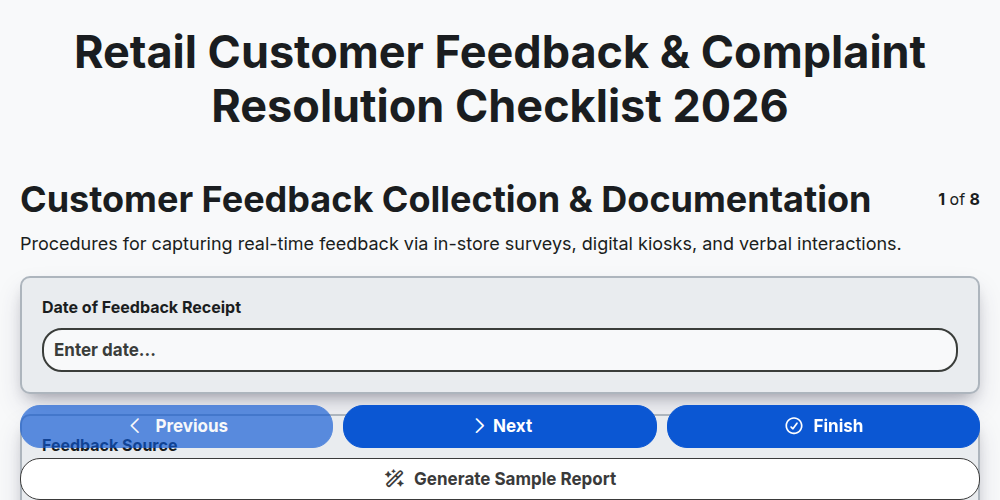
Retail Customer Feedback & Complaint Resolution Checklist 2026
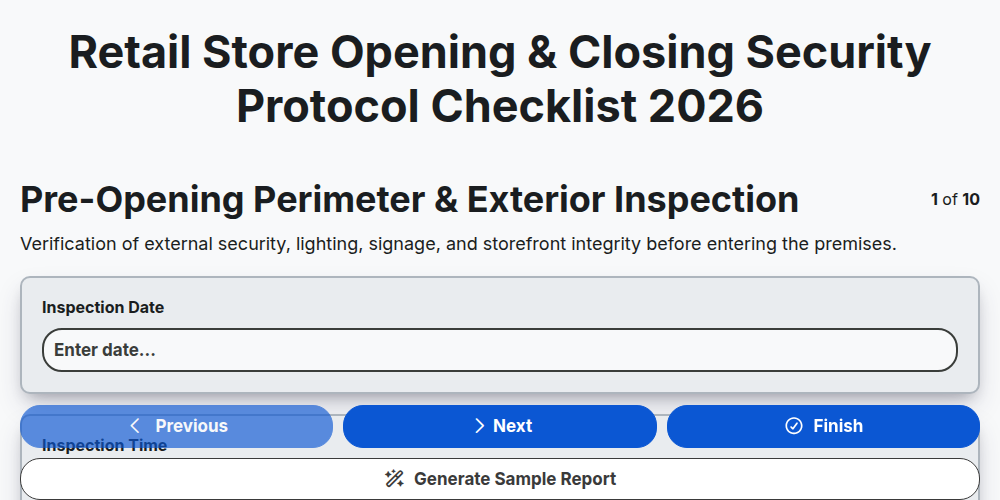
Retail Store Opening & Closing Security Protocol Checklist 2026
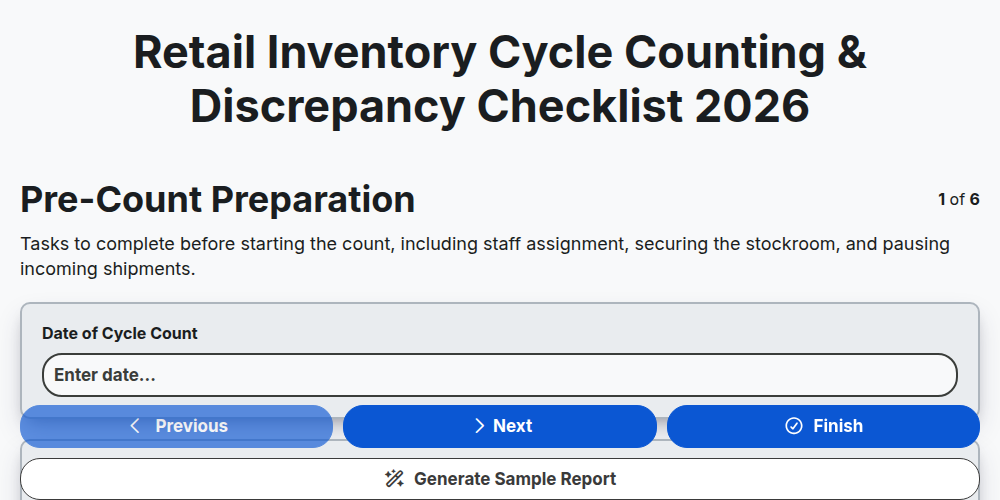
Retail Inventory Cycle Counting & Discrepancy Checklist 2026
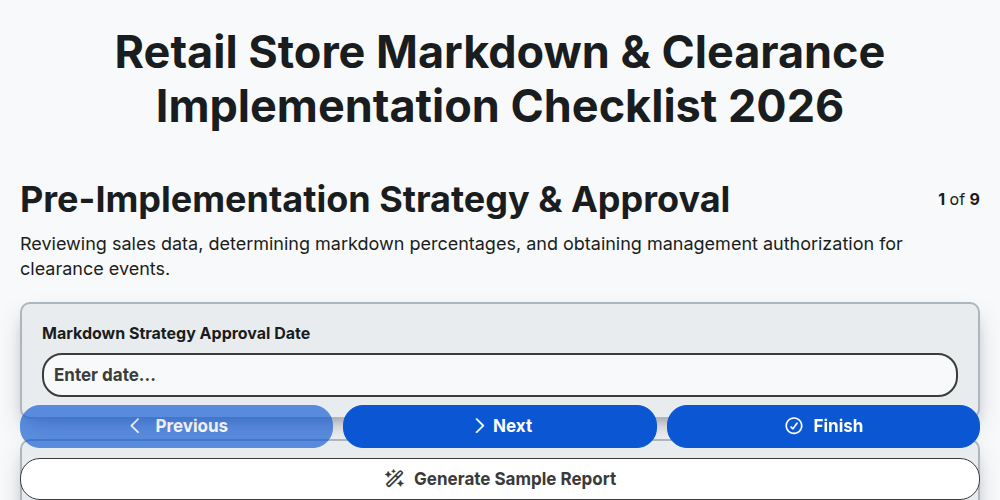
Retail Store Markdown & Clearance Implementation Checklist 2026
Store Manager Daily Operational Excellence Checklist 2026
Retail Cash Handling & Register Audit Checklist 2026
Retail Vendor Delivery & Invoice Reconciliation Checklist 2026
E-commerce Order Fulfillment & Shipping Accuracy Checklist 2026
Need help with
Retail?
Have a question? We're here to help. Please submit your inquiry, and we'll respond promptly.