 ChecklistGuro
 Retail Store Opening & Closing Security Protocol Checklist 2026
Ensure total peace of mind and operational excellence with the ultimate Retail Store Opening & Closing Security Protocol Checklist 2026. Designed for retail managers and owners, this professional-grade template provides a step-by-step guide to securing your premises, verifying alarm systems, managing cash handovers, and protecting assets during critical transition periods. Eliminate human error, prevent shrinkage, and establish a foolproof end-of-day routine that safeguards your staff and inventory. Perfect for small boutiques and large-scale retail outlets seeking standardized security compliance in 2026.
Pre-Opening Perimeter & Exterior Inspection
Verification of external security, lighting, signage, and storefront integrity before entering the premises.
Inspection Date
Inspection Time
Exterior Security Points Verified
Exterior Lighting Condition
Observation Notes & Anomalies
Photos of Perimeter/Security Issues
Inspector Signature
Store Entry & Alarm Deactivation
Procedures for disarming security systems, verifying alarm status, and confirming staff safe entry.
Deactivation Time
Staff Member Entering
Security Checkpoints Verified
Alarm Error/Alert Notes
Staff Verification Signature
Cash Management & Register Setup
Securing cash drawers, verifying float amounts, and preparing POS systems for daily transactions.
Date of Shift Start
Time of Cash Count
Starting Cash Float Amount
Registers Verified
Cash Drawer Condition
Manager Verification
Internal Security & Surveillance Check
Testing of CCTV camera functionality, motion sensors, and monitoring of high-value display areas.
Surveillance Camera Status
CCTV Recording System Status
Detected Blind Spots or Obscured Views
Number of Security Monitors Functioning
Screenshot of Camera Feed Verification
Security Inspector Verification
Inventory & High-Value Asset Verification
Quick scan of high-theft zones, jewelry cases, or electronics to ensure all stock is present and secured.
Verification Date
Verification Time
High-Value Zones Inspected
Discrepancies Detected
Incident or Discrepancy Details
Photo Evidence of Secure Displays
Security Supervisor Sign-off
Store Closing: Cash Reconciliation & Deposit
End-of-day register balancing, preparing bank deposits, and securing excess cash in the safe.
Date of Reconciliation
Time of Cash Count Completion
Total Cash in Register (Physical Count)
Total Expected Cash (System Report)
Discrepancy Amount (Over/Short)
Discrepancy Status
Discrepancy Explanation/Notes
Upload Daily Sales Report/Z-Report
Manager/Supervisor Signature
Post-Transaction Security Sweep
Final walkthrough to ensure all customers have exited and no unauthorized persons remain in the building.
Areas Inspected for Unauthorized Persons
All Rear/Emergency Exits Verified Locked
Security Discrepancies or Observations
Security Sweep Supervisor Signature
Facility Lockdown & Physical Security
Checking all internal doors, back exits, windows, and loading bay shutters are locked and bolted.
Locked Points of Entry
Safe & Vault Status
Time of Final Lockdown
Closing Manager Verification
Alarm Activation & System Arming
Standardized steps for activating the security alarm and ensuring all sensors are active.
Alarm System Mode
Security Sensors Verified
Time of Alarm Activation
Security Code Used/Authorized Personnel
Manager Verification Signature
Final Exit & Log Completion
Final exit procedures and recording the time of lockdown and key handovers in the daily security log.
Date of Completion
Exact Time of Lockdown
Security System Status
Incident or Discrepancy Notes
Closing Manager Signature
Frequently Asked Questions
Can I customize this template after installing it?
Absolutely. Once installed, you can add, remove, or reorder tasks, add custom fields, and adjust deadlines to fit your specific workflow.
Can I add images or photos to these checklist items?
Yes. Our platform allows you to attach photos, signatures, and notes to any checklist item for better verification and proof of completion.
Can I create a custom checklist from scratch instead of using a template?
Yes. You can use our "Create your own checklist" feature to build a unique workflow tailored exactly to your operational requirements.
Can I add dependencies between tasks?
Yes, you can set up conditional logic and dependencies to ensure your team follows the correct sequence of operations.
Can I assign specific checklist items to different team members?
Yes. You can assign individual tasks to specific employees, ensuring clear accountability across your entire team.
Can I use these checklists on mobile devices in the field?
Yes. Our platform is fully responsive, allowing your team to complete, update, and upload photos to checklists directly from any smartphone or tablet.
How do I notify my manager when a checklist is completed?
You can set up automated notifications (via email, push notification, or in-app alerts) to trigger whenever a checklist is finished or if an item fails inspection.
Can multiple people work on the same checklist simultaneously?
Yes, the platform supports real-time updates, allowing multiple users to contribute to a single live checklist.
Where is the data from completed checklists stored?
All completed checklists are stored securely in your Work OS dashboard, creating a permanent, searchable audit trail of your operations.
Can I generate reports based on my checklist results?
Yes. You can track completion rates, identify recurring issues, and monitor team performance through our integrated reporting and analytics tools.
How can I use these checklists for compliance or auditing purposes?
Because our checklists capture timestamps, photos, and digital signatures, they serve as a robust digital paper trail for regulatory compliance and internal audits.
Can I export my completed checklist data for use in other tools?
Yes. You can export your data in various formats (CSV, Excel, etc.) to integrate your operational insights with your other business software.
Comments
There are no comments yet. Be the first to add one!
Retail Management Solution Demo
Boost retail efficiency! ChecklistGuro simplifies store operations, inventory management, and employee training. Improve customer experience and maximize profitability. Manage it all with our Work OS.
Related Checklist Templates
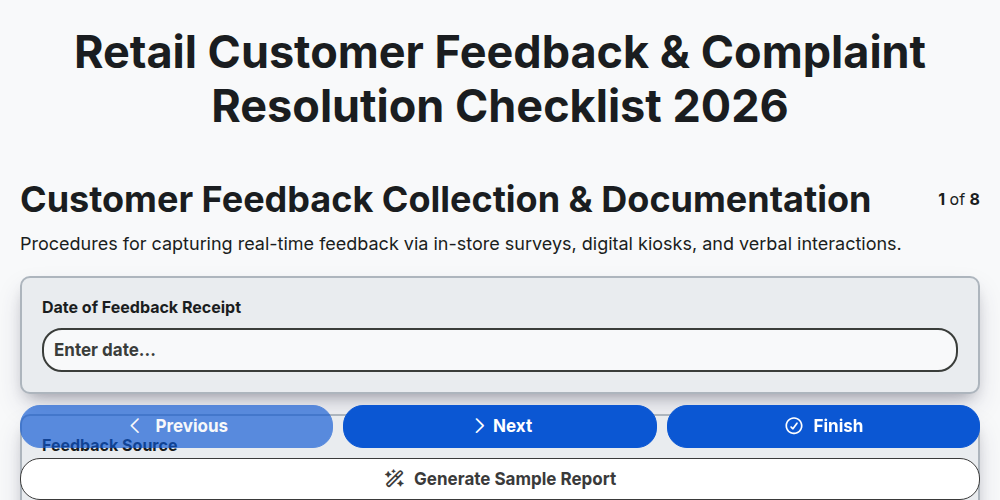
Retail Customer Feedback & Complaint Resolution Checklist 2026
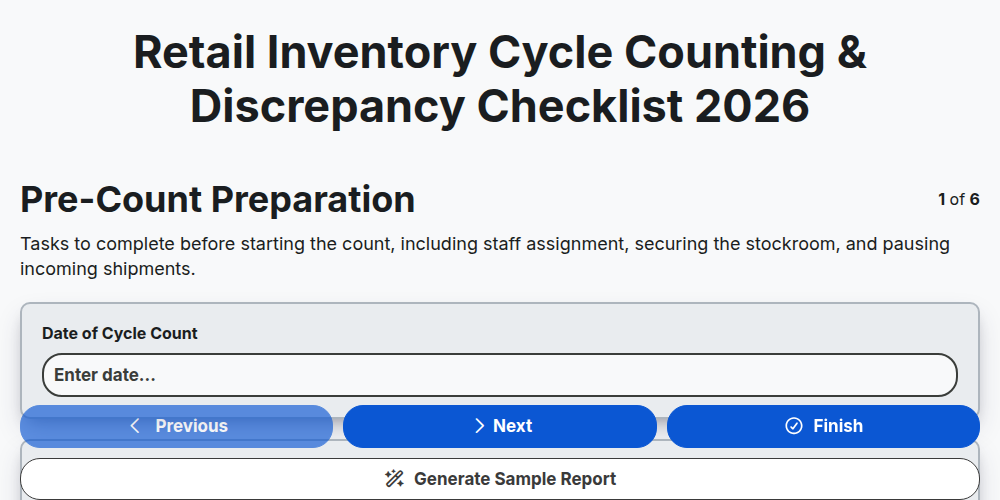
Retail Inventory Cycle Counting & Discrepancy Checklist 2026
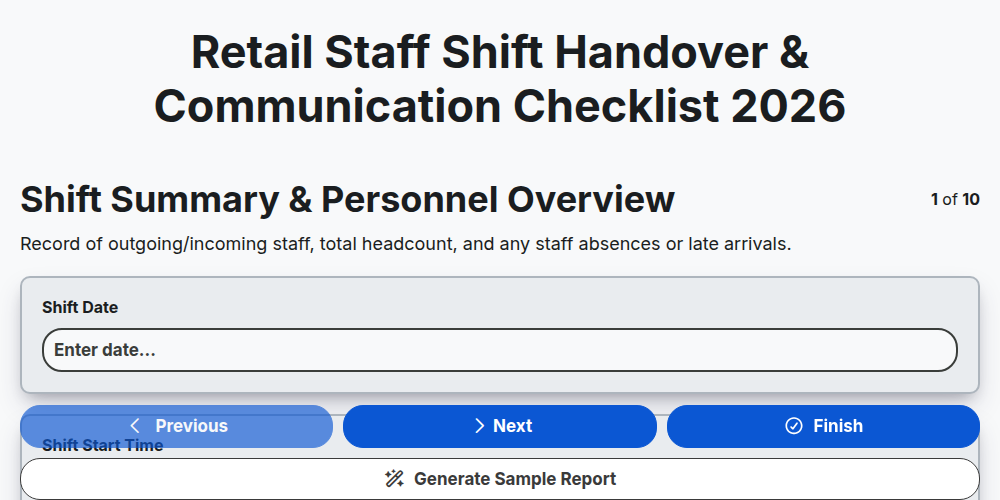
Retail Staff Shift Handover & Communication Checklist 2026
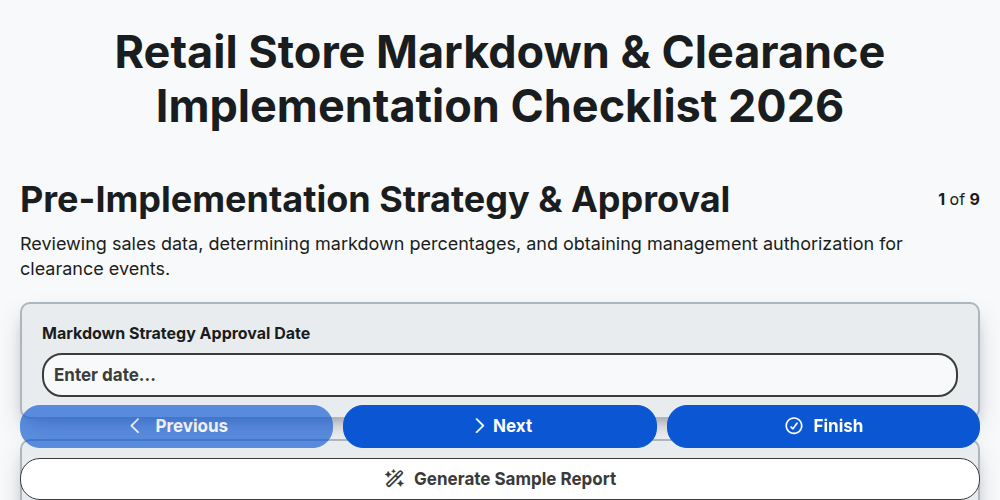
Retail Store Markdown & Clearance Implementation Checklist 2026
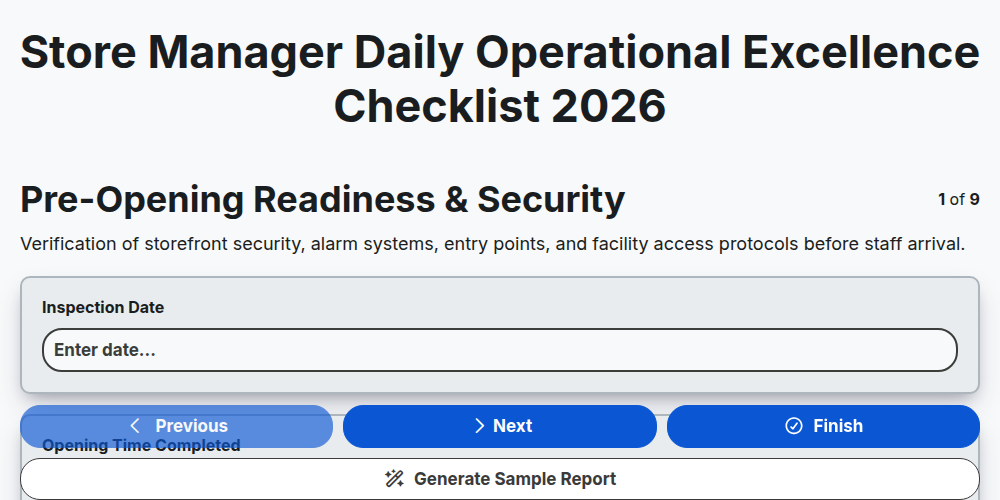
Store Manager Daily Operational Excellence Checklist 2026
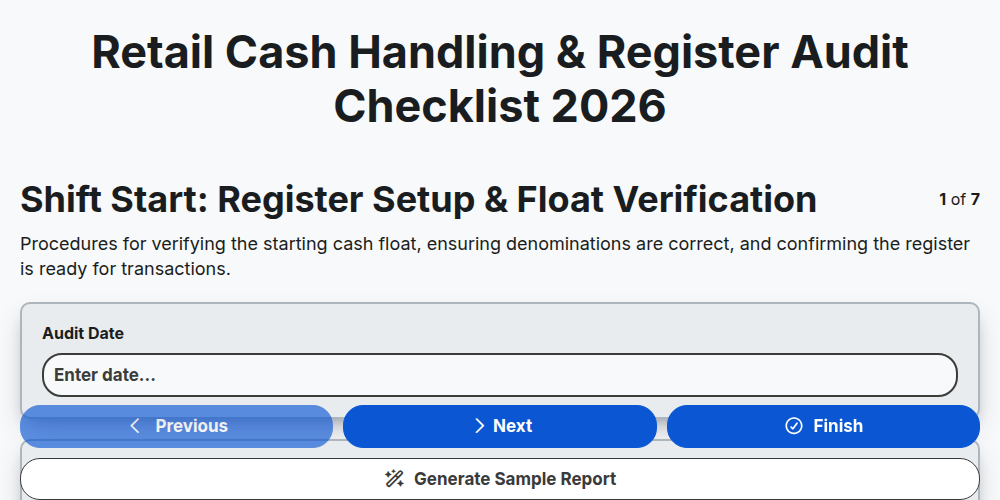
Retail Cash Handling & Register Audit Checklist 2026
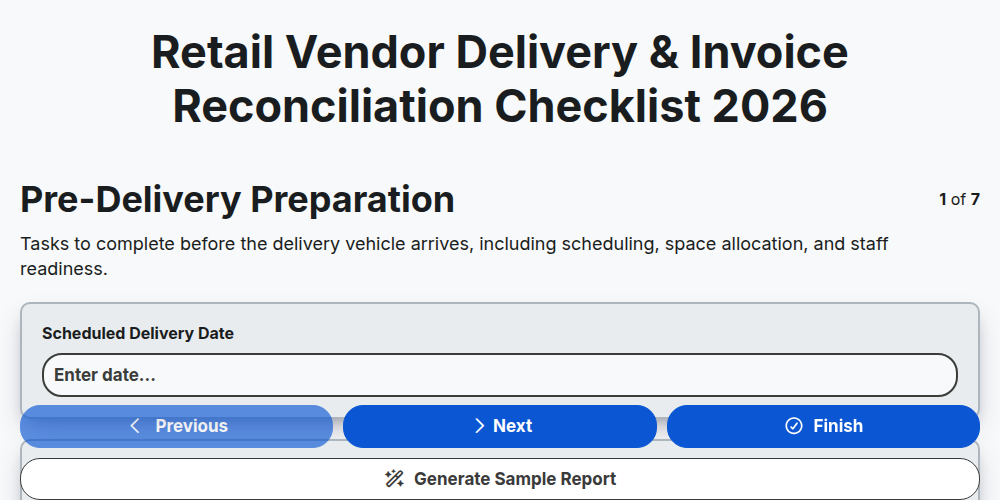
Retail Vendor Delivery & Invoice Reconciliation Checklist 2026
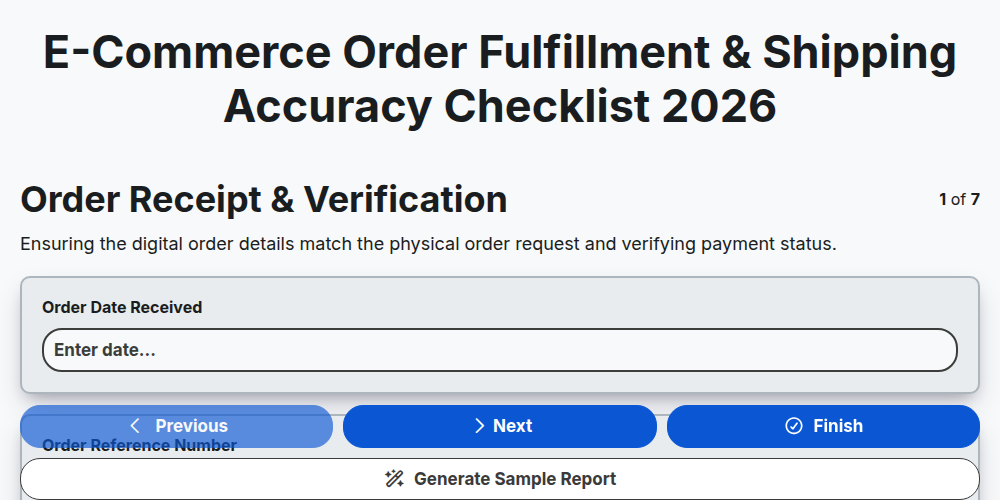
E-commerce Order Fulfillment & Shipping Accuracy Checklist 2026
Need help with
Retail?
Have a question? We're here to help. Please submit your inquiry, and we'll respond promptly.