 ChecklistGuro
 Retail Vendor Delivery & Invoice Reconciliation Checklist 2026
Streamline your supply chain accuracy and eliminate costly discrepancies with the Retail Vendor Delivery & Invoice Reconciliation Checklist 2026. Designed for retail managers and inventory specialists, this professional template ensures every shipment is verified against purchase orders, quantities are accurately logged, and invoices match delivered goods. Perfect for preventing overpayment, reducing stock errors, and maintaining seamless warehouse-to-store operations, this 2026 edition is your essential tool for robust vendor management and audit-ready retail logistics.
Pre-Delivery Preparation
Tasks to complete before the delivery vehicle arrives, including scheduling, space allocation, and staff readiness.
Scheduled Delivery Date
Expected Vendor Name
Delivery Dock/Loading Bay Assignment
Pre-Arrival Tasks Completed
Special Handling Instructions
Delivery Arrival & Documentation Verification
Verification of delivery driver credentials, manifest accuracy, and checking the packing slip against the original purchase order.
Delivery Date
Vendor Name
Purchase Order (PO) Number
Delivery Status
Documents Received
Scan/Photo of Delivery Note
Receiving Clerk Signature
Physical Goods Inspection
Detailed inspection of incoming items for quantity accuracy, external packaging integrity, and signs of transit damage.
Inspection Date
Total Units Received
Packaging Condition
Identified Issues
Damage Description Details
Damage Evidence Photos
Inspector Signature
Quality Assurance & Product Compliance
Checking specific product attributes such as expiration dates, batch numbers, temperature logs (if applicable), and manufacturing standards.
Product Condition Status
Expiration Date Verification
Batch/Lot Number Check
Compliance Requirements Met
Photo Evidence of Damages
Detailed Quality Notes
Invoice Reconciliation & Discrepancy Management
Cross-referencing the physical count with the vendor invoice and documenting any short-ships, overages, or damaged goods for credit memos.
Invoice Total Amount
Reconciliation Status
Discrepancy Details
Discrepancy Photo/Document Upload
Receiving Manager Approval
Stockroom Integration & Put-away
Procedures for labeling new stock, updating the Inventory Management System (IMS), and moving items to their designated storage bins.
Storage Zone Assignment
Items Logged into IMS
Labeling Completed
Date of Put-away
Stockroom Supervisor Approval
Post-Delivery Administrative Closure
Finalizing the paper trail, signing off on digital logs, notifying the procurement department, and archiving the completed delivery record.
Date of Completion
Internal Purchase Order Reference Number
Notification Tasks Completed
Scanned Signed Delivery Note/Invoice
Receiving Supervisor Signature
Frequently Asked Questions
Can I customize this template after installing it?
Absolutely. Once installed, you can add, remove, or reorder tasks, add custom fields, and adjust deadlines to fit your specific workflow.
Can I add images or photos to these checklist items?
Yes. Our platform allows you to attach photos, signatures, and notes to any checklist item for better verification and proof of completion.
Can I create a custom checklist from scratch instead of using a template?
Yes. You can use our "Create your own checklist" feature to build a unique workflow tailored exactly to your operational requirements.
Can I add dependencies between tasks?
Yes, you can set up conditional logic and dependencies to ensure your team follows the correct sequence of operations.
Can I assign specific checklist items to different team members?
Yes. You can assign individual tasks to specific employees, ensuring clear accountability across your entire team.
Can I use these checklists on mobile devices in the field?
Yes. Our platform is fully responsive, allowing your team to complete, update, and upload photos to checklists directly from any smartphone or tablet.
How do I notify my manager when a checklist is completed?
You can set up automated notifications (via email, push notification, or in-app alerts) to trigger whenever a checklist is finished or if an item fails inspection.
Can multiple people work on the same checklist simultaneously?
Yes, the platform supports real-time updates, allowing multiple users to contribute to a single live checklist.
Where is the data from completed checklists stored?
All completed checklists are stored securely in your Work OS dashboard, creating a permanent, searchable audit trail of your operations.
Can I generate reports based on my checklist results?
Yes. You can track completion rates, identify recurring issues, and monitor team performance through our integrated reporting and analytics tools.
How can I use these checklists for compliance or auditing purposes?
Because our checklists capture timestamps, photos, and digital signatures, they serve as a robust digital paper trail for regulatory compliance and internal audits.
Can I export my completed checklist data for use in other tools?
Yes. You can export your data in various formats (CSV, Excel, etc.) to integrate your operational insights with your other business software.
Comments
There are no comments yet. Be the first to add one!
Retail Management Solution Demo
Boost retail efficiency! ChecklistGuro simplifies store operations, inventory management, and employee training. Improve customer experience and maximize profitability. Manage it all with our Work OS.
Related Checklist Templates
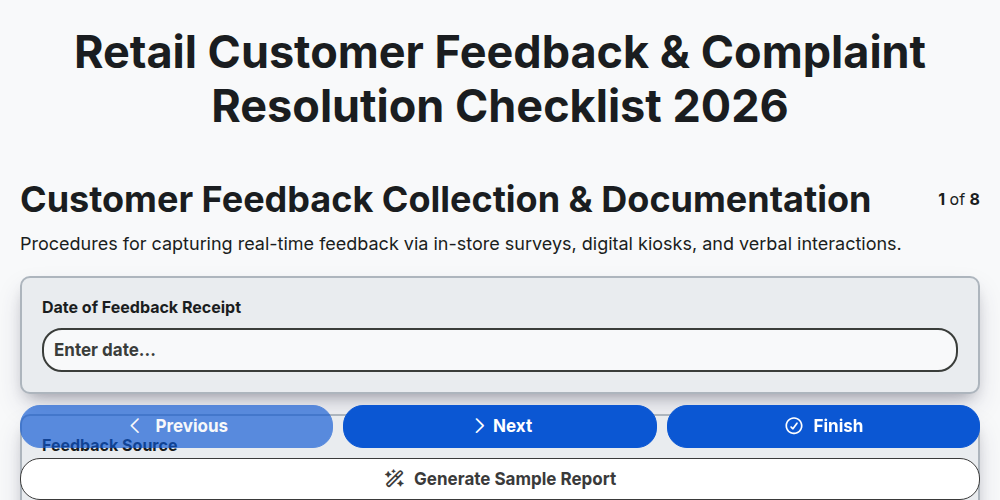
Retail Customer Feedback & Complaint Resolution Checklist 2026
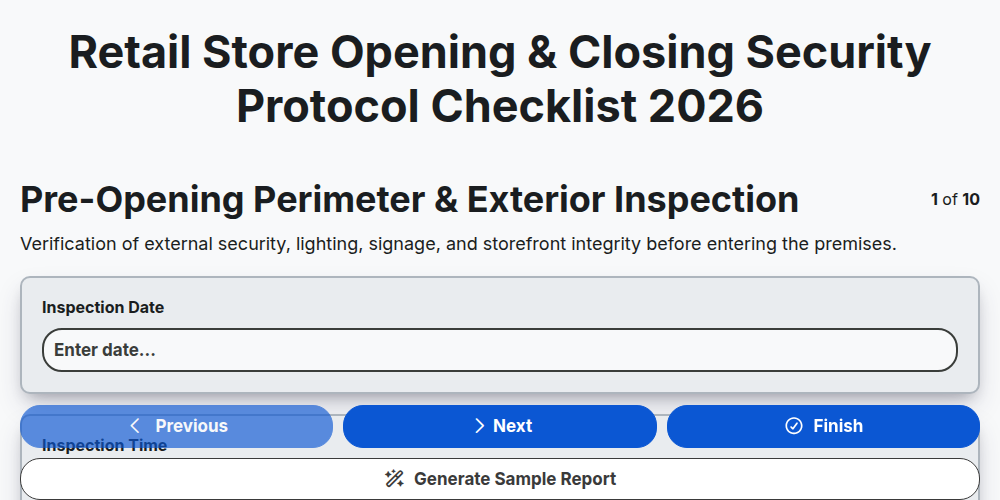
Retail Store Opening & Closing Security Protocol Checklist 2026
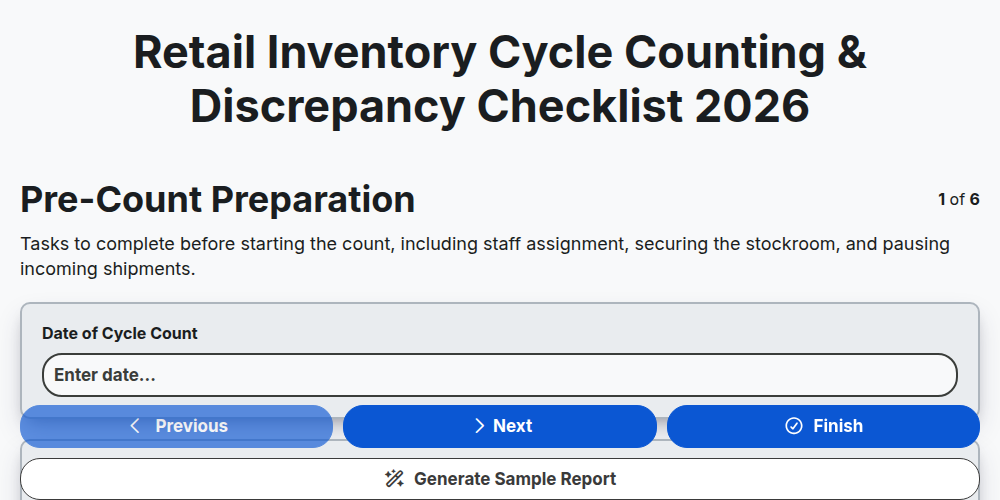
Retail Inventory Cycle Counting & Discrepancy Checklist 2026
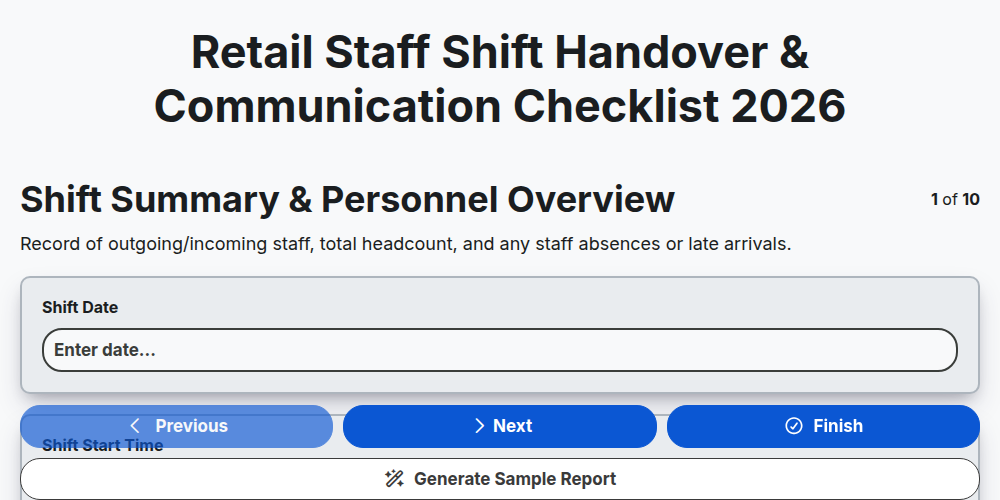
Retail Staff Shift Handover & Communication Checklist 2026
Retail Store Markdown & Clearance Implementation Checklist 2026
Store Manager Daily Operational Excellence Checklist 2026
Retail Cash Handling & Register Audit Checklist 2026
E-commerce Order Fulfillment & Shipping Accuracy Checklist 2026
Need help with
Retail?
Have a question? We're here to help. Please submit your inquiry, and we'll respond promptly.