 ChecklistGuro
 Store Opening Checklist: Retail Operations & Customer Safety
Ensure a flawless grand opening! Our Store Opening Checklist guides you through every detail, from inventory and staff training to safety protocols and visual merchandising. Guarantee a positive first impression and a successful retail launch. Download now for a stress-free store opening!
This Template was installed 1 times.
Pre-Opening Preparations
Tasks completed prior to opening doors to customers, including inventory, staff training, and marketing.
Target Opening Date
Number of Staff Scheduled for Opening Day
Summary of Staff Training Completed (including dates)
Marketing Materials Delivered?
Permits & Licenses Obtained?
Proof of Insurance (Uploaded)
Scheduled Time for Final Staff Briefing
Store Layout & Display
Ensuring the store layout is functional, visually appealing, and compliant with safety regulations.
Aisle Width Verification (Feet)
ADA Compliance Checkpoints (Select all that apply)
Emergency Exit Route Map Location
Photos of Display Merchandising
Number of Planters/Decorative Items
Notes on Display Adjustments Needed
Lighting Adequacy (Excellent/Good/Fair/Poor)
Point of Sale (POS) System & Transactions
Verification of POS functionality, payment processing, and transaction security.
Starting Cash Drawer Amount
Payment Processor Verification Status
Terminal Software Version
Supported Payment Types
Last System Backup Date
Next Scheduled Maintenance Time
Notes on any System Issues
Inventory Management & Stock Levels
Checking inventory accuracy, ensuring sufficient stock, and verifying receiving procedures.
Initial Stock Count for Key Items (e.g., Size Medium T-Shirts)
Minimum Stock Threshold for Reordering (e.g., Units)
Receiving Procedure Verified?
Inventory Categorization Correct?
Date of Last Inventory Audit
Notes on Stock Discrepancies (if any)
Number of Pallets Received
Damaged Goods Identified?
Staff Readiness & Training
Confirming staff schedules, assigning roles, and verifying training completion on key operational procedures.
Number of Staff Scheduled
All Staff Completed Mandatory Safety Training?
Training Modules Completed (Select All That Apply)
Last Refresher Training Date (POS)
Notes on Individual Staff Readiness
Designated Supervisor On-Site?
Scheduled Shift Start Time Verification
Supervisor Signature - Staff Readiness Verified
Safety & Security Protocols
Ensuring compliance with safety regulations, security systems are operational, and emergency procedures are in place.
Fire Extinguisher Inspection Date
Security System Activated?
Emergency Lighting Test Date
Security System Notes (if applicable)
First Aid Kit Present and Stocked?
Location of Fire Exit Maps
Number of Security Personnel (if applicable)
Customer Experience & Accessibility
Checking cleanliness, signage, accessibility for all customers, and ensuring a welcoming environment.
Ambient Temperature (°C)
Music Volume Level
Accessibility Features Checked
Customer Service Script Review Notes
Overall Store Cleanliness
Employee Name Greeting Customers
Marketing & Promotion Launch
Confirming marketing materials are displayed and online promotions are active.
Social Media Launch Checklist
Promotional Banner Displayed (Image)
Email Marketing Campaign Start Date
Number of Printed Flyers Distributed
Local Advertising Placement Status
Summary of Launch Campaign Messaging
Final Walkthrough & Sign-Off
A comprehensive final inspection prior to opening to the public.
Walkthrough Completion Date
Walkthrough Completion Time
Notes & Observations during Walkthrough
Temperature Reading (Store Interior)
Overall Readiness Assessment
Walkthrough Lead Signature
Security System Status
Photos of Key Areas (Optional)
Frequently Asked Questions
Can I customize this template after installing it?
Absolutely. Once installed, you can add, remove, or reorder tasks, add custom fields, and adjust deadlines to fit your specific workflow.
Can I add images or photos to these checklist items?
Yes. Our platform allows you to attach photos, signatures, and notes to any checklist item for better verification and proof of completion.
Can I create a custom checklist from scratch instead of using a template?
Yes. You can use our "Create your own checklist" feature to build a unique workflow tailored exactly to your operational requirements.
Can I add dependencies between tasks?
Yes, you can set up conditional logic and dependencies to ensure your team follows the correct sequence of operations.
Can I assign specific checklist items to different team members?
Yes. You can assign individual tasks to specific employees, ensuring clear accountability across your entire team.
Can I use these checklists on mobile devices in the field?
Yes. Our platform is fully responsive, allowing your team to complete, update, and upload photos to checklists directly from any smartphone or tablet.
How do I notify my manager when a checklist is completed?
You can set up automated notifications (via email, push notification, or in-app alerts) to trigger whenever a checklist is finished or if an item fails inspection.
Can multiple people work on the same checklist simultaneously?
Yes, the platform supports real-time updates, allowing multiple users to contribute to a single live checklist.
Where is the data from completed checklists stored?
All completed checklists are stored securely in your Work OS dashboard, creating a permanent, searchable audit trail of your operations.
Can I generate reports based on my checklist results?
Yes. You can track completion rates, identify recurring issues, and monitor team performance through our integrated reporting and analytics tools.
How can I use these checklists for compliance or auditing purposes?
Because our checklists capture timestamps, photos, and digital signatures, they serve as a robust digital paper trail for regulatory compliance and internal audits.
Can I export my completed checklist data for use in other tools?
Yes. You can export your data in various formats (CSV, Excel, etc.) to integrate your operational insights with your other business software.
Comments
There are no comments yet. Be the first to add one!
Retail Management Solution Demo
Boost retail efficiency! ChecklistGuro simplifies store operations, inventory management, and employee training. Improve customer experience and maximize profitability. Manage it all with our Work OS.
Related Checklist Templates
Music Store Instrument Inventory Checklist Template
Pet Store Inventory Stock Level Checklist Template
Bookstore Inventory Reordering Checklist Template
Music Store Instrument Inventory Checklist
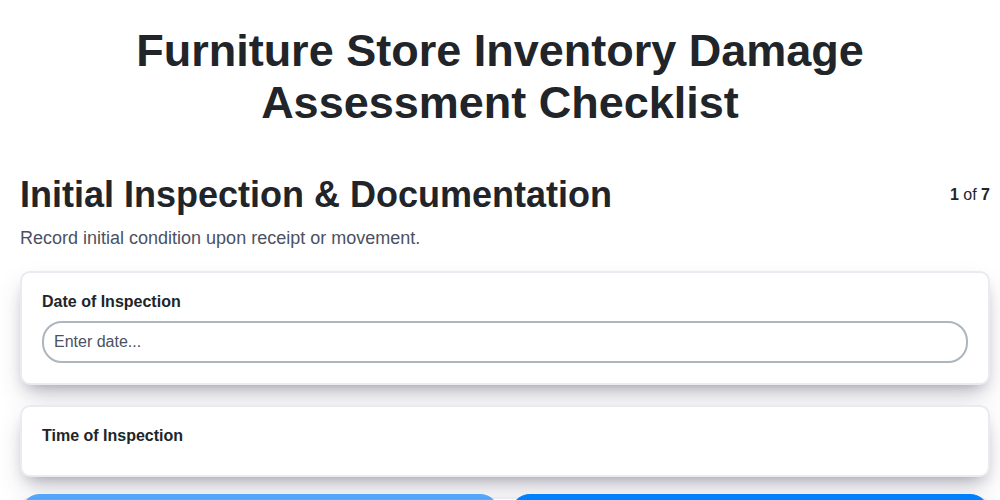
Furniture Store Inventory Damage Assessment Checklist
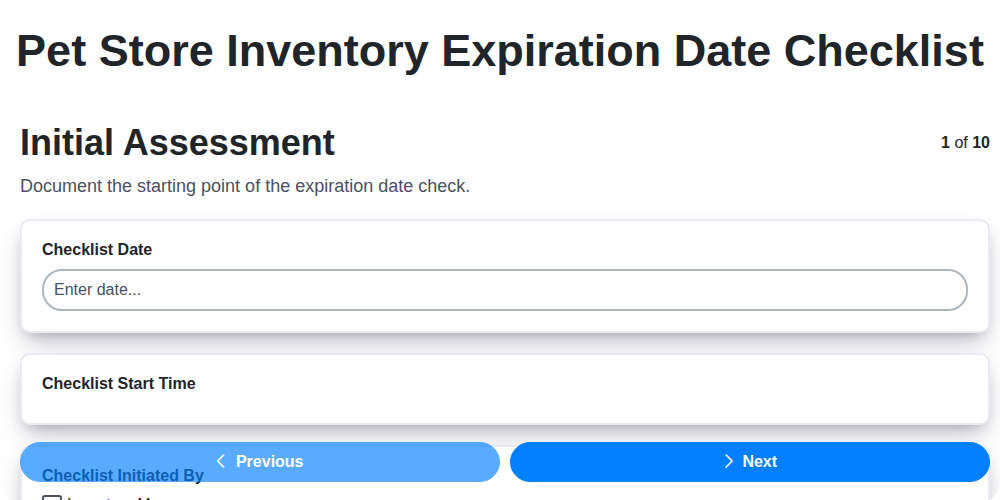
Pet Store Inventory Expiration Date Checklist
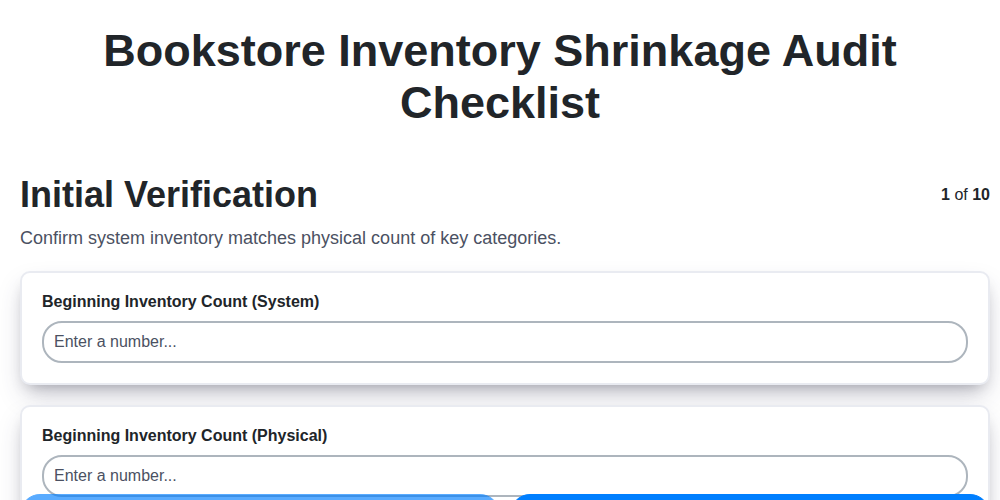
Bookstore Inventory Shrinkage Audit Checklist
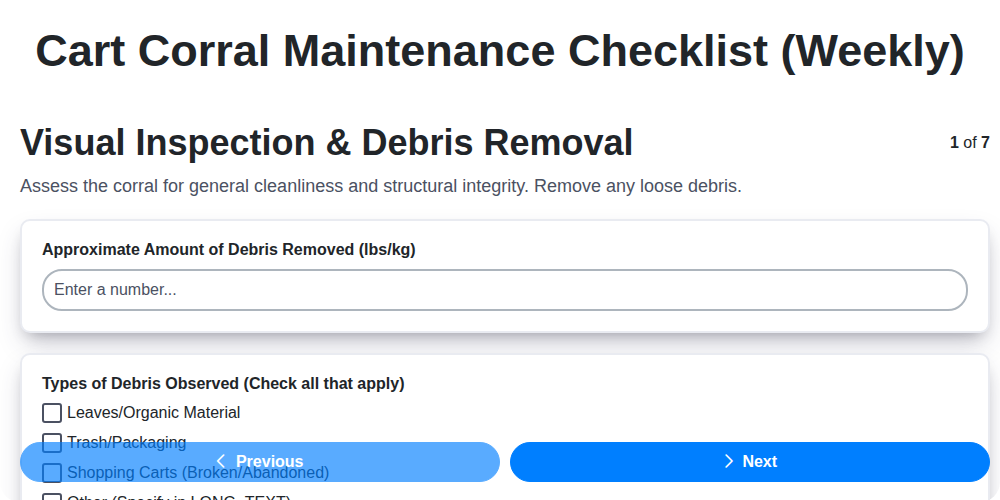
Cart Corral Maintenance Checklist (Weekly)
Need help with
Retail?
Have a question? We're here to help. Please submit your inquiry, and we'll respond promptly.