 ChecklistGuro
 Supply Chain Technology Implementation Checklist
Ensure a seamless tech integration! This checklist guides you through every step of implementing new supply chain technology, minimizing disruption and maximizing ROI. From data migration to user training, stay on track and optimize your operations.
This Template was installed 4 times.
Planning & Scope Definition
Initial assessment, goal setting, and defining project scope and objectives.
Project Goals & Objectives
Estimated Project Budget
Project Start Date (Planned)
Project End Date (Planned)
Implementation Approach (e.g., Phased, Big Bang)
Defined Scope (Inclusions)
Defined Scope (Exclusions)
Key Stakeholders
Requirements Gathering & Analysis
Identifying and documenting detailed functional and non-functional requirements.
Describe current supply chain processes impacted by the new technology.
Estimated number of users requiring access to the new technology.
Integration with existing ERP system required?
Which functionalities are critical for initial implementation?
Target date for initial system go-live.
Describe any specific regulatory or compliance requirements that must be met.
Vendor Selection & Contract Negotiation
Evaluating potential vendors, conducting demos, and finalizing contract terms.
Selection Method Used
Vendor Proposal Summary
Total Cost of Vendor Solution
Implementation Time (Days)
Vendor References Checked?
Vendor Contract Document
Contract Start Date
Key Contract Terms Summary
Technical Design & Architecture
Designing the system architecture, data flow, and integrations with existing systems.
Describe overall system architecture (diagram optional)
Deployment Environment (Cloud, On-Premise, Hybrid)
Estimated System Downtime During Deployment (in hours)
Integration Points (Select all that apply)
Network Bandwidth Requirements (Mbps)
Scheduled Architecture Review Date
Data Migration & Cleansing
Planning and executing data migration, ensuring data quality and accuracy.
Number of Records to Migrate
Description of Data Cleansing Rules
Sample Data File (for testing)
Data Source System
Planned Start Date for Migration
Potential Data Quality Issues Identified
Data Mapping Approach
System Configuration & Customization
Configuring the system to meet specific business needs and customizing where necessary.
Default Reorder Point
Default Currency
Custom Workflow Rules Description
Enabled Notifications
System Start Date
Default Shipping Method
Integration Testing
Testing data flow and functionality between the new system and existing systems.
Integration Point Tested
Description of Data Flow Tested
Number of Records Tested
Integration Status
Error Messages / Issues Encountered
Date of Integration Test
User Acceptance Testing (UAT)
End-users testing the system to ensure it meets their needs.
Scenario 1: Order Processing - Successful?
If Scenario 1 was unsuccessful, please detail the issue:
Scenario 2: Inventory Updates - Accurate?
Number of transactions tested in scenario 1:
Which functionalities were tested in Scenario 2?
Date of UAT Execution:
Approximate time spent on UAT:
Training & Documentation
Developing training materials and user documentation.
Training Objectives Summary
User Manual - PDF
Training Modules Covered
Training Completion Deadline
Number of Trainees Attended
Feedback and lessons learned from training
Deployment & Go-Live
Planning and executing the system deployment and go-live process.
Planned Go-Live Date
Scheduled Cutover Time
Number of Users Impacted
Deployment Strategy (Big Bang vs. Phased)
Rollback Plan Description (if applicable)
Deployment Checklist
Deployment Approver Signature
Post-Implementation Support & Monitoring
Providing ongoing support, monitoring system performance, and addressing any issues.
System Uptime (%)
Average Response Time (seconds)
Last System Update Date
Severity of Latest Issue
Summary of Latest Issue & Resolution
Date of Last User Feedback Survey
User Satisfaction Score (Scale of 1-5)
Frequently Asked Questions
Can I customize this template after installing it?
Absolutely. Once installed, you can add, remove, or reorder tasks, add custom fields, and adjust deadlines to fit your specific workflow.
Can I add images or photos to these checklist items?
Yes. Our platform allows you to attach photos, signatures, and notes to any checklist item for better verification and proof of completion.
Can I create a custom checklist from scratch instead of using a template?
Yes. You can use our "Create your own checklist" feature to build a unique workflow tailored exactly to your operational requirements.
Can I add dependencies between tasks?
Yes, you can set up conditional logic and dependencies to ensure your team follows the correct sequence of operations.
Can I assign specific checklist items to different team members?
Yes. You can assign individual tasks to specific employees, ensuring clear accountability across your entire team.
Can I use these checklists on mobile devices in the field?
Yes. Our platform is fully responsive, allowing your team to complete, update, and upload photos to checklists directly from any smartphone or tablet.
How do I notify my manager when a checklist is completed?
You can set up automated notifications (via email, push notification, or in-app alerts) to trigger whenever a checklist is finished or if an item fails inspection.
Can multiple people work on the same checklist simultaneously?
Yes, the platform supports real-time updates, allowing multiple users to contribute to a single live checklist.
Where is the data from completed checklists stored?
All completed checklists are stored securely in your Work OS dashboard, creating a permanent, searchable audit trail of your operations.
Can I generate reports based on my checklist results?
Yes. You can track completion rates, identify recurring issues, and monitor team performance through our integrated reporting and analytics tools.
How can I use these checklists for compliance or auditing purposes?
Because our checklists capture timestamps, photos, and digital signatures, they serve as a robust digital paper trail for regulatory compliance and internal audits.
Can I export my completed checklist data for use in other tools?
Yes. You can export your data in various formats (CSV, Excel, etc.) to integrate your operational insights with your other business software.
Comments
There are no comments yet. Be the first to add one!
SCM - Supply Chain Management Solution Demo
Struggling with supply chain disruptions & lack of visibility? ChecklistGuro delivers a centralized SCM solution, connecting your suppliers, manufacturers, & distributors for improved collaboration and control. Simplify operations & boost efficiency.
Related Checklist Templates
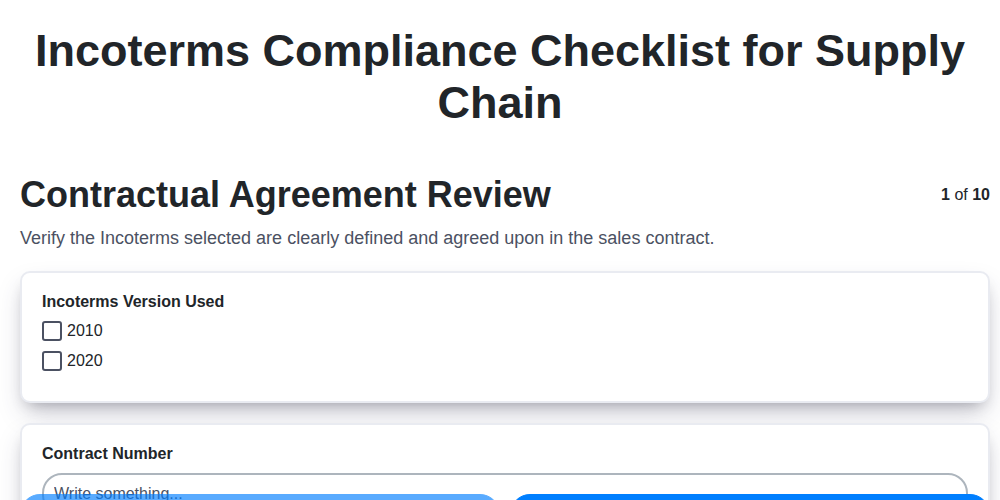
Incoterms Compliance Checklist for Supply Chain
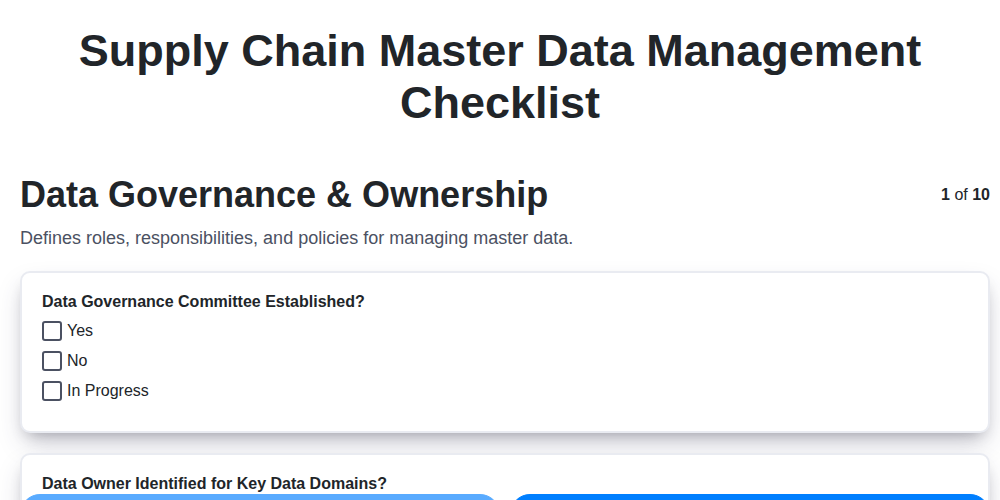
Supply Chain Master Data Management Checklist
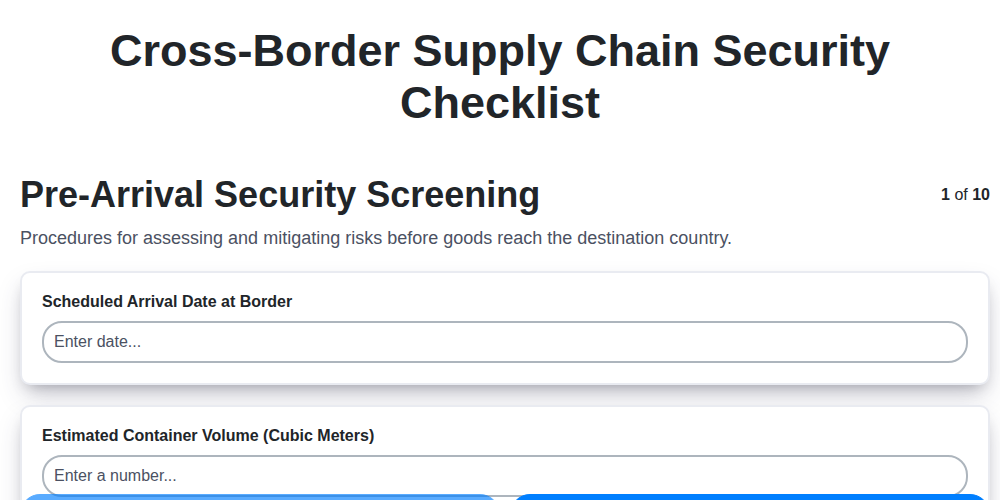
Cross-Border Supply Chain Security Checklist
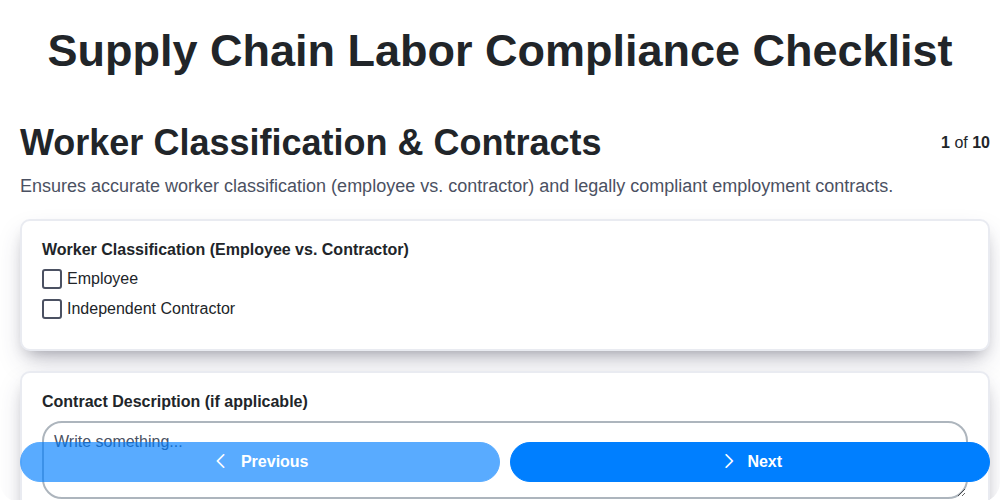
Supply Chain Labor Compliance Checklist
Free Trade Agreement (FTA) Compliance Checklist
Supply Chain Capacity Planning Checklist
Warehouse Receiving Process Compliance Checklist
Supply Chain Inventory Accuracy Audit Checklist
Need help with
Supply Chain Management (SCM)?
Have a question? We're here to help. Please submit your inquiry, and we'll respond promptly.