 ChecklistGuro
 WMS Mobile Device Integration Checklist
Unlock the full potential of your WMS with seamless mobile device integration! This checklist ensures a smooth, secure, and efficient connection between your warehouse team and your WMS, boosting productivity and minimizing errors. Validate device compatibility, data synchronization, and user access controls - all in one place.
This Template was installed 3 times.
Device Compatibility & Setup
Verifies compatibility with various mobile devices and ensures proper initial setup and configuration.
Operating System
Minimum Supported OS Version
Device Type
Supported Device Manufacturers
Device Configuration File (if applicable)
Device Model(s) Tested
Bluetooth Connectivity Verified
User Authentication & Security
Confirms secure user login and access controls for mobile users.
Authentication Method
Password Complexity Enforcement
Password Expiry Days
Account Lockout Policy
Invalid Login Attempts Before Lockout
Session Timeout Duration
Data Synchronization
Ensures accurate and timely data transfer between the WMS and mobile devices.
Synchronization Frequency (Minutes)
Synchronization Method
Last Successful Sync Timestamp (Unix Epoch)
Synchronization Error Log (If Applicable)
Data Conflict Resolution Strategy
Data Volume Synced (MB)
Task Management
Validates the functionality of mobile-based task assignment and completion tracking.
Task Assignment Method
Task Completion Time (Estimated)
Task Due Date
Task Start Time (Actual)
Task Priorities
Task Notes/Instructions
Task Status
Barcode Scanning & Data Capture
Tests barcode scanning accuracy and data capture reliability within the mobile application.
Scan Accuracy Rate (%)
Scanner Type
Scan Time (seconds)
Barcode Symbologies Supported
Notes on Scanning Issues (if any)
Data Validation Error Handling
Real-Time Location Services (RTLS)
If applicable, checks integration and functionality of RTLS for mobile devices.
RTLS Device Accuracy (meters)
RTLS Integration Method
Sample RTLS Device Location (for testing)
RTLS Data Refresh Rate (seconds)
RTLS Triangulation Method
Describe any RTLS-specific configurations
User Interface (UI) and Usability
Assesses the ease of use and overall usability of the mobile WMS interface.
Overall Ease of Navigation
Clarity of Icons and Symbols
Font Size Adequacy (1-10, 1=Too Small, 10=Ideal)
Screen Layout Appropriateness
Specific UI/UX Improvements Suggested
Error Handling and Reporting
Confirms that error messages are clear and actionable for mobile users, and are properly reported to the WMS.
Describe the error message displayed to the user in case of a synchronization failure.
Error Code generated during failed barcode scan (if applicable).
Error reporting mechanism in place (e.g., email, log file, dashboard).
Details of steps taken to troubleshoot a recurring error.
Date of last error report
Time of last error report
Offline Functionality
Tests the ability of the mobile application to function and store data offline, and to synchronize when connectivity is restored.
Maximum Data Storage Capacity (MB)
Data Synchronization Method
Last Successful Offline Synchronization Date
Scheduled Offline Synchronization Time
Description of Data Conflicts Resolution Strategy
Conflict Resolution Priority
Maximum Number of Records Stored Offline
Performance and Stability
Evaluates the speed, responsiveness, and overall stability of the mobile application under various usage scenarios.
Average Response Time (Seconds)
Peak User Load (Simultaneous Users)
Crash Rate (per 1000 sessions)
Network Conditions Tested (e.g., Wi-Fi, 4G, 5G)
Detailed Observations & Notes on Performance
Date of Performance Testing
Found this Checklist Template helpful?
Comments
There are no comments yet. Be the first to add one!
WMS - Warehouse Management System Solution Demo
Optimize your warehouse operations & boost efficiency! ChecklistGuro's WMS streamlines inventory management, order fulfillment, and shipping. Reduce errors, improve accuracy, & maximize space utilization. Manage it all with our Work OS.
Related Checklist Templates

Warehouse WMS Blockchain Integration Checklist
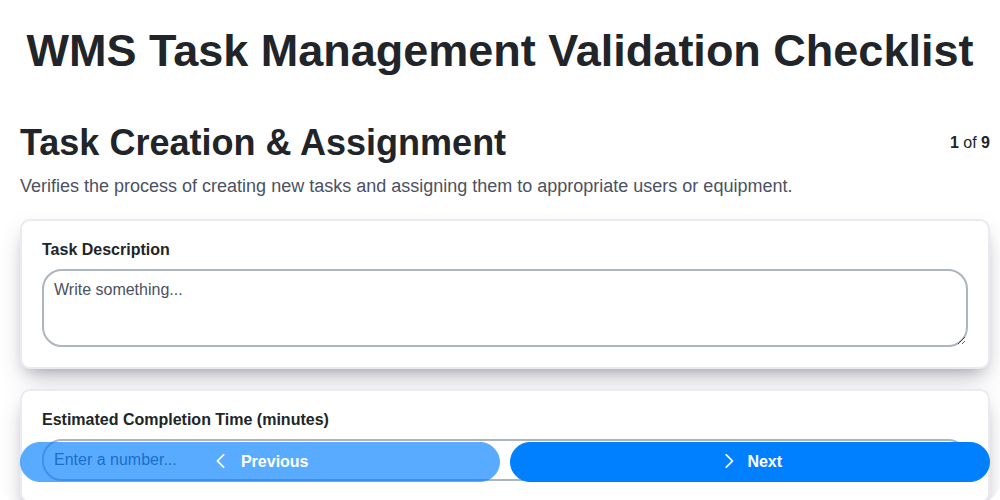
WMS Task Management Validation Checklist

WMS System Performance Monitoring Checklist
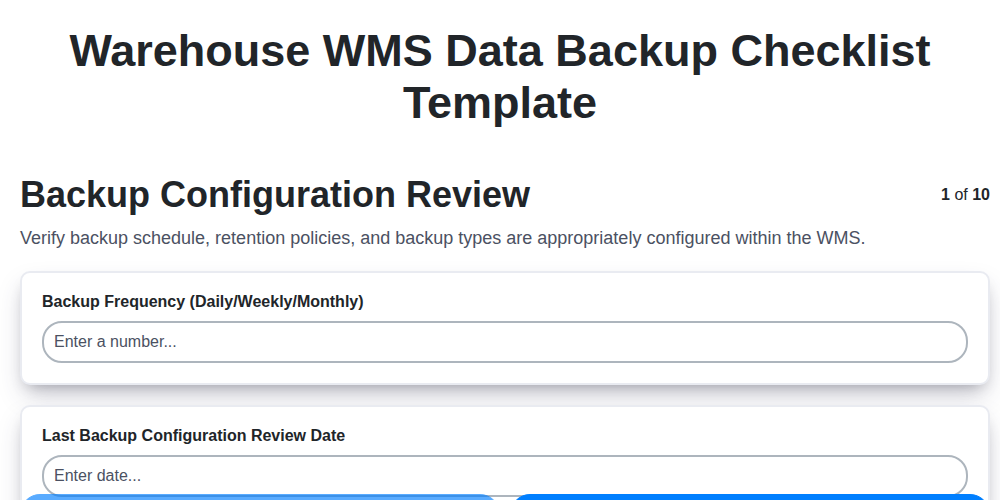
Warehouse WMS Data Backup Checklist Template

WMS Automation Maintenance Checklist

Warehouse WMS Capacity Planning Checklist

WMS RFID Integration Checklist Template

Warehouse WMS Vendor Compliance Checklist
We can do it Together
Need help with
Warehouse Management System (WMS)?
Have a question? We're here to help. Please submit your inquiry, and we'll respond promptly.