 ChecklistGuro
 Accounts Receivable Management Process
Streamline your cash flow and eliminate payment delays with our comprehensive Accounts Receivable Management Process. Master the full credit-to-cash lifecycle, from automated invoicing and credit risk assessment to efficient collections and dispute resolution. Optimize your working capital, reduce DSO (Days Sales Outstanding), and ensure seamless revenue recognition with this scalable accounting workflow designed for modern finance teams.
This Template was installed 2 times.
Start
Start of the Workflow/Process.
1. Fetch Overdue Invoices
Retrieve all entries from the Invoices data model where status is 'unpaid' and due date is passed.
2. Calculate Total Outstanding Balance
Sum the 'amount_due' property of all retrieved overdue invoices.
3. Create Collections Batch
Create a new entry in the Collections Batch data model containing the total amount and date.
4. Assign Collector to Task
Create a task for the Accounts Receivable Clerk to review the identified overdue batch.
5. Send Payment Reminder
Send an automated email to the customer's contact email address regarding the overdue invoice.
6. Calculate Late Fee
Calculate the late fee amount by multiplying the invoice amount by the predefined late fee percentage.
7. Update Invoice Status
Update the status of the specific invoice entry to 'Under Collection'.
8. Send SMS Alert
Send an SMS notification to the customer's registered mobile number for high-priority overdue amounts.
9. Verify Payment Receipt
Check the Payments data model for any new entries matching the invoice reference number.
10. Mark Invoice as Paid
Update the invoice entry status to 'Paid' and record the payment date.
11. Remove Duplicate Payment Entries
Delete any identified duplicate entries in the Payments data model.
12. Generate Weekly AR Aging Report
Create a formal report summarizing all overdue, pending, and paid invoices for the weekly management review.
End
End of the Workflow/Process.
Start of the Workflow/Process.
Retrieve all entries from the Invoices data model where status is 'unpaid' and due date is passed.
Sum the 'amount_due' property of all retrieved overdue invoices.
Create a new entry in the Collections Batch data model containing the total amount and date.
Create a task for the Accounts Receivable Clerk to review the identified overdue batch.
Send an automated email to the customer's contact email address regarding the overdue invoice.
Calculate the late fee amount by multiplying the invoice amount by the predefined late fee percentage.
Update the status of the specific invoice entry to 'Under Collection'.
Send an SMS notification to the customer's registered mobile number for high-priority overdue amounts.
Check the Payments data model for any new entries matching the invoice reference number.
Update the invoice entry status to 'Paid' and record the payment date.
Delete any identified duplicate entries in the Payments data model.
Create a formal report summarizing all overdue, pending, and paid invoices for the weekly management review.
End of the Workflow/Process.
Frequently Asked Questions
Comments
There are no comments yet. Be the first to add one!
Accounting Management Solution Demo
Move beyond rigid, one-size-fits-all software. Leverage a fully programmable accounting environment designed to adapt to your unique workflows, complex hierarchies, and evolving business logic.
Related Workflow Templates
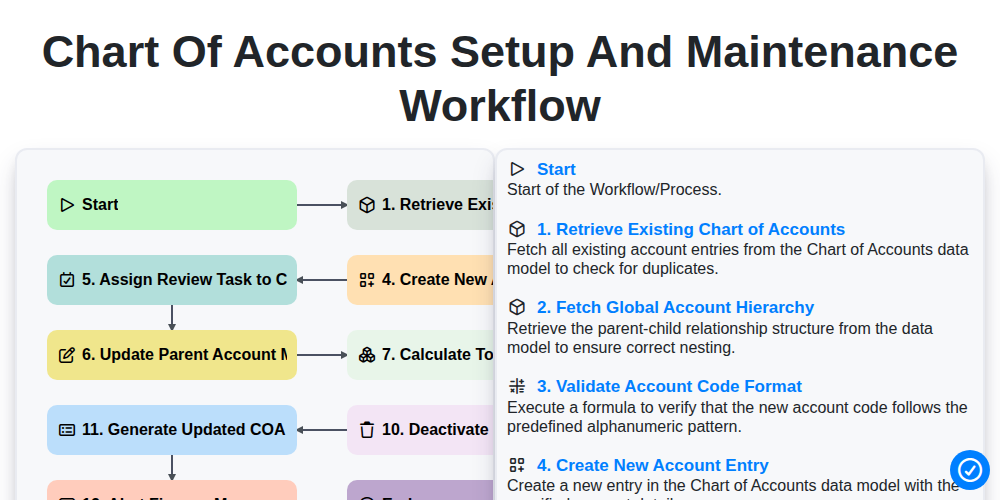
Chart of Accounts Setup and Maintenance Workflow
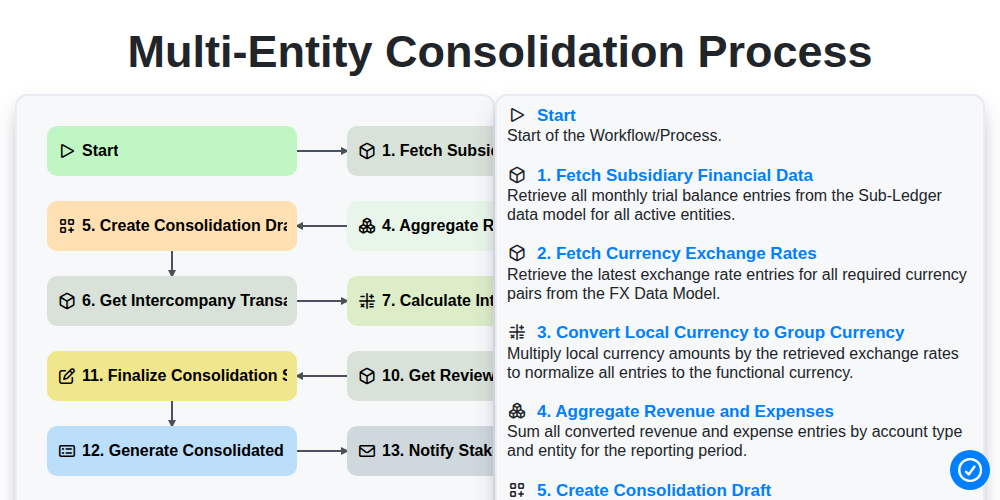
Multi-Entity Consolidation Process
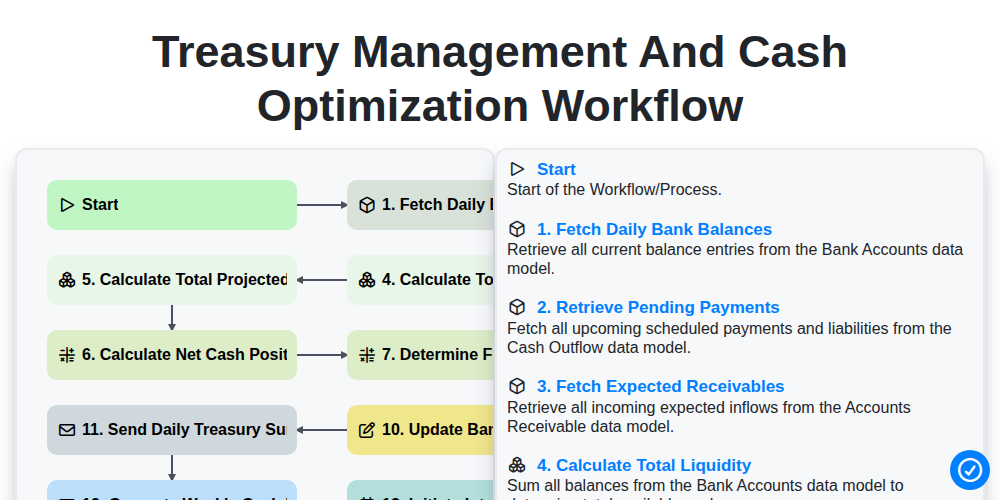
Treasury Management and Cash Optimization Workflow
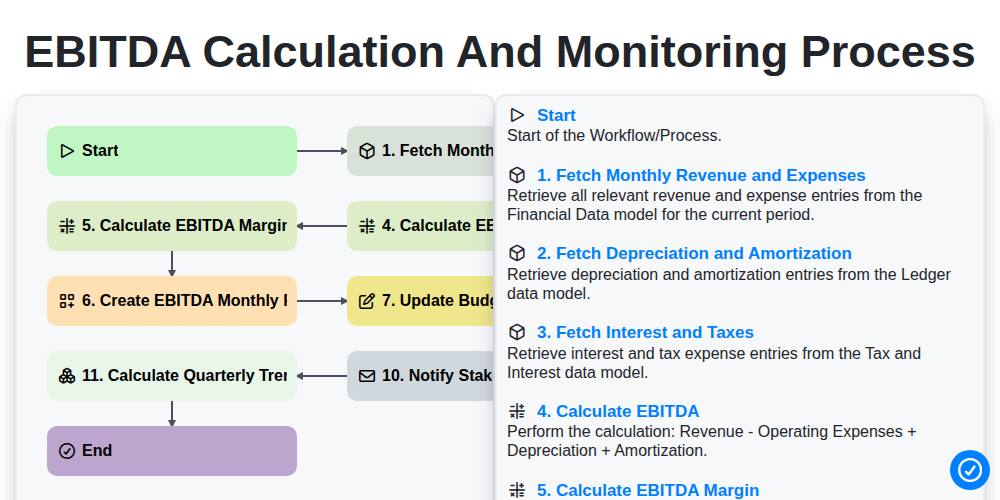
EBITDA Calculation and Monitoring Process
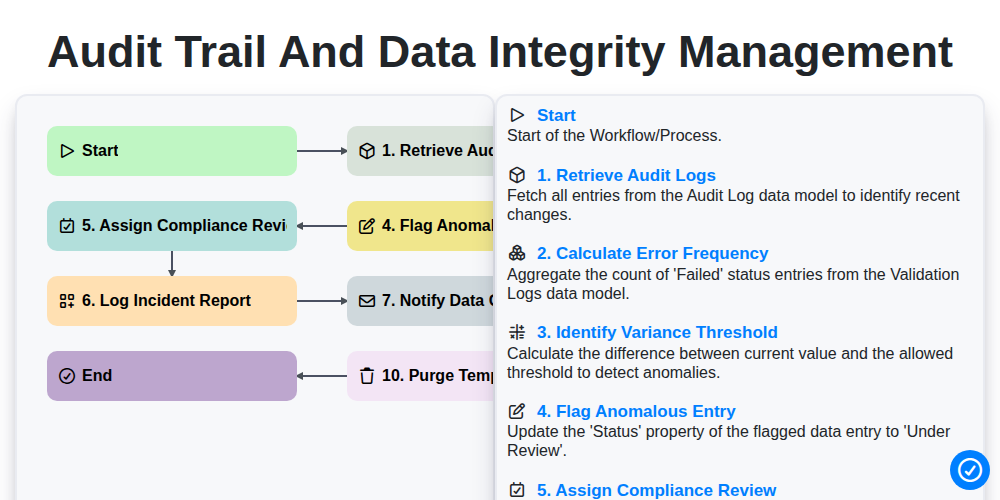
Audit Trail and Data Integrity Management
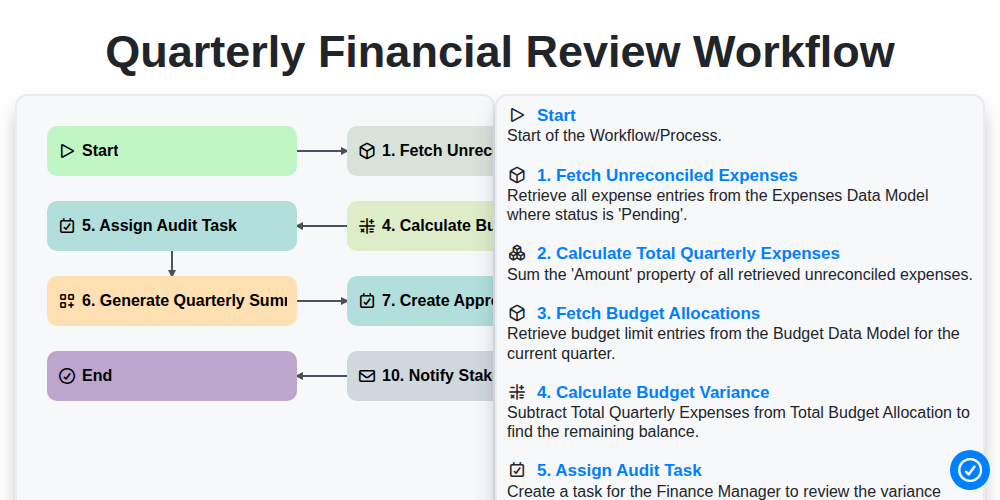
Quarterly Financial Review Workflow
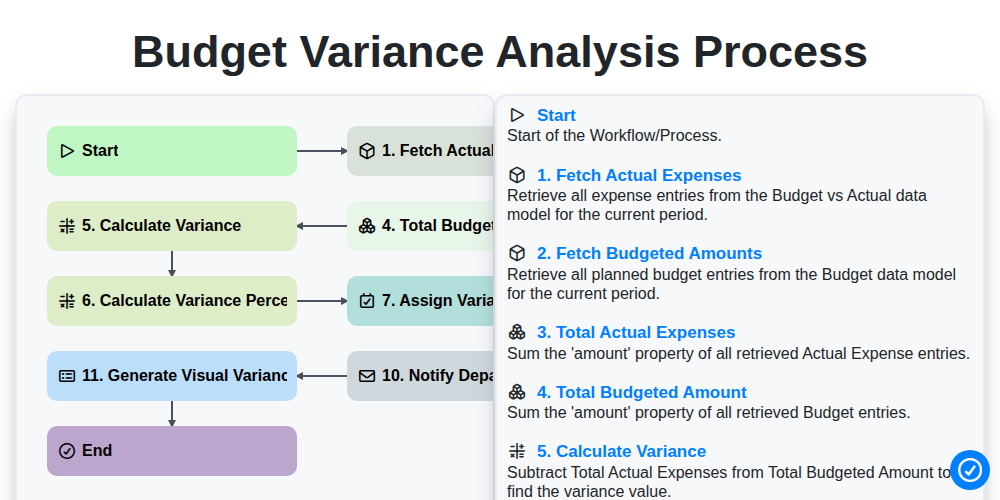
Budget Variance Analysis Process
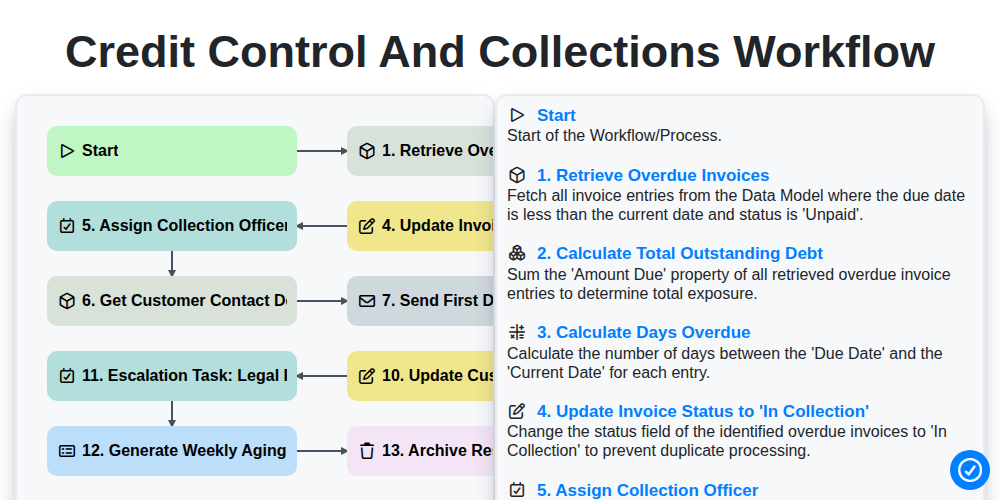
Credit Control and Collections Workflow
Need help with
Accounting Management?
Have a question? We're here to help. Please submit your inquiry, and we'll respond promptly.