 ChecklistGuro
 Accrual Accounting Management Workflow
Streamline your financial accuracy with our Accrual Accounting Management Workflow. Master the art of matching revenues with expenses, automate complex period-end adjustments, and ensure precise financial reporting with a seamless, automated process designed to eliminate timing errors and optimize cash flow visibility.
This Template was installed 2 times.
Start
Start of the Workflow/Process.
1. Fetch Unprocessed Invoices
Retrieve all invoice entries from the Invoices data model where status is 'Pending'.
2. Calculate Total Accruals
Sum the 'Amount' property of all retrieved unprocessed invoices to determine the total accrual value.
3. Calculate Tax Provision
Calculate the tax amount by multiplying the Total Accruals by the tax rate (e.g., Total_Accruals * 0.20).
4. Create Accrual Journal Entry
Create a new entry in the Journal Ledger data model containing the calculated total and tax amount.
5. Assign Review Task
Create a task for the Accounting Manager to review and approve the monthly accrual entries.
6. Update Invoice Status
Update the status of all processed invoices from 'Pending' to 'Accrued' in the Invoices data model.
7. Notify Finance Controller
Send an email to the Finance Controller with the summary of the total accruals created.
8. Generate Monthly Accrual Report
Create a detailed PDF report summarizing all journal entries and invoice updates for the current period.
End
End of the Workflow/Process.
Start of the Workflow/Process.
Retrieve all invoice entries from the Invoices data model where status is 'Pending'.
Sum the 'Amount' property of all retrieved unprocessed invoices to determine the total accrual value.
Calculate the tax amount by multiplying the Total Accruals by the tax rate (e.g., Total_Accruals * 0.20).
Create a new entry in the Journal Ledger data model containing the calculated total and tax amount.
Create a task for the Accounting Manager to review and approve the monthly accrual entries.
Update the status of all processed invoices from 'Pending' to 'Accrued' in the Invoices data model.
Send an email to the Finance Controller with the summary of the total accruals created.
Create a detailed PDF report summarizing all journal entries and invoice updates for the current period.
End of the Workflow/Process.
Comments
There are no comments yet. Be the first to add one!
Accounting Management Solution Demo
Move beyond rigid, one-size-fits-all software. Leverage a fully programmable accounting environment designed to adapt to your unique workflows, complex hierarchies, and evolving business logic.
Related Workflow Templates
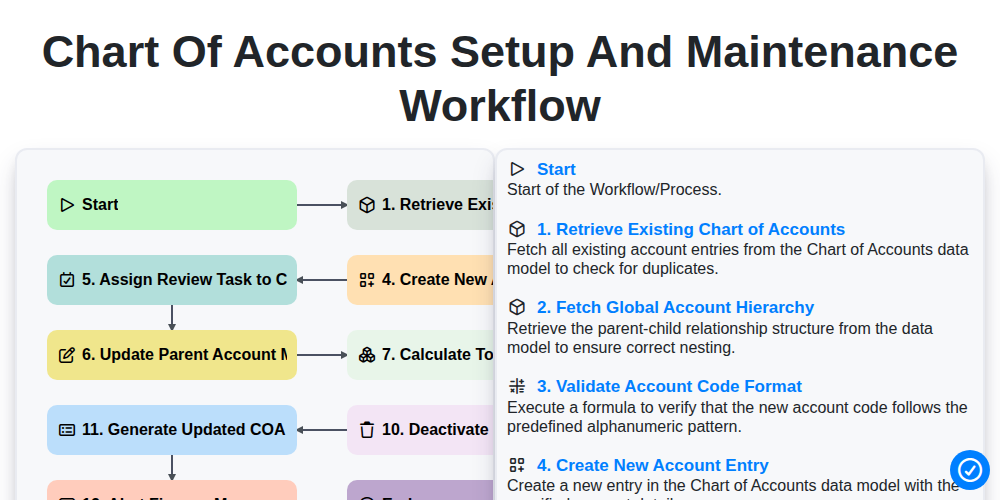
Chart of Accounts Setup and Maintenance Workflow
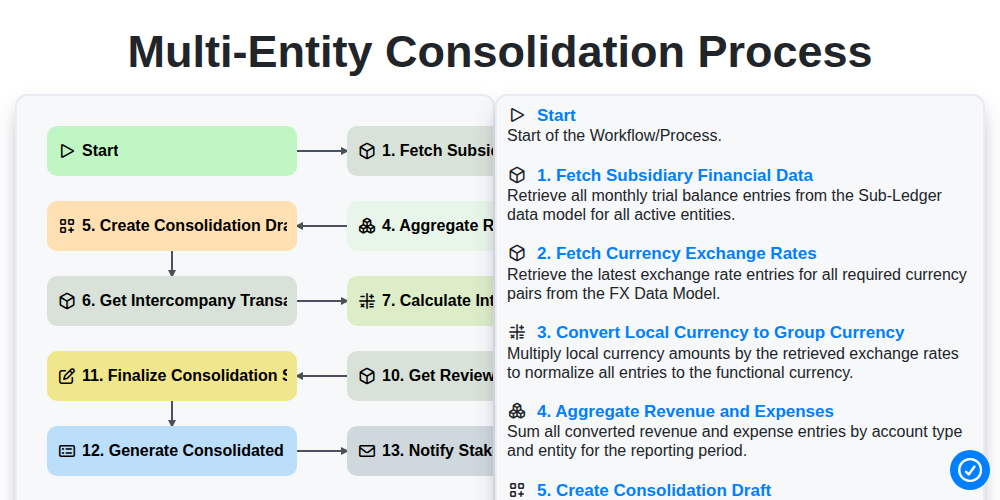
Multi-Entity Consolidation Process
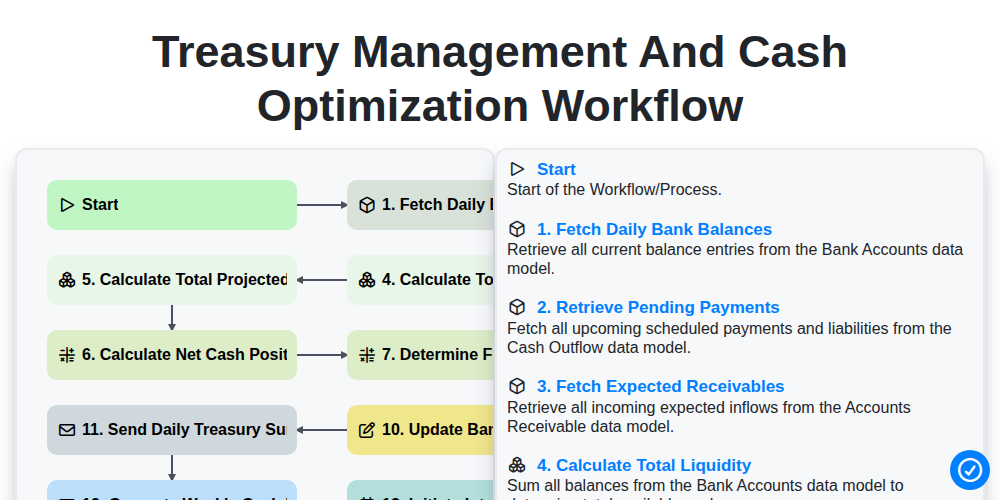
Treasury Management and Cash Optimization Workflow
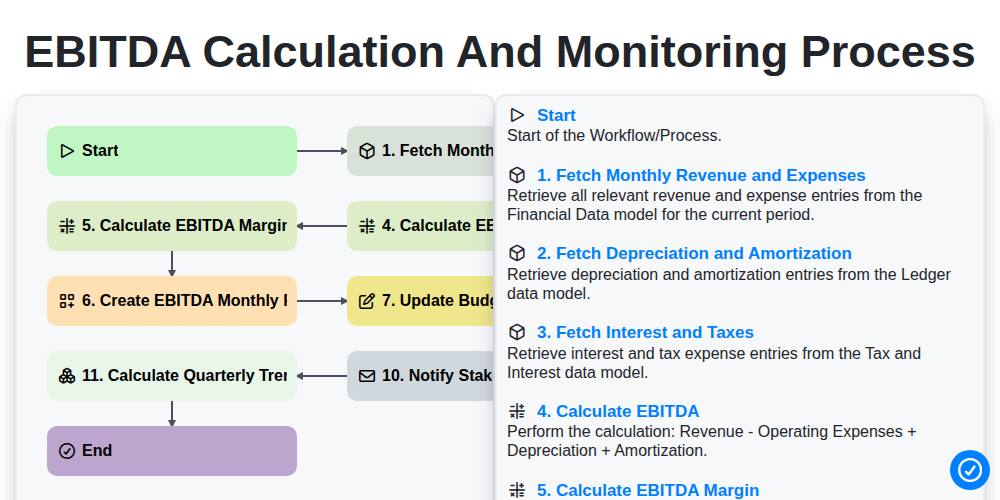
EBITDA Calculation and Monitoring Process
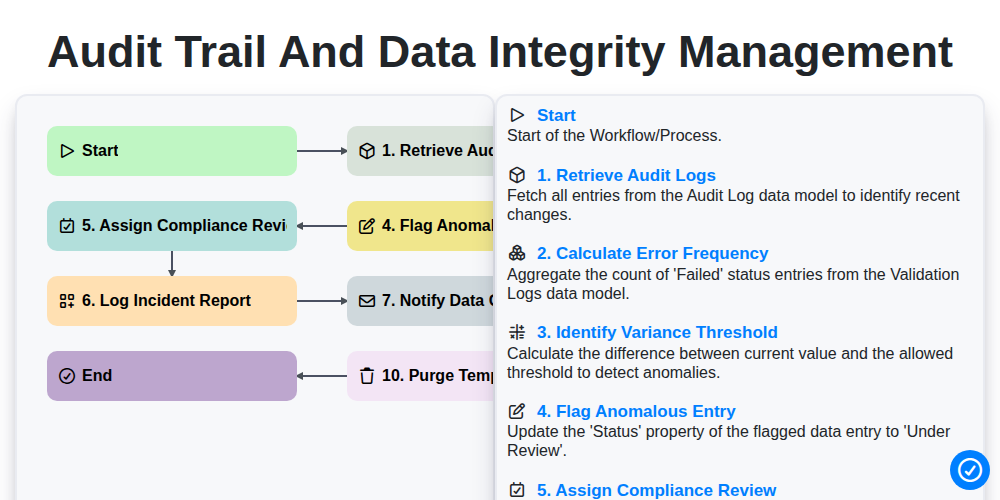
Audit Trail and Data Integrity Management
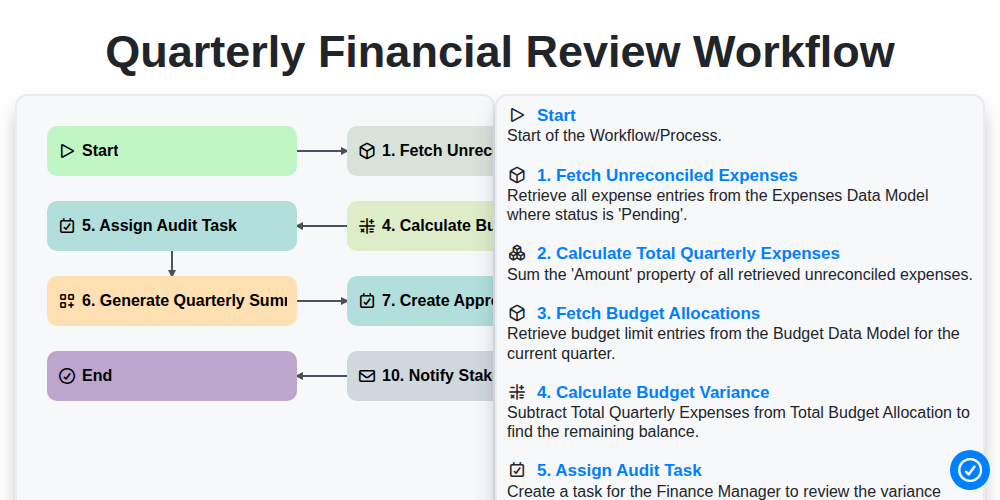
Quarterly Financial Review Workflow
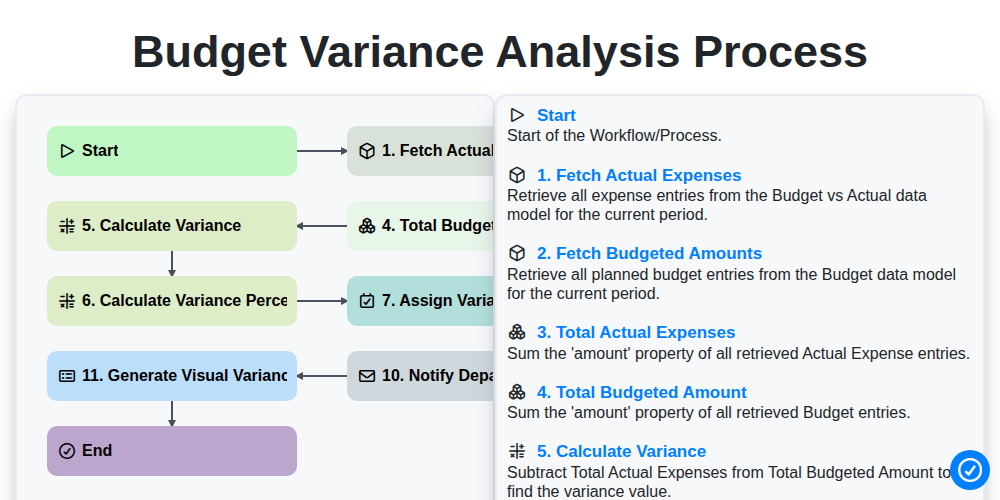
Budget Variance Analysis Process
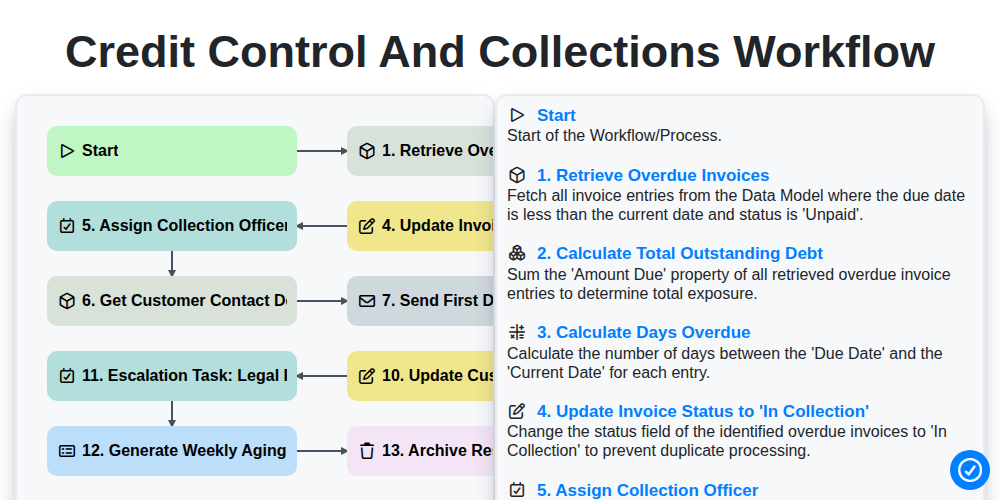
Credit Control and Collections Workflow
We can do it Together
Need help with
Accounting Management?
Have a question? We're here to help. Please submit your inquiry, and we'll respond promptly.