 ChecklistGuro
 Budget Planning and Monitoring Process
Master your financial roadmap with our Budget Planning and Monitoring Process. Streamline fiscal forecasting, track real-time expenditures, and eliminate budget variances with an automated accounting workflow designed to enhance financial oversight and ensure long-term profitability.
Start
Start of the Workflow/Process.
1. Define Budget Parameters
Task assigned to Finance Manager to define the annual budget scope and departments involved.
2. Create Budget Template
Initialize a new Budget Plan entry in the Budget Data Model with the current fiscal year.
3. Departmental Budget Requests
Task assigned to Department Heads to submit their estimated expenses for the upcoming period.
4. Retrieve Departmental Requests
Fetch all budget request entries submitted by department heads.
5. Calculate Total Requested Budget
Sum the 'Estimated Amount' from all retrieved budget request entries to get the total projected spend.
6. Calculate Variance Buffer
Calculate a 5% contingency buffer based on the Total Requested Budget.
7. Budget Review and Approval
Task assigned to CFO to review the aggregated budget and approved/reject the total amount.
8. Update Master Budget Plan
Update the master Budget Plan entry with the final approved total and approved status.
9. Notify Department Heads
Send an email to all department heads communicating the approved budget allocations.
10. Monthly Expense Logging
Recurring task to log actual monthly expenditures into the Actual Expenses data model.
11. Fetch Actual Expenses
Retrieve all expense entries recorded during the current month.
12. Calculate Total Actual Spend
Sum the 'Amount' property of all actual expense entries for the current month.
13. Calculate Budget Variance
Subtract Total Actual Spend from the Approved Budget Amount to find the remaining balance.
14. Alert on Overspending
Task created only if the Budget Variance becomes negative (over budget).
15. Generate Monthly Budget Performance Report
Create a visual report comparing Budget vs. Actuals for management review.
16. Send Monthly Financial Summary
Send the generated performance report to the Executive Leadership team via email.
End
End of the Workflow/Process.
Start of the Workflow/Process.
Task assigned to Finance Manager to define the annual budget scope and departments involved.
Initialize a new Budget Plan entry in the Budget Data Model with the current fiscal year.
Task assigned to Department Heads to submit their estimated expenses for the upcoming period.
Fetch all budget request entries submitted by department heads.
Sum the 'Estimated Amount' from all retrieved budget request entries to get the total projected spend.
Calculate a 5% contingency buffer based on the Total Requested Budget.
Task assigned to CFO to review the aggregated budget and approved/reject the total amount.
Update the master Budget Plan entry with the final approved total and approved status.
Send an email to all department heads communicating the approved budget allocations.
Recurring task to log actual monthly expenditures into the Actual Expenses data model.
Retrieve all expense entries recorded during the current month.
Sum the 'Amount' property of all actual expense entries for the current month.
Subtract Total Actual Spend from the Approved Budget Amount to find the remaining balance.
Task created only if the Budget Variance becomes negative (over budget).
Create a visual report comparing Budget vs. Actuals for management review.
Send the generated performance report to the Executive Leadership team via email.
End of the Workflow/Process.
Found this Workflow Template helpful?
Accounting Management Solution Demo
Move beyond rigid, one-size-fits-all software. Leverage a fully programmable accounting environment designed to adapt to your unique workflows, complex hierarchies, and evolving business logic.
Related Workflow Templates
Chart of Accounts Setup and Maintenance Workflow
Multi-Entity Consolidation Process
Treasury Management and Cash Optimization Workflow
EBITDA Calculation and Monitoring Process
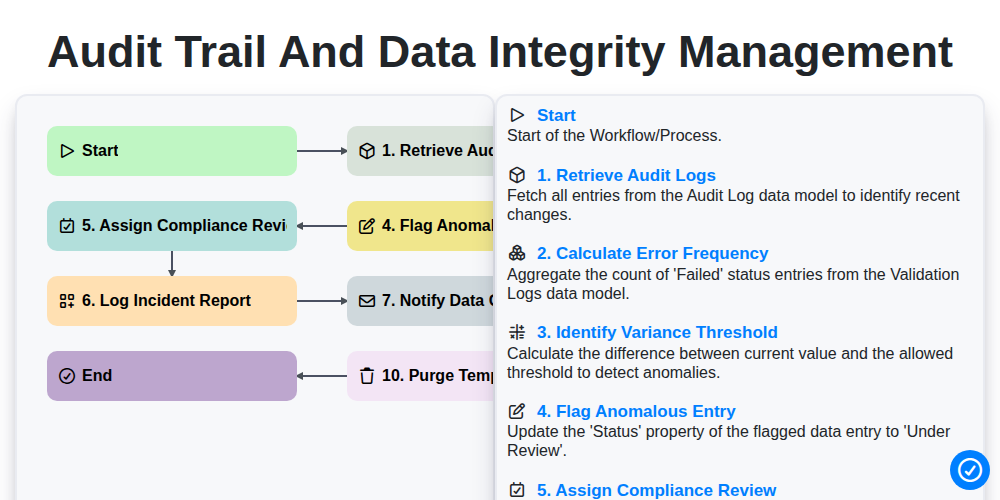
Audit Trail and Data Integrity Management
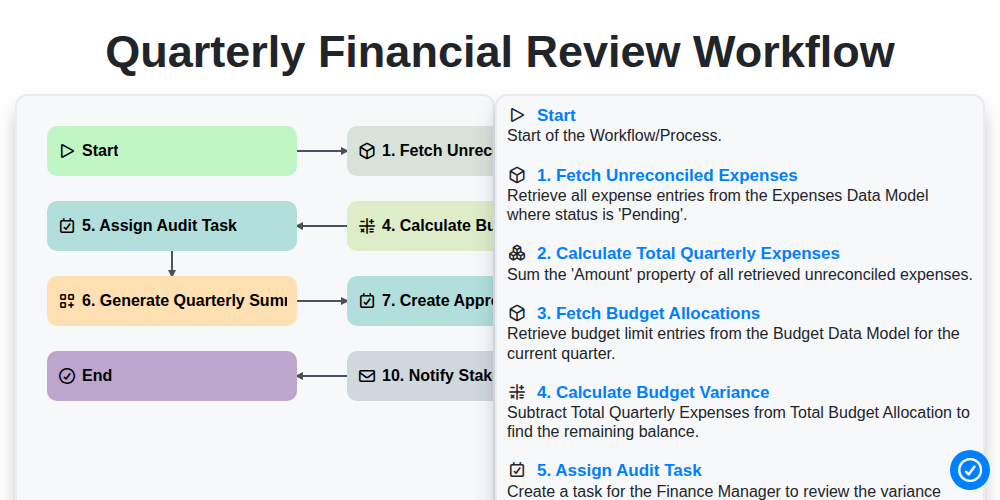
Quarterly Financial Review Workflow
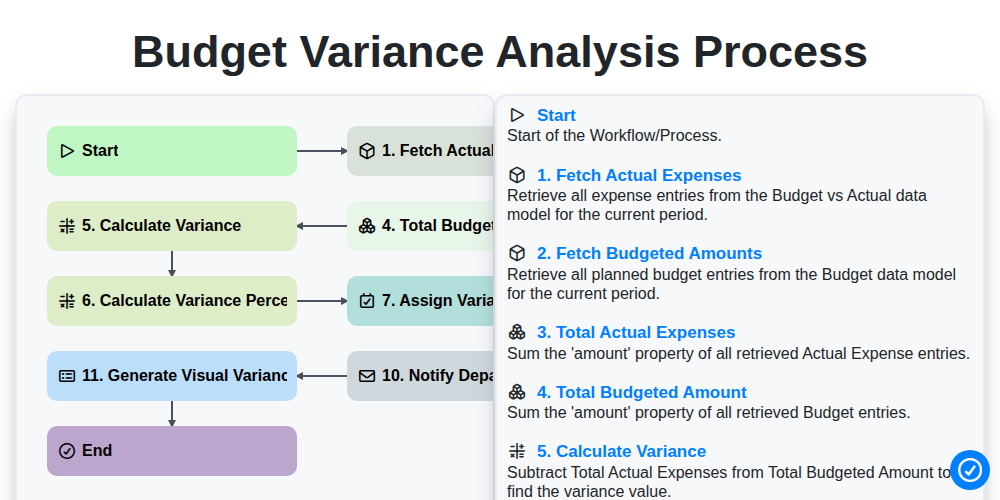
Budget Variance Analysis Process
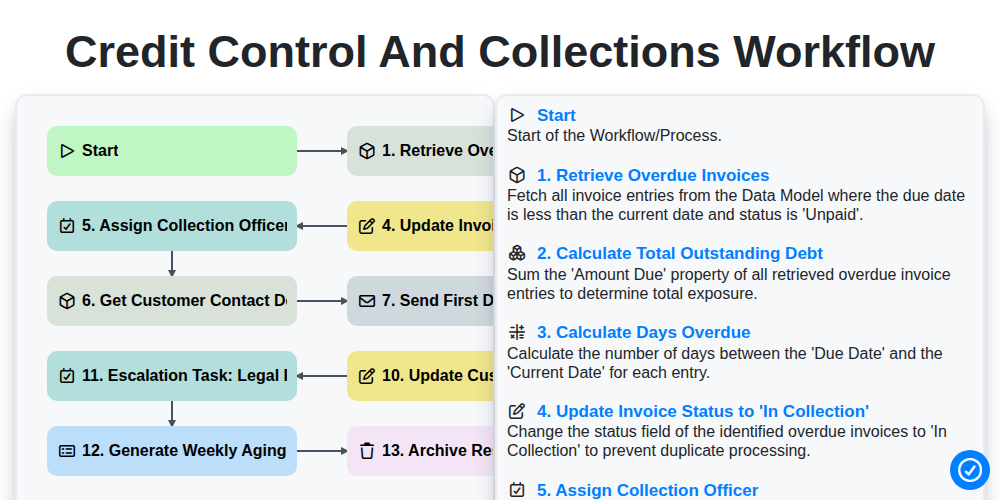
Credit Control and Collections Workflow
We can do it Together
Need help with
Accounting Management?
Have a question? We're here to help. Please submit your inquiry, and we'll respond promptly.