 ChecklistGuro
 Cost Accounting and Allocation Workflow
Streamline your financial precision with our Cost Accounting and Allocation Workflow. Automate complex overhead distribution, optimize product costing, and gain real-time visibility into profit margins with a seamless, automated process designed to eliminate manual errors and drive smarter, data-driven accounting decisions.
This Template was installed 1 times.
Start
Start of the Workflow/Process.
1. Fetch Monthly Operating Expenses
Retrieve all expense entries from the Expense Data Model for the current period.
2. Fetch Cost Center Metadata
Retrieve departmental cost center details and allocation keys from the Cost Center Data Model.
3. Sum Total Direct Costs
Calculate the sum of all direct material and labor costs from the retrieved expense entries.
4. Sum Total Indirect Costs
Calculate the sum of all overhead and indirect utility entries.
5. Calculate Overhead Rate
Divide Total Indirect Costs by Total Direct Costs to determine the overhead multiplier.
6. Calculate Allocated Cost per Department
Apply the overhead rate to each department's specific direct cost base.
7. Create Allocation Journal Entry
Create a new entry in the Allocation Ledger containing the calculated results.
8. Update Budget Status
Update the 'Actual vs Budget' field in the Monthly Budget Data Model with the new allocated totals.
9. Assign Variance Review
Create a task for the Finance Manager to review any cost variances exceeding 5%.
10. Generate Monthly Cost Allocation Report
Generate a comprehensive PDF report summarizing total costs, allocations, and departmental impacts.
11. Notify Department Heads
Send an email to all cost center owners with their updated monthly cost allocations.
12. Final Ledger Reconciliation
Create a task for the Senior Accountant to perform the final month-end reconciliation.
End
End of the Workflow/Process.
Start of the Workflow/Process.
Retrieve all expense entries from the Expense Data Model for the current period.
Retrieve departmental cost center details and allocation keys from the Cost Center Data Model.
Calculate the sum of all direct material and labor costs from the retrieved expense entries.
Calculate the sum of all overhead and indirect utility entries.
Divide Total Indirect Costs by Total Direct Costs to determine the overhead multiplier.
Apply the overhead rate to each department's specific direct cost base.
Create a new entry in the Allocation Ledger containing the calculated results.
Update the 'Actual vs Budget' field in the Monthly Budget Data Model with the new allocated totals.
Create a task for the Finance Manager to review any cost variances exceeding 5%.
Generate a comprehensive PDF report summarizing total costs, allocations, and departmental impacts.
Send an email to all cost center owners with their updated monthly cost allocations.
Create a task for the Senior Accountant to perform the final month-end reconciliation.
End of the Workflow/Process.
Comments
There are no comments yet. Be the first to add one!
Accounting Management Solution Demo
Move beyond rigid, one-size-fits-all software. Leverage a fully programmable accounting environment designed to adapt to your unique workflows, complex hierarchies, and evolving business logic.
Related Workflow Templates
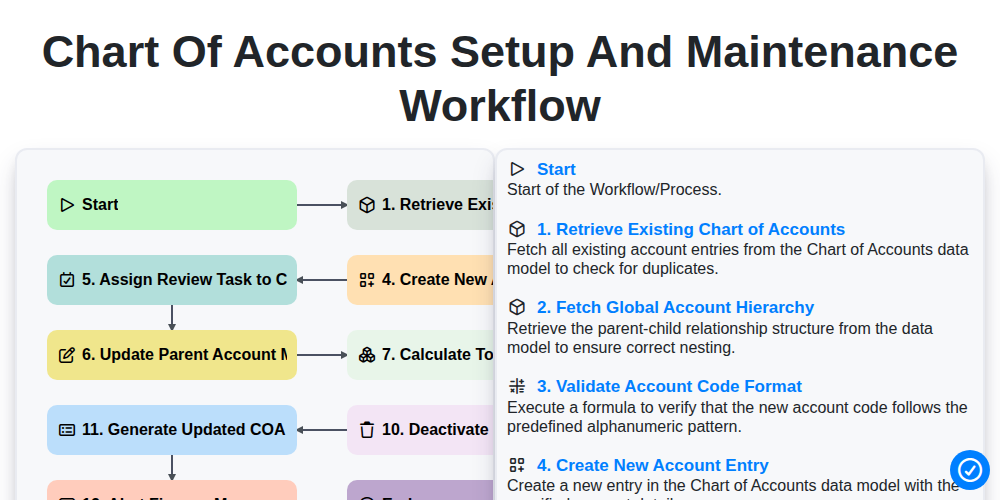
Chart of Accounts Setup and Maintenance Workflow
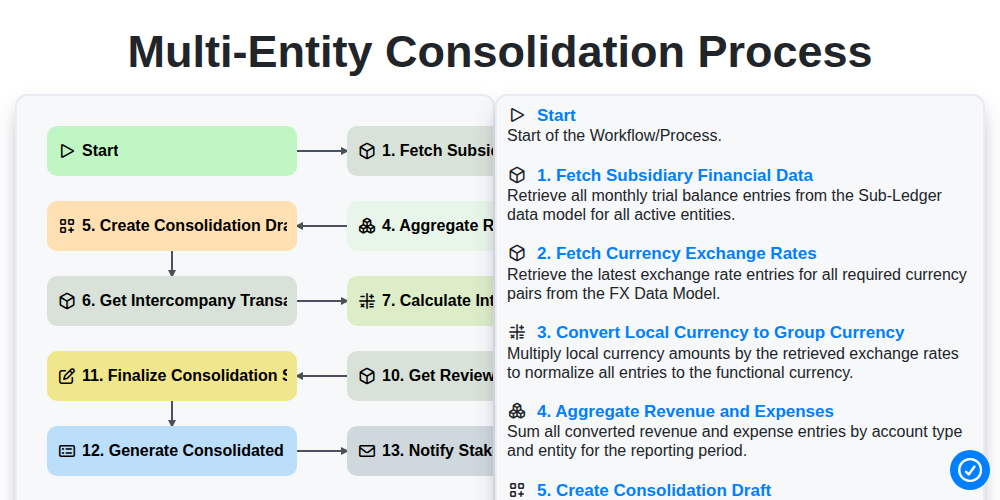
Multi-Entity Consolidation Process
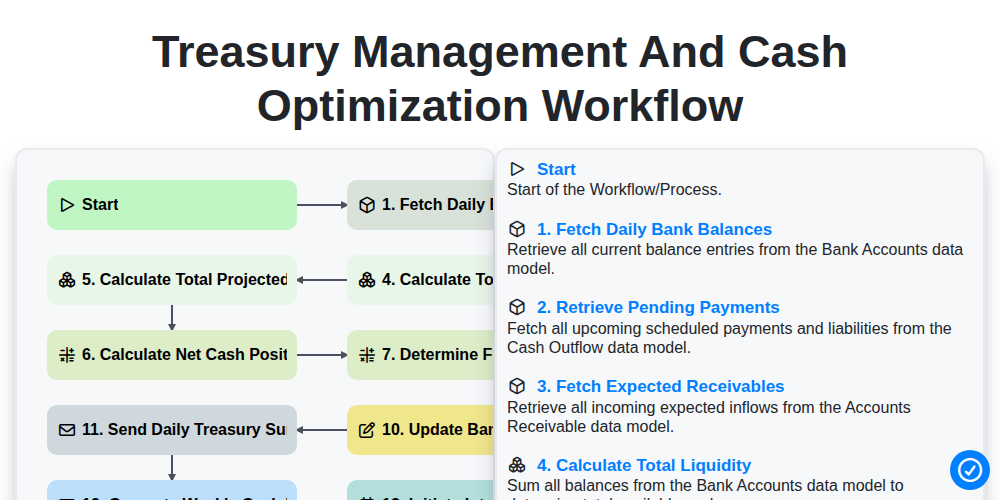
Treasury Management and Cash Optimization Workflow
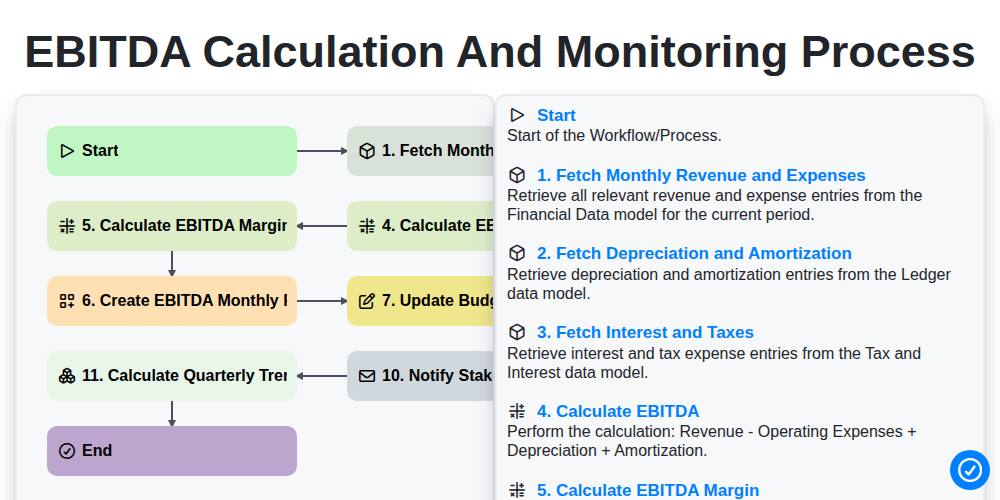
EBITDA Calculation and Monitoring Process
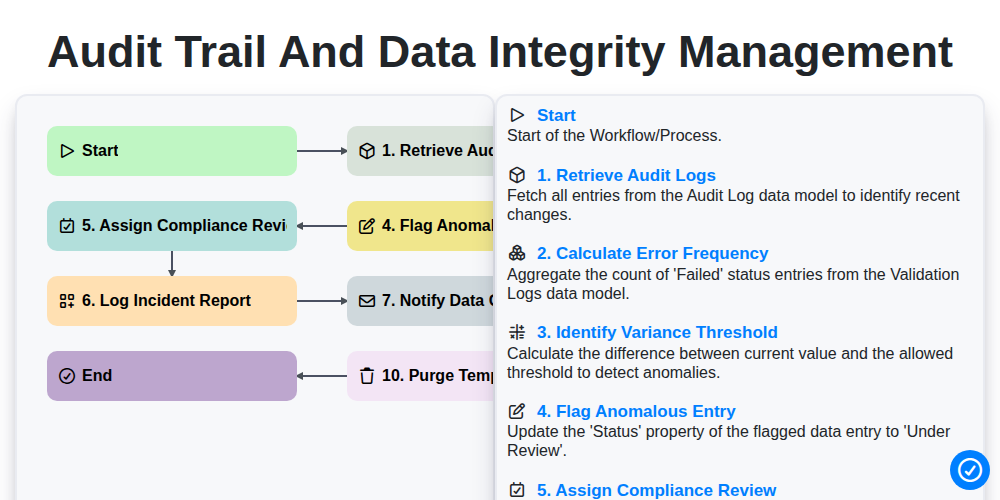
Audit Trail and Data Integrity Management
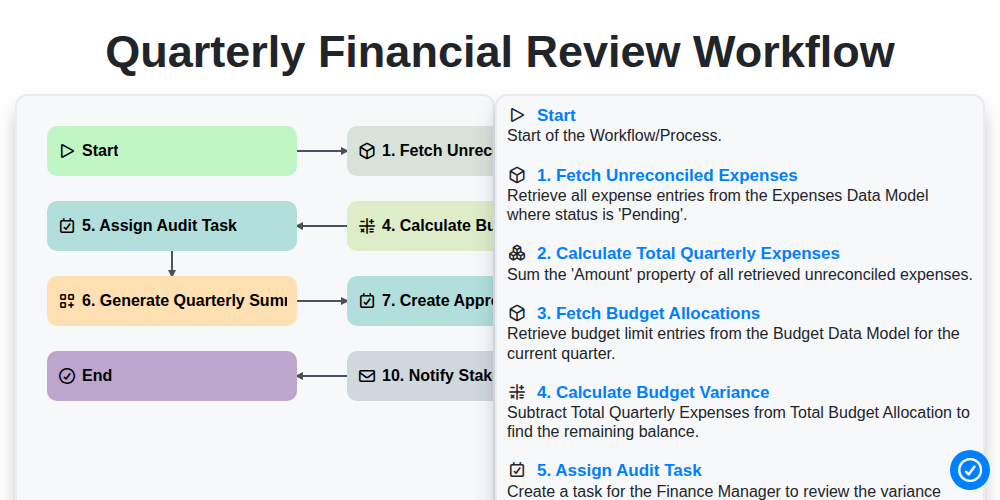
Quarterly Financial Review Workflow
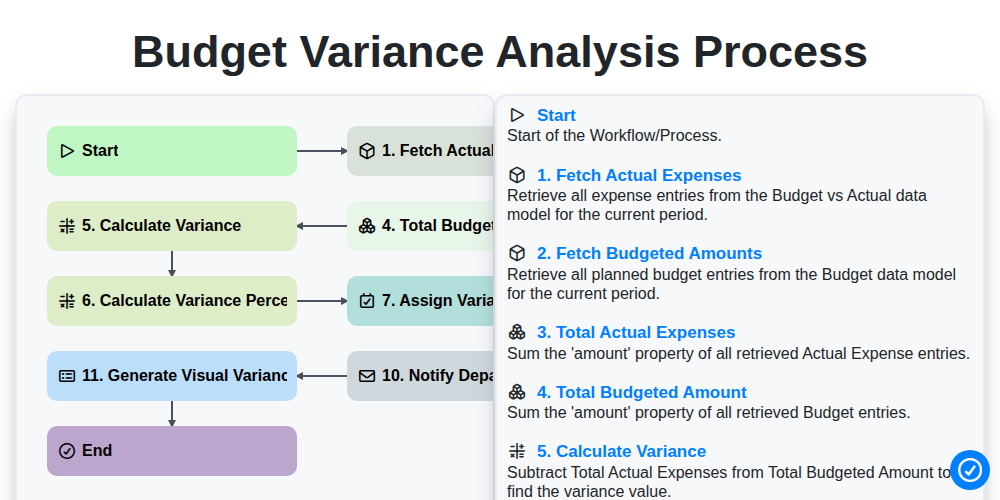
Budget Variance Analysis Process
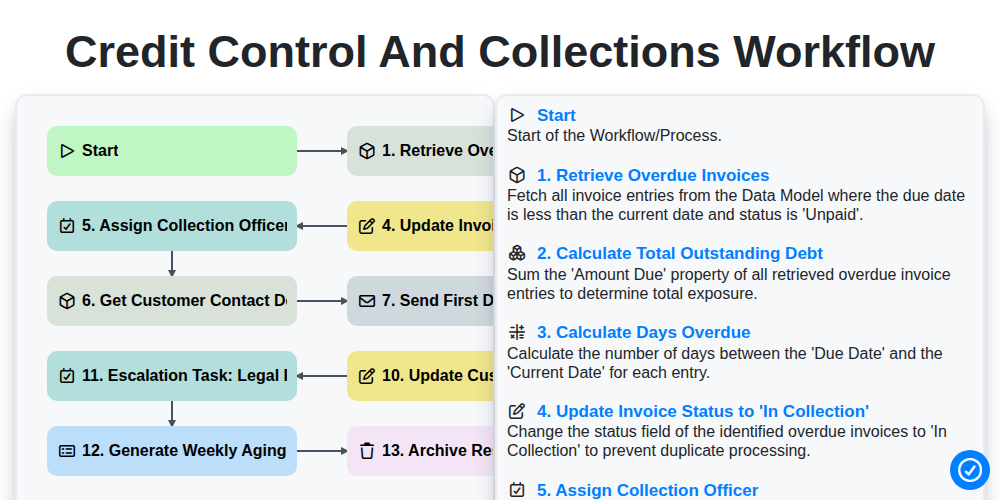
Credit Control and Collections Workflow
We can do it Together
Need help with
Accounting Management?
Have a question? We're here to help. Please submit your inquiry, and we'll respond promptly.